BugStalker
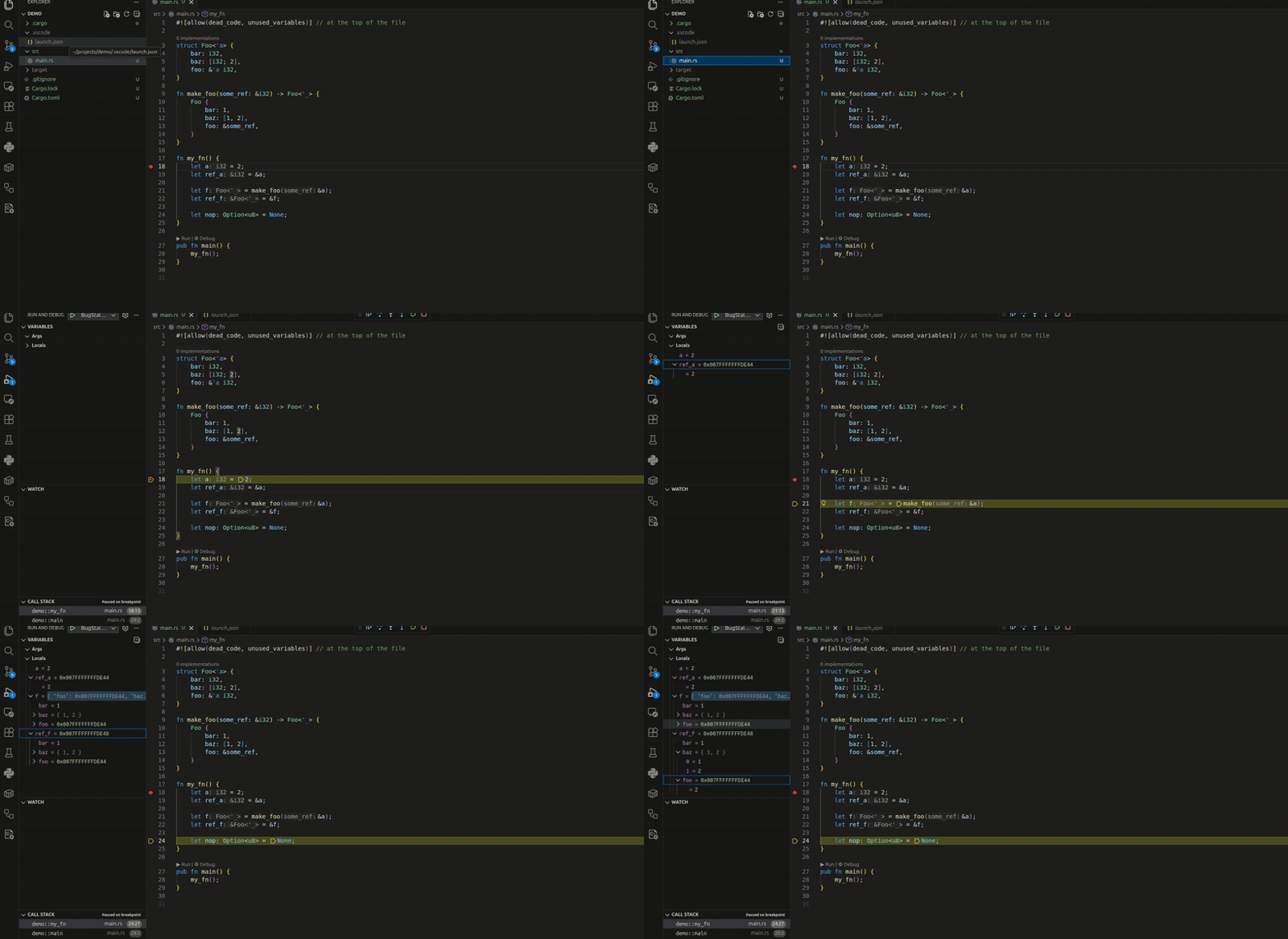
Debugging Rust applications with BugStalker in Visual Studio Code. For more information see debugger page.
Procuring the bs binary
The extension requires the bs binary. This binary is not packaged with the VS Code extension. See the installation page to install the binary (cargo install bugstalker is a simplest way).
Features
- Rust-native: Built in Rust specifically for Rust development, with a focus on simplicity
- Core debugging capabilities:
- Breakpoints, step-by-step execution
- Signal handling
- Watchpoints
- Advanced runtime inspection:
- Full multithreaded application support
- Data query expressions
- Deep Rust type system integration (collections, smart pointers, thread locals, etc.), not only for printing but also for interaction
- Variable rendering using core::fmt::Debug trait
- Flexible interfaces:
- Switch between console and TUI modes at any time
- Async Rust support including Tokio runtime inspection
- Extensible architecture:
- Oracle extension mechanism
- Built-in tokio oracle (similar to tokio_console but requires no code modifications)
- And many more powerful features!
Launching & Attaching to a debugee
Launching or attaching a debugee require you to create a launch configuration. This file defines arguments that get passed to BS and the configuration settings control how the launch or attach happens.
Launching a debugee
This will launch /target/debug/my_app with arguments one, two, and three and adds ENV1=ON to the environment:
{
    "type": "bugstalker",
    "request": "launch",
    "name": "BugStalker",
    "program": "${workspaceFolder}/target/debug/my_app",
    "args": [ "one", "two", "three" ],
    "env": {"ENV1": "ON"},
    "preLaunchTask": "rust: cargo build",
},
Enjoy!
System requirements
- OS: Linux (x86-64/AMD64)
- Arch: 64-bit (x86-64)
- Other: Cargo (Rust)

