Skip to content
| Marketplace
Sign in
Visual Studio Code>Themes>Blankill ThemeNew to Visual Studio Code? Get it now.
Blankill Theme

Blankill Theme

Blankill NetWork

|
35 installs
| (0) | Free
Created by a dev who spends hours in VS Code, for devs who do the same. Simple, straightforward, and comfortable.
Installation
Launch VS Code Quick Open (Ctrl+P), paste the following command, and press enter.
Copied to clipboard
More Info

Blankill Theme

Developer Theme

Theme created by a developer for developers.

This theme was created based on some of my favorite themes,
which unfortunately were paid, but I added a touch of originality to create my own theme.

I hope you like it!


Author: Erick Rossine (@blankillTheDev)
Country: Brazil (pt-BR)


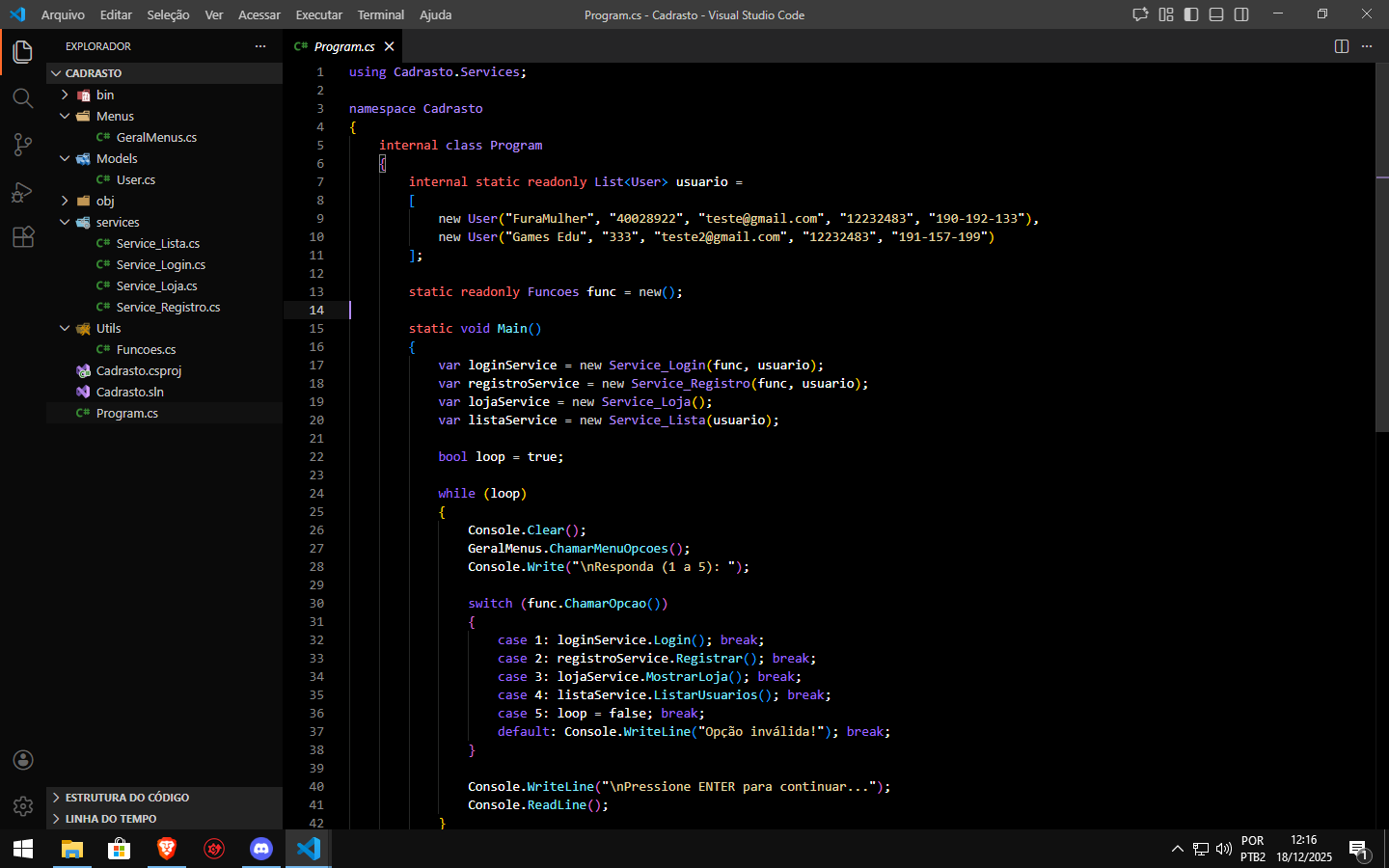
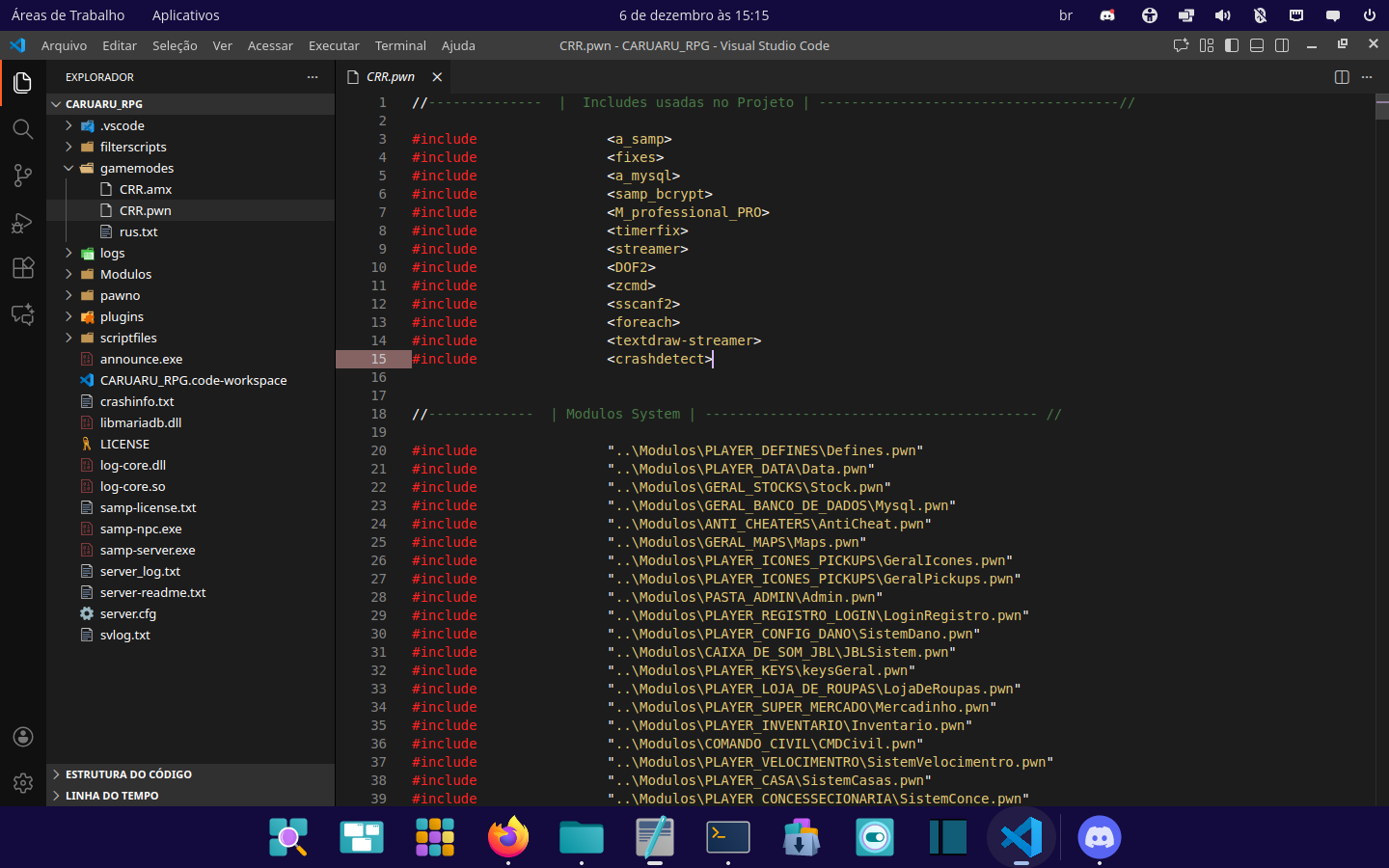
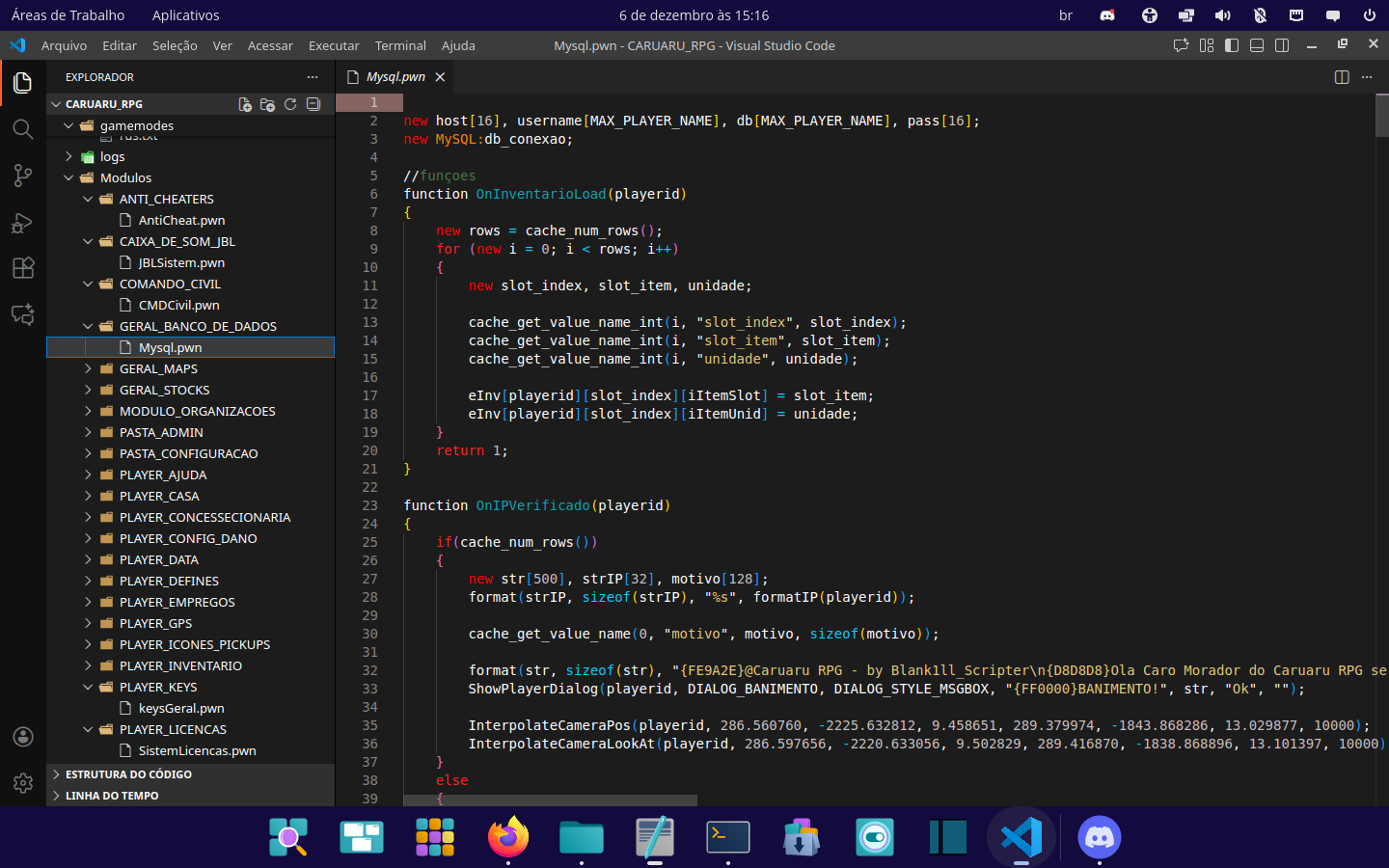
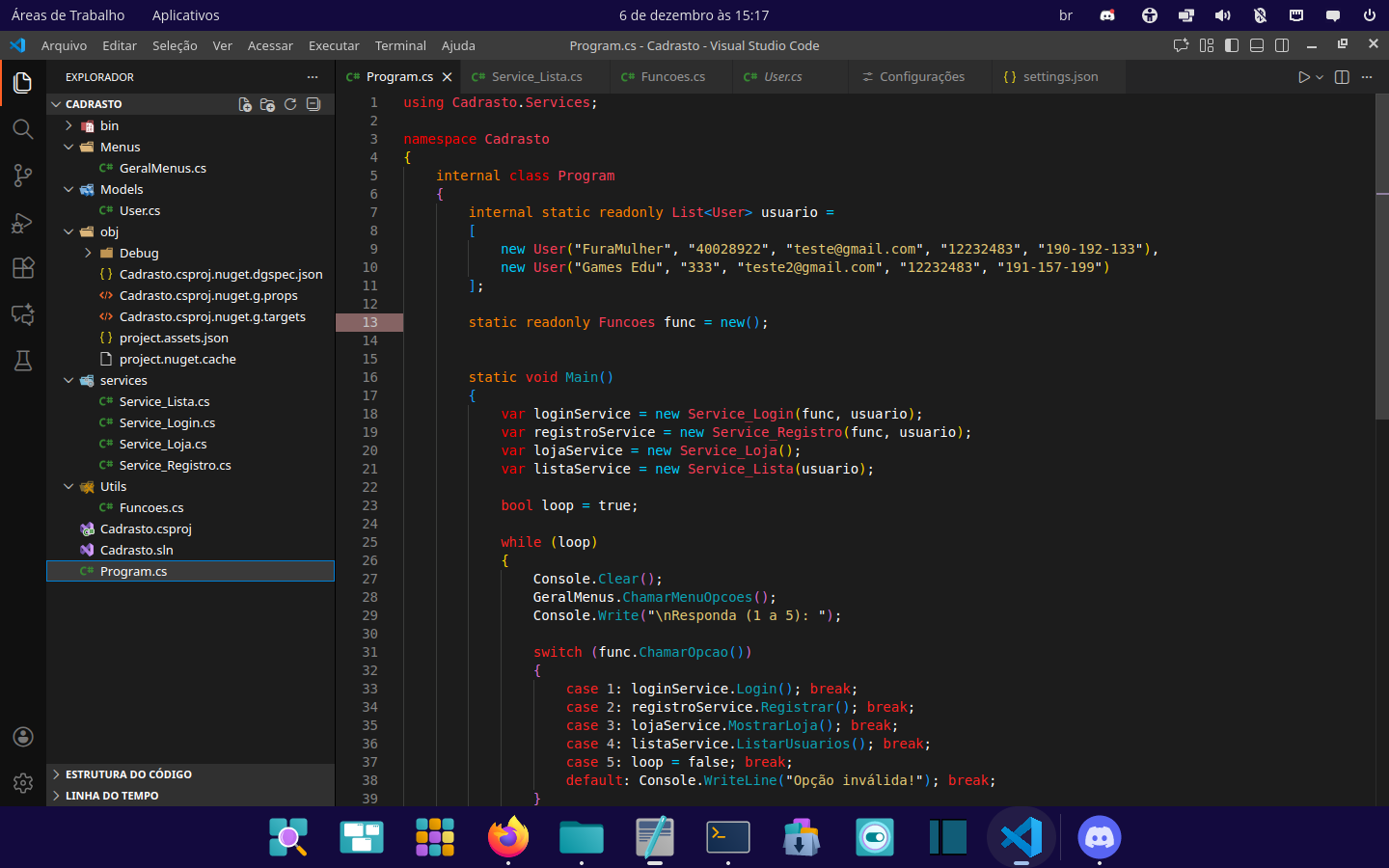
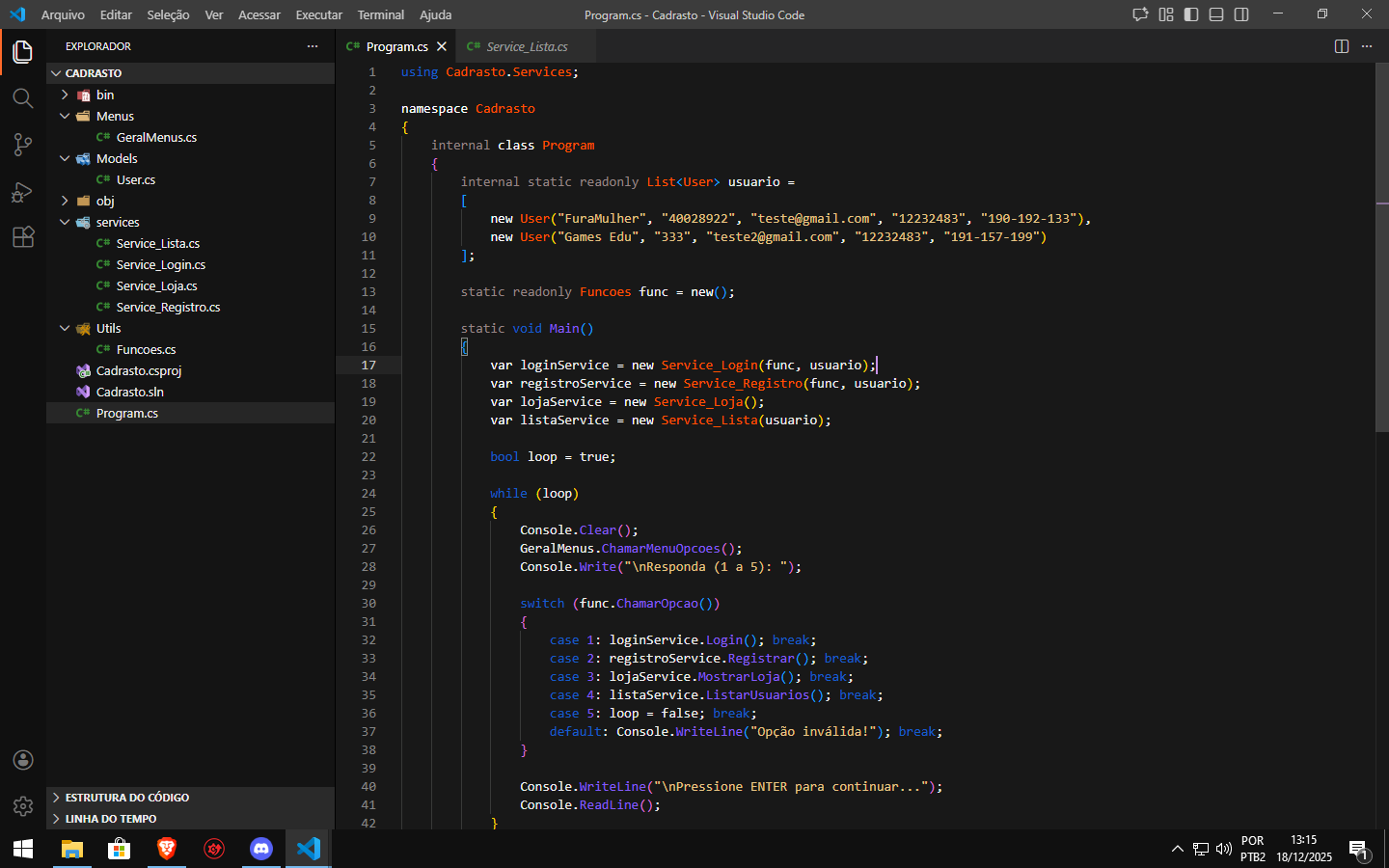
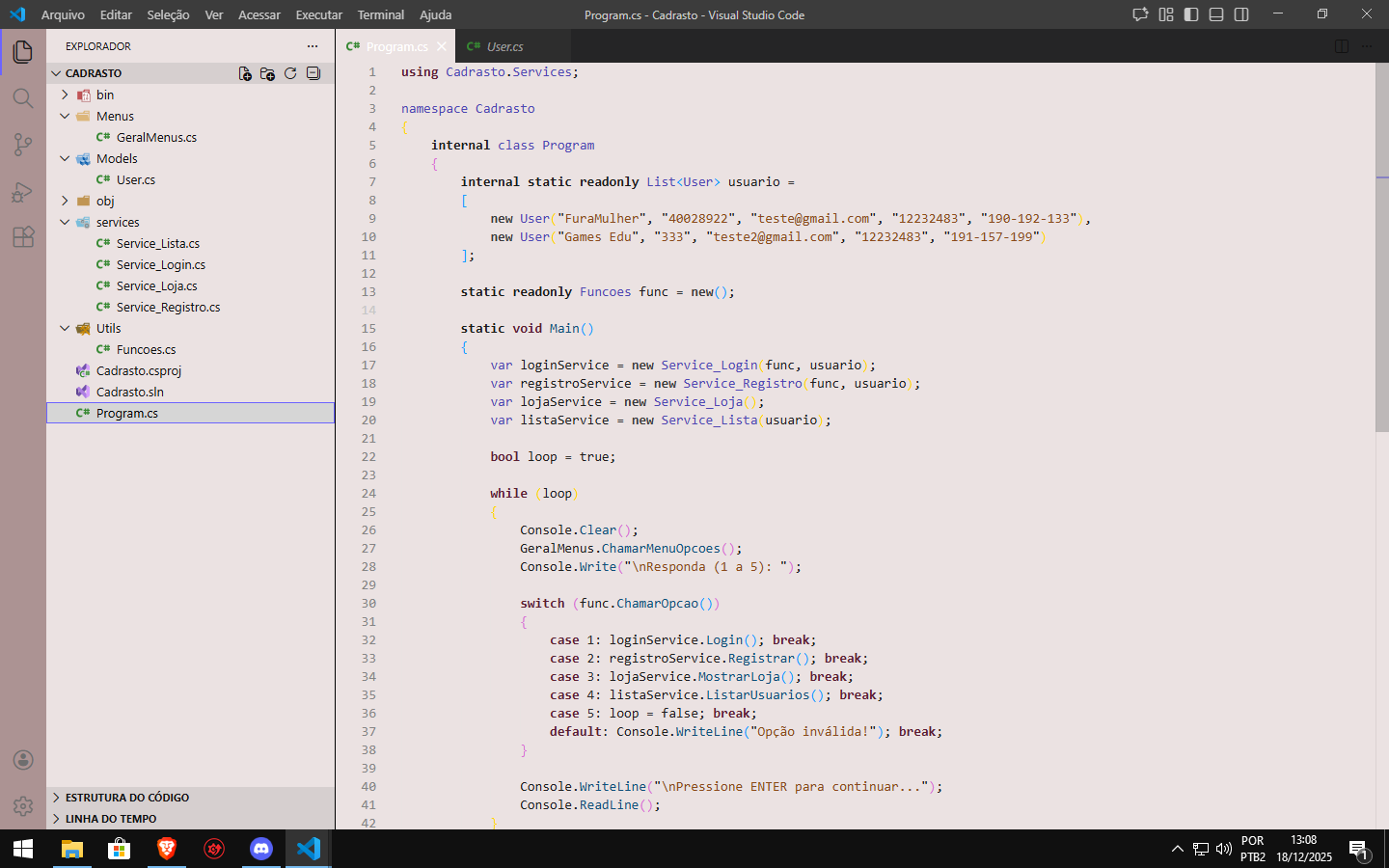
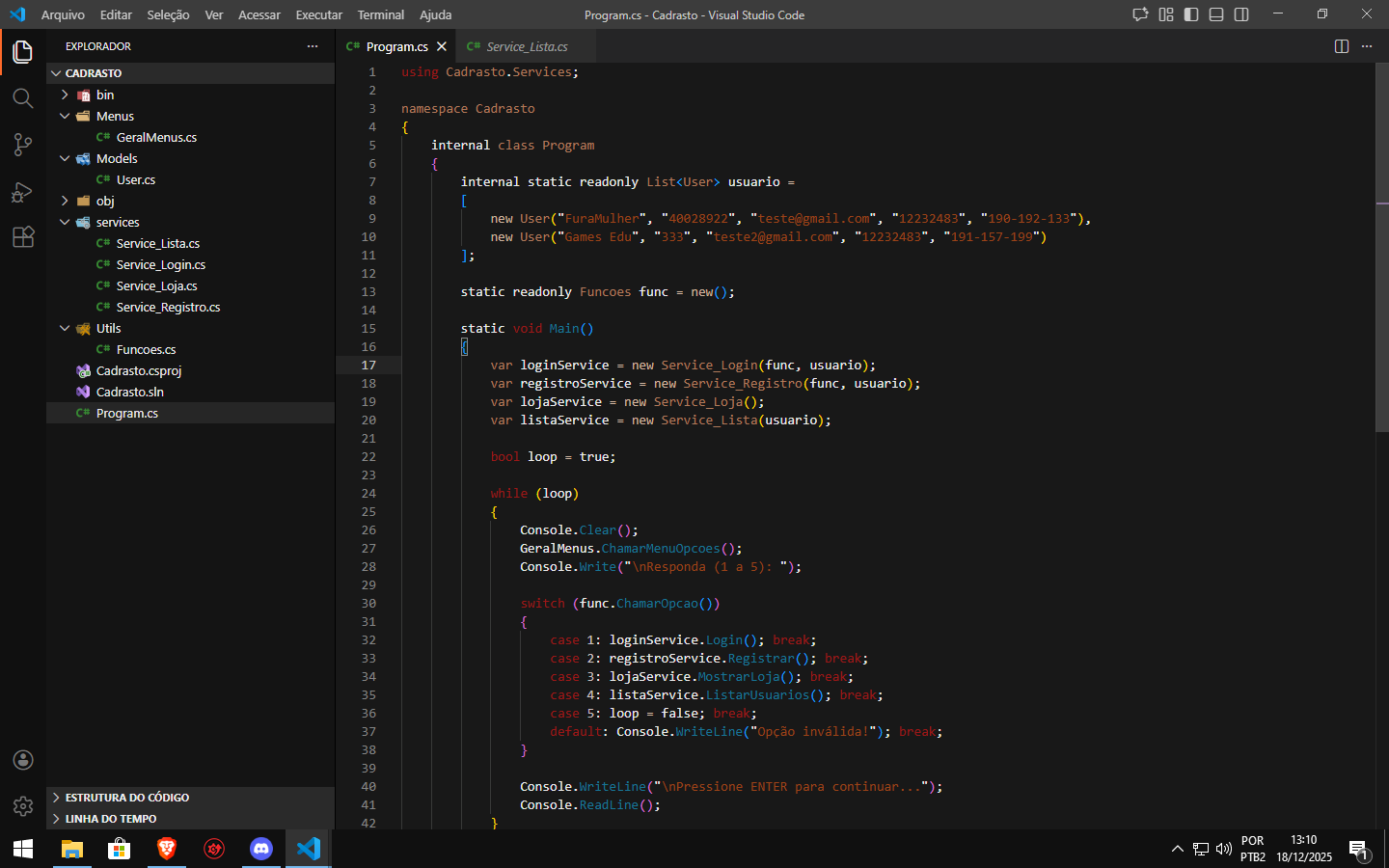
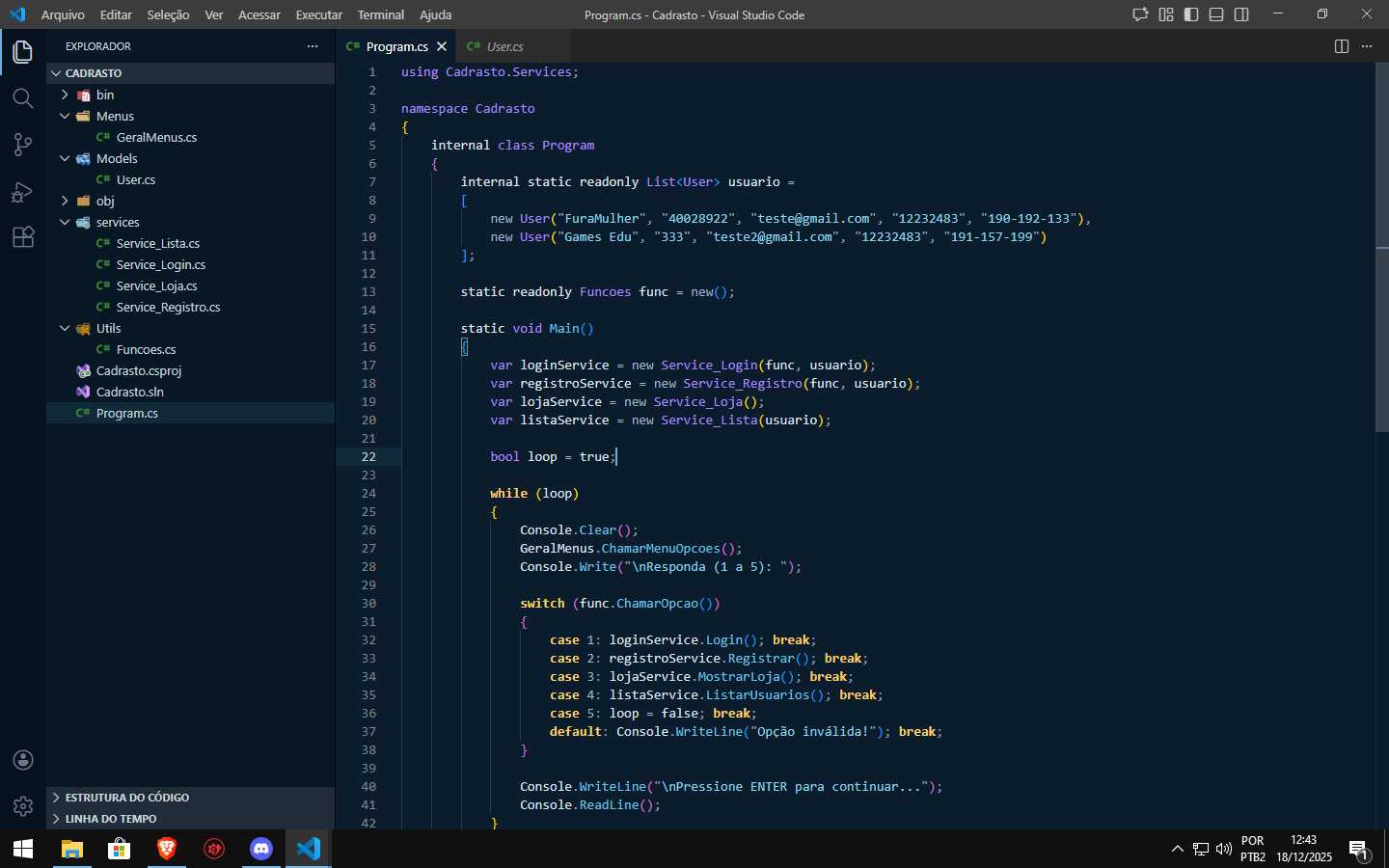
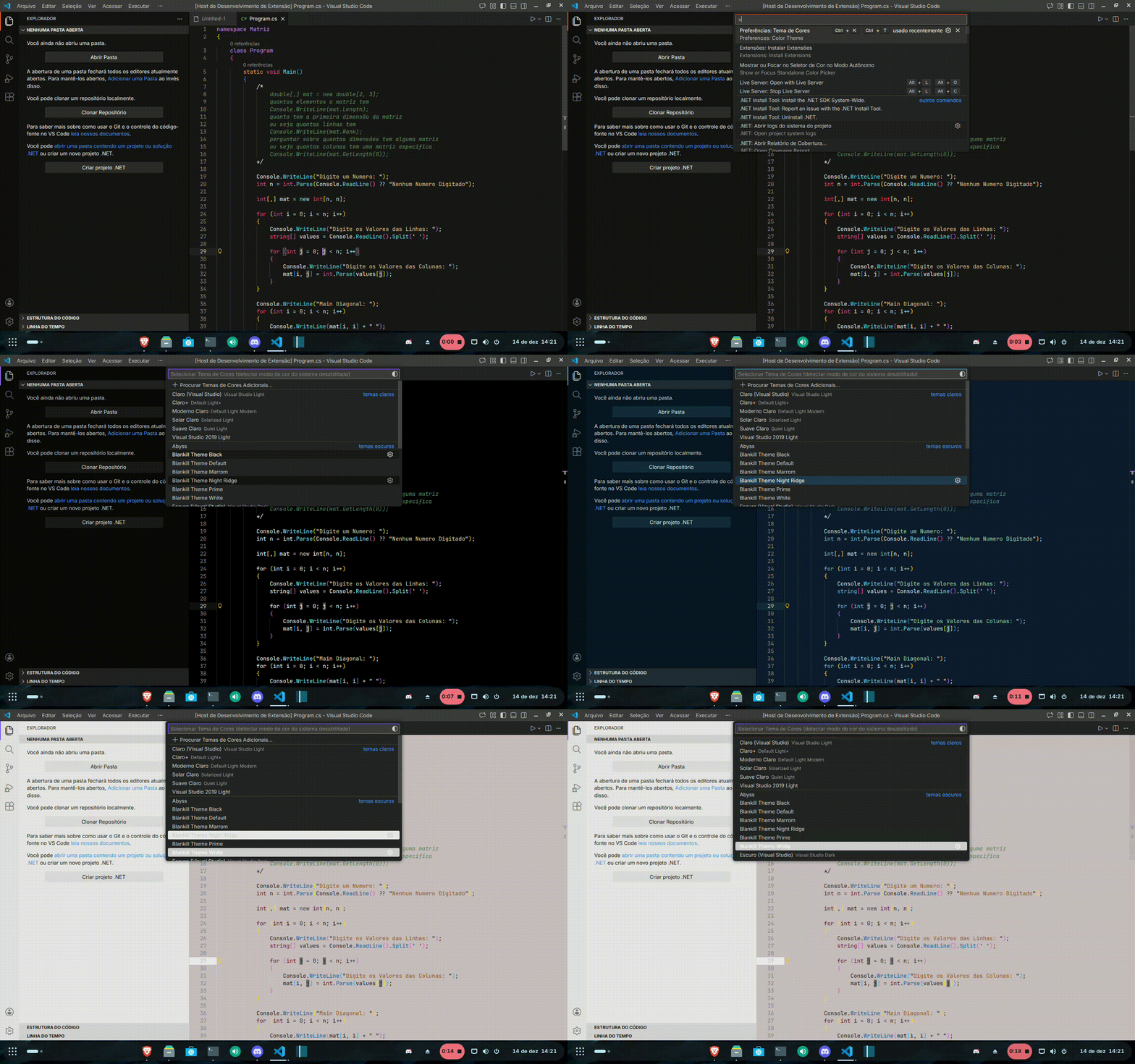
Preview

Preview


Gallery

Theme Prime

Editor Editor Editor


Theme Default

Editor


Theme Black

Editor


Theme White

Editor


Theme Brown

Editor


Theme Blue

Editor


Demo

Demo


Installation

  1. Open Visual Studio Code
  2. Go to Extensions
  3. Search for Blankill Theme
  4. Install and enjoy 🚀

Links

  • YouTube: https://www.youtube.com/@erickd7s
  • Discord: https://discord.gg/vcnB2tJjNX

Changelog

1.0.5

  • Improved syntax highlighting
  • Better HTML & CSS compatibility
  • Visual adjustments

Minimal. Dark. Productive.

  • Contact us
  • Jobs
  • Privacy
  • Manage cookies
  • Terms of use
  • Trademarks
© 2026 Microsoft