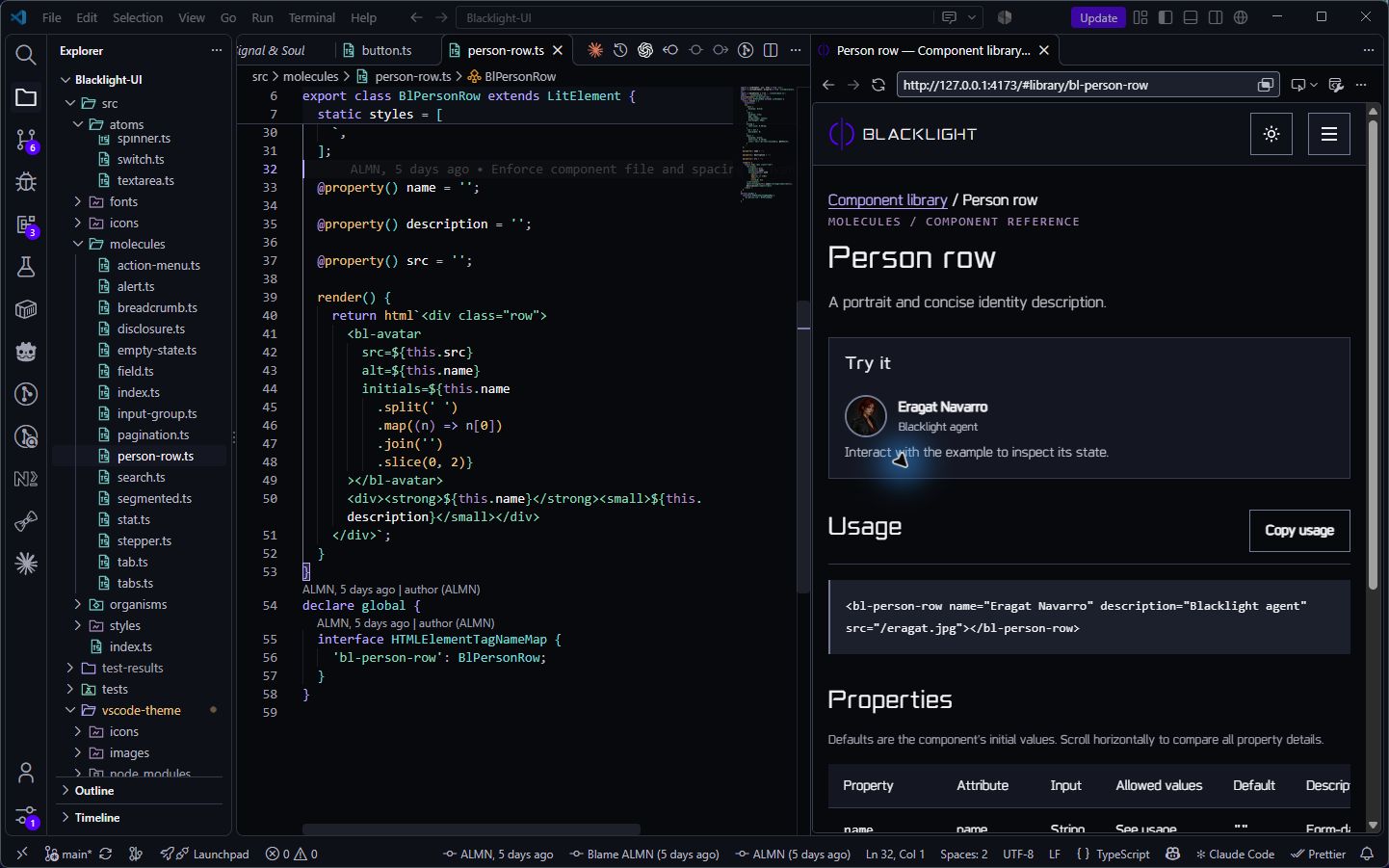
Blacklight · Signal & SoulDeep carbon. Violet at the edges. Dark and light color themes with matching outlined file and folder icons. Installation Launch VS Code Quick Open ( Ctrl+P), paste the following command, and press enter.Copied to clipboard |

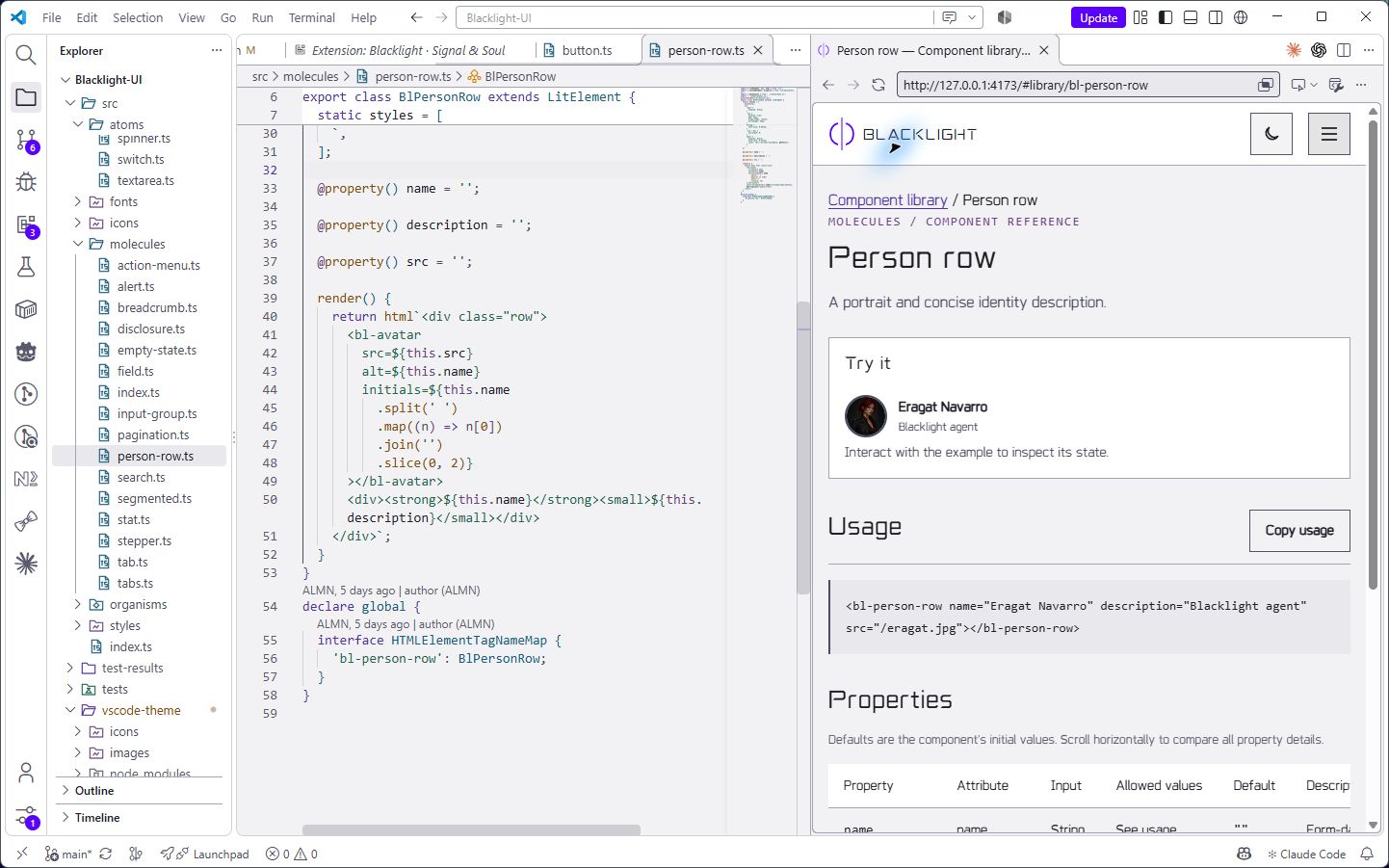
Blacklight · Signal & SoulThe editor sits in deep carbon. Violet follows the active edges, while amber, teal, and green give the code its shape. The surrounding panels stay quiet. There's room to work. Light carries the palette into pale gray surfaces, with deeper accents and the same outlined icons. A different atmosphere. Still Blacklight. Two color themes and a matching file and folder icon set, made to feel at home together. Dark
Light
Around your codeBoth themes carry through the tabs, sidebars, panels, and terminal. Keywords take violet, functions amber, types teal, and strings green. Git changes and diagnostics have their own colors, so the details stay distinct as you move through the workspace. IconsFine outlines. Muted color. Files and folders in the Explorer share the editor's palette, with individual marks for code, configuration, tests, documents, and common project folders. Folders change as you open them. The icon colors follow your light or dark theme, and you can use the set with other color themes too. Make it yours
LicenseMIT. See the included license for details. |