Mistral Models for Copilot ChatMistral Models integration for Copilot Chat Installation Launch VS Code Quick Open ( Ctrl+P), paste the following command, and press enter.Copied to clipboard |

Mistral Models for Copilot Chat
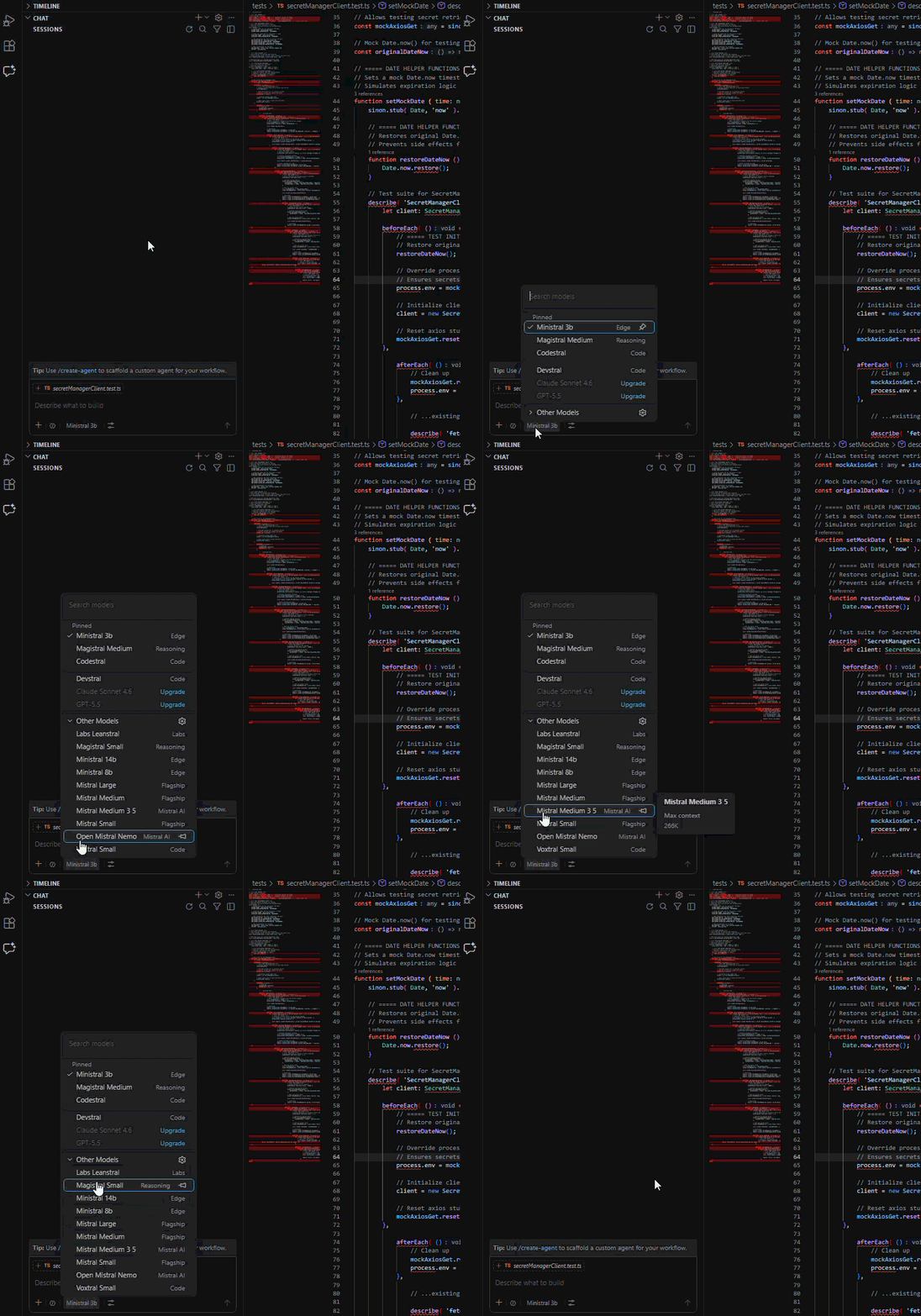
Mistral Models extension for seamless integration with Copilot Chat Mistral AI • Mistral API Docs • Get Mistral API Key Based on selfagency/mistral-models-vscode, which was based on OEvortex/vscode-mistral-copilot-chat (now discontinued). Substantially rewritten. What is this?Model Selection
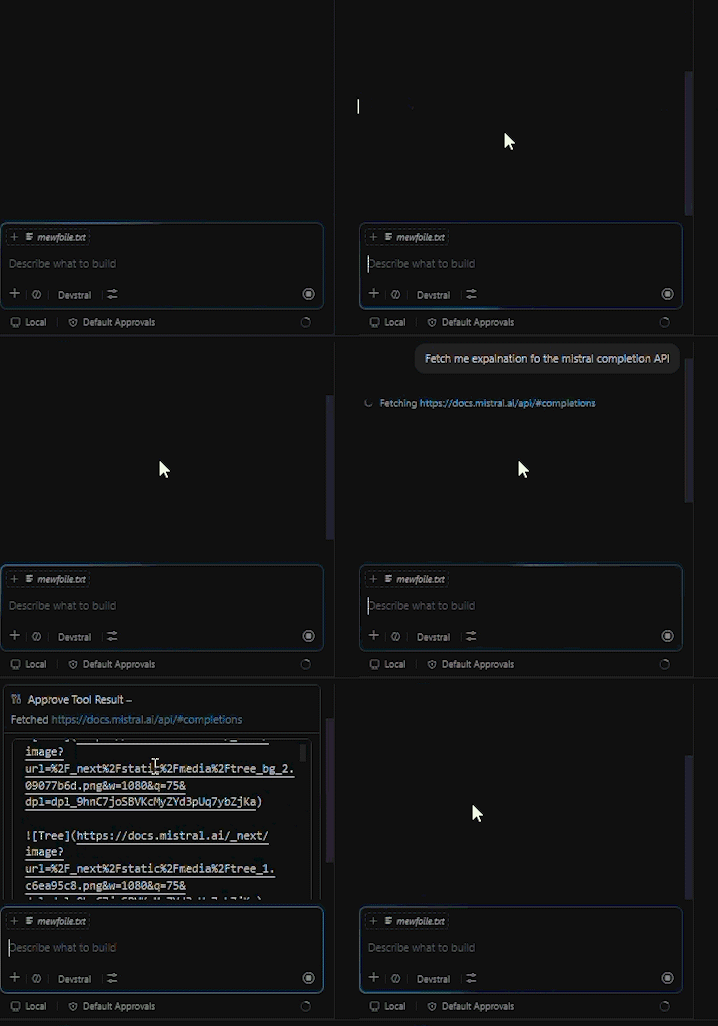
Tooling Integration
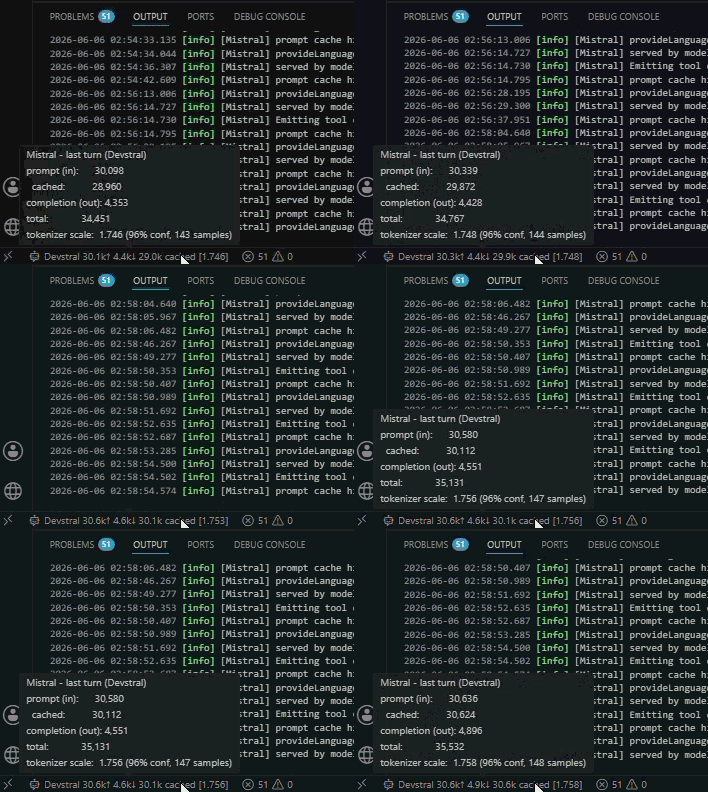
Real-time Data Display
Why?The idea is great. Implementation lacked elements I wanted, so I polished and reworked the codebase into modular, thoroughly tested, and maintainable architecture. Big thanks for the idea and inspiration to selfagency and OEvortex. Need more?Open an issue for any feature you want which i will evaluate on a case by case basis. I will try to keep the extension as simple as possible, and as feature-perfect to the Copilot Chat experience as possible, but i am open to suggestions. Features
Requirements
Installation
Getting Your API Key
DevelopmentDevelopment streamlined to work with following tools:
PrerequisitesBuildTestingDebuggingOpen the project in VS Code and press F5 to launch the Extension Development Host with the extension loaded. DisclaimerThis extension is not affiliated with, endorsed by, or associated with Mistral AI or Microsoft. "Mistral" is a trademark of Mistral AI. "Copilot" is a trademark of Microsoft. All trademarks are property of their respective owners. LicenseMIT License - See LICENSE for details. This extension bundles third-party open-source packages. See THIRD-PARTY-NOTICES.md for their licenses and attributions. |