PairCode
Collaborative pair programming with Video calls directly from VS Code
Features
- Quick Code Sharing: Right-click in any editor to share code
- Multi-Language Support: Works with C/C++, Java, Python, JavaScript, TypeScript, Go, Rust, PHP, and more
- Smart Selection: Share entire files or just selected code snippets
- Large File Handling: Automatically handles large files via clipboard
- User Consent: Always asks for confirmation before sharing
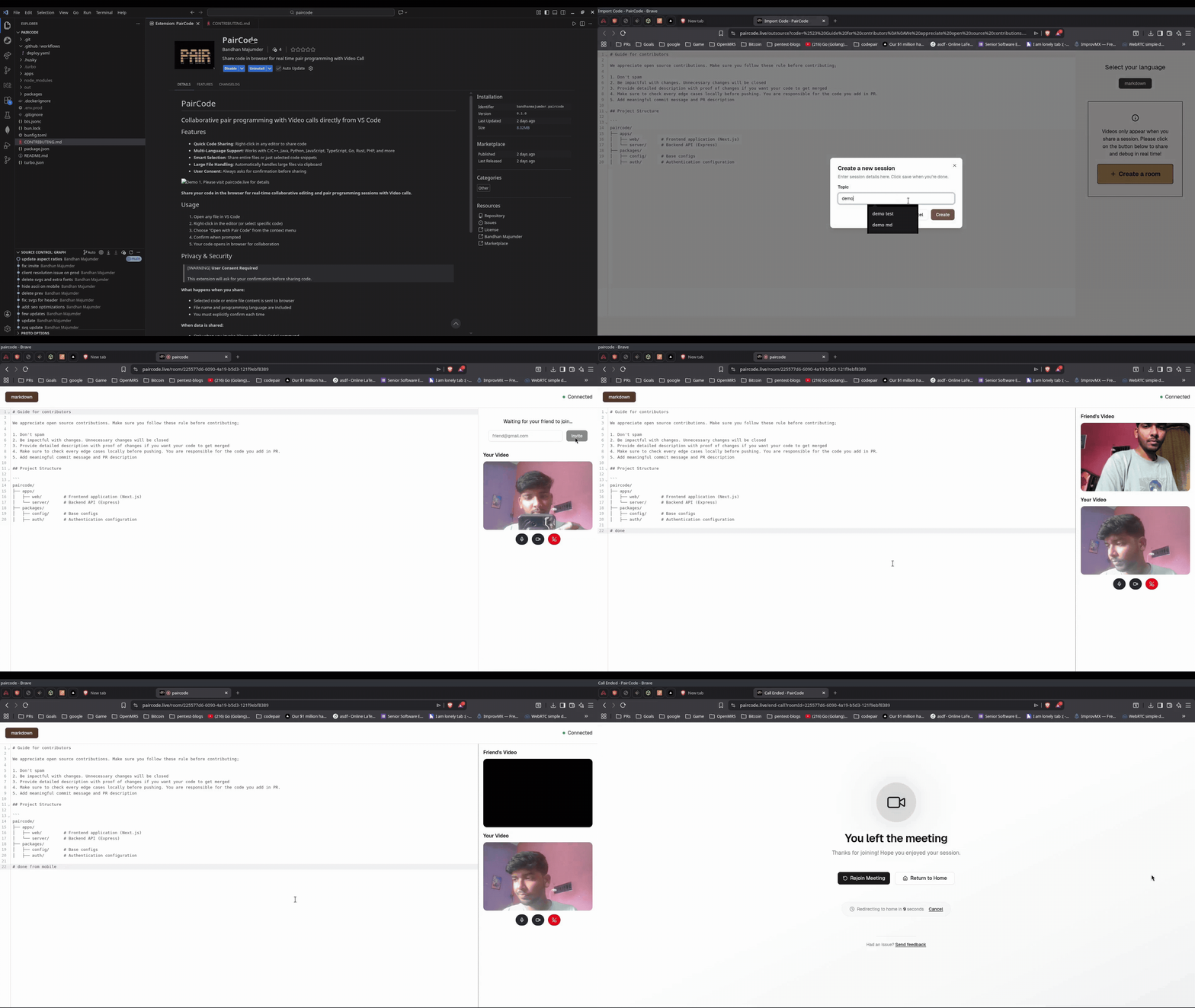
Share your code in the browser for real-time collaborative editing and pair programming sessions with Video calls.
Usage
- Open any file in VS Code
- Right-click in the editor (or select specific code)
- Choose "Open with Pair Code" from the context menu
- Confirm when prompted
- Your code opens in browser for collaboration
Privacy & Security
[!WARNING]
User Consent Required
This extension will ask for your confirmation before sharing code.
What happens when you share:
- Selected code or entire file content is sent to browser
- File name and programming language are included
- You must explicitly confirm each time
When data is shared:
- Only when you invoke "Open with Pair Code" command
- Only after you confirm the consent dialog
- Never automatically or in the background
Requirements
- VS Code 1.85.0 or higher
- Modern web browser
Contributing
We welcome open source contributions! Please read our contributing guidelines before submitting pull requests.
Release Notes
0.1.0
Initial release
Collaborative coding made simple
| |

