Snippet Vault
Save, manage, search, and run your personal code and terminal snippets — right inside VS Code.
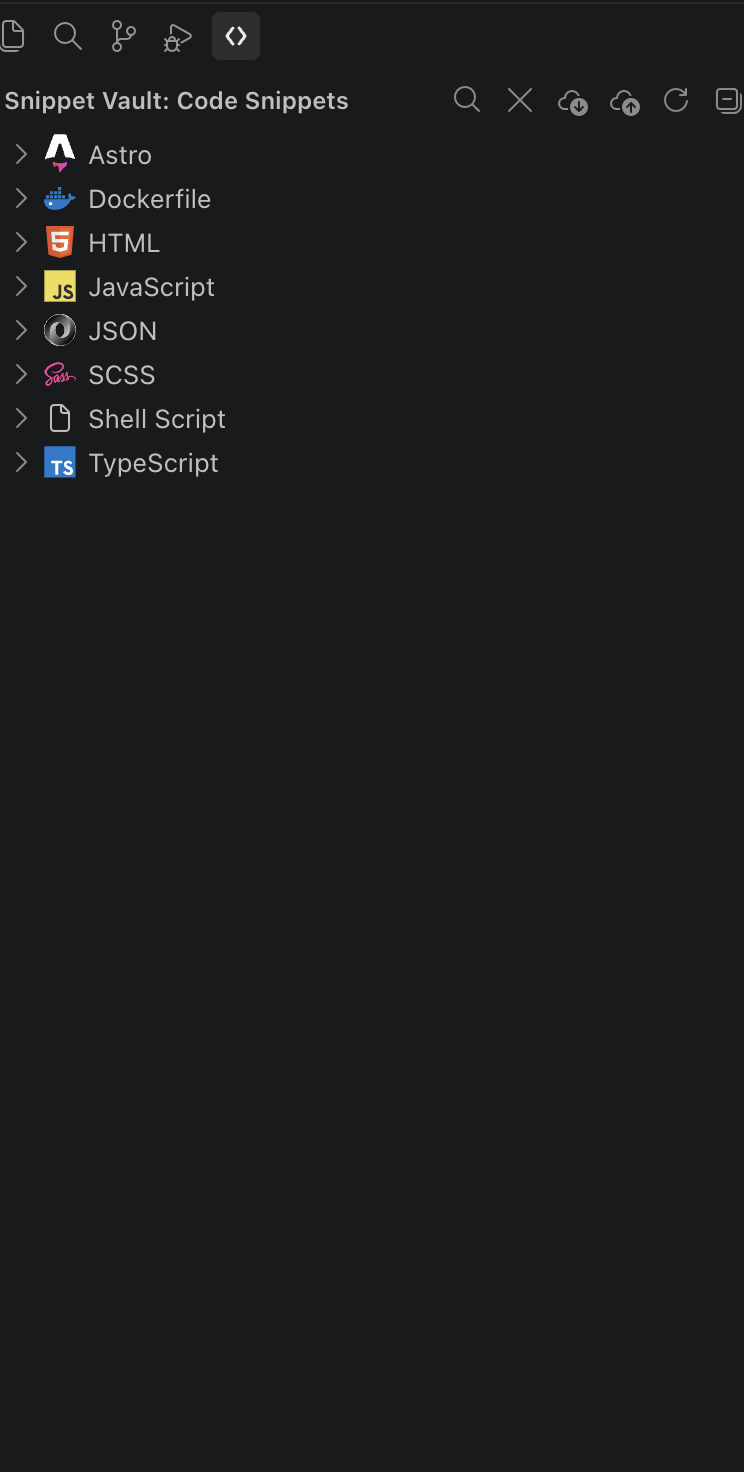
Features
💾 Save code selections as snippets · 📟 Terminal snippets with placeholders · 🗂️ Sidebar grouped by language/category · ⚡ IntelliSense autocompletion · 🔍 Fuzzy search & filters · ⌨️ Keyboard shortcuts · ✏️ In-place editing · 🔄 Import/export as JSON · 🔐 .env cloaking & hover peeking · 🐙 Status bar shortcut to your repo's remote
Getting Started
- Click the Snippet Vault icon in the Activity Bar.
- Select code, press
Cmd+Shift+S / Ctrl+Shift+S to save your first snippet.
Code Snippets
- Save: select code → right-click Snippet Vault: Save Selection ✨ (or
Cmd/Ctrl+Shift+S). You'll be asked for a name, prefix, description, and language.
- Insert: via Quick Pick (
Cmd/Ctrl+Shift+I), a sidebar click, or by typing the snippet's prefix for IntelliSense.
- Tab stops: full VS Code snippet syntax (
$1, ${1:placeholder}, $0) is supported.
Snippet Studio — edit snippets comfortably
Click the ✏️ pencil on any snippet (or Snippet Vault: New Code Snippet) and the snippet opens in two parts:
- The code, in a real editor tab — full syntax highlighting, IntelliSense, multi-cursor and formatting for the snippet's language.
Ctrl/Cmd+S saves straight back into your vault (and syncs as before).
- The details panel beside it
- Name, prefixes as chips (warns when another snippet in the same language already uses the prefix), language, description / category — saved automatically.
- Tab-stop map (D3): the exact order Tab walks through
$1 → $2 → … → $0, with defaults, choices and mirrors. Click a stop to select it in the code (again to jump to its next mirror).
- Helpers: turn the selection into a placeholder (
Ctrl/Cmd+Alt+P), add a choice ${1|a,b|}, a variable (${TM_FILENAME_BASE}, ${CURRENT_YEAR}, ${UUID}…) or the final cursor $0.
- Live preview of what gets inserted — placeholders coloured to match the map, variables filled from the file you were just in — updating as you type, before you save.
- Checks: unclosed
${, $TM_FILENAME written without braces (Snippet Vault inserts that literally), conflicting mirror defaults, gaps in numbering, unknown variables…
- History (D3 timeline): every save keeps the previous version (last 25, stored locally). Diff any version against the current one in VS Code's diff editor, or restore it — restoring is itself undoable.
- Insert into your last editor, or Try it in a scratch file.
Terminal snippets get the same treatment: the command opens in a shell editor tab, placeholders {port} are mapped and highlighted, and a placeholder used twice is now asked for once. A Copy button copies the command to your clipboard.
Terminal Snippets
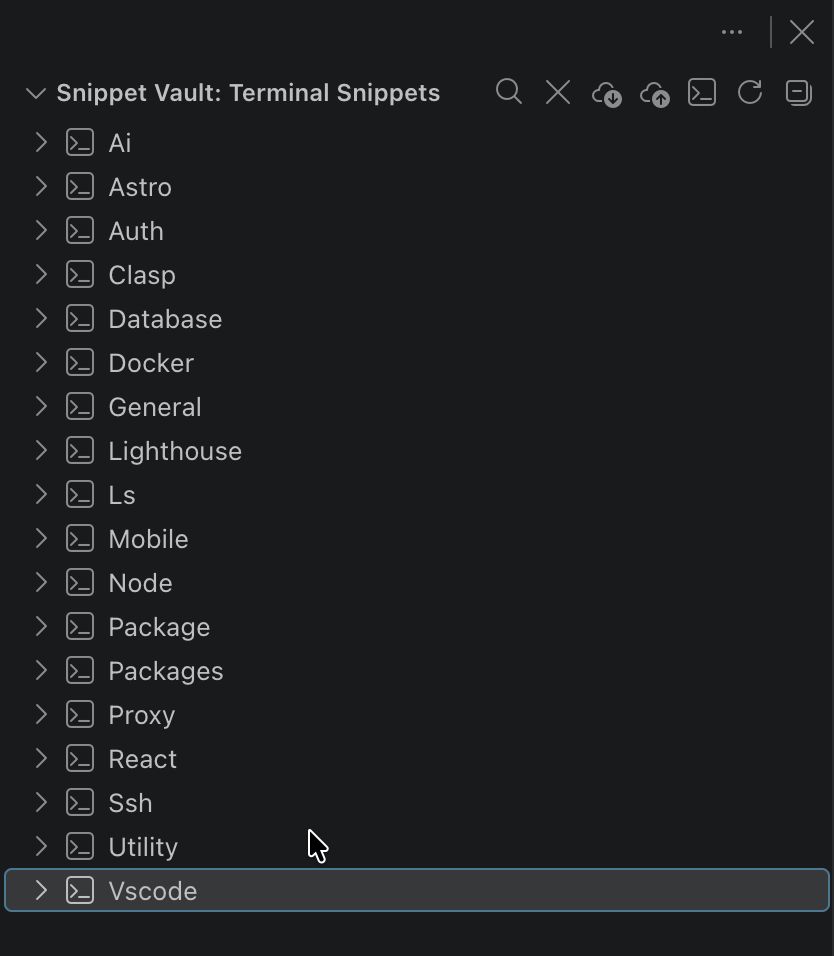
Add via Add Terminal Snippet in the command palette or the + button. Wrap parts of a command in {curly braces} for runtime placeholders (e.g. docker run -p {port}:{port} {image}), then click the snippet to run it — you'll be prompted for each value.
Terminal snippet workflow
- Search & Run Terminal Snippet (
Cmd/Ctrl+Alt+T): fuzzy search by name, command, category or tag; Enter runs, buttons copy. Recently/most used first.
- Save Selection as Terminal Snippet: from an editor or the terminal right-click menu.
- Manage Terminal Categories: rename, merge or delete (also from the category row in the tree). Categories are case-insensitive.
- Tags can be set in Snippet Studio and searched, including
@tag:name.
Search & Filtering
Click the 🔍 icon in either sidebar view. Supports fuzzy matching (clg → console.log) and field filters: @language:typescript, @category:git, or combined with free text.
Keyboard Shortcuts
| Action |
Mac |
Windows/Linux |
| Save selection as snippet |
Cmd+Shift+S |
Ctrl+Shift+S |
| Insert snippet (Quick Pick) |
Cmd+Shift+I |
Ctrl+Shift+I |
| Placeholder from selection (in a snippet tab) |
Cmd+Alt+P |
Ctrl+Alt+P |
Commands
Save Selection · Insert Snippet (Quick Pick) · Add/Run Terminal Snippet · Edit/Delete Snippet · Search/Clear Search (code & terminal) · Export/Import Snippets · Refresh Snippets · Dotenv: Cloak Color/Icon/Mask Text · Dotenv: Enable Autocloaking
Import & Export
Use the ☁ upload/download icons in the sidebar toolbar to back up, share, or migrate your snippet library as JSON.
.env Cloaking
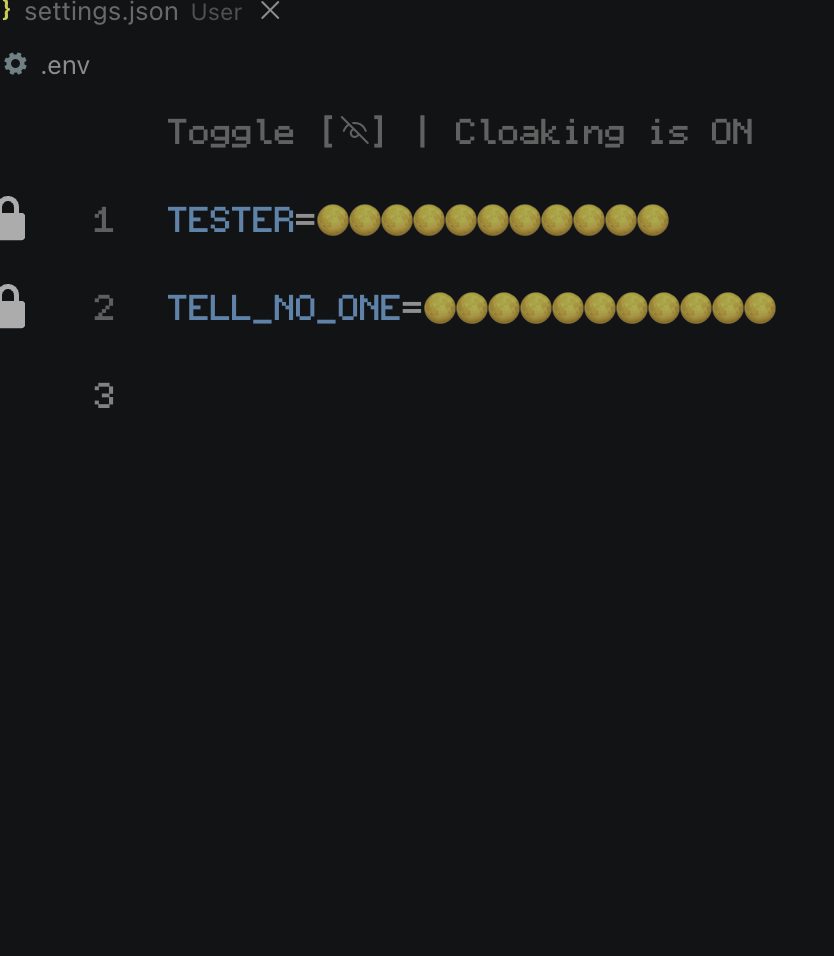
- Syntax highlighting for
.env* and .flaskenv files.
- Values are auto-masked on open; toggle per-file via the CodeLens link.
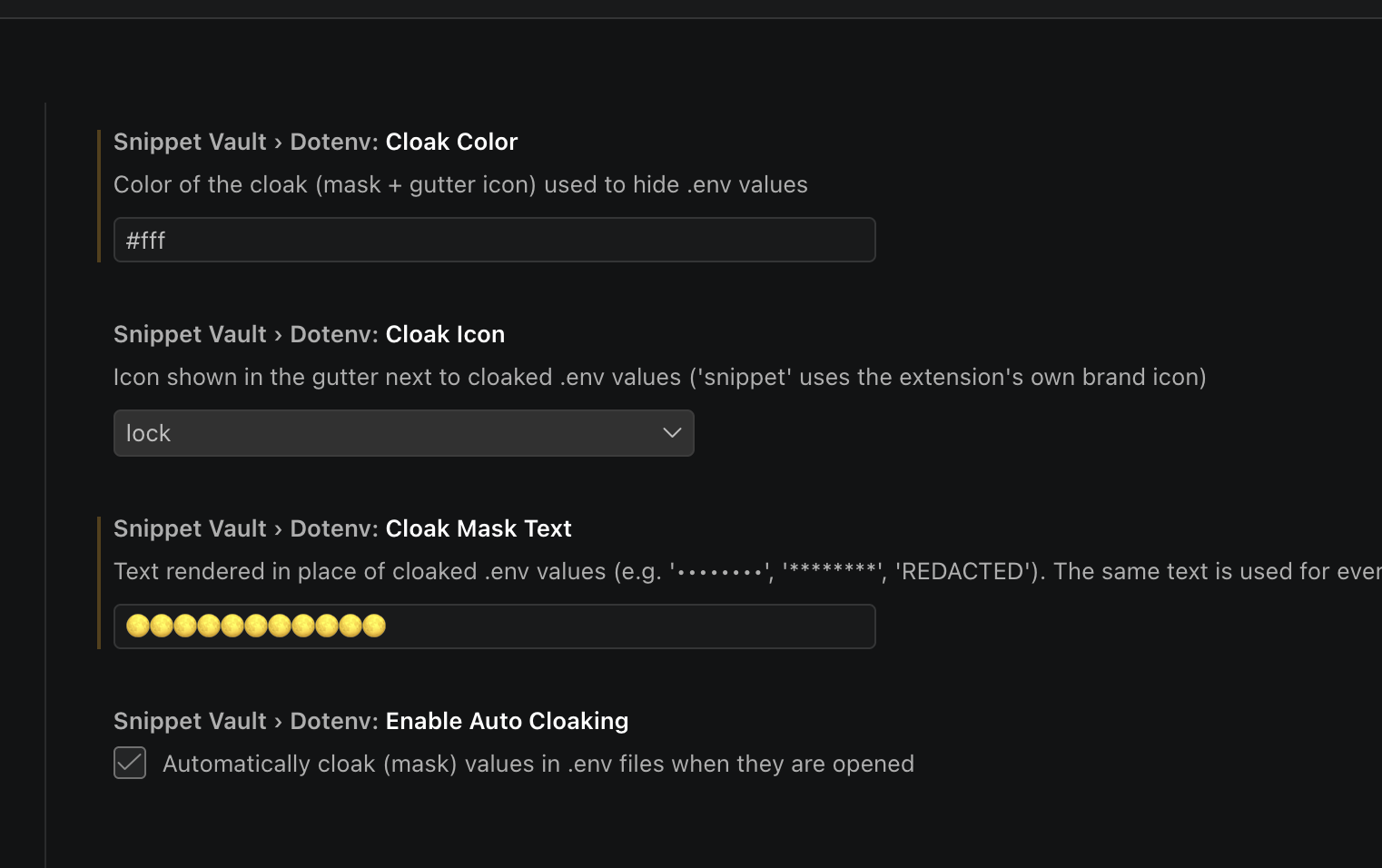
- Customize mask color, gutter icon, and mask text via the
Dotenv: Cloak Color/Icon/Mask Text commands or settings.
- Autocompletion and hover "secret peeking" for
process.env., import.meta.env. (dot or bracket), os.environ[, ENV[, getenv(, and equivalents in Go, Java, C#, and Rust — pulled live from every .env file in your workspace.
Remote Repo Shortcut
In a git repo with an upstream branch, a Go to Repo item appears in the status bar to open the repo in your browser or copy its HTTPS/SSH URL.
Extension Settings
| Setting |
Default |
Description |
snippetVault.confirmDelete |
true |
Confirm before deleting a snippet |
snippetVault.showNotifications |
true |
Show toast notifications |
snippetVault.dotenv.cloakColor |
#E2C08D |
Cloak mask/gutter icon color |
snippetVault.dotenv.cloakIcon |
lock |
Gutter icon (lock, eye, key, shield, dot, star, diamond, warning, snippet) |
snippetVault.dotenv.cloakMaskText |
•••••••• |
Text shown over cloaked values (e.g. ********, [REDACTED]) |
snippetVault.dotenv.enableAutoCloaking |
true |
Auto-cloak .env values on open |
Requirements
VS Code v1.110.0 or newer.
Release Notes
0.0.5 — Configurable cloak mask text; import.meta.env["KEY"] bracket support; fixed Edit Snippet from the sidebar context menu; .env cloaking; status bar repo shortcut.
0.0.4 — Improved fuzzy search accuracy.
0.0.1 — Initial release.
Contributing
PRs and suggestions welcome — open an issue first to discuss.
License
MIT
| |

