Code City
Your codebase, as a living 3D city.
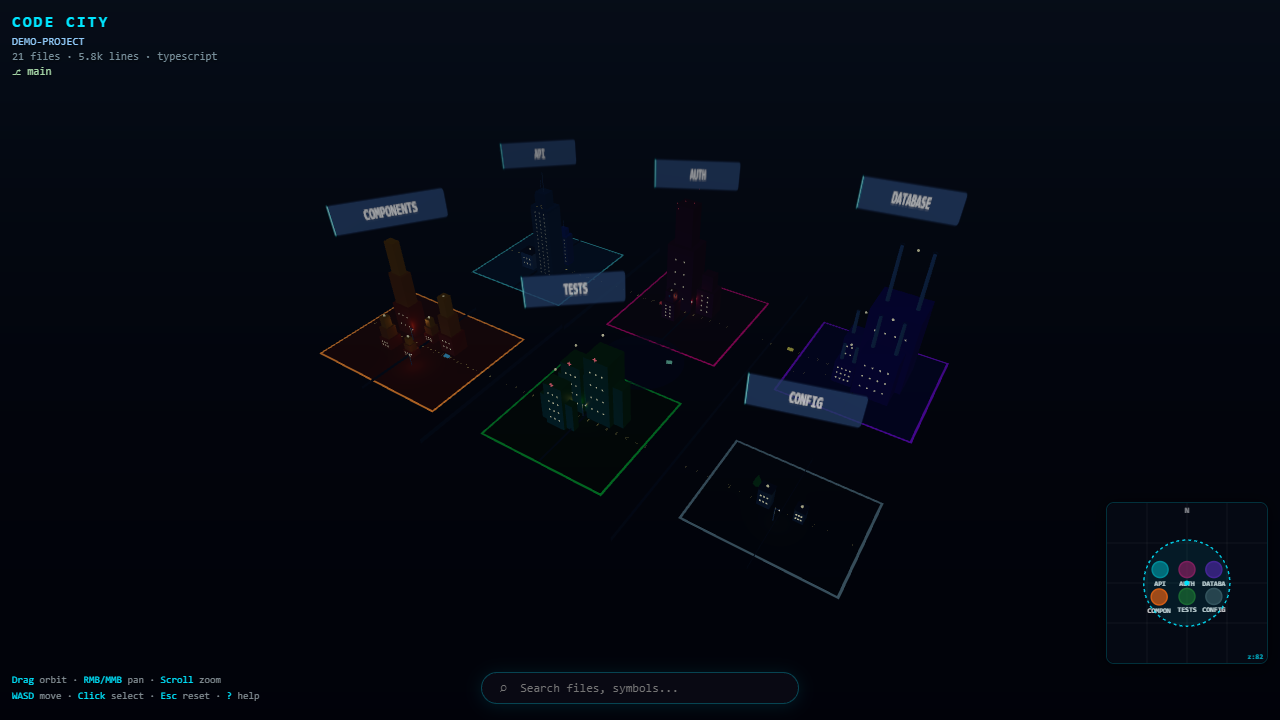
Files become buildings. Folders become districts. Dependencies light up the skyline.
Why Code City?
Most architecture tools show graphs. Code City shows a place you can explore.
Open any workspace and instantly see:
- which modules dominate the skyline (size = lines / symbols)
- where errors are glowing red right now
- how files depend on each other through animated arcs
- where you are in the project as you edit
No accounts. No cloud. Everything runs locally inside VS Code.
See it in action
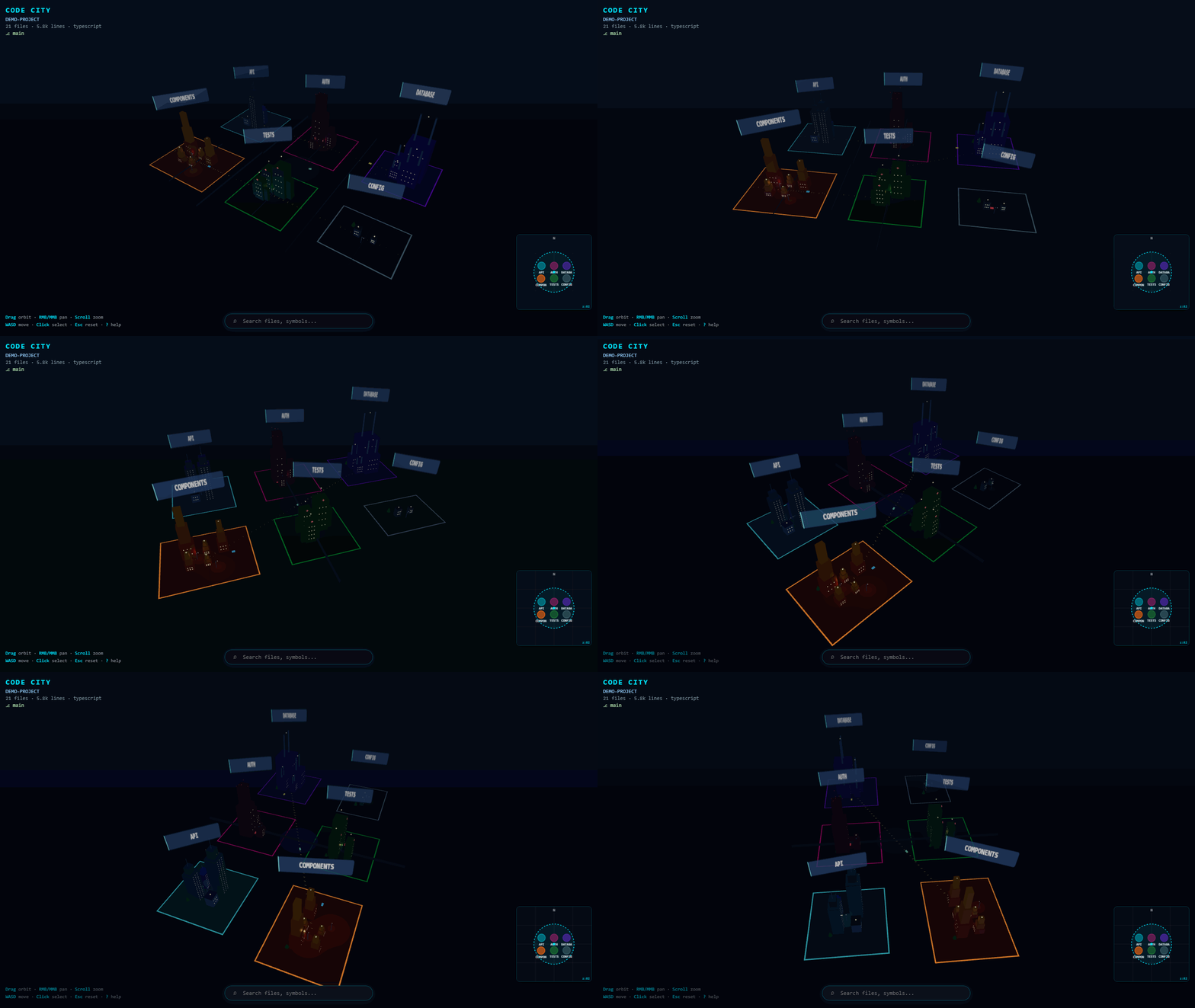
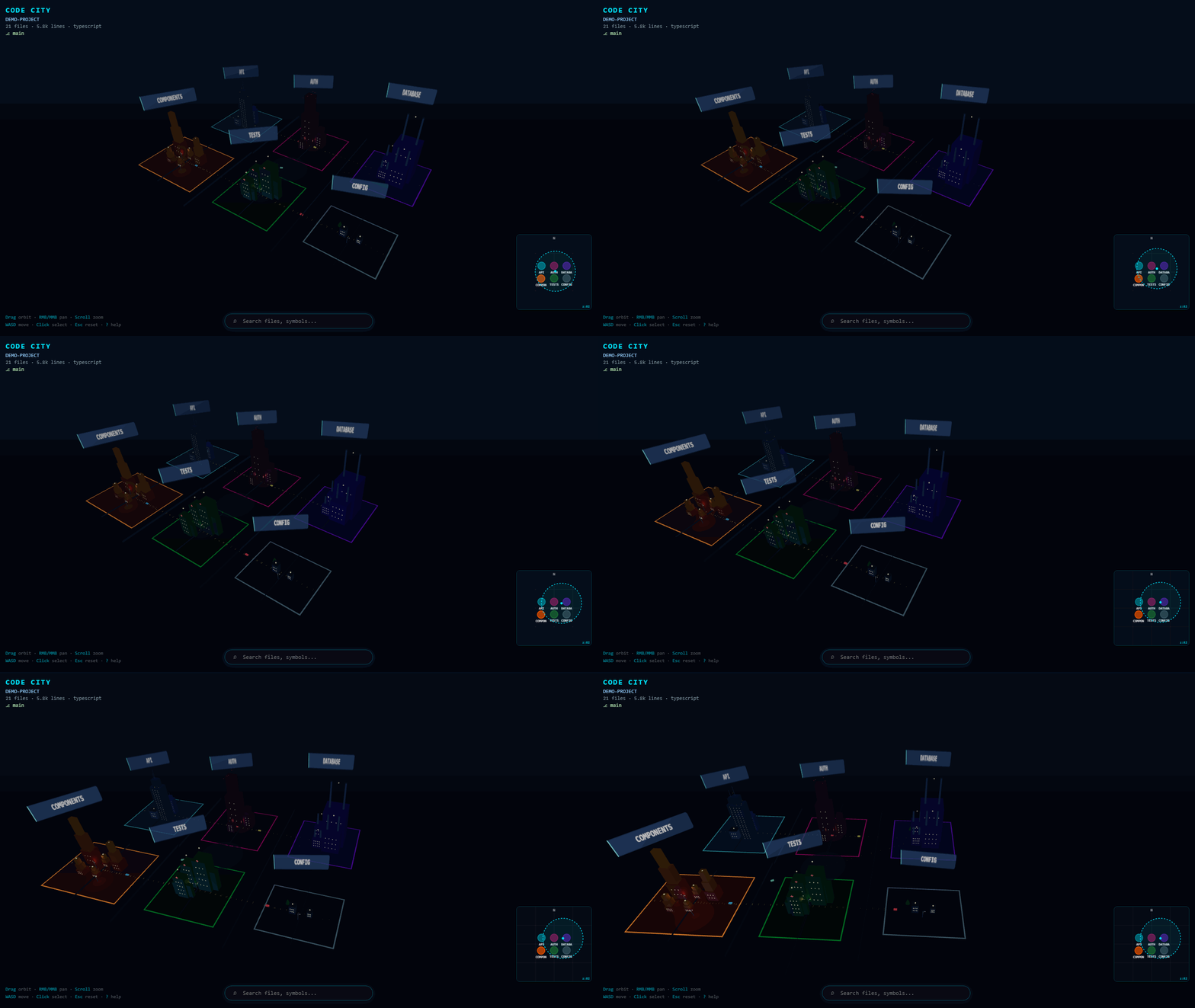
Orbit the city
Drag to fly around your architecture.
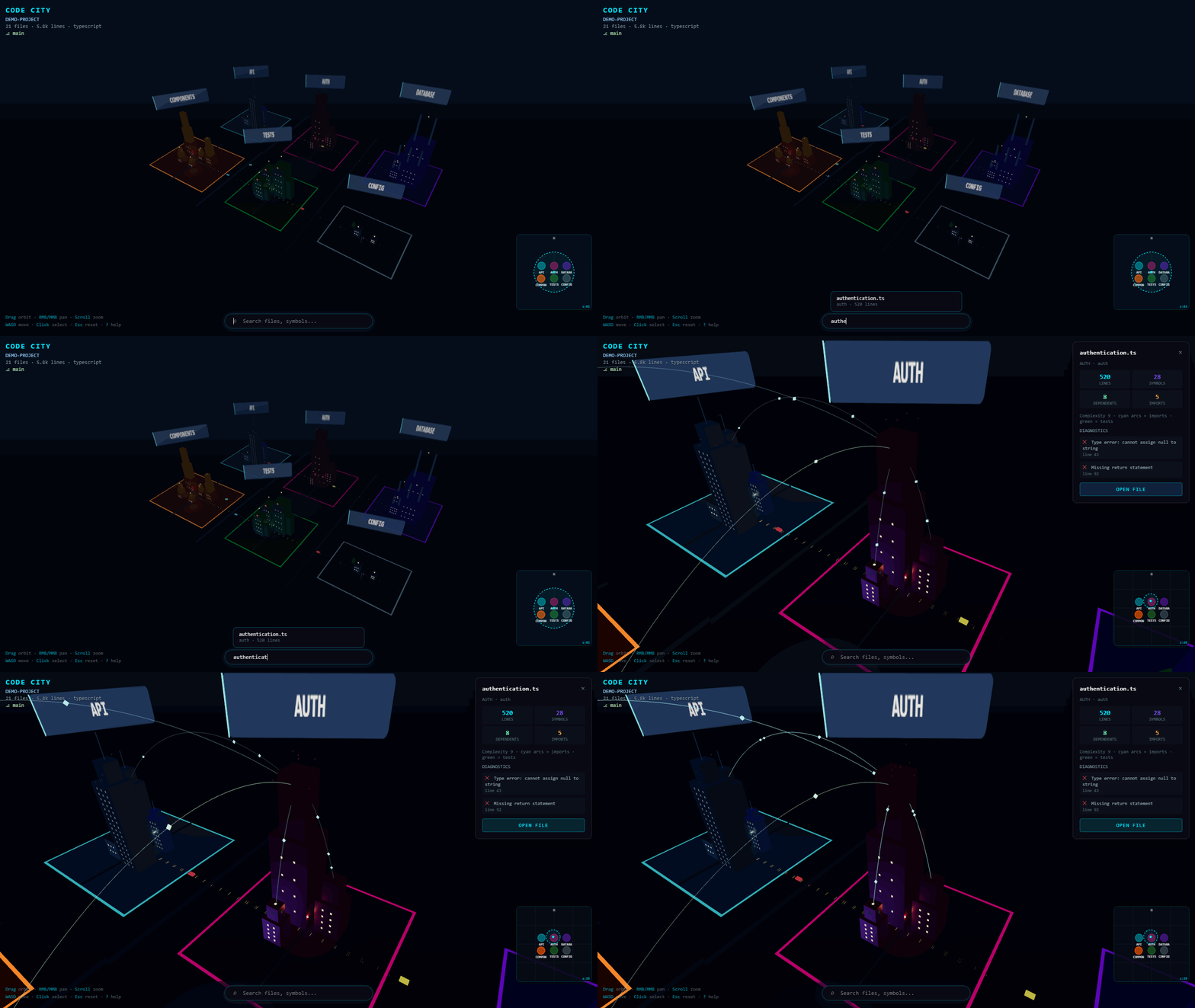
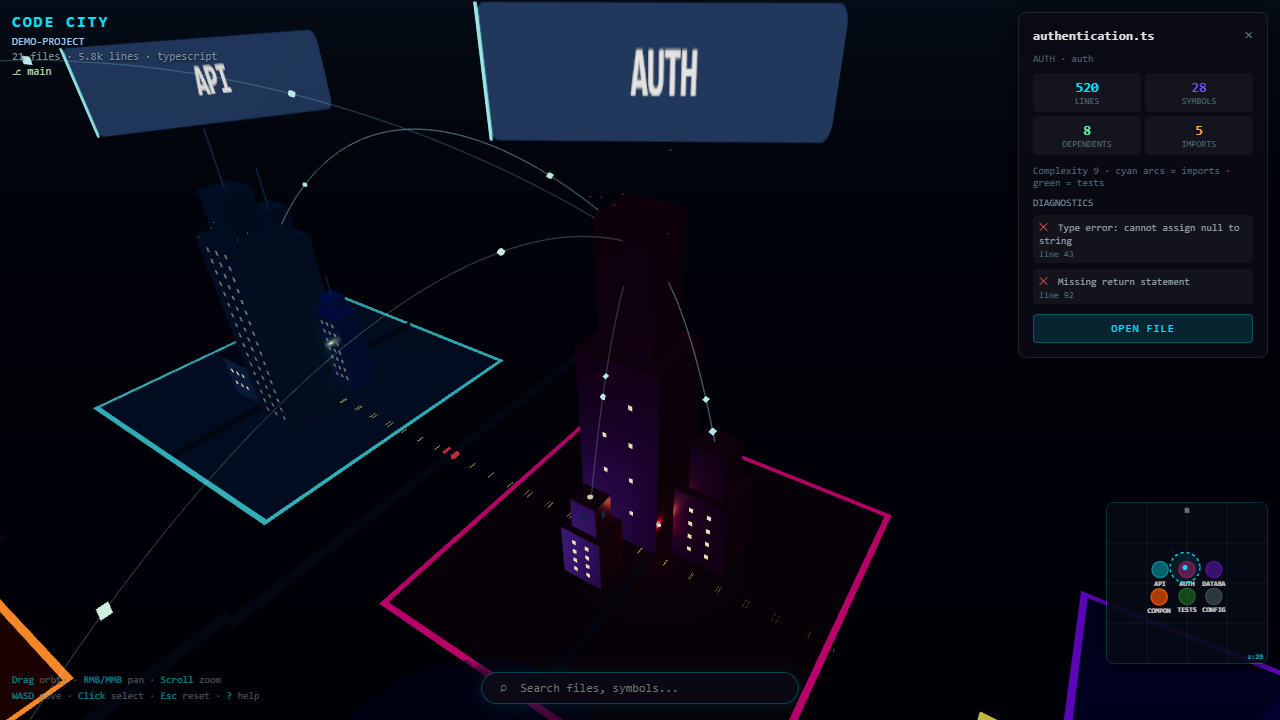
Find a file, follow its dependencies
Search → select → watch import arcs and data packets flow between buildings.
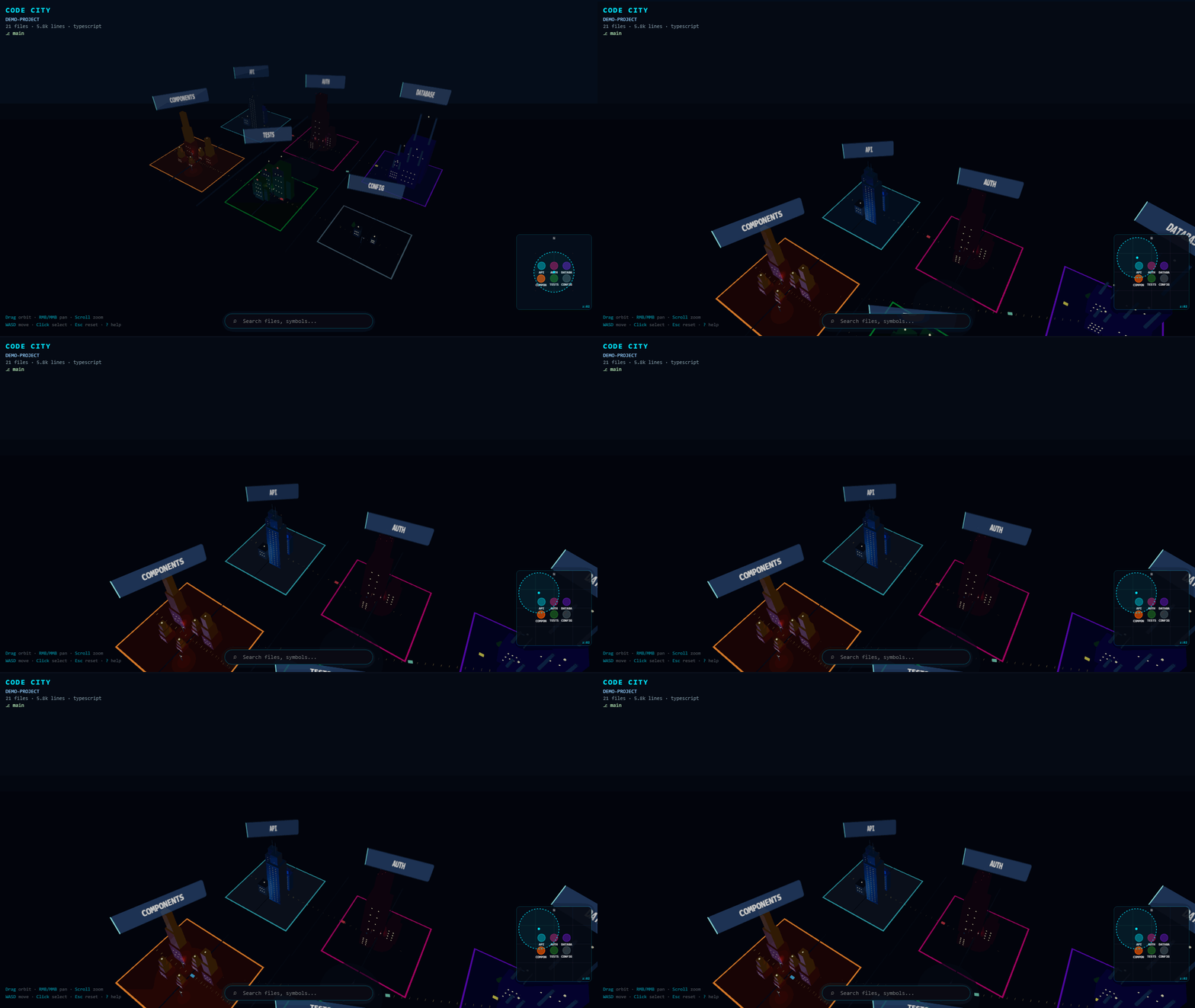
Jump with the minimap
Click the radar to teleport across districts.
Explore with keyboard
WASD to move, Q/E to yaw — feel the city like a map, not a diagram.
Quick start
- Install Code City from the VS Code Marketplace (or a
.vsix)
- Open a folder workspace
- Click the Code City icon in the Activity Bar for the mini view
- Click the globe (Open Code City) for the full immersive panel
That’s it — the city builds itself from your project.
What maps to what
| In your code |
In the city |
| Directory |
District (colored plaza) |
| Source file |
Building (height ≈ LOC, width ≈ symbols) |
| Import / dependency |
Glowing arc + data packets |
| Active editor file |
Cyan pulse |
| Errors / warnings |
Red / amber roof lights + particles |
| Tests |
Green arcs when selected |
Building styles
| Type |
Look |
| API / Service |
Glass tower |
| Database |
Data center + cooling stacks |
| Auth |
Fortified tower |
| Test |
Lab / clinic |
| UI |
Stepped creative block |
| Docs |
Library |
| Config |
Control bunker |
| Utility |
Office block |
Controls
| Input |
Action |
| Left drag |
Orbit |
| Right / middle drag |
Pan |
Scroll / R F |
Zoom |
WASD / arrows |
Move |
Q E |
Rotate yaw |
| Click |
Select building + show deps |
| Double-click |
Open file |
| Minimap click |
Jump camera |
| Search bar |
Find files / districts |
Esc |
Reset view & clear selection |
? |
Help overlay |
Settings
| Setting |
Default |
Description |
codeCity.enableAnimations |
true |
City motion |
codeCity.enableParticles |
true |
Error / warning particles |
codeCity.enableTraffic |
true |
Road traffic |
codeCity.enableEnvironment |
true |
Environment effects |
codeCity.followActiveEditor |
true |
Camera follows current file |
codeCity.graphicsQuality |
balanced |
performance / balanced / ultra |
codeCity.dayNightMode |
auto |
auto / day / night |
codeCity.reduceMotion |
false |
Accessibility-friendly motion |
Language support
| Language |
Structure |
Import edges |
| TypeScript |
Yes |
Yes |
| JavaScript |
Yes |
Yes |
| Python |
Yes |
Partial |
| Other |
Folders + files |
— |
Privacy
Code City never uploads your source. Analysis is 100% local. No account, API key, or network call is required for the core experience.
- File changes are debounced (≈2s) before re-analysis
- Cap: 80 buildings per district, top 60 dependency edges
- Shadow maps off in Performance mode
- Particles / traffic / animations are toggleable
reduceMotion calms pulses and fly-ins
Develop / package
npm install
npm run build          # extension + webview bundles
npm run compile        # typecheck
npm run package        # produces code-city-1.0.2.vsix
Install the VSIX:
code --install-extension code-city-1.0.2.vsix
License
MIT — see LICENSE.

