Geo Data Viewer Fast
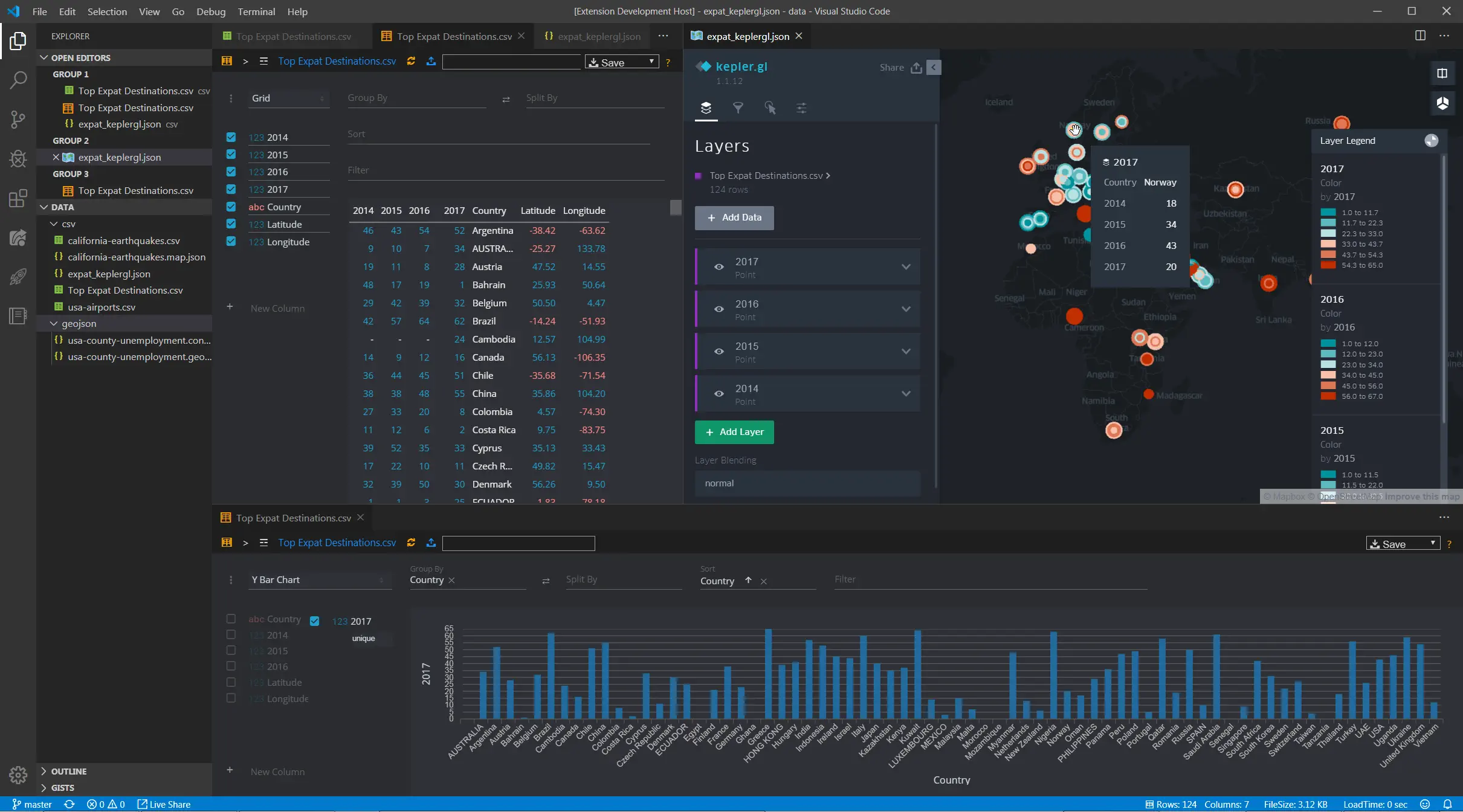
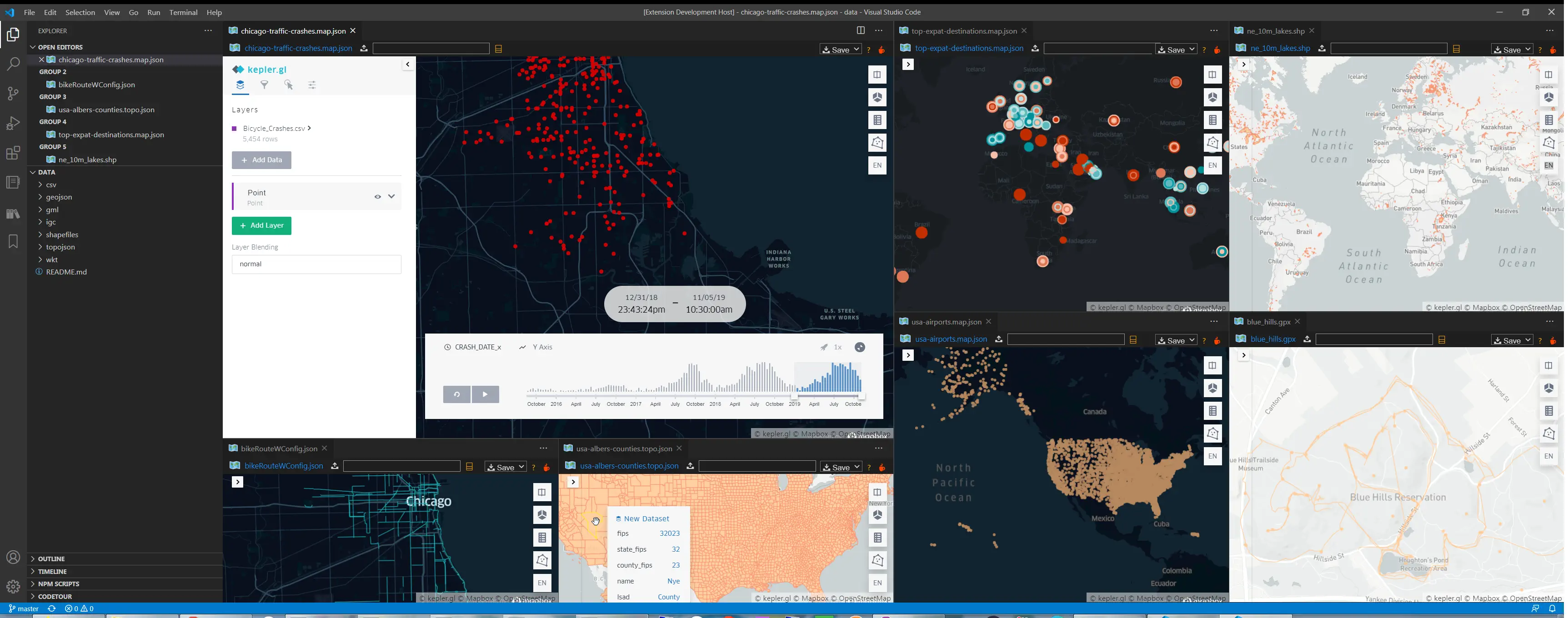
Geo Data Viewer Fast is a VS Code extension for opening geospatial files directly inside an interactive kepler.gl map webview. It is designed around a simple workflow: open a file, preview it immediately, and keep the extension architecture small enough to evolve.
Why This Repo Exists
This project is heavily inspired by RandomFractals/geo-data-viewer.
That project pioneered a very useful VS Code workflow for geospatial preview, but it has not been actively updated for a long time. I wanted to keep the same core idea while rebuilding the internals around a simpler and more maintainable architecture.
So this repository is not just a patch release or a direct continuation. It is a re-architecture of the same product direction:
- the overall "open geo data in VS Code and see a map immediately" workflow is borrowed from
geo-data-viewer
- some gallery data, screenshots, and documentation structure are adapted from that project
- the current extension host logic, parser pipeline, webview bridge, PMTiles support, and compatibility fixes are redesigned for this repository
Features
- Interactive map preview for local geospatial files inside VS Code
kepler.gl compatibility for .map.json, .kgl.json, and dataset-style JSON payloads- Adapter-based parser pipeline for easier format support and maintenance
- Built-in map gallery backed by remote sample datasets and configs
- PMTiles vector preview with native
kepler.gl hover/click interaction
- Automatic basemap fallback for older
kepler.gl configs whose original styleType is no longer available
- Large-file preview safeguards to avoid freezing the UI
- In-memory parse cache for faster repeat previews
- VS Code webview panel restore/reload support
The extension currently supports the following local file types:
- GeoJSON / JSON:
.geojson, .json
- Kepler configs:
.config, .map.json, .kgl.json
- TopoJSON:
.topojson, .topo.json
- CSV / TSV:
.csv, .tsv
- Excel:
.xlsx
- KML:
.kml
- GPX:
.gpx
- GML:
.gml
- IGC:
.igc
- WKT:
.wkt
- Shapefile:
.shp, .zip
- FlatGeobuf:
.fgb
- Parquet / GeoParquet:
.parquet, .geoparquet, .gpq
- PMTiles:
.pmtiles for vector tile preview
Usage
- Open a supported file and run
Geo Data Viewer: Open Current File
- Or right-click a supported file in the Explorer and choose
Open in Geo Data Viewer
- Shortcut:
Ctrl/Cmd + Alt + M
- Run
Geo Data Viewer: Reload Map to refresh the current preview
- Run
Geo Data Viewer: Map Gallery to open built-in sample data and map configs
- Shortcut:
Ctrl/Cmd + Alt + G
- Run
Geo Data Viewer: Open from URL or Path to open a workspace-relative path, absolute local path, or supported raw http/https URL
- Shortcut:
Ctrl/Cmd + Alt + U
Note:
- Local file preview is still the primary workflow
- Supported raw
http/https geo data URLs are cached locally and then previewed in the map panel
- Unsupported remote URLs still fall back to opening in the editor
Map Gallery
The extension includes a built-in map gallery for quickly trying supported formats and kepler.gl configs.
Current gallery entries include:
- Chicago Bike Routes
- Chicago Green Roofs
- Chicago Traffic Crashes
- Top Expat Destinations
- USA Airports
- USA Counties
- World Cities
- Major World Rivers
- World Lakes
- Countries
- OpenClaw PMTiles
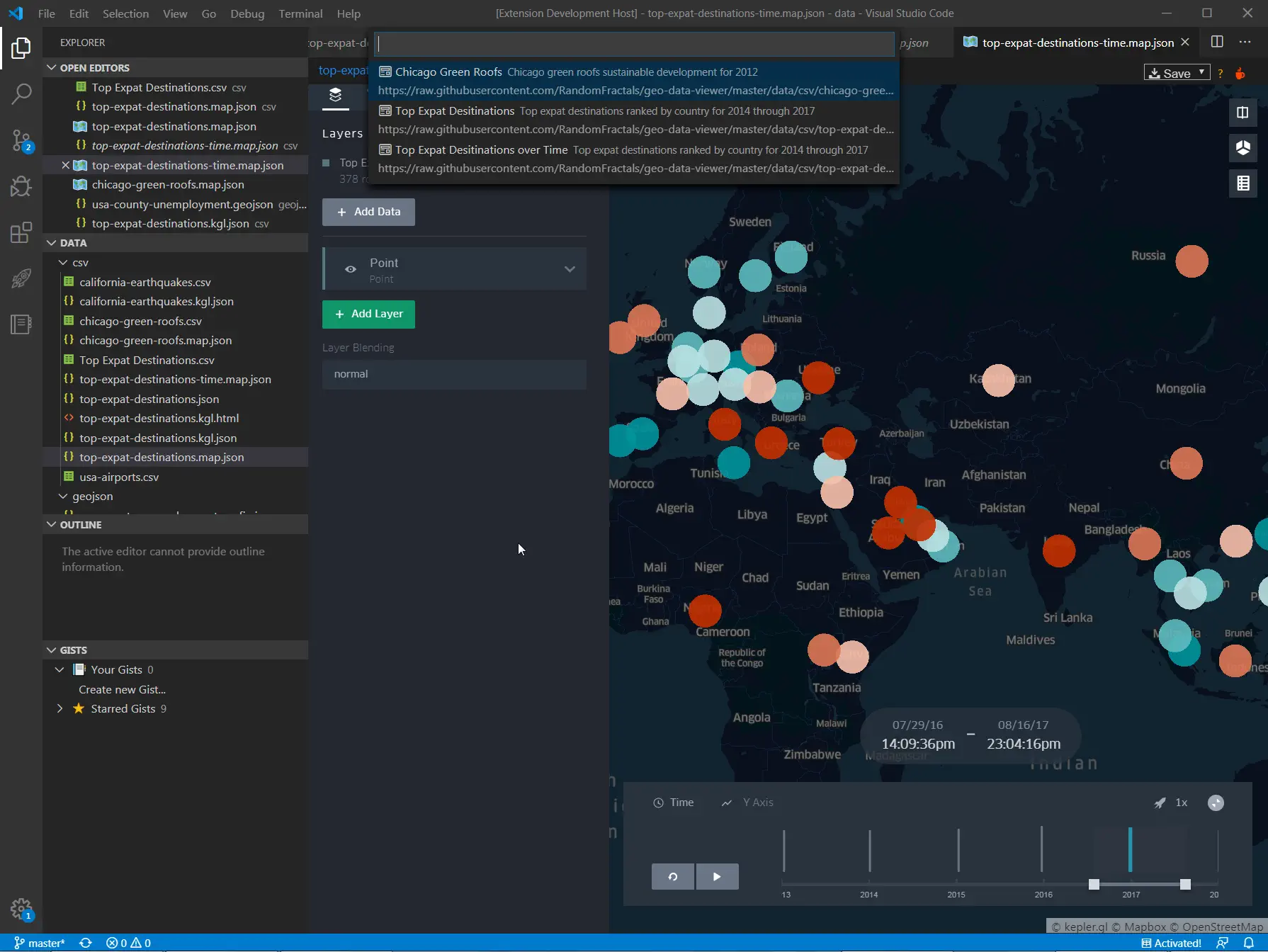
Additional gallery/sample data notes live in data/README.md.
Configuration
Create User or Workspace settings in VS Code to change the default extension behavior:
| Setting |
Type |
Default |
Description |
geoDataViewer.mapStyle |
string |
positron |
Default basemap style used by the webview. Supported values: positron, darkmatter. Legacy unsupported kepler.gl style types fall back to this value when needed. |
geoDataViewer.largeFilePreviewLimit |
number |
5000 |
Maximum number of rows/features loaded when preview mode is used for large files. |
geoDataViewer.enableParseCache |
boolean |
true |
Enables in-memory parse caching for unchanged files. |
geoDataViewer.showCacheDiagnostics |
boolean |
true |
Shows cache hit/miss diagnostics in the preview panel logs. |
geoDataViewer.enablePerformanceLog |
boolean |
false |
Emits parse timing diagnostics to the extension output channel. |
geoDataViewer.mapboxToken |
string |
"" |
Optional Mapbox token passed into kepler.gl. |
Architecture
The current codebase is intentionally split into a few focused layers:
src/extension/: VS Code commands, gallery wiring, panel registration, serializer, and lifecycle managementsrc/data/: adapter-based parsing for each supported formatsrc/webview/: HTML/webview shell, message bridge, and panel state persistencemedia/: kepler.gl runtime assets and webview-side loaders/helpers
Notable implementation differences from the original geo-data-viewer:
- local-first data loading instead of relying on the old remote/public-map workflow
- explicit parser adapters per format instead of a more mixed loading path
- PMTiles support via a local tile server bridge
- compatibility fixes for legacy
kepler.gl JSON payloads
- automatic basemap fallback when old configs reference unsupported style presets
Installation
This repository is currently geared toward local development/use rather than a Marketplace release.
To run it locally:
npm install
npm run compile
Then press F5 in VS Code to launch an Extension Development Host.
To validate changes:
npm test
Credits & Attribution
Some screenshots, sample gallery materials, and documentation structure in this README are adapted from the original geo-data-viewer project. The current repository redesigns the extension architecture around those ideas rather than attempting to preserve the old implementation.
License
MIT

