Axiomatic Octo
Axiomatic Octo is a swiss army knife for Lean (auto)formalization workflows.
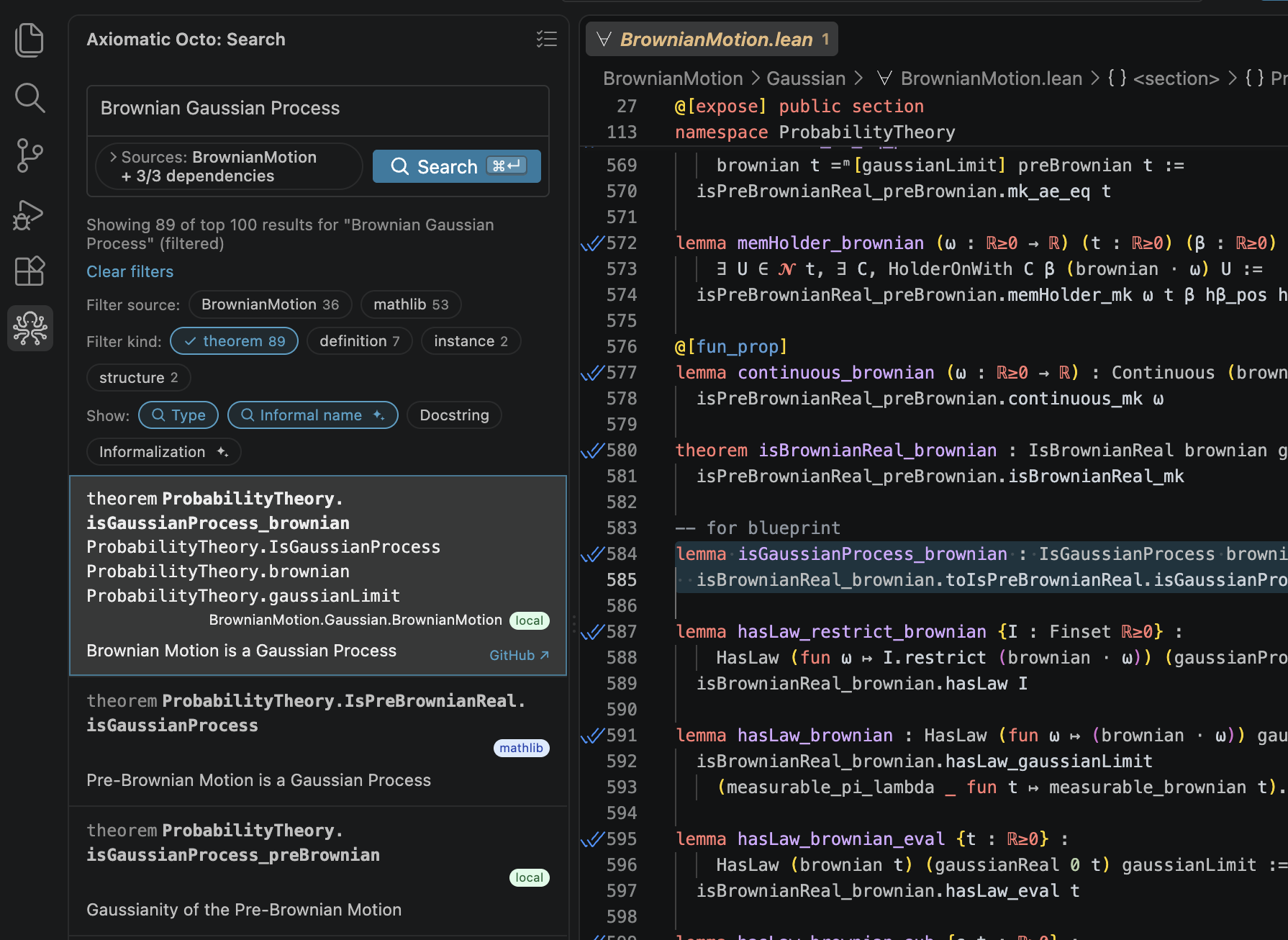
Today, the VS Code extension provides semantic search over your own projects and
common dependencies such as Mathlib, Batteries, CSLib, and Physlib. The roadmap
includes broader theorem-proving and knowledge-management tools.
Features
- Search Lean declarations using natural language.
- Search your local project and common dependencies, e.g., Mathlib, Batteries,
CSLib, and Physlib.
- Download prebuilt search databases and keep them updated.
- Use the same search tools from coding agents and the terminal.
Get started
Install Axiomatic Octo from the Marketplace and open a Lean project. The
extension completes hosted setup on first activation. Open the Octo sidebar to
search.
Quick start
One search to confirm it works:
- Open a Lean project in VS Code and click the Octo icon in the Activity Bar.
- Let the setup checklist run. It signs you in, indexes your repository, and
downloads the dependency databases; its last row reads Octo Search is
ready 🎉 and names what you can now search.
- Type
there are infinitely many primes into the search box and press Enter.
Nat.exists_infinite_primes is among the results; click it to open the
declaration in its source file.
Hosted project indexing requires the project to be on GitHub. Octo identifies
the repository from its origin remote. Standard HTTPS and SSH URLs are
supported, including SSH host aliases such as github-personal, as long as the
remote path has the usual owner/repository form.
Agents
After setup, enable terminal and agent access when prompted, or run
Octo: Enable terminal / agent access from the Command Palette. This exposes
the octo CLI and offers to install a workspace-scoped Claude Code skill under
.claude/skills/ in each repository. Installing requires repository-specific
consent and, for Git repositories, also adds .claude/skills/octo* to
.gitignore. You can decline one repository or disable future skill-install
offers. The extension keeps skills synchronized only in repositories you
approve.
Hosting your own search database with GitHub workflows
Axiomatic hosts project databases by default. If your repository already builds
a search-lean-db workflow artifact, run Octo: Set project database source
and choose workflow (or set search_lean.db_source in
.axiomatic/config.yaml). Octo uses only the selected source and does not fall
back. Workflow setup is not yet guided by the extension.
License
AGPL-3.0-only. See LICENSE.

