🚀 LangSetup — One-Click Multi-Language Setup for VS Code






Install multiple programming languages, tools, and extensions in one workflow — directly from a VS Code sidebar.
No tutorials. No manual setup. No repeated installations.
🎥 Demo
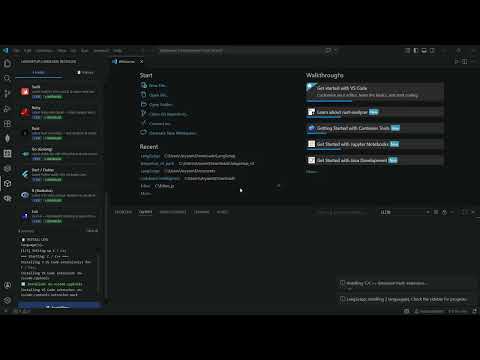
🔥 Why LangSetup?
Setting up development environments is repetitive and time-consuming:
- Installing each language separately
- Downloading compilers and runtimes manually
- Configuring environment variables
- Installing extensions one by one
LangSetup eliminates this entire process.
👉 It enables multi-language setup in a single flow, including:
- System tools (compilers, SDKs, runtimes)
- Required VS Code extensions
- Latest stable versions
✨ Features
- ⚡ Multi-language installation (install multiple at once)
- 📦 Automatic toolchain setup (compilers, runtimes, SDKs)
- 🧩 Auto-installs VS Code extensions
- 🔄 Always latest versions (fetched dynamically)
- 📋 Activity History & logging system
- 🎨 Language icons & improved UI
- 🖥 Cross-platform — Windows, macOS & Linux
- 🎯 Beginner-friendly sidebar interface
🌐 Supported Languages
C/C++, Java, Python, JavaScript, TypeScript, HTML/CSS, C#, PHP, Kotlin, Swift, Ruby, Rust, Go, Dart/Flutter, R, Lua
🧠 How It Works
- Open the LangSetup sidebar in VS Code
- Select your Operating System
- Choose one or more languages
- Click Install
👉 LangSetup will:
- Download official installers
- Launch setup automatically
- Install required extensions
- Track activity in history logs
🛠 Development
npm install
npm run compile
# Press F5 in VS Code to test
👤 Author
| Aryan Bhati |
⚠️ Requirements
- Visual Studio Code v1.116.0 or higher
📄 License
MIT

