Argent Engine AI BridgeWebSocket bridge that exposes VS Code's Language Model API to external applications. Built for Argent Engine - the web-based game engine. Installation Launch VS Code Quick Open ( Ctrl+P), paste the following command, and press enter.Copied to clipboard |

Argent Engine AI BridgeBridge VS Code's AI capabilities (GitHub Copilot) to Argent Engine - the web-based Three.js game engine.
Features
Requirements
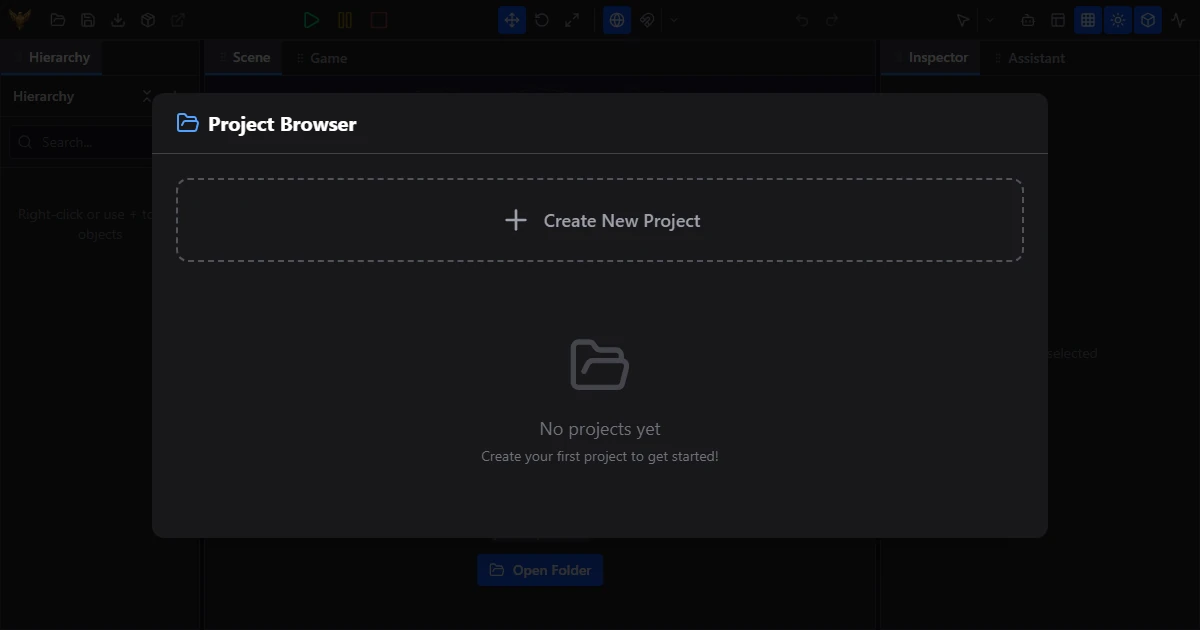
Quick Start1. Start the AI BridgeClick "AI Bridge: Start" in the VS Code status bar (bottom-right):
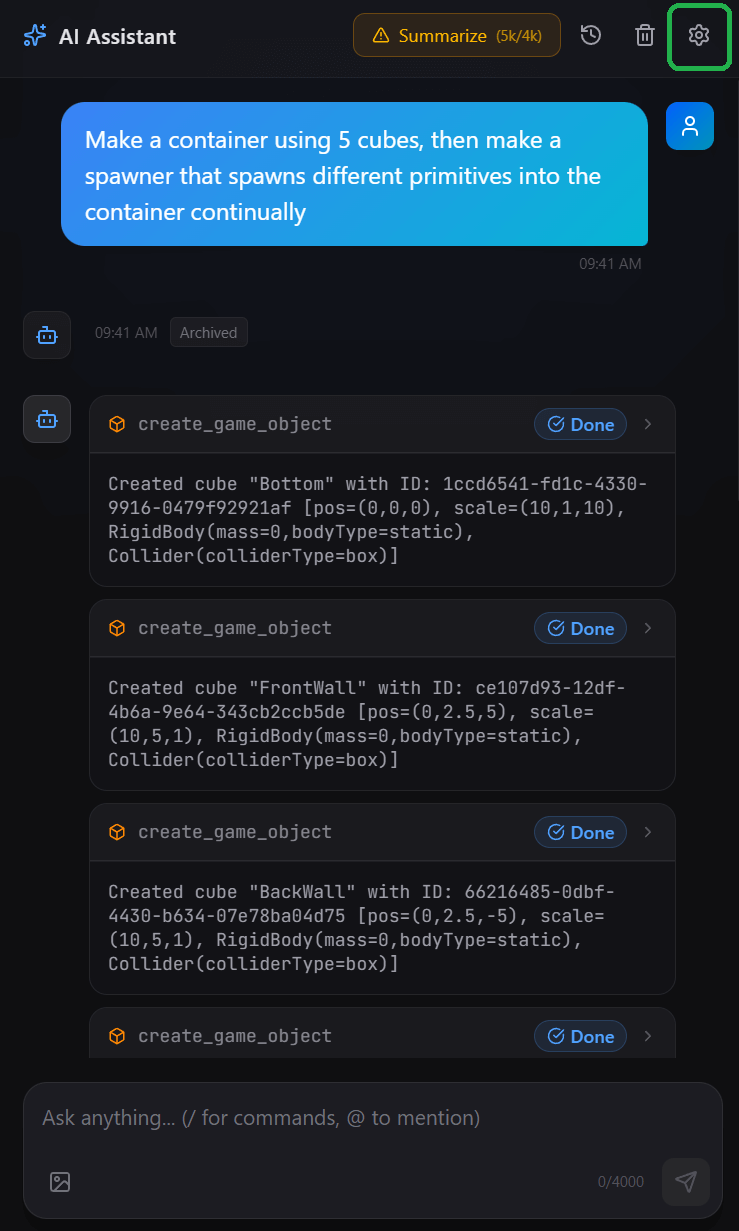
2. Open AI Settings in Argent EngineClick the AI settings button in the editor:
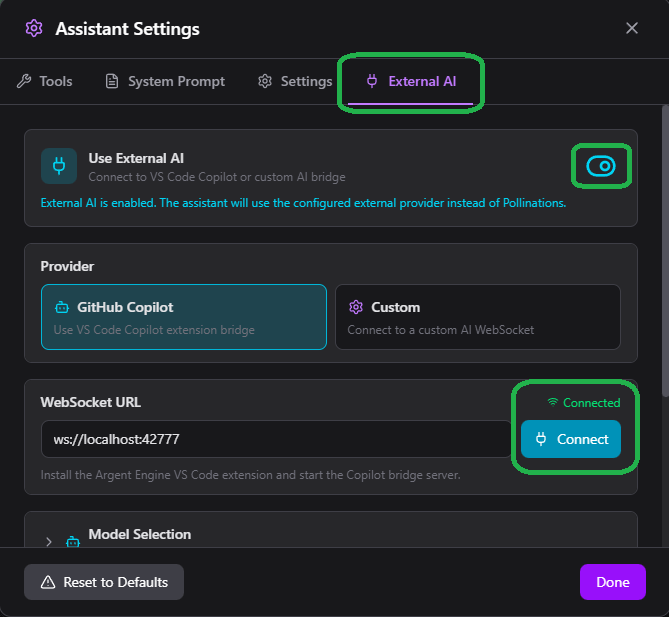
3. Enable External AIIn the settings panel, go to External AI, enable Use External AI, and click Connect to test the connection:
4. Approve the ConnectionWhen prompted in VS Code, approve the connection request (one-time only). 5. That's it!The AI assistant is now connected and ready to use in Argent Engine. Settings
Troubleshooting"No language models available" "Port already in use" Support
About Argent EngineArgent Engine is a web-based game engine with a visual editor, ECS architecture, physics, multiplayer, and AI-assisted development. Legal NoticePROPRIETARY SOFTWARE - Copyright 2025 Argent Engine. All Rights Reserved. This extension is proprietary software owned exclusively by Argent Engine. By installing or using this extension, you agree to the following terms:
Unauthorized use, reproduction, or distribution may result in legal action. Disclaimer of Warranties and Limitation of LiabilityTHIS SOFTWARE IS PROVIDED "AS IS" WITHOUT WARRANTY OF ANY KIND, EXPRESS OR IMPLIED, INCLUDING BUT NOT LIMITED TO THE WARRANTIES OF MERCHANTABILITY, FITNESS FOR A PARTICULAR PURPOSE, AND NONINFRINGEMENT. IN NO EVENT SHALL ARGENT ENGINE, ITS AUTHORS, OR COPYRIGHT HOLDERS BE LIABLE FOR ANY CLAIM, DAMAGES, OR OTHER LIABILITY, WHETHER IN AN ACTION OF CONTRACT, TORT, OR OTHERWISE, ARISING FROM, OUT OF, OR IN CONNECTION WITH THE SOFTWARE OR THE USE OR OTHER DEALINGS IN THE SOFTWARE. YOU ACKNOWLEDGE THAT:
For licensing inquiries, contact help@argentengine.com. |