A high-contrast, minimalist coding environment inspired by the "Darkblood" ZShell theme.
🎨 About
Witchblood Dark strips away the noise. By utilizing deep blacks and a purposeful four-color palette, it reduces visual fatigue while ensuring your logic remains the hero of the screen. No unnecessary borders, no unnecessary colors, just your code.
✨ Features
Terminal Vibe: Directly inspired by the minimalist aesthetic of Zsh and iTerm2 setups.
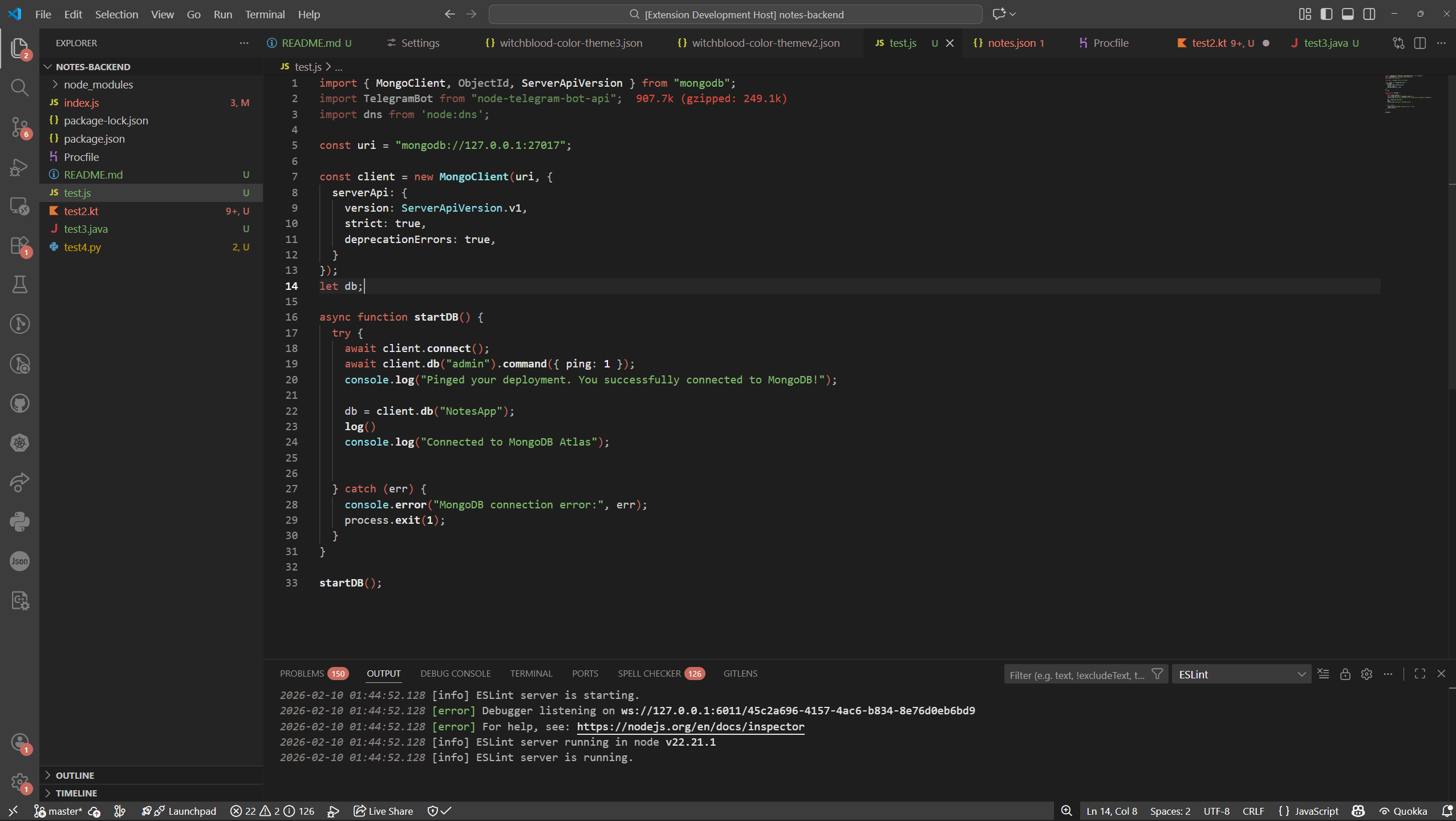
Limited Palette: Built around four primary colors (#C76A5F, #90DEE0, #81BA6F, #E4E4E4) for maximum consistency.
High Minimalism: Decorative UI elements and distracting borders have been removed for a "single-pane" experience.
Vivid Syntax: Purposeful color and style application to make Keywords, Constants, and Strings instantly recognizable.
🌈 The Palette
🔴 Red (#C76A5F): Critical Keywords & Logic
🔵 Cyan (#90DEE0): Constants & Identifiers
🟢 Green (#81BA6F): Strings & Success States
⚪ Light Gray (#E4E4E4): Standard Text & Variables
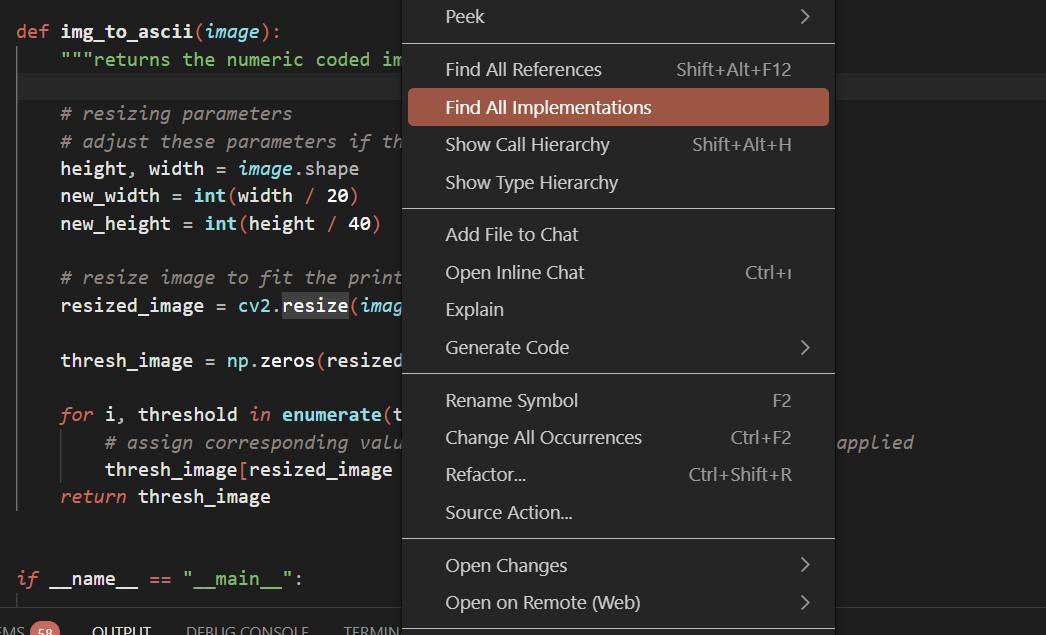
📸 Screenshots
JavaScript / React
Python / Logic
🛠 Extra Settings
You might want to turn off "Bracket Pair Colorization" from your VS Code settings if you want to achieve an even more minimalist look. Yet, it is not recommended for functionality.
To do this, you can also add the following to your settings.json: