Dark Reign ThemesDark Reign themes for VS Code Installation Launch VS Code Quick Open ( Ctrl+P), paste the following command, and press enter.Copied to clipboard |

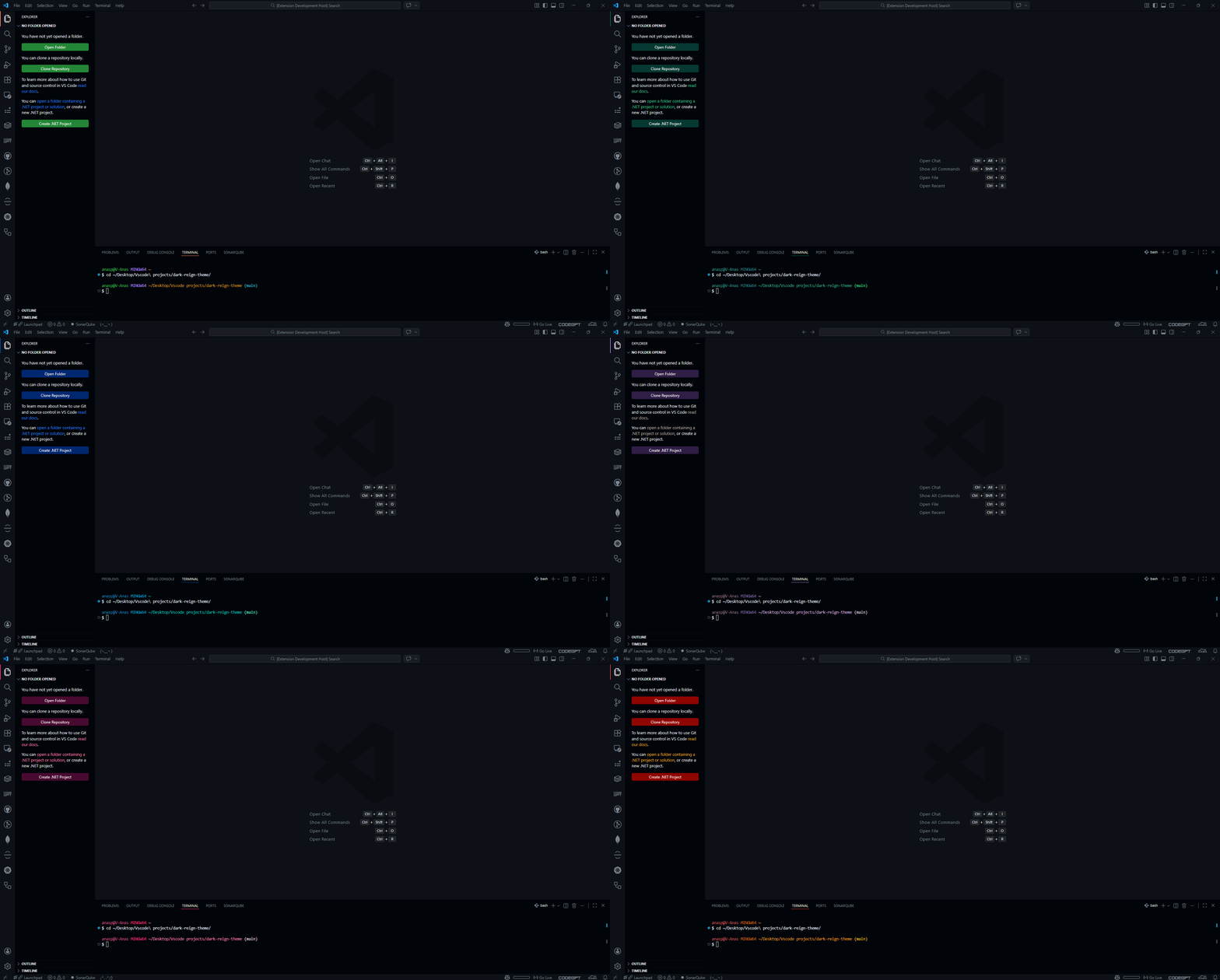
Dark Reign Theme for VS CodeA modern, high-contrast dark theme inspired by GitHub Dark, with personal customizations for a sleek coding experience.
Features
Git Staged Color (Required) ⚠️⚠️By default, both your If you want your staged files to use the original green (and not match the user/hostname color), you can override the color for staged files with this git command: This will make staged files use the default green. InstallationFrom Marketplace
Manual (.vsix)
Customization
ContributingContributions, feedback, and suggestions are welcome! Fork the repo, make your changes, and submit a pull request. enjoy ( ̄▽ ̄)ブ !! LicenseMIT |