SmartCAN ProProfessional CAN bus live monitoring, log inspection, filtering, and export for SmartCAN Pro devices and CANLOG01 capture files. Installation Launch VS Code Quick Open ( Ctrl+P), paste the following command, and press enter.Copied to clipboard |

SmartCAN Pro - CAN Bus Analyzer for VS CodeInstall SmartCAN Pro and start inspecting CAN data in seconds. OverviewSmartCAN Pro brings CAN bus live monitoring, log inspection, filtering, and export into VS Code. It is built for automotive diagnostics, embedded development, robotics, industrial CAN systems, CAN reverse engineering, and high-rate CAN capture workflows. SmartCAN Pro hardware is in active development. The extension can also inspect existing CANLOG01 capture files. What is SmartCAN Pro?SmartCAN Pro is a developer-friendly CAN analysis extension for working with SmartCAN Pro devices and CANLOG01 capture files. It provides a focused live table, transport status, frame counters, byte-change highlighting, file inspection, statistics, and export tools without leaving VS Code. Key Features
Live MonitoringUse The live view keeps the last visible rows on transient connection issues so the table does not blank during reconnects or transport switching. USB vs Wi-FiUSB High-Rate Mode uses the SmartCAN USB CDC protocol and binary SCBF live batches. This is the preferred mode for high-rate CAN monitoring when you want the most responsive live table. Wi-Fi Snapshot Mode uses the device HTTP API for status and live snapshots. It is useful for quick checks, cable-free inspection, and device status review, but it is a reduced snapshot path compared with USB high-rate streaming. Use Without HardwareYou can use the extension without a connected SmartCAN Pro device by opening CANLOG01 capture files. The file viewer supports inspection, filtering, statistics, time-series analysis, signal hunting, and export workflows for existing logs. Use With DeviceRun
Connection logs are available in Python SDKAutomate SmartCAN workflows using Python. The SmartCAN Python SDK provides:
GitHub: https://github.com/ameriuse/smartcan-python-sdk Quick start: Run: Note:
PyPI package is coming soon ( InstallationInstall from VS Code Marketplace: search for "SmartCAN Pro" and click Install. Quickstart
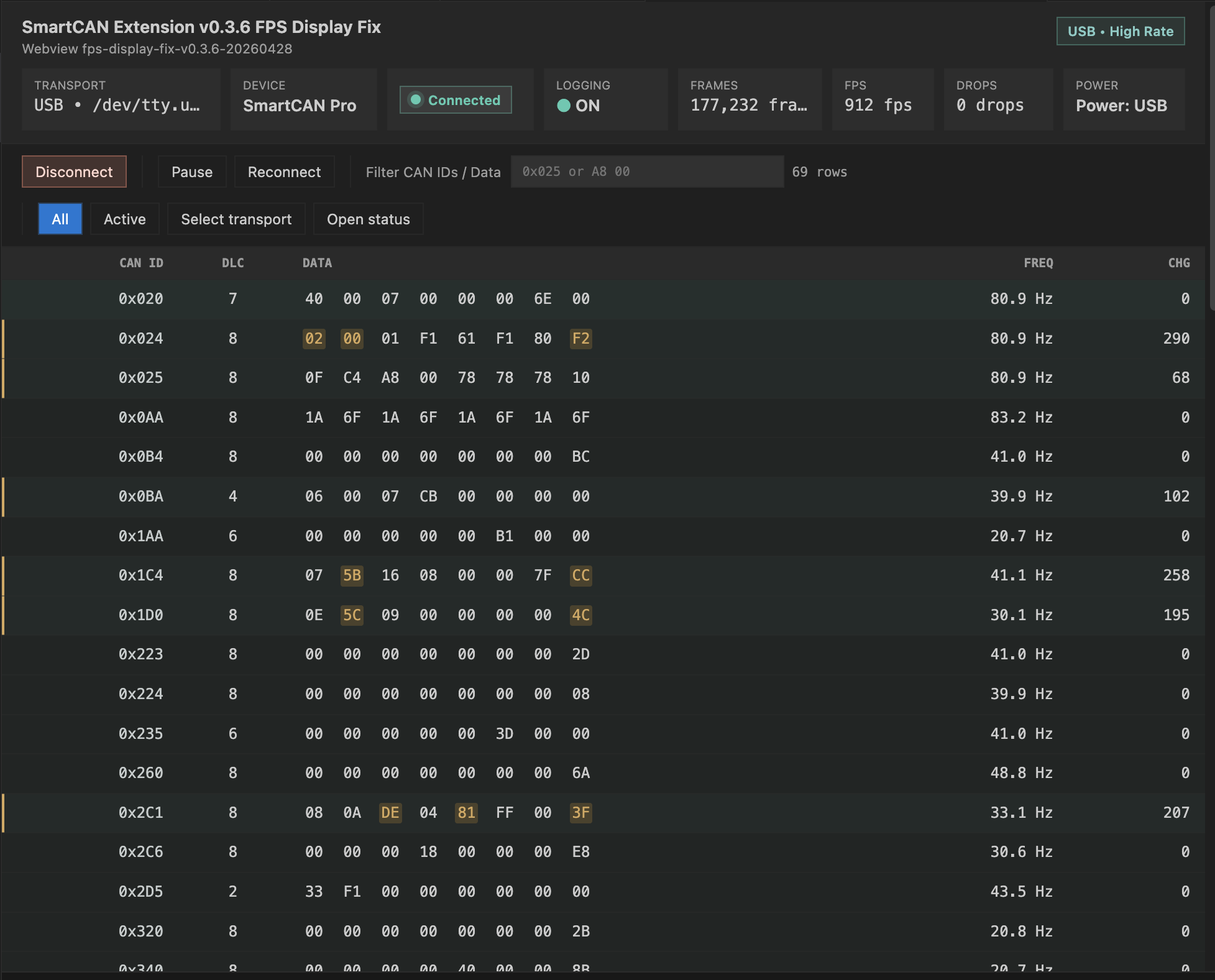
ScreenshotsUSB High-Rate Live Monitoring
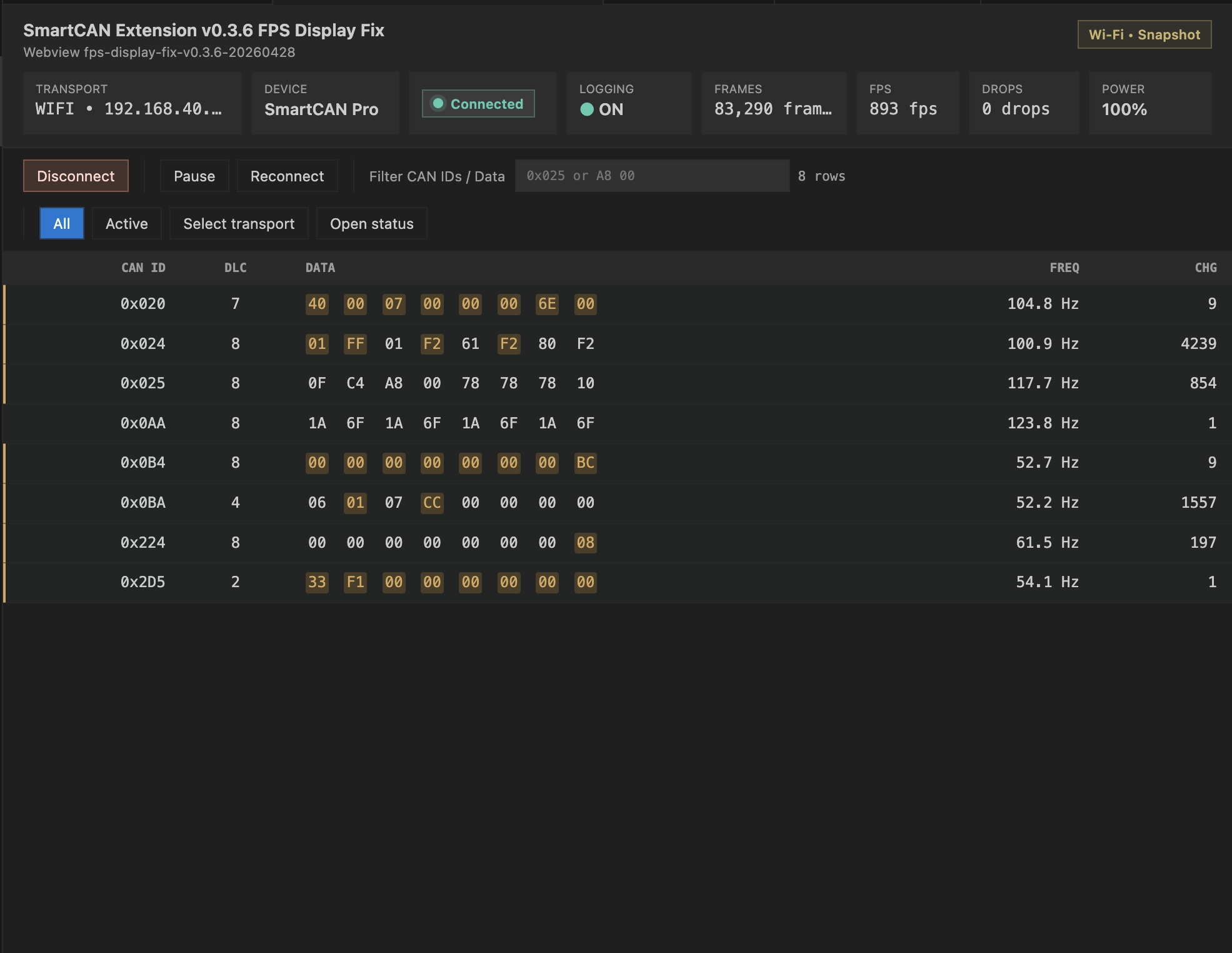
Wi-Fi Snapshot Mode
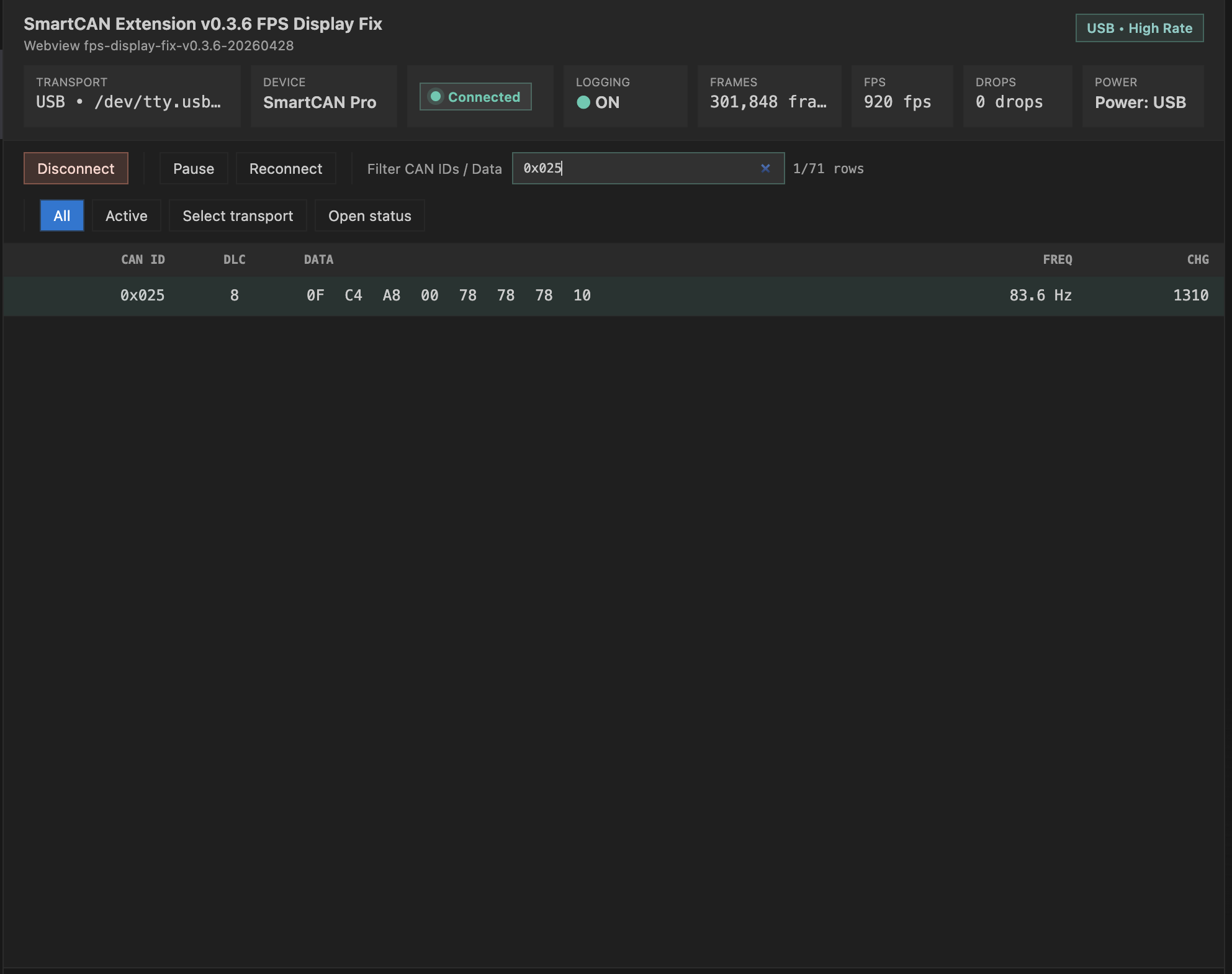
CAN ID Filtering and Byte Highlighting
Troubleshooting
SupportFor support, questions, or hardware interest, contact us via email or visit the website. Email: ameriusebase@gmail.com Website: https://smartcan.ameriuse.com Roadmap
Safety NoticeThis extension is intended for CAN monitoring, log inspection, and analysis. Treat CAN systems as safety-critical. Do not connect to vehicles, robots, industrial equipment, or embedded systems unless you understand the bus, wiring, termination, and operational risks. Current live monitoring workflows are read-only from the extension perspective. LicenseMIT. See LICENSE.txt. |