Skip to content
| Marketplace
Sign in
Visual Studio Code>Programming Languages>Astro CSS Template Literals HighlightNew to Visual Studio Code? Get it now.
Astro CSS Template Literals Highlight

Astro CSS Template Literals Highlight

彩季

|
74 installs
| (0) | Free
Highlights CSS when you use CSS template literals (css``) in Astro.
Installation
Launch VS Code Quick Open (Ctrl+P), paste the following command, and press enter.
Copied to clipboard
More Info

Astro CSS Template Literals Highlight

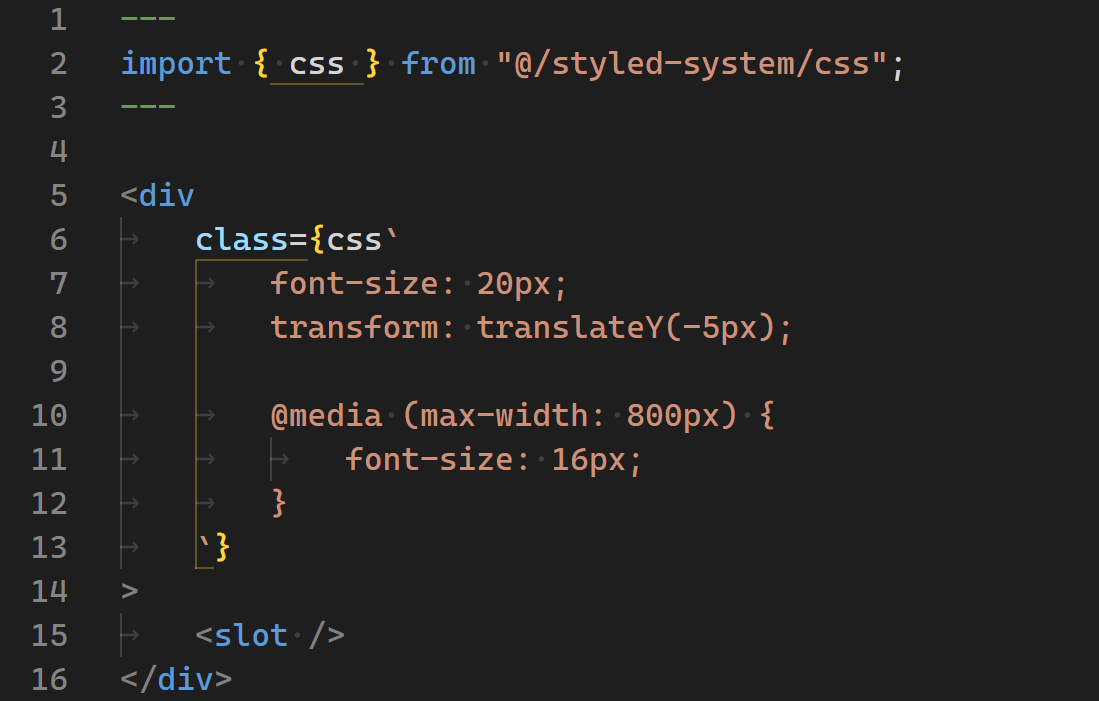
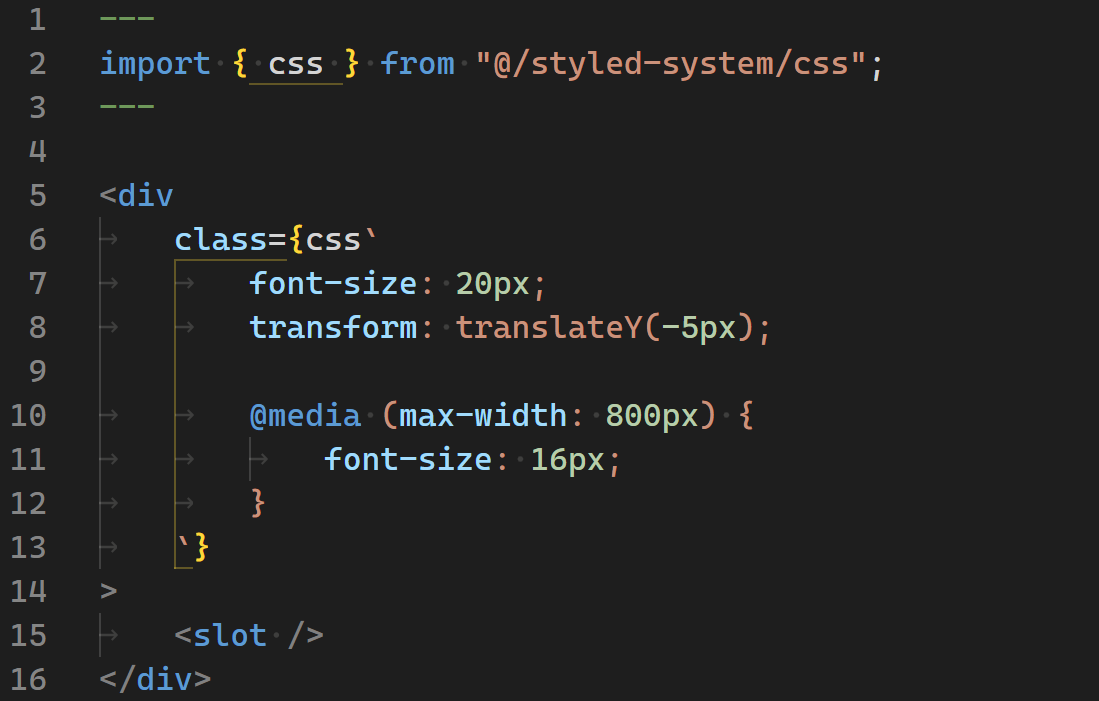
AstroでCSSテンプレートリテラルを使用した際にCSSをハイライトします。例えば、Panda CSSのTemplate Literalsを使用した際にハイライトします。

Highlights CSS when you use CSS template literals in Astro. For example, it highlights Panda CSS Template Literals.

Requirements

この拡張機能は以下の拡張機能が必須です。

This extension requires the following extension.

  • Astro

Features

対象は css` で始まるテンプレートリテラルです。css`` の中身は、ネストを書ける CSS として扱います。

The target is a template literal that starts with css`. The content of css`` is treated as CSS that can be nested.

css`
	color: red;

	&:hover {
		color: blue;
	}

	.example {
		color: green;
	}
`;

Extension Settings

使用しているライブラリを astroCssTemplateLiteralsHighlight.library に設定すると、そのライブラリで使えない書き方を指摘します。初期値は none で、何も指摘しません。

Set the library you are using to astroCssTemplateLiteralsHighlight.library, and the extension points out syntax that the library does not support. The default is none, which points out nothing.

{
	"astroCssTemplateLiteralsHighlight.library": "panda-css"
}

Before

Before hilighting

After

After hilighting

License

この拡張機能は、MITライセンスのもとで公開されています。

Released under the MIT license.

Credits

この拡張機能は、styled-components が公開している vscode-styled-components を一部参考にして作りました。オリジナルのコードは GitHub から入手可能であり、MITライセンスのもとで公開されています。

This extension was made with reference to vscode-styled-components, published by styled-components. The original code is available on GitHub and is published under the MIT License.

  • Contact us
  • Jobs
  • Privacy
  • Manage cookies
  • Terms of use
  • Trademarks
© 2026 Microsoft