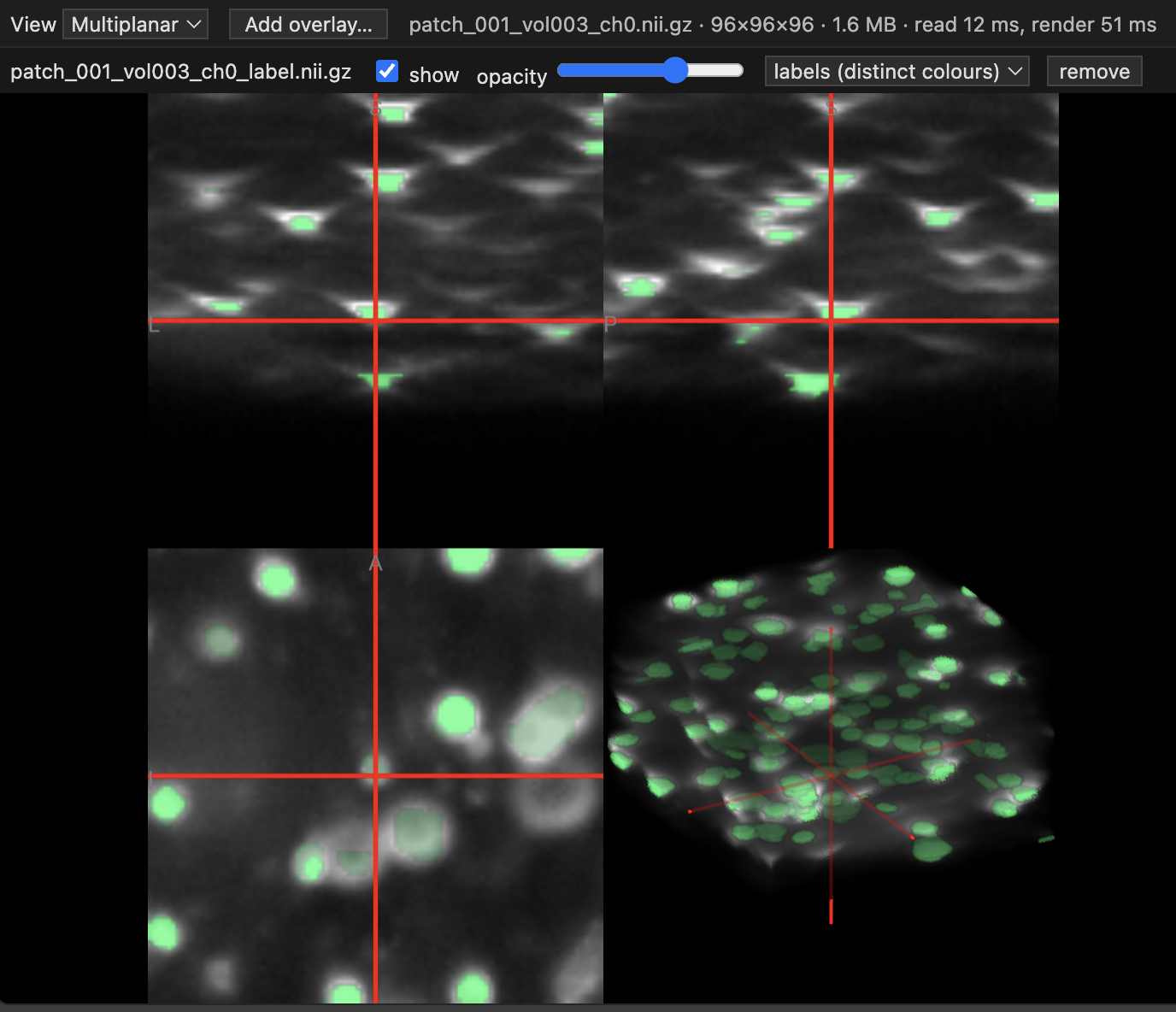
Volume Viewer (remote-safe)View 3D medical image volumes (.nii / .nii.gz) with label overlays in a VS Code tab. Works over Remote-SSH. Installation Launch VS Code Quick Open ( Ctrl+P), paste the following command, and press enter.Copied to clipboard |

Volume Viewer for VS CodeView 3D medical images right inside VS Code: no downloading, no switching apps. Works on your own computer and on remote servers over Remote-SSH.
What you can do
InstallIn VS Code, open the Extensions panel, search for Volume Viewer (remote-safe), and click Install. If you use Remote-SSH, install it while connected so it runs on the server. Use
Tip: to open images with a plain double-click, choose Open With… → Configure default editor… and pick Volume Viewer (remote-safe). Build it yourselfYou need Node.js. Then run: This creates CreditsImages are drawn with NiiVue. See THIRD_PARTY_NOTICES.md for its license and others. License |