Look BusyPretend to look busy while AI writes your code Installation Launch VS Code Quick Open ( Ctrl+P), paste the following command, and press enter.Copied to clipboard |

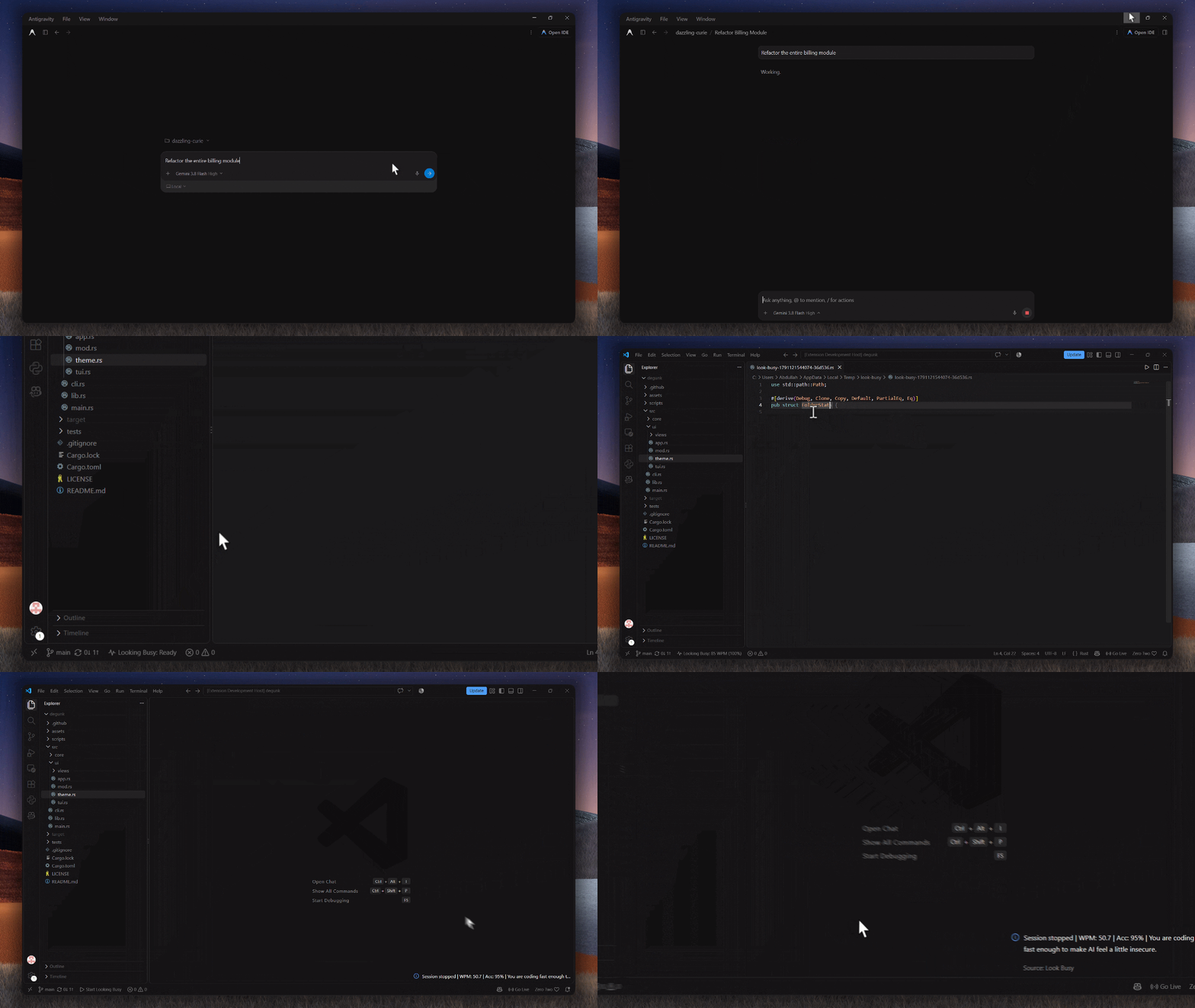
Look BusyTerrified your boss will replace you with an agent if they catch you scrolling reels between prompts? Look Busy launches a Monkeytype-style typing session directly inside your editor using real code from your current project. So you can hand off a task to Claude, Copilot, or Antigravity, trigger Look Busy, and look intensely productive until the prompt finishes.
How it worksWhen an AI prompt takes time to run, spinning in your chair or checking your phone invites questions. Look Busy gives your hands something urgent to do:
Safe by designLook Busy runs inside temporary throwaway files. It never edits your actual project files, never stages uncommitted changes, and never prompts you to save on exit. How to useStart a session:
Exit a session:
Supported languagesLook Busy detects and styles code across more than 30 formats, including TypeScript, JavaScript, Python, Go, Rust, Java, C/C++, C#, Dart, Zig, Lua, Elixir, PHP, Ruby, Swift, Kotlin, SQL, HTML, CSS, and Markdown. If you start a session without an open workspace, the extension falls back to a built-in pack of classic algorithms and data structures. FeedbackFound an issue or want to suggest new exit messages? Open an issue on GitHub. |