Rich Notes with Mermaid DiagramsAttach rich text notes to any node in Explorer. Notes can contain text, Mermaid diagrams, and images. Diagrams can be edited in the note. Installation Launch VS Code Quick Open ( Ctrl+P), paste the following command, and press enter.Copied to clipboard |

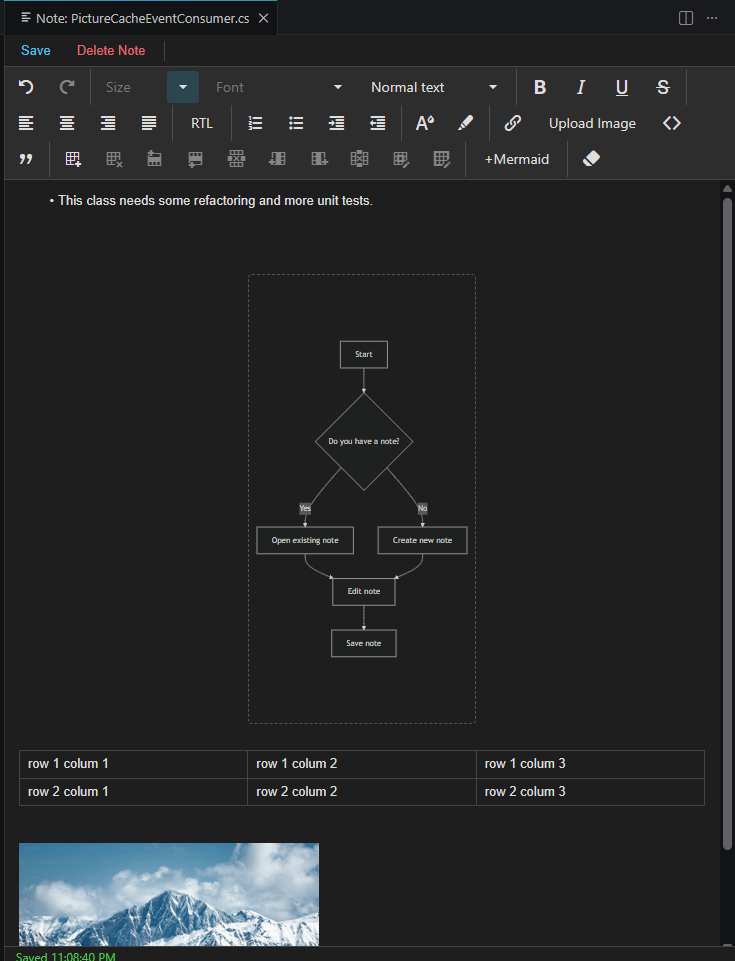
Rich Notes with Mermaid DiagramsRich Notes with Mermaid Diagrams is a note-taking editor for files and folders in the Explorer. It lets you create and edit rich-text notes with support for Mermaid diagrams, images, HTML tables, and right-to-left (RTL) content. How to use
Features
Notes storageAll notes are stored in a folder named Notes Explorer
Note Editor
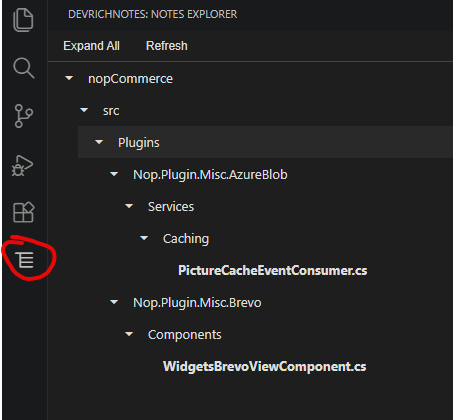
Notes Explorer
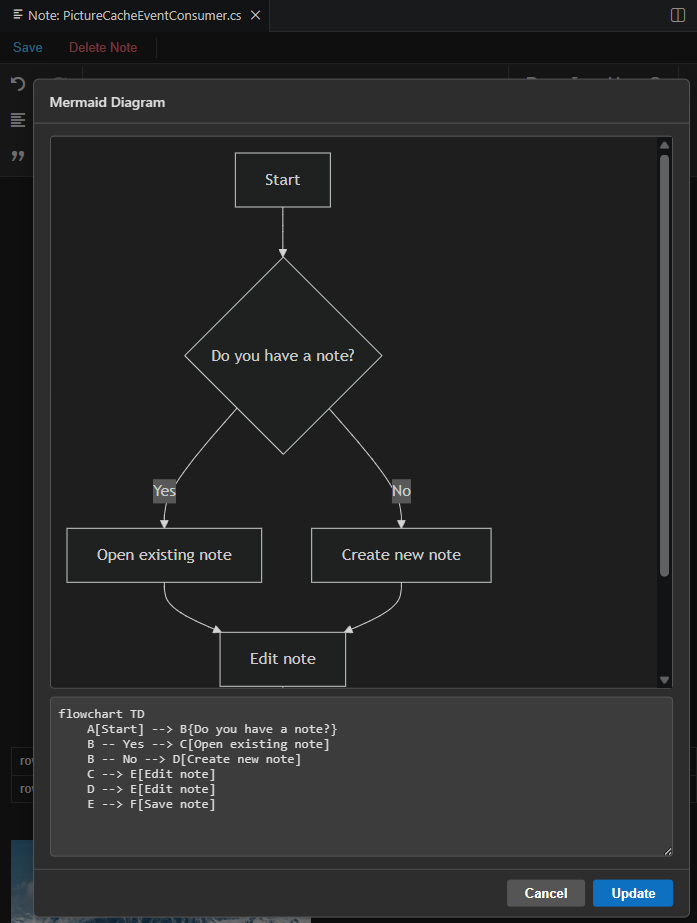
Mermaid Diagram Editor
For support and feedback, contact the author at abukres@gmail.com. |