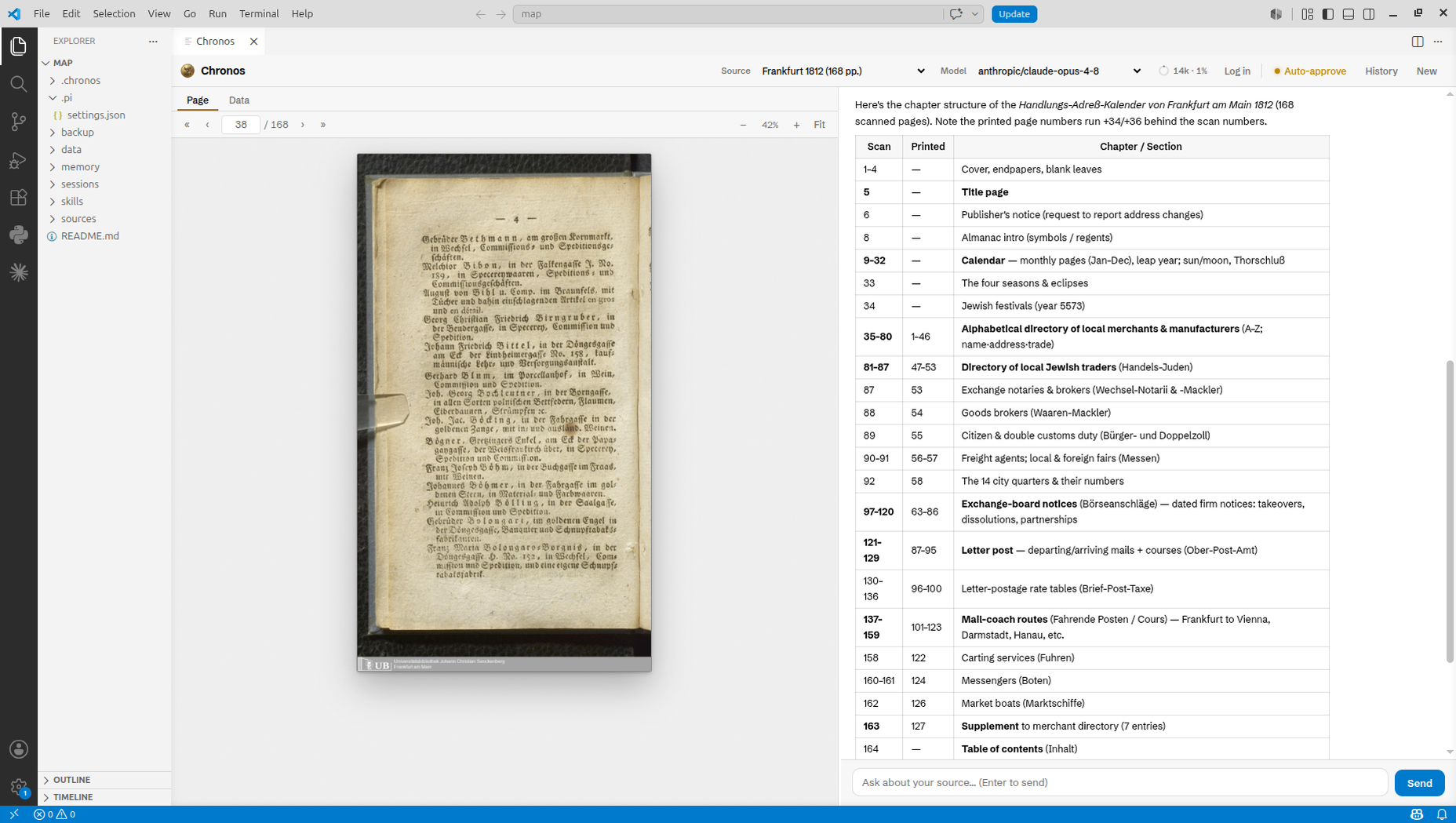
Chronos — The AI HistorianAI-powered assistant that supports historians Installation Launch VS Code Quick Open ( Ctrl+P), paste the following command, and press enter.Copied to clipboard |

Chronos — The AI HistorianAn AI agent that collaborates with historians to extract structured datasets from scanned primary sources, adapt to heterogeneous documents, and accumulate domain knowledge across sessions. Chronos pairs a document-analysis agent with a VS Code page viewer and chat so you can read scanned pages, extract structured data, and build up knowledge about your archival sources.
Prerequisites
InstallationInstall Chronos — The AI Historian from the Extensions view, then run any Chronos command from the Command Palette ( Getting started
DocumentationFull docs, tool reference, and the source live in the repository: https://github.com/ai-historian/chronos
LicenseMIT |