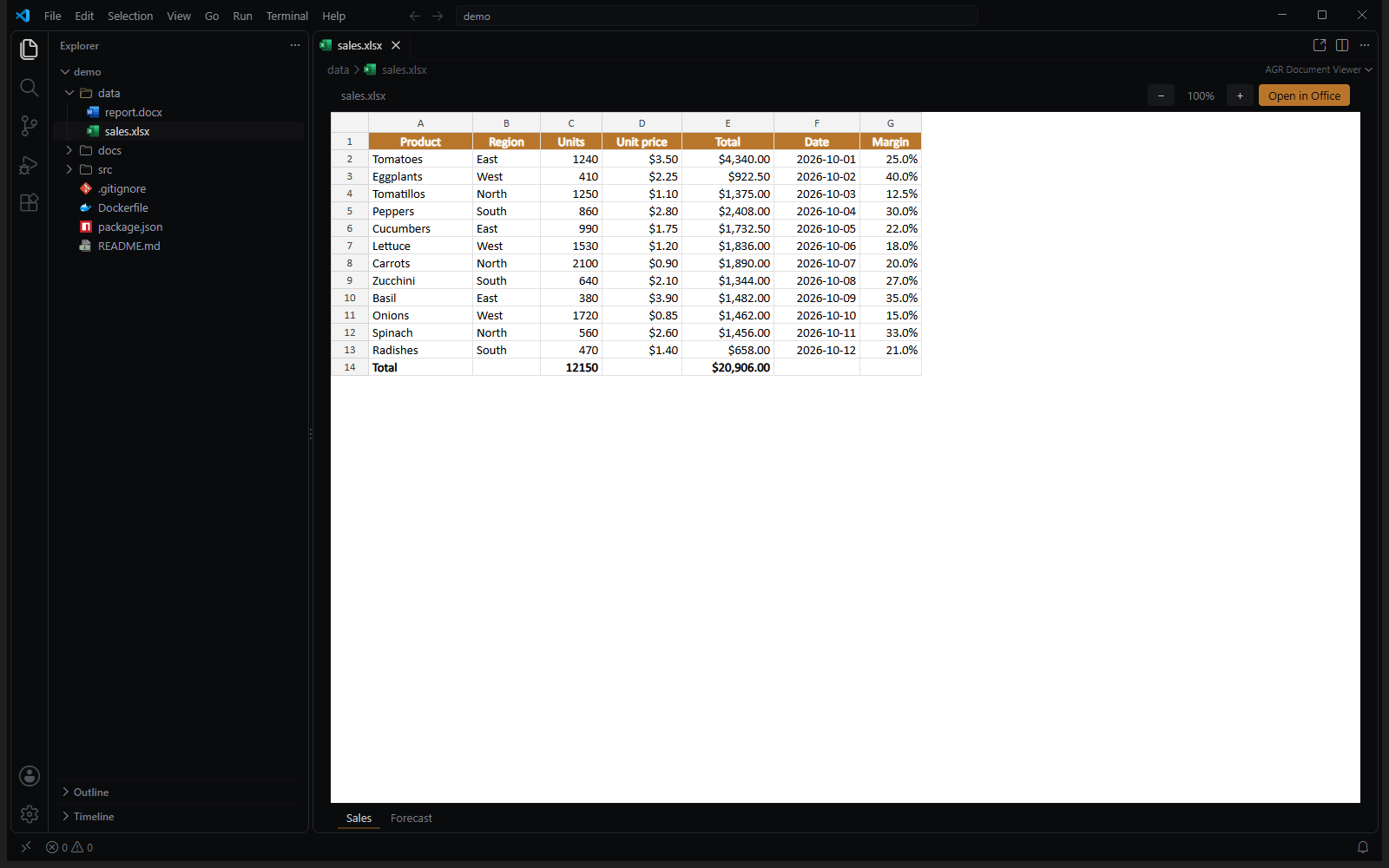
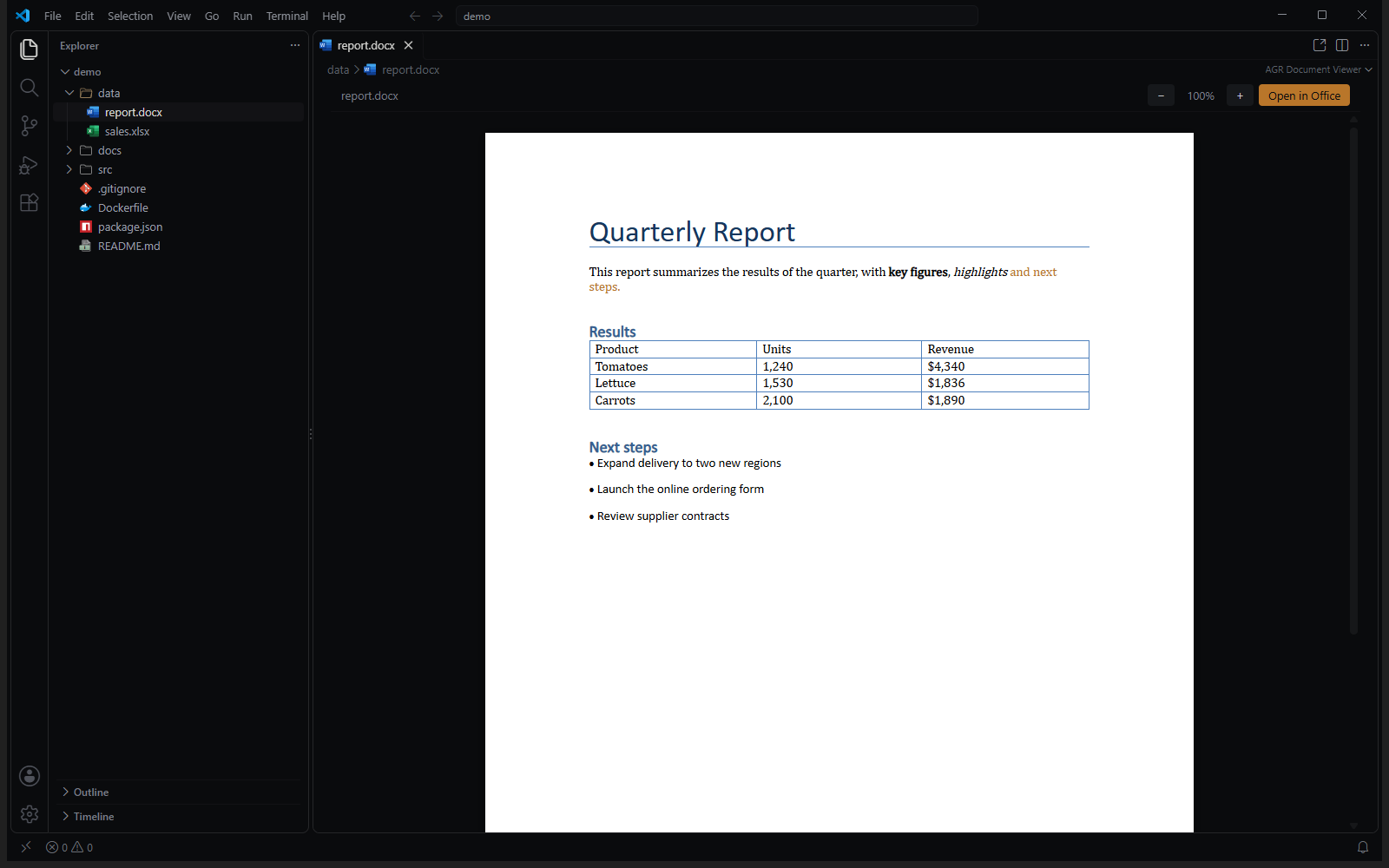
View Word, Excel and PowerPoint documents right inside Visual Studio Code, by AGR Labs.
Features
Single click on a .docx, .xlsx, .xlsm or .pptx file in the Explorer: it opens in a VS Code tab.
Double-click: it opens directly in its default app (Word, Excel, PowerPoint, Pages, Numbers…).
Right-click → Open in Office, or the button at the top of the tab, does the same.
Word: white pages with headings, tables, lists, images and colors.
Excel: the real grid with cell colors, number formats (currency, dates, percentages), merged cells, column widths and sheet tabs. Large sheets load progressively as you scroll.
PowerPoint: slides stacked one under another.
Zoom with − / + or Ctrl+ / − (Ctrl+0 to reset). The view reloads when the file changes on disk.
Read-only: the viewer never modifies your files.
Privacy
Everything runs locally and offline. No document is ever uploaded, and no remote content is loaded. Links inside a document only open after VS Code asks for confirmation.
Known limitations
Word: pages are split only at explicit page breaks, and floating (anchored) images may be misplaced.
PowerPoint: some layouts inherited from the slide master (bullets, vertical alignment), charts and SmartArt can be approximate.
Excel: a formula never calculated by Excel is shown as the formula itself, in grey italics.
Legacy formats (.doc, .xls, .ppt) are not supported; use Open in Office.
Settings
agrOffice.doubleClickOpensOffice (default true): set to false to keep double-clicked files in VS Code.
Credits
Rendering by docx-preview (Apache-2.0), ExcelJS (MIT) and pptx-preview (ISC). See THIRD-PARTY-NOTICES.txt. Microsoft Word, Excel and PowerPoint are trademarks of Microsoft; they are mentioned only to describe the file formats.