DashAI
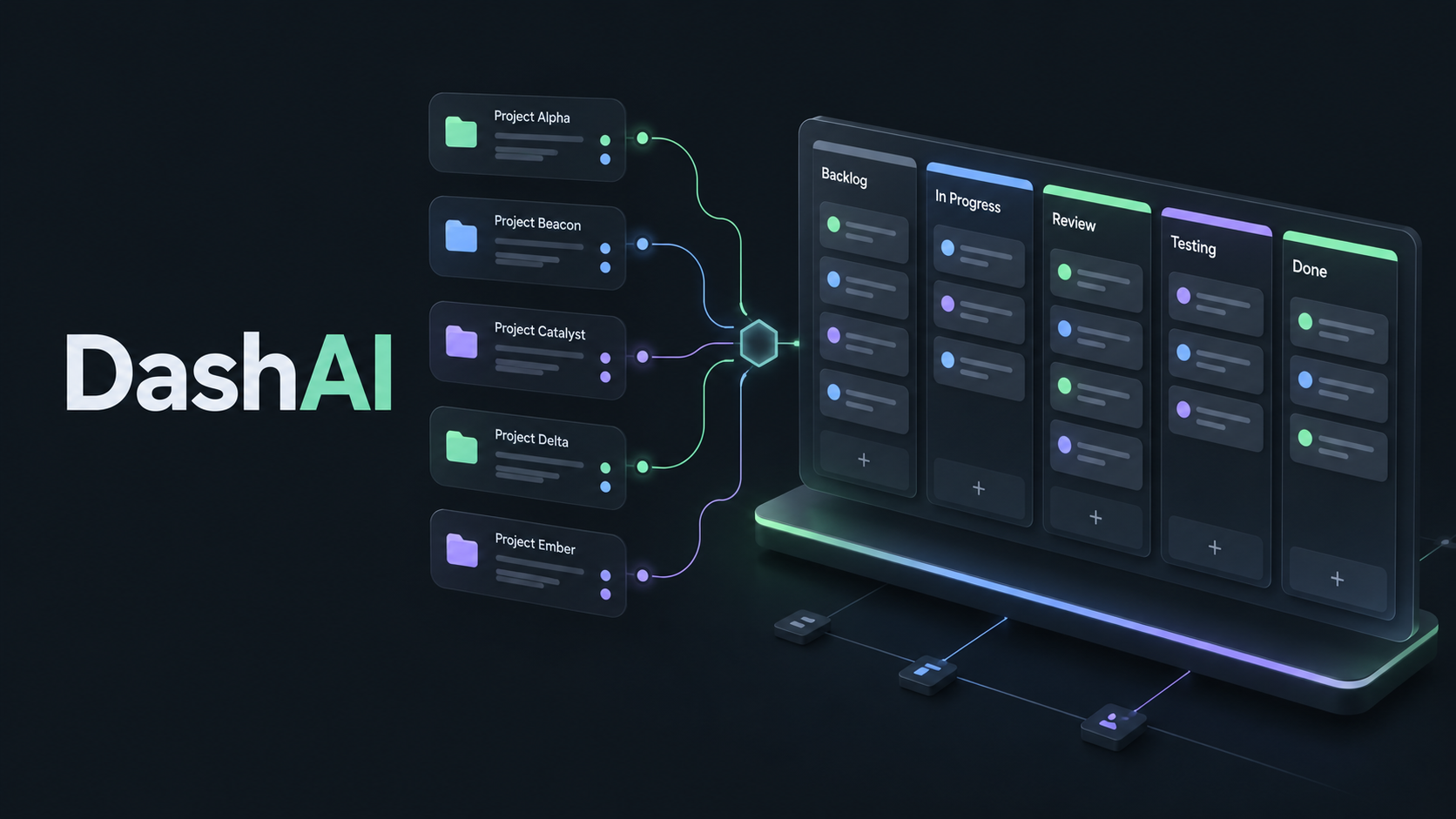
A local Kanban dashboard for collaborating with Codex and Claude Code. Organize projects, subprojects, and tasks, and track changes, decisions, and agent activity directly in VS Code. Windows 10/11 x64 · VS Code 1.95+ · Russian interface. Python, Node.js, and a separate desktop installation are not required. Your projects and history stay on your computer. Open your boardAfter installing, select DashAI in the Activity Bar → Открыть доску, or use the Command Palette → DashAI: Открыть доску. Create a project and optional nested subprojects, such as Website → Payments → Testing. Every task stays on one shared project board, grouped by status. Select the subproject and work type separately when creating or editing a task. Filters include the selected subproject's descendants. Connect Codex and Claude CodeOpen a trusted local project folder and run DashAI: Подключить Codex и Claude Code. This prepares project-scoped MCP configuration while preserving your other settings. Start a new agent session and approve the MCP connection if your client asks. Codex and Claude Code are installed separately; DashAI is an independent project and is not affiliated with OpenAI or Anthropic. Agents share the same local API and store as the dashboard. They can create and claim tasks, explain decisions, log file changes, and attach verification evidence. The history records the author, session, reason, and before/after values. A configuration file alone does not prove that an agent has connected. Local data and updatesPersonal data is stored in After an update, VS Code may ask you to restart extensions. Existing agent sessions keep their version; new sessions use the updated companion without rewriting project configuration. Local Windows folders are supported. Browser VS Code, virtual folders, and automatic agent setup inside SSH, WSL, or Dev Containers are not supported. Setup and connector guide · Source code · Support and issues |