
Skip to content
| Marketplace
Sign in
Visual Studio Code>Other>CyberCAMNew to Visual Studio Code? Get it now.
CyberCAM

CyberCAM

01Studio

|
3 installs
| (1) | Free
CyberCAM development in Visual Studio Code: connect, run scripts, preview frames, manage files, and use the board terminal.
Installation
Launch VS Code Quick Open (Ctrl+P), paste the following command, and press enter.
Copied to clipboard
More Info

CyberCAM for Visual Studio Code

The CyberCAM for Visual Studio Code extension brings CyberCAM development into Visual Studio Code. It connects to the board through the bundled native backend, runs Python scripts, streams camera frames, manages files on the device, and provides an integrated board terminal.
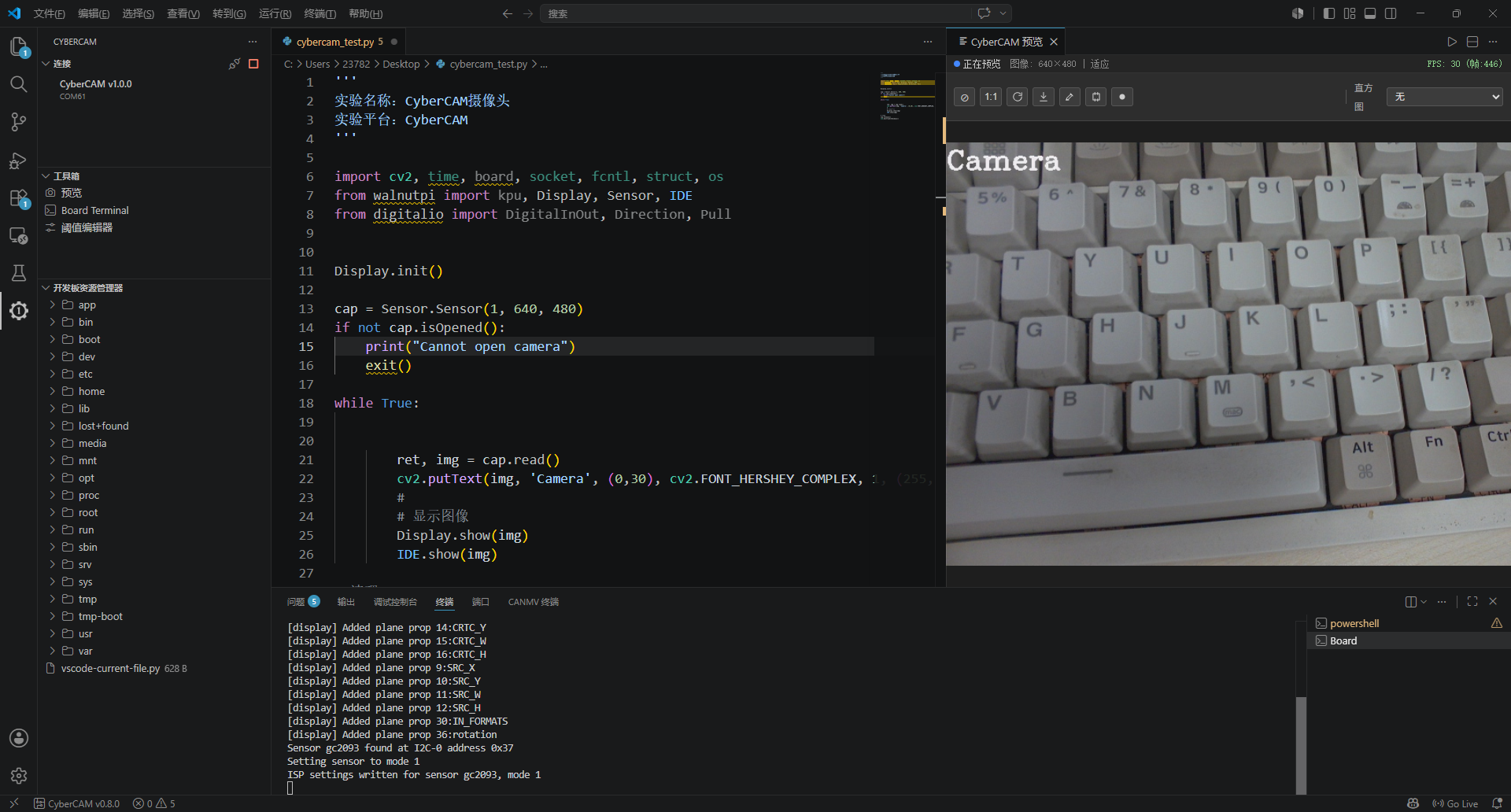
example
  • Contact us
  • Jobs
  • Privacy
  • Manage cookies
  • Terms of use
  • Trademarks
© 2026 Microsoft