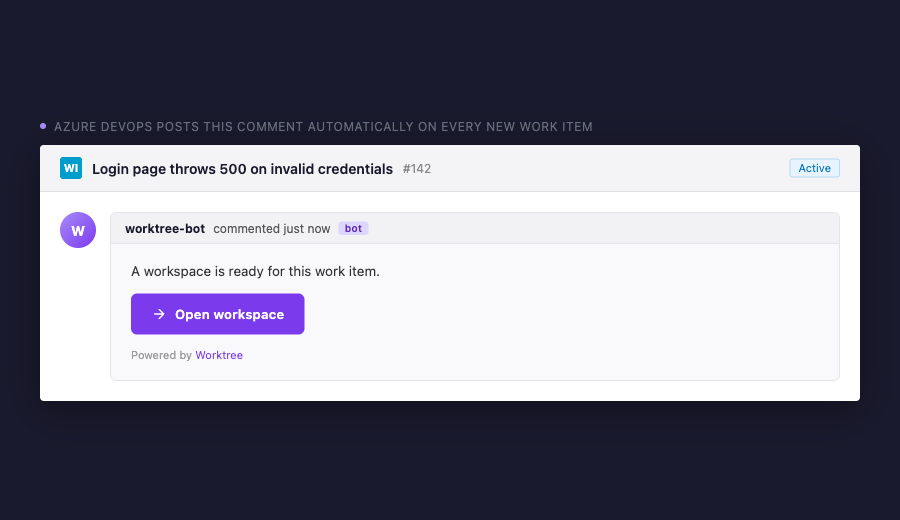
Worktree for Azure DevOpsOpen work items as isolated workspaces — with one click. When a work item is created in Azure DevOps, this pipeline task automatically posts an Open workspace comment. Clicking the link launches Worktree on your machine, which creates an isolated git worktree and opens it in your editor. No extra clone. No context switching. How it works
Setup1. Install WorktreeInstall the Worktree desktop daemon on your machine. It handles the 2. Add the task to a pipeline3. Trigger via service hookIn your Azure DevOps project, go to Project Settings → Service hooks and create a hook that triggers the pipeline when a work item is created. Inputs
Links |