Overview
FogBugz is used to track bugs, feature requests, and customer tickets, while Azure DevOps powers agile planning, testing, and CI/CD workflows. When these systems operate separately, teams face duplicate data, missed updates, and broken traceability across the lifecycle.
OpsHub Integration Manager eliminates these gaps with automated, bidirectional synchronization between FogBugz cases and Azure DevOps work items including attachments, comments, history, and relationships. It ensures real-time updates across both tools without installing additional plugins. With an intuitive drag-and-drop interface, enterprise-grade scalability, and zero data loss, OpsHub enables teams to keep FogBugz and Azure DevOps fully aligned. Work in your preferred tool, maintain complete visibility, and accelerate delivery without disrupting existing workflows.
Learn more about FogBugz–Azure DevOps bidirectional integration using OIM.
Why OpsHub integration manager is the best sync solution for FogBugz and Azure DevOps?
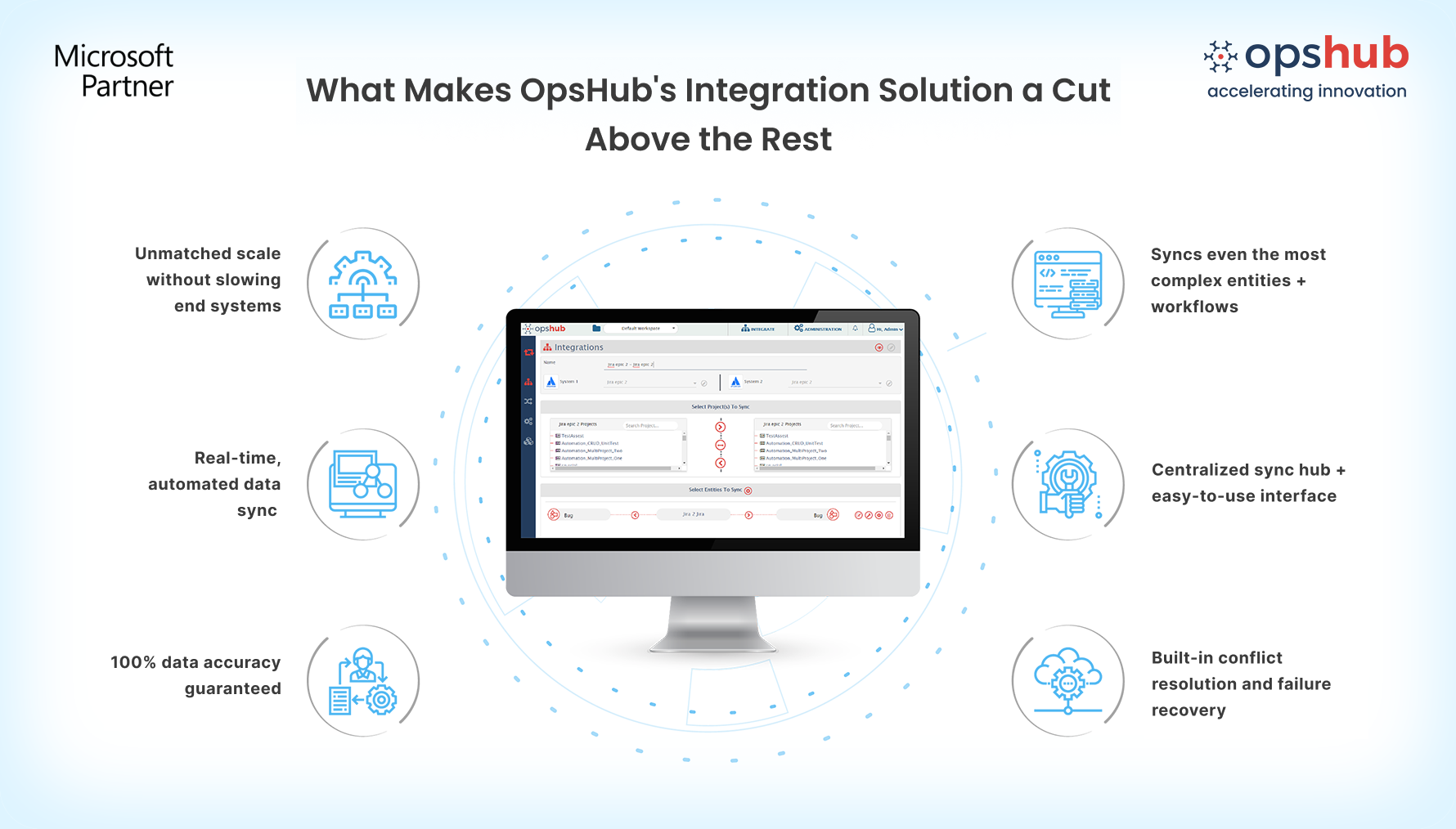
Ensures rich data synchronization including attachments, comments, and history. Unlike solutions that sync only basic fields, OpsHub preserves every important detail. Synchronize FogBugz cases with Azure DevOps work items while retaining comments, attachments, history, relationships, and complete work context across both platforms.
Quick configuration with intuitive GUI Forget complex scripts; set up and adapt FogBugz and Azure DevOps integrations visually with drag-and-drop mapping, reusable configurations, and workflow automation designed for evolving business needs.
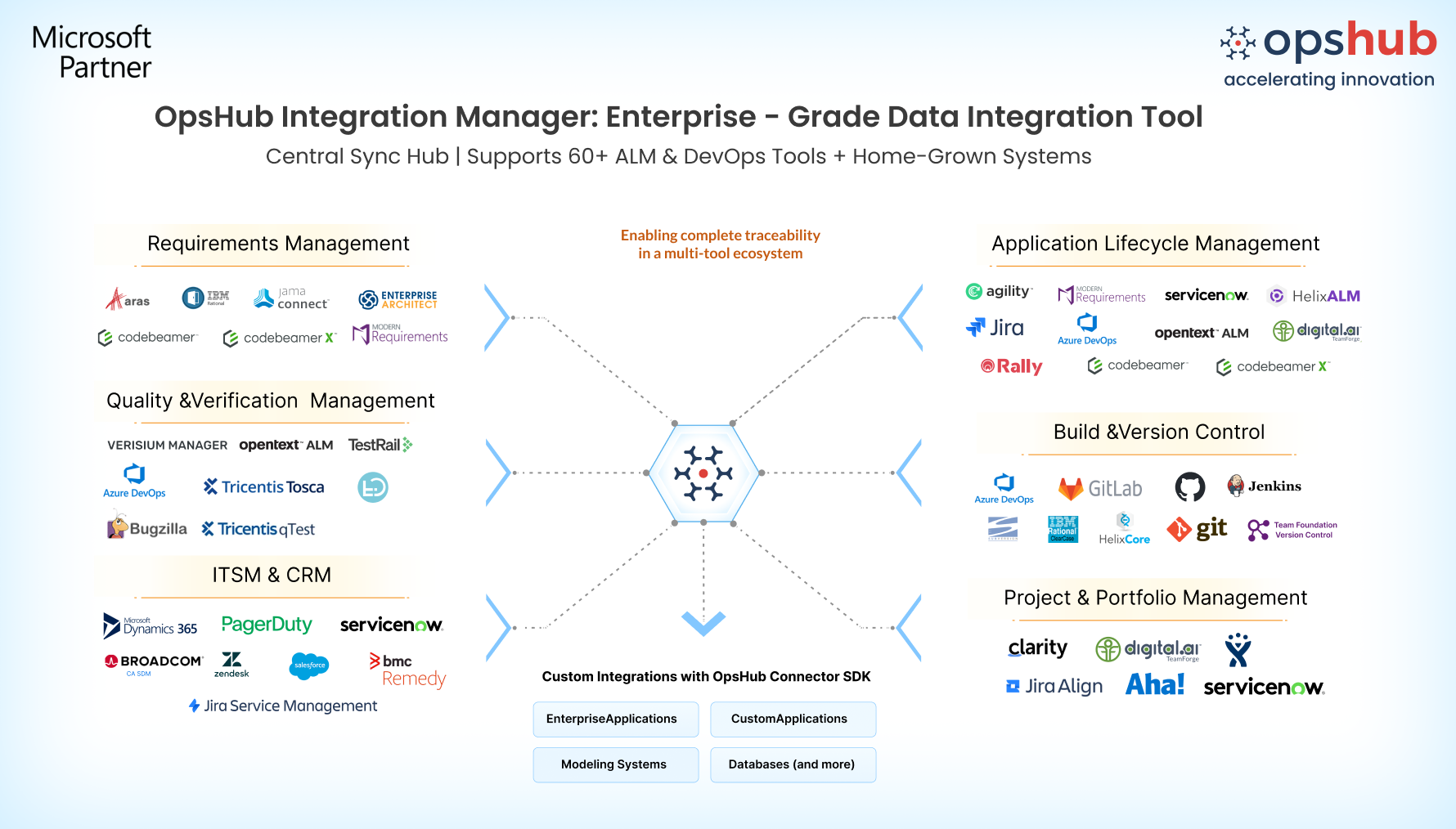
Full Azure DevOps coverage: work items, testing suites, and pipelines OpsHub goes beyond basic entities by syncing work items, testing entities (Test Plan, Test Suite, Test Run, Test Result), iterations, area paths, teams, dashboards, pipelines, and more for complete lifecycle coverage.
Unmatched reliability during any disruption OpsHub guarantees zero data loss even during outages. FogBugz cases and Azure DevOps work items never get lost or duplicated because OpsHub automatically retries failed transactions, reconciles conflicts, and ensures both systems remain consistent even during outages or connection issues.
Seamless scalability for growing teams Whether you are integrating a few FogBugz projects or thousands of Azure DevOps repositories, OpsHub adapts without impacting performance. High-volume, incremental synchronization keeps projects aligned seamlessly as your integration needs to expand.
Secure deployment options tailored to enterprises Deploy on-premises or in a secure cloud environment while maintaining governance, compliance, and centralized control across your IT ecosystem.
Drop us a line for a free demo to watch how OIM facilitates FogBugz and Azure DevOps bidirectional integration.
Use cases
Create and update Azure DevOps bugs when new cases are logged in FogBugz.
Connect FogBugz cases with Azure DevOps test entities to ensure complete validation coverage.
Eliminate manual updates with automated synchronization for real-time accuracy.
Make FogBugz and Azure DevOps operate as one connected system. Try OpsHub for Free.
Frequently asked questions
Q: Which entities are synced between FogBugz and Azure DevOps?
OpsHub synchronizes FogBugz cases (including history, comments, and relationships) with Azure DevOps work items, test entities, pipelines, dashboards, and more.
Q: How complex is the setup?
OpsHub provides a no-code GUI with drag-and-drop mapping, so configuration is simple and fast without plugins or scripts.
Q: What happens during outages?
OpsHub automatically retries updates, handles conflict resolution, and ensures zero data loss.
Avoid integration missteps. Connect with our integration engineer to discuss your use case and architecture requirements.

