Overview
Migrating between TFS on-prem instances requires careful planning to avoid disruptions and data inconsistencies. Whether consolidating environments, upgrading infrastructure, or aligning with new business structures, TFS-to-TFS migrations often involve handling legacy versions, complex data relationships, and large volumes of historical information. OpsHub Migrator for Microsoft Azure DevOps (OM4ADO), co-built with Microsoft in 2013, provides a zero-downtime, high-fidelity, and non-disruptive migration solution for transferring data across Azure DevOps Server environments.
Book a free migration consultation
With OM4ADO, migrate work items, source code, pipelines, test artifacts, and more while preserving relationships, links, and history. It supports custom templates, field mappings, and project configurations, ensuring migrations across TFS environments happen smoothly without requiring an empty target system.
Popular use cases
Enterprises migrate between TFS on-prem instances for a variety of reasons:
Mergers and acquisitions: Organizations consolidate multiple TFS environments into a single system, ensuring a smooth transition of projects, work items, and source code while keeping both systems aligned during the process.
Infrastructure modernization: Upgrade legacy TFS environments or move to newer versions without forcing intermediate upgrades, reducing risk and simplifying the transition
Environment consolidation: Combine multiple TFS instances into a unified setup to simplify governance, reporting, and system management.
Project and team restructuring: Reorganize projects across TFS environments to align with new team structures, product lines, or workflows while maintaining data integrity.
Template and process alignment: Migrate across environments with different process templates and field structures, ensuring consistent mapping and transformation of data.
Split or merge TFS instances: Divide large TFS environments into smaller instances or merge multiple instances into one to improve scalability and manageability..
Book a free demo to see how OM4ADO facilitates a TFS to TFS migration with zero downtime.
Migrate between TFS on-prem instances
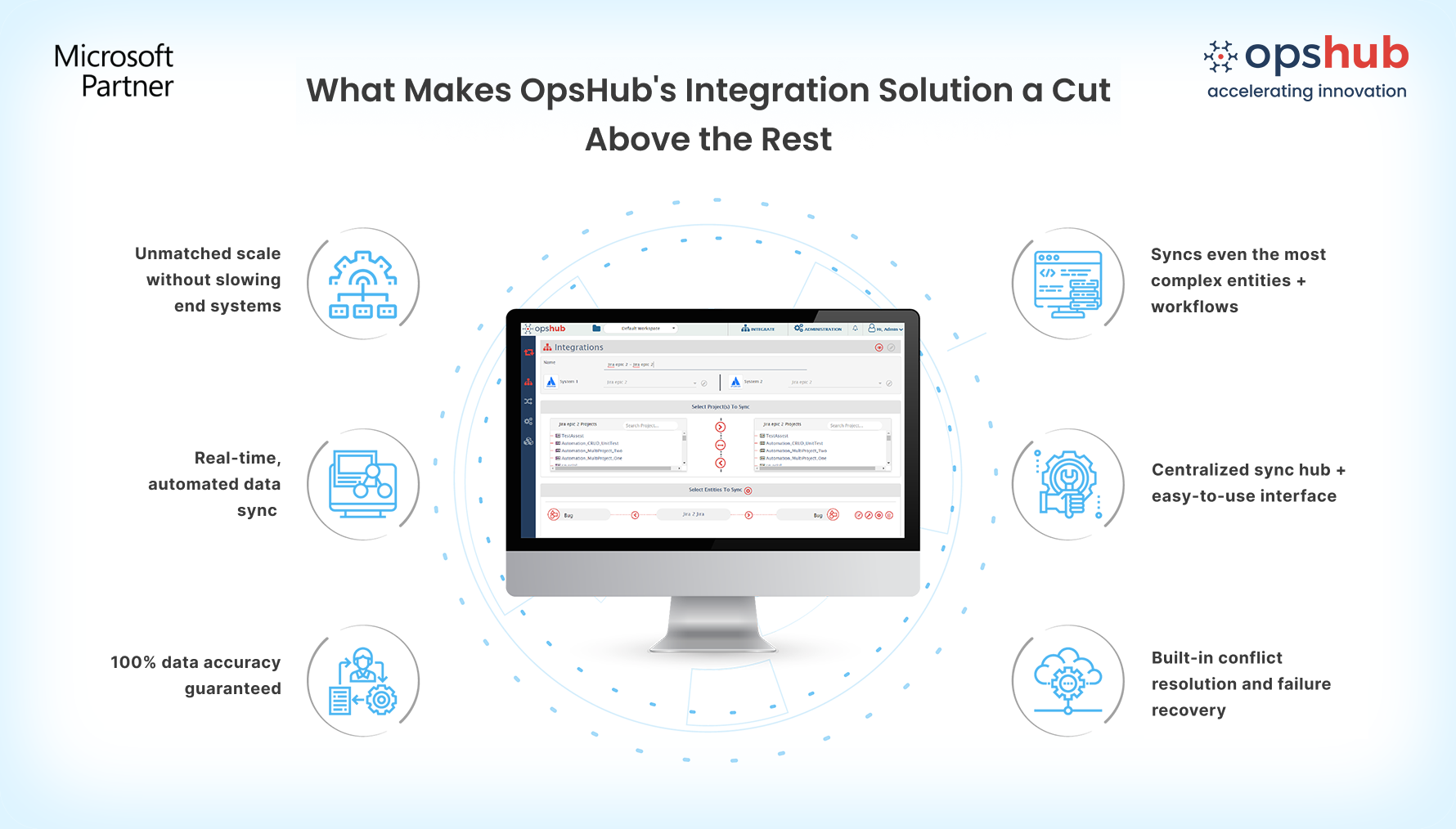
With OM4ADO, enterprises can migrate between TFS on-prem environments reliably. Here’s how it works:
Migrate from legacy TFS versions without forced upgrades: Support for TFS 2010 and above allows direct migration without intermediate upgrades, reducing complexity and effort.
Migrate into active TFS environments: Move data into already in-use TFS systems with full support for custom templates, field mappings, and process configurations. No need to reset or empty the target environment.
No-code migration setup: Configure and manage migrations quickly using a drag-and-drop interface, making it accessible for both technical and non-technical users.
Zero downtime and no disruption: Keep teams productive during migration with continuous synchronization between source and target systems until final cutover.
Transfer complete development context: Migrate work items, source code, TFVC, pipelines, test plans, test runs, attachments, comments, history, dashboards, queries, and more while preserving links and relationships.
Scale confidently without impacting systems: Handle large-scale migrations with parallel processing, reusable configurations, and external execution that keeps TFS performance unaffected.
Transform templates and workflows during migration: Restructure, merge, split, or transform projects and workflows to align with evolving DevOps practices instead of performing a basic lift-and-shift
Guaranteed migration success: Every work item and update reaches the target system through out of box mechanisms that handle downtime or unnecessary interruptions.
Migrate at your own pace: Use incremental migration to transition in phases while maintaining continuous access to the source system.
Maintain compliance and control: Reverse synchronization ensures that updates flow back to the source TFS, keeping reports, audits, and compliance checks accurate until migration is complete.
Protect data at every step: Enterprise-grade security with encryption and role-based access controls ensures all project data remains secure throughout the migration.
Case Study of CSI Leasing Transforms DevOps Leveraging OpsHub
Conclusion
Get traceability that doesn’t break under pressure.
Need help getting started? Connect with an OpsHub Engineer to discuss your setup.
| |

