Overview
The shift from TFS or Azure DevOps Server to Azure DevOps Cloud is more than migration-it’s modernization. But without careful planning, large-scale data transfers, workflow mismatches, and unplanned downtime can derail even the most agile teams.
OpsHub Migrator for Microsoft Azure DevOps (OM4ADO) co-built with Microsoft, simplifies the TFS to ADO migration journey with scalable, high-fidelity, non-disruptive, and zero-downtime move. With OM4ADO, migrate to Azure DevOps environments already in use, supporting custom templates and field mappings without requiring an empty target. It supports older TFS/Azure DevOps Server versions (from 2010). Migrate directly from legacy TFS to Azure DevOps without intermediate upgrades, minimizing risk and disruption while unlocking the full potential of Azure DevOps Cloud.
Book a free migration consultation.
Popular Use Cases
Enterprises consider moving from Azure DevOps Server (TFS) to Azure DevOps (ADO) for various reasons:
Mergers & acquisitions: Organizations often migrate from TFS to Azure DevOps during mergers and acquisitions to consolidate tools, streamline workflows, and implement modern DevOps practices.
Centralized development: Consolidate scattered TFS instances into a unified Azure DevOps Services environment for improved cross-team collaboration.
Cloud-first strategy: Eliminate on-premises hardware dependencies and leverage modern CI/CD pipelines.
Enhanced scalability: Overcome TFS performance bottlenecks with Microsoft’s global cloud infrastructure. Modernized Workflows: Adopt Agile/Scrum practices, advanced DevOps analytics, and cloud-native tools.
Cross-platform integration: Seamlessly integrate with tools like GitHub, Jira, Jenkins, and ServiceNow.
Regulatory compliance: Ensure secure pipelines and data encryption to meet industry compliance standards.
Low maintenance costs: Reduction in maintenance cost and elimination of capital costs associated with servers.
Learn more about how OpsHub helped Canvas Credit Union, a leading financial cooperative with TFS (Server) to Azure DevOps(Cloud) migration
Migrate from TFS to Azure DevOps with OpsHub
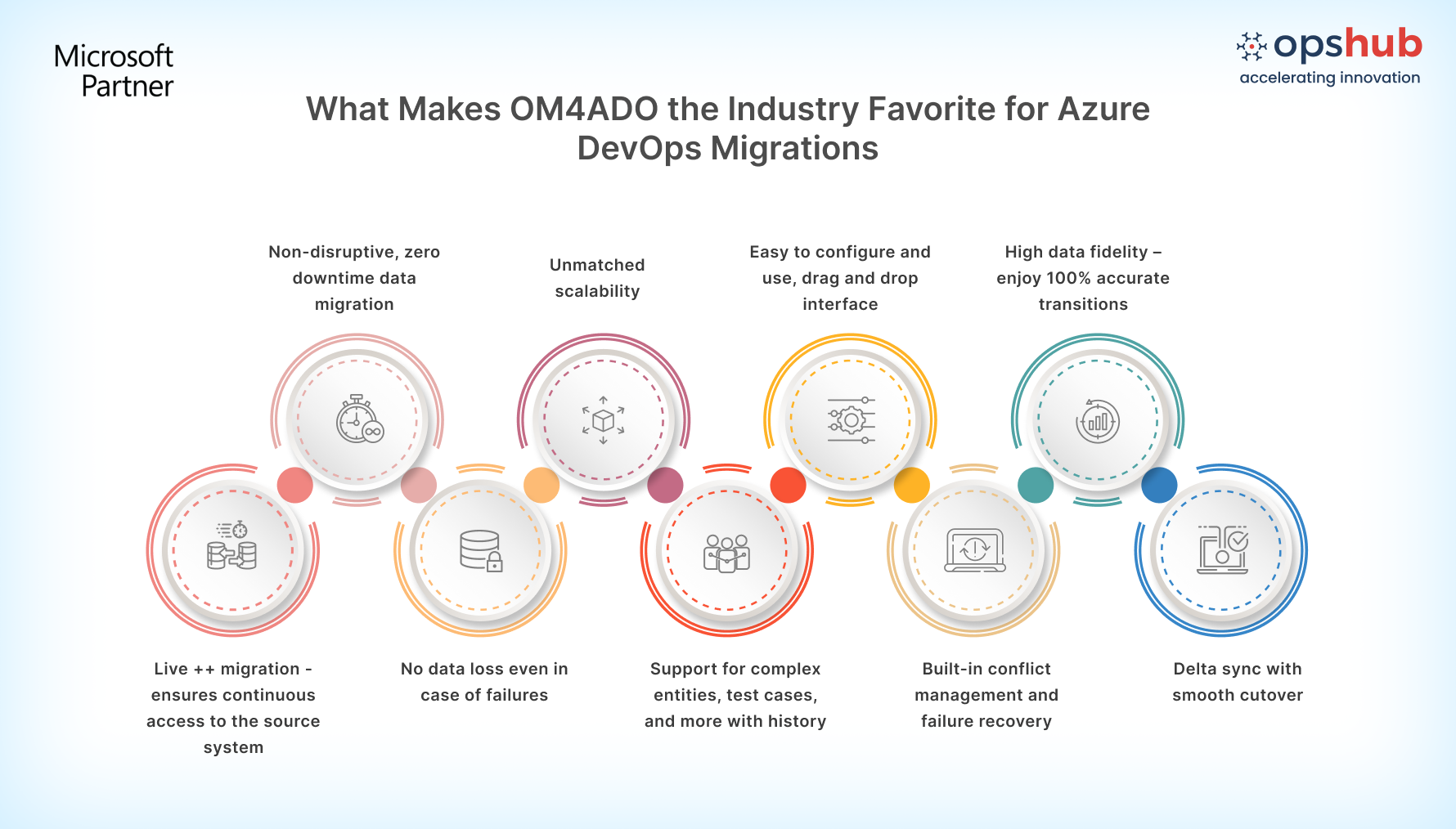
OM4ADO enables modern enterprises to de-risk their migration challenges and helps in comprehensive transfer of data with full context from TFS to Azure DevOps.
Works across older versions (support for TFS 2010 and above): No need for version upgrades just to migrate. Skip intermediate upgrades and migrate directly from legacy TFS to Azure DevOps with minimal risk.
Migrate to active Azure DevOps environments: Seamlessly migrate into ADO instances already in use, with full support for custom templates, process configurations, and field mappings—no empty target required.
Configure in minutes, not months: Configure and manage migrations with a drag-and-drop GUI, suitable for both technical and non-technical users. .
Modernization without downtime: Migrate while teams stay productive. OM4ADO keeps both systems in sync until final cutover, ensuring business continuity. No system interruptions either.
Migrate images, mentions, files and more: Transfer embedded images, TFVC, test results, test entities, test plans, test runs, pipelines, dashboards, queries, widgets, source code, pipelines, history, comments, attachments and more while preserving links and relationships. Get a detailed analysis of work items, change sets, template gaps, and user mismatches to accurately estimate your migration timeline.
New templates & workflows: Transform, merge, split or restructure projects and workflows to fit modern DevOps models with OM4ADO’s intelligent transformation capabilities instead of a basic lift-and-shift.
Scale without compromise: Migrate thousands of projects in parallel with load balancing and reusable configurations.OM4ADO runs outside the end systems, ensuring stability and high performance.
100% migration guarantee: OM4ADO provides a 100% guarantee that every work item and update reaches Ado as expected. It includes mechanisms to handle downtime, failures, and conflicts, ensuring reliable migration.
Move at your own pace: Incremental migration allows teams to migrate in phases with continuous TFS access-no cold downtime.
Stay compliant and in control: OM4ADO’s reverse sync not only sends updates to ADO but also syncs changes back to TFS. This way, reports, audits, and compliance checks in the source stay alive and accurate until the migration is fully complete.
Protect data at every step: Enterprise-grade security safeguards all code and project data with encryption and role-based access controls.
Book a free migration demo slot.
Connect with our Migration Engineer to discuss your TFS to Azure DevOps migration use case.
Frequently asked questions(FAQs)
Q1. What are the main steps involved in migrating from Team Foundation Server to Azure DevOps?
Connect environments securely to link TFS and Azure DevOps.
Define migration scope to select projects, repositories, and data to be migrated.
Map users and templates to align identities, permissions, and configurations.
Execute migration with incremental synchronization.
Validate cutover to verify data and transition teams to Azure DevOps.
Q2. What types of data can be migrated from TFS to Azure DevOps?
A migration from Team Foundation Server to Azure DevOps can move many development artifacts, including:
Work item management: user stories, bugs, tasks, backlog items, custom work items, attachments, comments, and revision history
Version control: TFVC repositories, labels, branches, changesets, and links between work items and source code
Project configuration: area paths, iteration paths, queries, dashboards, widgets, and project-level configurations
Users and permissions: users, groups, role assignments, and access permissions across environments
CI/CD pipelines: build pipelines, release pipelines, and pipeline configurations with dependencies
Test management: test plans, test suites, test cases, test runs, test results, and related testing artifacts
Q3. Can I migrate from older TFS versions directly to Azure DevOps without upgrading?
Yes. OpsHub Migrator for Microsoft Azure DevOps (OM4ADO) supports direct migration from TFS 2010 and later versions to Azure DevOps without requiring intermediate upgrades.
This removes the need for complex and time-consuming upgrade paths and allows organizations to move from legacy TFS environments to Azure DevOps faster.
Q4. What challenges can make a TFS to Azure DevOps migration difficult?
Migrating from Team Foundation Server to Azure DevOps can become difficult because:
Large volumes of projects and work items can slow migration and increase complexity.
Broken links between work items, code, and tests can cause loss of traceability.
Custom workflows and templates may not match between systems.
Pipelines, dashboards, and queries may not be transferred correctly.
User and permission mappings can create access issues after migration.
Q5. Why are organizations moving from TFS to Azure DevOps?
Many organizations are moving from Team Foundation Server to Azure DevOps because older TFS systems are harder and more expensive to maintain.
Key reasons include:
Teams need cloud tools to collaborate from different locations.
Older TFS systems are reaching end of support.
Upgrading legacy TFS versions is complex and costly.
Organizations want to remove on-premises servers.
Azure DevOps provides better security and CI/CD tools.
| |

