Overview
IT service teams often manage incidents and changes in the SolarWinds Service Desk, while engineering teams plan and execute work in Azure DevOps (TFS and Cloud). When these systems are disconnected, teams rely on manual updates, duplicated tickets, and informal handoffs-leading to delays, lost context, and reduced accountability.
OpsHub Integration Manager (OIM) provides a bidirectional integration between SolarWinds Service Desk and Azure DevOps, while preserving rich data such as comments, attachments, links, and custom fields. Each team continues working in its native tool, with updates flowing automatically and consistently across systems in near real-time.
Learn more about SolarWinds – Azure DevOps integration using OIM
Why Integrate SolarWinds Service Desk and Azure DevOps with OIM?
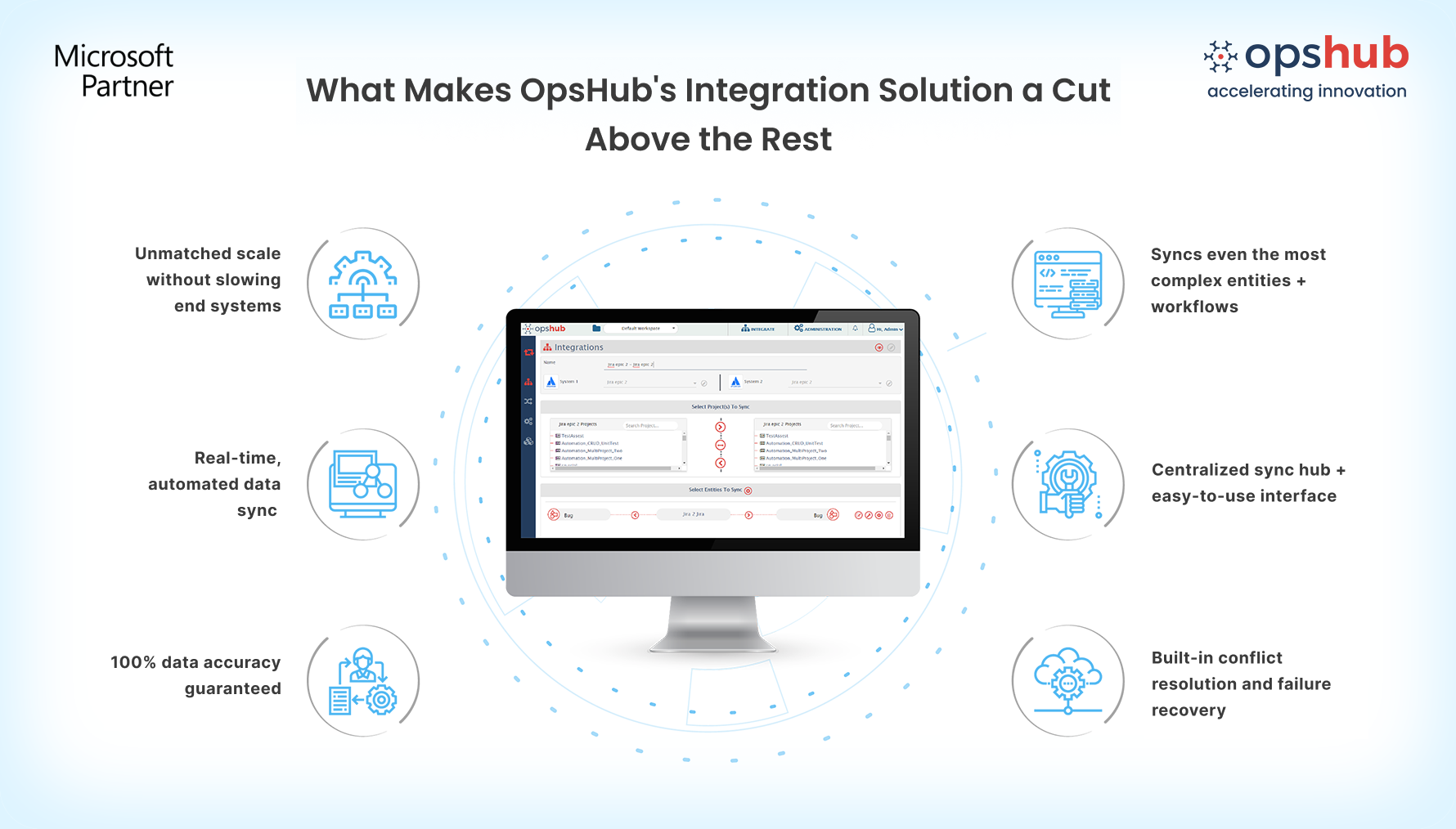
True bidirectional integration: Changes made in either system is reflected in the other using native SolarWinds and Azure DevOps APIs, ensuring consistent, real-time updates without trigger-based automation or polling delays.
Rich, context-preserving data sync: Synchronize SolarWinds with Azure DevOps work items while preserving comments (public and private), attachments, links, system fields, custom fields, and work log or time-tracking data.
No-code integration setup: Configure field mappings, rules, and sync behavior through a no-code user-friendly GUI. OIM runs outside end systems, avoiding performance impact on SolarWinds or Azure DevOps even at scale.
Enterprise-grade reliability: Built-in conflict handling, intelligent retries, and reconciliation ensure accurate sync without duplicate records. Built on a fault-tolerant architecture and an eventual consistency model, OIM ensures that every entity and update is reliably delivered to the target system.
Dynamic user mapping: Map users across systems using configurable rules or excel sheet, making it easy to handle username changes and large user bases.
Book a free demo slot to watch how OIM facilitates SolarWinds and Azure DevOps bidirectional integration.
Popular Use Cases
OIM has helped the world’s largest companies make the most of their SolarWinds-ADO integration:
Incident escalation from ITSM to engineering: Automatically link SolarWinds incidents to Azure DevOps for work items when engineering action is required. Teams work in their native tools while progress stays synchronized across systems.
Change implementation tracking across systems: Track how approved SolarWinds changes are implemented through Azure DevOps work items. Development progress and completion status are reflected for clear change of ownership.
Audit and compliance traceability: Maintain an audit-ready trail between SolarWinds and Azure DevOps. All updates, comments, and attachments remain traceable across systems to support compliance reviews.
Make your SolarWinds and ADO systems work as one. No rework. No delays. Just clean, reliable integration. Try OpsHub for free.
Integrate SolarWinds and Azure DevOps in 5 Easy Steps
OpsHub Integration Manager (OIM) offers an easy-to-use GUI and an intuitive user experience, enabling users to configure the Azure DevOps (VSTS/TFS) and ServiceNow unidirectional or bidirectional integration with ease.
Configure ADO and SolarWinds systems.
Select project(s) to be integrated.
Select entity(s) to be integrated.
Select sync direction and sync filter.
Click and map fields to be integrated.
Don't guess your way through integration. Connect with your integration engineer to discuss your use case.

