Overview
Managing requirements, defects, and test artifacts across systems is a challenge. With Polarion ALM for product engineering and Azure DevOps (Server & Cloud) for software development, teams often face misalignment, manual errors, and delays in moving data between tools.
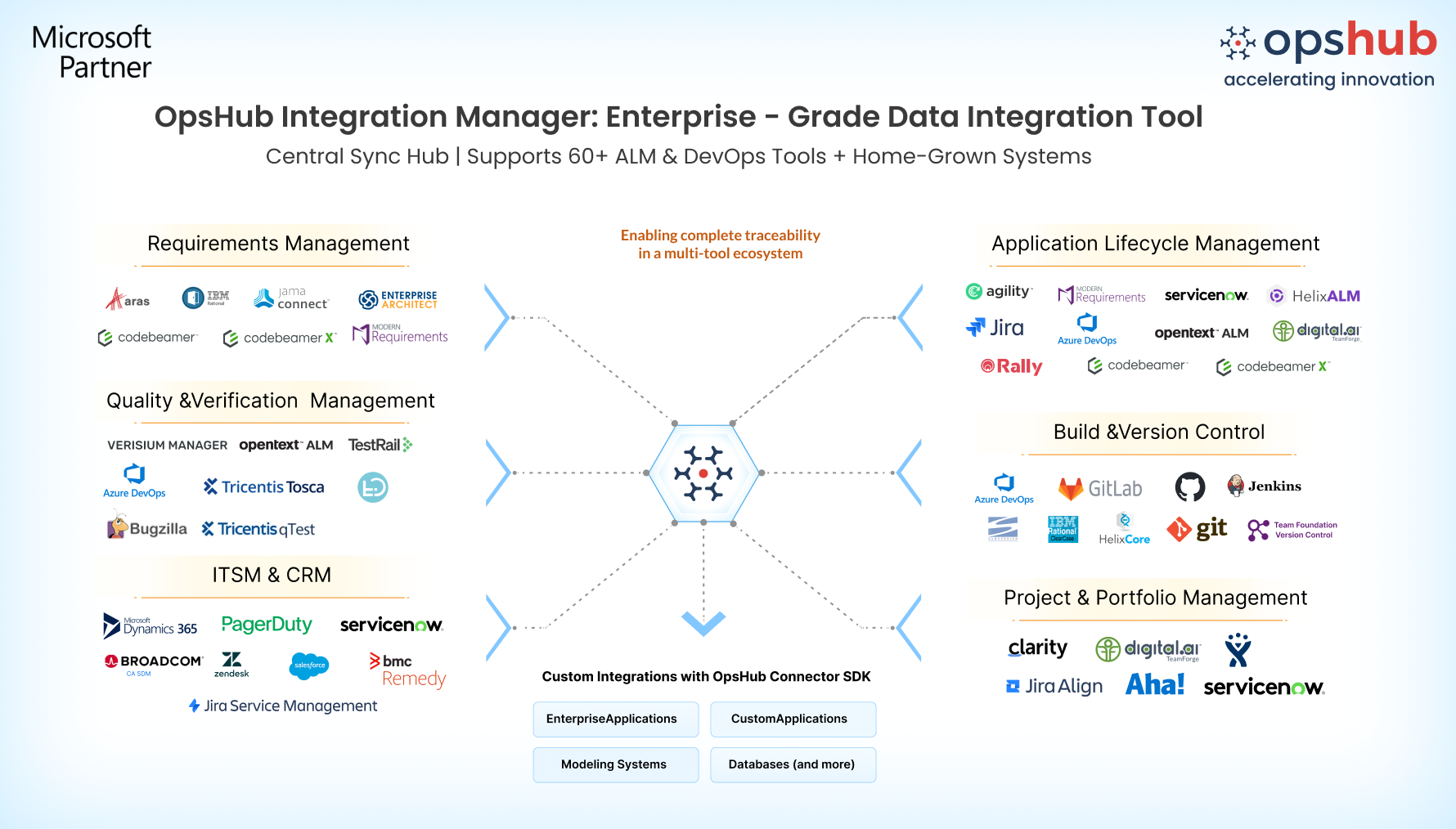
OpsHub Integration Manager (OIM) connects Polarion and Azure DevOps seamlessly, enabling two-way synchronization in near real time. This ensures that engineering changes, requirements, work items and test results stay aligned, improving both development visibility and traceability without disrupting existing workflows.
Learn more about Polarion–Azure DevOps bidirectional integration using OIM.
Why choose OpsHub for Polarion and Azure DevOps integration?
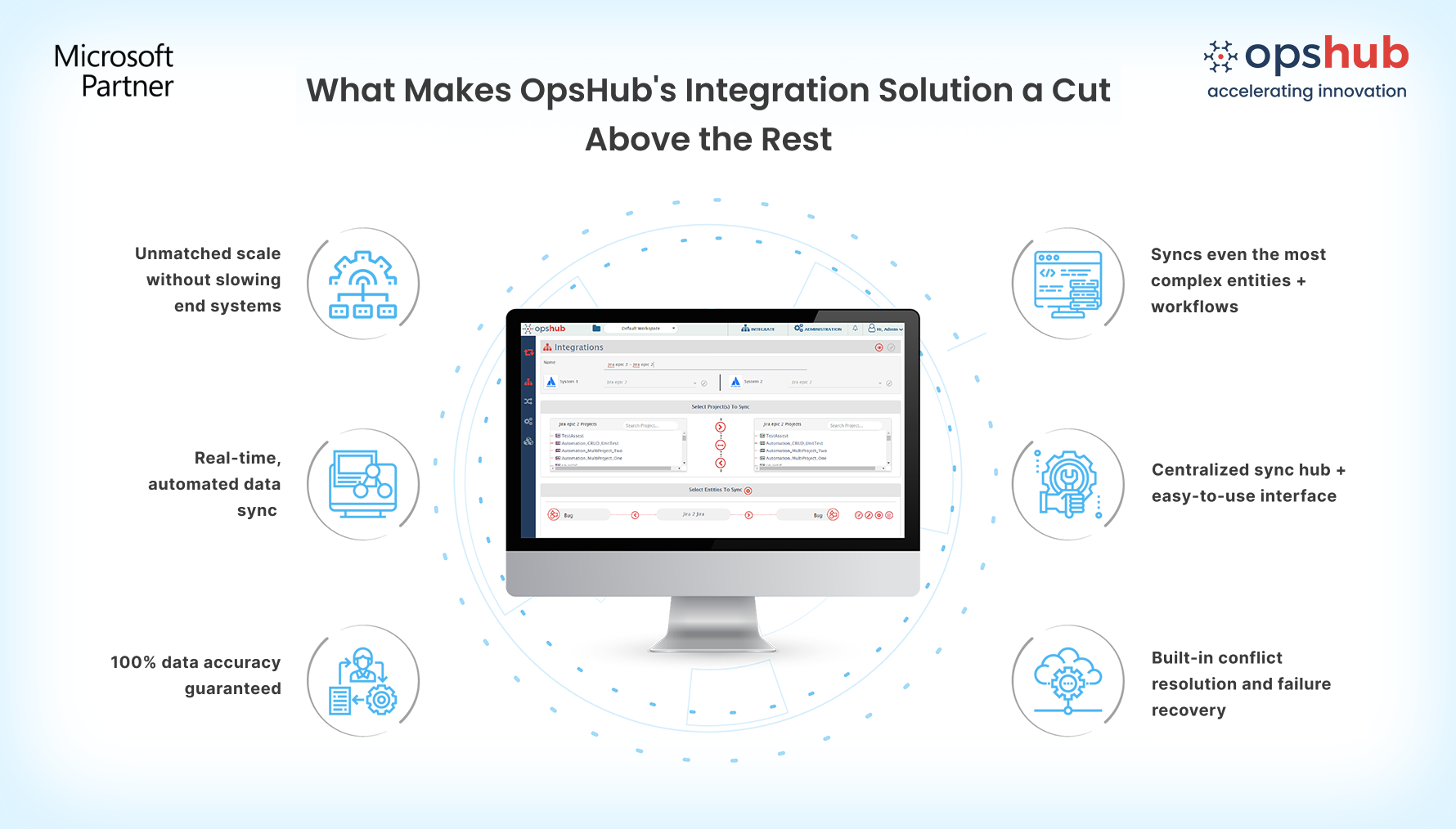
Bi-directional, near real-time sync: Connect requirements, user stories, epics, tasks, test cases, change requests, releases, and custom work items in near real time between Polarion and ADO, ensuring that product and development teams always have up-to-date data. No switching between tools!.
Granular data sync: Preserve comments, attachments, links, custom fields, and lifecycle transitions across both systems. Delete artifact synchronization ensures Polarion and Azure DevOps stay aligned when items are removed or archived, preventing orphaned records and data gaps.
Effortless, no-code setup: Integrate Polarion and Azure DevOps (VSTS/TFS) with OIM’s easy-to-use, drag-and-drop interface. No need for custom scripts or manual setups-just configure and go. No technical expertise is needed.
Enterprise-grade performance: Leverage native APIs to run OIM externally with no plugins required in Polarion or Azure DevOps. This architecture ensures optimal performance at scale while eliminating the risk of performance degradation..
Built-in fault tolerance: OIM’s smart error handling, retries, and reconciliation keep your systems aligned even after the downtime or system failures. No more manual fixes or risky workarounds. The eventual consistency model of OIM ensures that every entity reaches the target.
Work item movement without hassles: Need to move or change the type of work items between Polarion and Azure DevOps? OIM handles this automatically, ensuring no duplicates, missing data, or disconnected records. From design to delivery, every change is tracked.
Deployment flexibility: Whether you prefer on-premises or cloud-based deployment, OIM integrates seamlessly with your existing environment, respecting your organization’s security, compliance, and infrastructure needs.
Drop us a line for a free demo to watch how OIM facilitates Polarion and Azure DevOps bidirectional integration.
Popular Use Cases
OIM has helped the world’s largest companies make the most of their Polarion-ADO integration:
Impact analysis made simple: When requirements change in Polarion, OIM automatically pushes updates to related Azure DevOps work items (tasks, bugs, etc.). This keeps your teams aligned, proactively managing change impact and avoiding scope creep.
Complete compliance & traceability: Polarion’s engineering change requests sync with Azure DevOps work items to ensure full traceability from requirements to release. Built-in audit history ensures that you meet regulatory and internal compliance standards.
Frictionless agile execution: Enable agile teams to track sprints with full visibility across Polarion and Azure DevOps. Sync work item statuses, backlogs, and requirements to ensure continuous sprint progression, improving team velocity without tool switching overhead.
Make Polarion and Azure DevOps operate as one connected system. Try OpsHub for Free.
Integrate Polarion and Azure DevOps in 5 Easy Steps
OpsHub Integration Manager (OIM) offers an easy-to-use GUI and an intuitive user experience, enabling users to configure the Azure DevOps (VSTS/TFS) and Polarion unidirectional or bidirectional integration with ease.
Configure ADO and Polarion systems.
Select project(s) to be integrated.
Select entity(s) to be integrated.
Select sync direction and sync filter.
Click and map fields to be integrated.
Avoid integration missteps. Connect with our integration engineer to discuss your use case and architecture requirements.

