Overview
Managing test cases and test executions in QMetry Test Management (QTM) while tracking development progress in Azure DevOps can create silos and make it harder to maintain traceability across the SDLC. OpsHub Integration Manager (OIM) connects QMetry and Azure DevOps with two-way synchronization without scripts or plugins.
Enable data-rich synchronization for test cases, test scenarios, test runs, QMetry test executions, Azure DevOps’ work items, tests, results, pipelines, areas, iterations, and more. With configurable mappings and reliable synchronization, OIM helps QA and development teams work from current information while reducing manual updates and reporting effort.
Book a free demo slot.
Why OpsHub for QMetry Test Management – Azure DevOps Integration
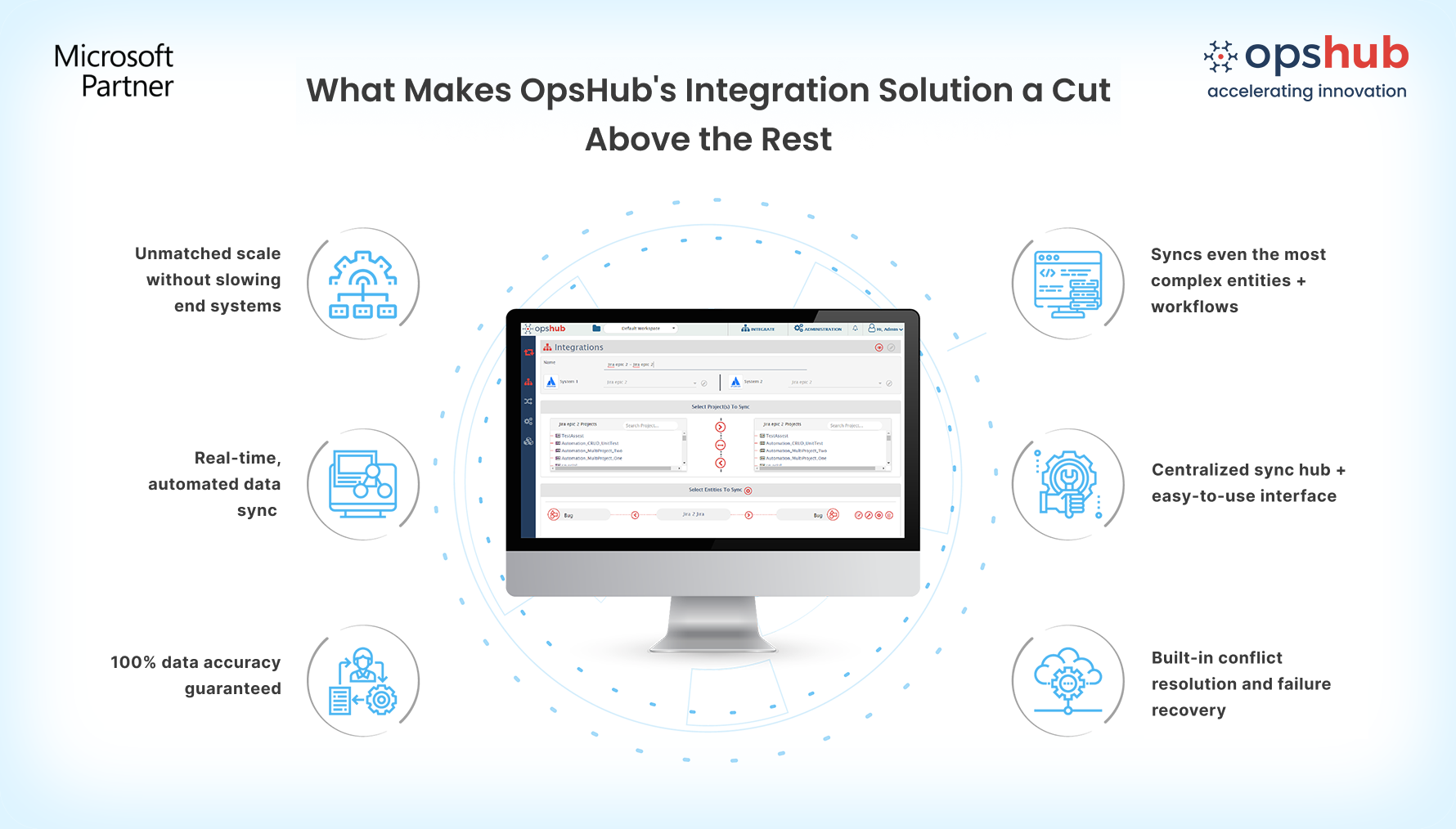
Eliminate manual data entry with near real-time, bidirectional sync: Keep QMetry Test Management and Azure DevOps continuously synchronized with bidirectional, near real-time updates, helping QA and development teams work with current information without repeatedly switching between tools.
Never lose critical details when passing work between QA and dev: Synchronize test cases, test scenarios, test runs, QMetry test executions, work items, supported comments, attachments, links, relationships, and custom fields while preserving critical context across connected systems.
Set up integrations quickly without coding: Configure and manage integrations using an intuitive graphical interface with flexible synchronization rules. Sync effortlessly without scripts, custom code, or additional development effort.
Protect tool performance while scaling across teams: OIM operates externally (on-premises or in the cloud) rather than as an in-app plugin. This architecture prevents performance slowdowns in QMetry or Azure DevOps while seamlessly supporting multiple integrations, projects, and teams.
Drop us a line for a free demo to see how OIM facilitates Qmetry and Azure DevOps bidirectional integration.
Popular Use Cases
OIM takes care of the following:
Accelerate release readiness decisions: Connect test cases and test executions directly with Azure DevOps work items to verify test coverage, track execution status, and make confident go/no-go release decisions.
Speed up defect resolution across teams: Link QMetry test results directly to Azure DevOps bugs so developers get immediate context, steps to reproduce, and attachments needed to fix issues without back-and-forth communication.
Automate progress reporting for leadership: Provide near real-time visibility into testing progress and development status directly within both tools, eliminating manual status gathering, spreadsheet updates, and reporting overhead.
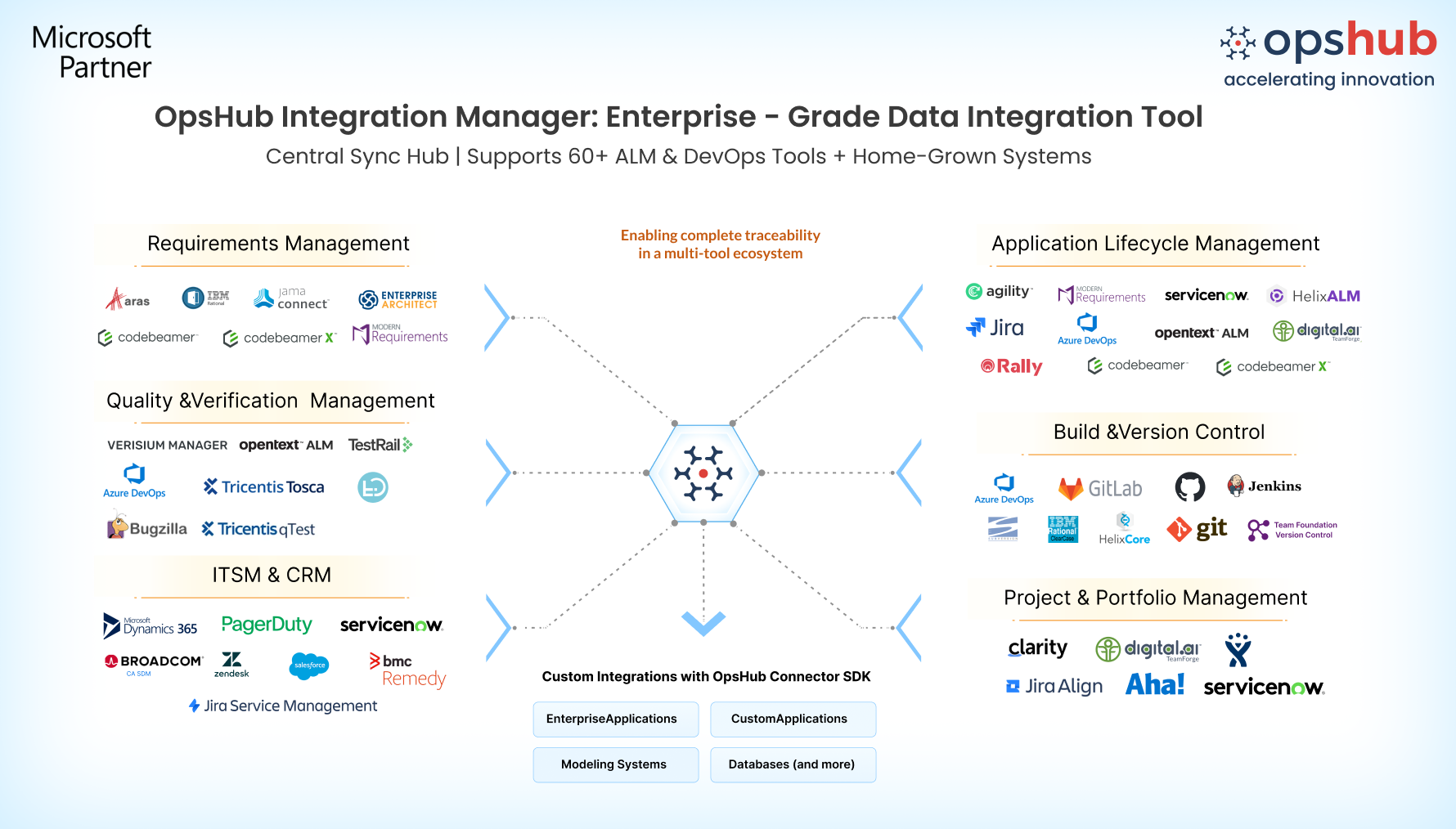
Integrate Azure DevOps and Jira Qmetry test plugin in 5 easy steps
Configure ADO and Jira Qmetry test plugin systems.
Select project(s) to be integrated.
Select entity(s) to be integrated.
Select sync direction and sync filter.
Click and map fields to be integrated.
Don't guess your way through integration. Connect with our integration engineer to discuss your use case.

