Skip to content
| Marketplace
Sign in
Visual Studio>Tools>Jira to Azure DevOps migration without downtime
Jira to Azure DevOps migration without downtime

Jira to Azure DevOps migration without downtime

OpsHub

| (0) | Free Trial
Migrate from Jira to Azure DevOps with zero downtime. Preserve every critical data point through a simple GUI and AI-powered no-code setup.
Download

Overview

Moving from Jira to Azure DevOps? Looking for a migration that doesn't disrupt your teams?

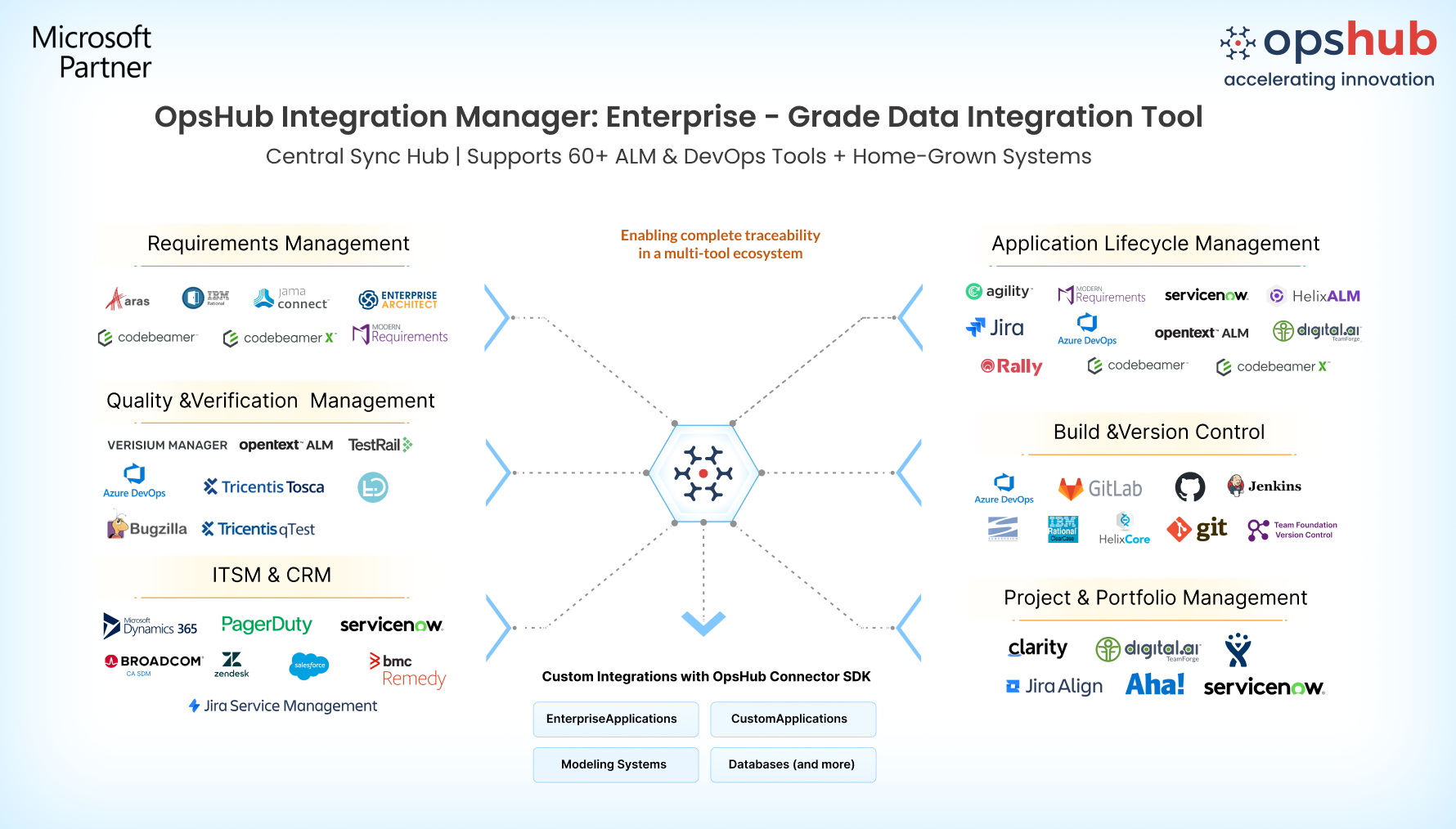
OpsHub Migration Manager (OMM) helps organizations migrate from Jira to Azure DevOps with zero downtime while preserving comments, attachments, history, relationships, formatting, and complete traceability. Teams can continue working in Jira throughout the migration, with reverse synchronization keeping both systems aligned until the final cutover.

Whether you're migrating a single project or hundreds of projects, OMM supports migrations of any scale without impacting Jira or Azure DevOps performance. Configure migrations quickly through a simple GUI and AI based interface.

Book a free demo slot

Why Choose OpsHub for Jira to Azure DevOps Migration?

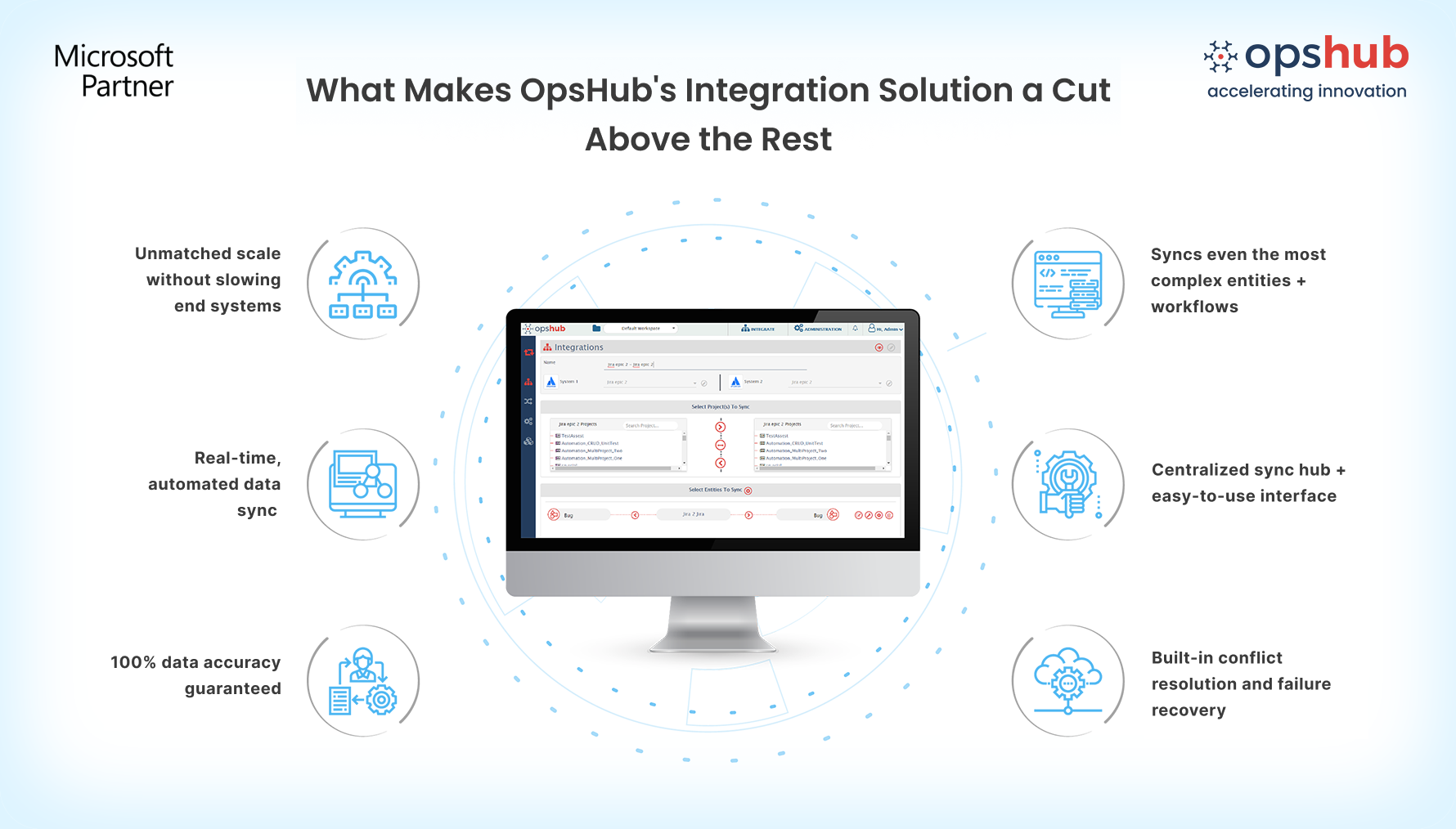
  • Migrate every critical Jira data Migrate Jira issues, sub-tasks, versions, and work logs to Azure DevOps work items, test artifacts, areas, iterations, and more. Preserve comments, attachments, images, @mentions, relationships, history, and convert Jira Wiki markup into Azure DevOps HTML formatting.

  • Scale migrations of any size Cut migration time by running projects in parallel across multiple servers and threads. Migrate projects of any size using load balancing and phased execution while keeping Jira and Azure DevOps fully operational throughout the migration.

  • Archive & transform data while you migrate Archive unnecessary data, restructure projects, and transform workflows during migration. Standardize Azure DevOps while avoiding legacy configurations and improving project organization

  • Zero-downtime migration Keep teams working in Jira while projects are migrated to Azure DevOps. Reverse synchronization continuously keeps both systems aligned until the final cutover, minimizing disruption to ongoing work.

  • Test before full migration Validate your migration before moving production projects. Run migrations in test environments, perform pilot migrations, and verify mappings, configurations, and process fit before committing to Azure DevOps.

  • GUI and AI based no code setup Configure and manage migrations through a GUI-based and AI interface with reusable mappings and configurations. Adapt migration settings as requirements evolve without custom scripting.

  • Proactive error handling Detect and resolve migration issues in real time with automated retries, detailed logs, and recovery capabilities. Resume migrations from the last successful state instead of restarting from the beginning.

Image_1_with_logo.png

Popular use cases

Enterprise migration to Azure DevOps Standardize engineering teams on Azure DevOps by migrating projects from Jira while preserving project history, traceability, and collaboration data.

Tool consolidation after mergers and acquisitions Consolidate multiple Jira instances into Azure DevOps following mergers, acquisitions, or organizational restructuring while maintaining complete project context.

Modernize engineering processes Use migration to redesign workflows, project structures, and governance while transitioning from Jira to Azure DevOps.

Image_2_with_logo.png Frequently asked questions

Q: What Jira data can be migrated to Azure DevOps?

A: OpsHub migrates issues, epics, stories, sub-tasks, comments, attachments, history, links, user mentions, sprints, workflows, custom fields, versions, work logs, and other project data while preserving relationships and traceability.

Q: Can teams continue working during migration?

A: Yes. Teams can continue working in Jira while migration is in progress. Reverse synchronization keeps Jira and Azure DevOps aligned until the final cutover.

Q: Does OpsHub require custom scripts?

A: No. OpsHub provides a GUI-based, no-code migration experience with reusable mappings, configurable transformation rules, and an intuitive drag-and-drop interface.

Don't guess your way through migration. Connect with your migration Engineer to discuss your use case.

  • Contact us
  • Jobs
  • Privacy
  • Manage cookies
  • Terms of use
  • Trademarks
© 2026 Microsoft