Overview
Disconnected CI/CD and planning systems often create gaps in visibility. Builds run in Jenkins while work items live in Azure DevOps (Server and Cloud). Without proper integration, tracking build status, linking changes, and maintaining audit trails becomes difficult.
Integrating Jenkins and Azure DevOps using OpsHub Integration Manager (OIM) connects pipeline execution with build and test tracking. It enables automated build triggers, context-rich synchronization, and end-to-end traceability across development and delivery workflows.
Learn more about Jenkins and Azure DevOps integration using OIM.
Why integrate Jenkins and Azure DevOps with OIM?
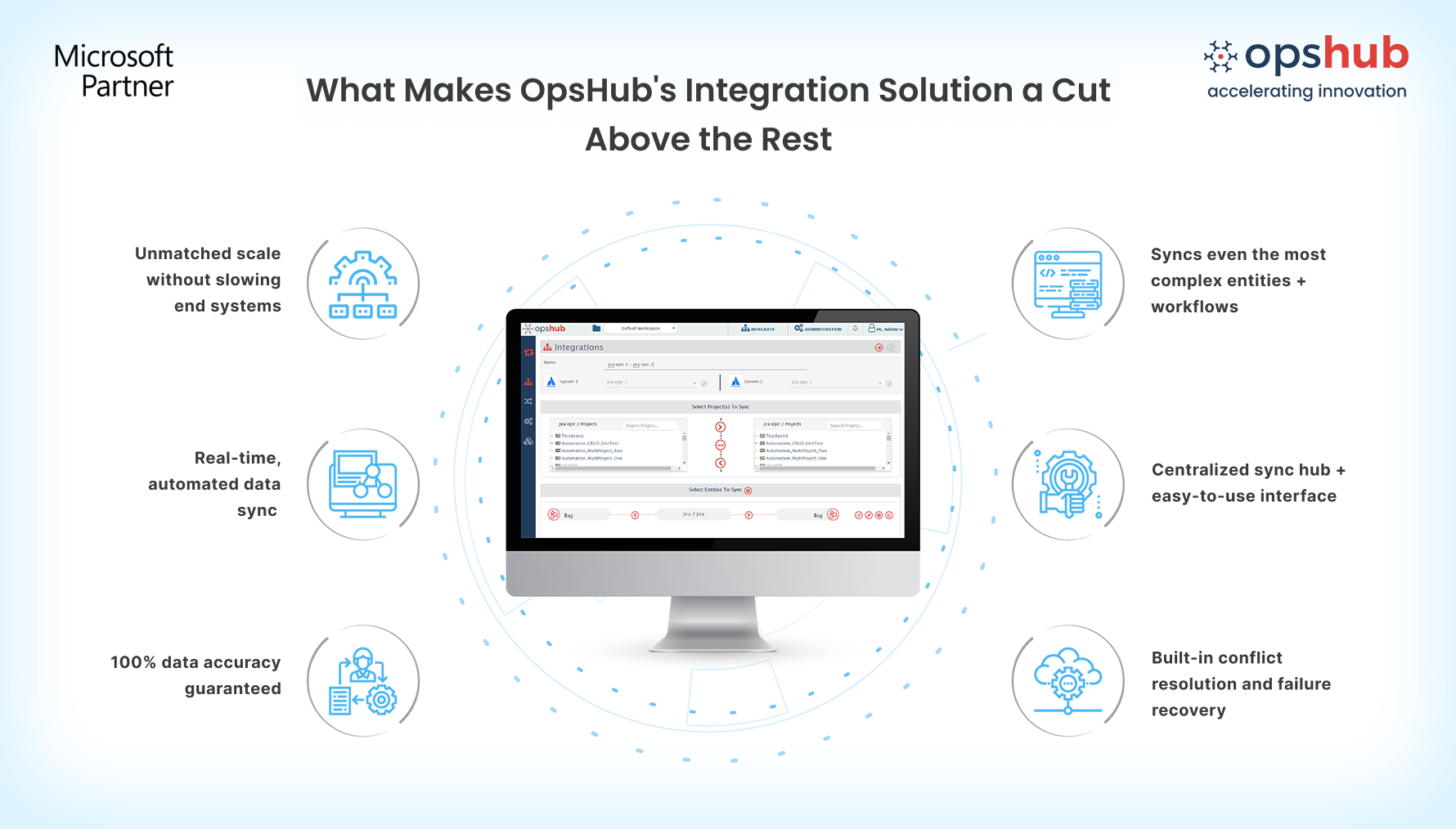
OpsHub Integration Manager (OIM) enables reliable, scalable synchronization between Jenkins and Azure DevOps. It includes:
End-to-end traceability: Link Jenkins builds with Azure DevOps’ user stories, folder, shared steps, all custom work item types, test entities, area path, group, team, user, dashboard, query, widget, pipelines and more to create a complete view from planning to execution.
Rich build data synchronization: Automatically sync build details such as results, parameters, and build IDs across systems, and store them as structured, linked entities. This ensures consistent tracking of pipeline execution and preserves critical build context for downstream processes and analysis.
No-code integration configuration: Configure integrations without scripting or plugins using a no-code, user-friendly UI. Define mappings, logic, and workflows easily, reducing setup effort and ongoing dependency on development teams.
No performance impact on core systems: Unlike plugin-based approaches, OIM runs outside the end-systems. This prevents additional load on Jenkins or ADO, maintaining system performance even as data volume grows.
Built-in resilience and reliable synchronization: Built on eventual consistency, OIM ensures every pipeline, folder build, and test entity reaches its destination. It automatically retries failures, resolves gaps, handles conflicts, and maintains consistent alignment across systems.
Flexible deployment aligned to enterprise needs: Run OpsHub on premises, in its secure cloud, or your managed cloud. Meet security and compliance needs without impacting Jenkins or Azure DevOps.
Book a free demo to see how OpsHub connects Jenkins and Azure DevOps.
Popular Use cases
Audit-ready build and release tracking: Maintain a structured record of build and release activities across pipelines for audits and compliance. Ensure all build and deployment related information is easily accessible when needed.
Accelerate CI/CD pipeline execution: Automatically trigger Jenkins builds and pipelines based on events and updates within Azure DevOps. Minimize delays and keep CI/CD workflows moving without manual intervention
Advanced reporting using build-linked data: Leverage synchronized build information within Azure DevOps for reporting and analysis. Improve decision-making with better access to execution data.
Make your Jenkins and Azure DevOps systems work as one. Try OpsHub for free.
Integrate Jenkins and Azure DevOps in 5 easy steps
Configure Jenkins and ADO systems.
Select project(s) to be integrated.
Select entity(s) to be integrated.
Select sync direction and sync filter.
Click and map fields to be integrated.
Conclusion
Get traceability that doesn’t break under pressure.
Need help getting started? Connect with an OpsHub Integration Engineer to discuss your setup.

