Overview
When IBM DOORS Next Generation and Microsoft Azure DevOps (Server and Cloud) are not integrated, teams manually duplicate requirements and work items, maintaining separate data in each system. This results in inconsistent records, mismatched statuses, delayed validation cycles, and inaccurate reporting across systems engineering and development teams.
OpsHub Integration Manager (OIM) enables bidirectional synchronization between IBM DOORS Next Generation and Azure DevOps. Text, artifacts or any standard or custom artifact type from DOORS NG are synchronized to Azure DevOps’ work items, test artifacts, and pipelines. Updates made in either DOORS NG or Azure DevOps are reflected in both systems in near-real time. OIM preserves relationships, hierarchies, and change history while teams continue working in their existing tools without workflow changes.
Learn more about Azure DevOps and IBM DOORS NG Integration with OIM.
Why integrate IBM DOORS NG and Azure DevOps with OIM
Here’s what you get from an OIM driven integration:
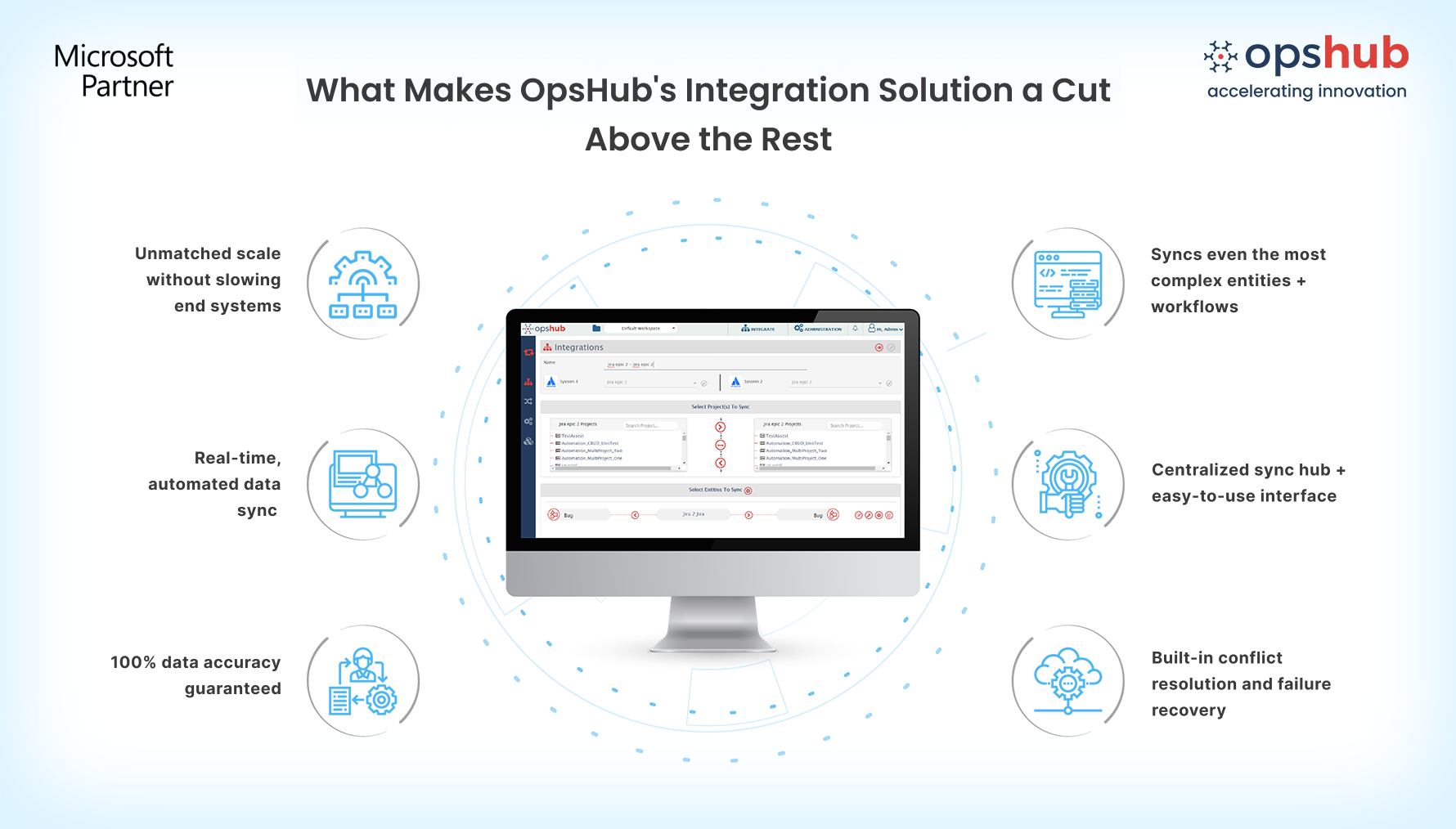
Align requirements and development data with bidirectional sync: Enable two-way synchronization between IBM DOORS NG and Azure DevOps, where requirement updates from DOORS NG and changes to work items and test entities in Azure DevOps are synced across both systems, ensuring consistent data across both systems. No tool toggling as teams always gets the latest information in their native tools.
Preserve requirement structure, tests, pipelines, area, iteration, dashboards, etc. and relationships: Synchronize requirements, modules, collections, work items, tests, pipelines, area, iteration, dashboards and much more with parent-child hierarchies, attachments, comments, and test associations. Keep relationships between requirements, work items, and test results intact.
No code setup with customizable mappings: Integrate IBM DOORS NG and Azure DevOps (VSTS/TFS) with OIM’s easy-to-use, drag-and-drop interface. No need for custom scripts or manual setups-just configure and go. No technical expertise is needed for basic sync setup.
Handle both small and high data volumes without slowing DOORS NG and Azure DevOps: Synchronize hundreds or thousands of requirements and work items between IBM DOORS Next Generation and ADO without installing in-tool plugins. OIM runs outside both systems, so the sync does not affect either DOORS NG or ADO performance or user activity.
Accurate and most reliable data sync: Field-level conflict detection, detailed error tracking, and a fault–tolerant sync based on eventual consistency model ensures most reliable synchronization between DOORS NG and ADO.
Drop us a line for a Free Demo to see how OIM facilitates IBM DOORS NG and Azure DevOps bidirectional integration.
Popular Use cases
Drive requirements directly into development workflows: Sync IBM DOORS NG requirements with Azure DevOps (TFS / VSTS) work items, so requirement details flows into development without manual translation or duplicate tracking.
Change impact visibility across tools: When requirements are updated in IBM DOORS Next Generation, corresponding updates appear in linked ADO work items, helping teams assess impact on user stories, tasks, and delivery timelines.
Audit-ready traceability from requirements to release:
Link DOORS NG requirements with Azure DevOps work items and validation data to ensure audit-ready traceability across the entire delivery lifecycle.
Make your IBM DOORS NG and ADO systems work as one. No rework. No delays. Just clean, reliable integration. Try OpsHub for Free.
Integrate IBM DOORS NG and ADO in 5 Easy Steps
Configure IBM DOORS and ADO systems.
Select project(s) to be integrated.
Select entity(s) to be integrated.
Select sync direction and sync filter.
Click and map fields to be integrated.
Conclusion
Connect your tools. Empower your teams. Strengthen your outcomes. OpsHub Integration Manager helps you extend the value of IBM DOORS NG and Azure DevOps with clean, compliant, and scalable integration that keeps your digital thread intact.
Don’t guess your way through integration. Connect with our Integration Engineer to discuss your use case.

