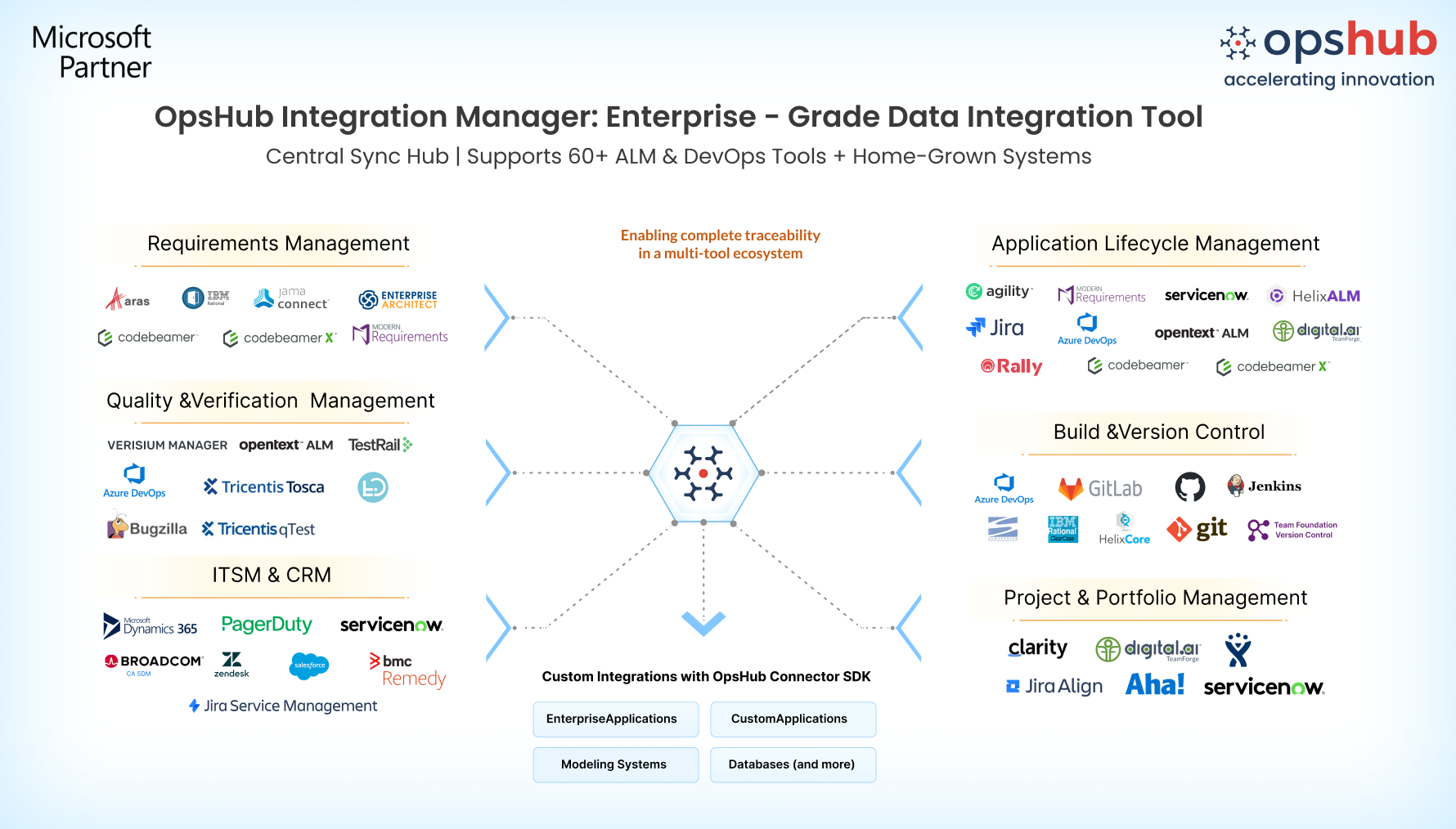
Overview Tired of manual updates and broken alignment between Enterprise Architect and Azure DevOps? OpsHub Integration Manager (OIM) removes these silos with secure, automated, real-time synchronization between architecture design in EA and development lifecycle in ADO, so teams always share complete, accurate context without delays or redundant effort. OpsHub offers plugin-free, flexible, and enterprise-ready integration designed to support everything from a single use case to hundreds of projects while ensuring zero impact on tool performance. Result: No missed updates, no duplicate work items, no broken relationships just smooth collaboration from architecture to development, testing, and release. Learn more about EA-ADO integration using OIM. Why OpsHub is the best choice for EA–Azure DevOps integration Broad entity coverage for end-to-end traceability
Full rich data sync without compromise Unlike many point-to-point tools, OpsHub syncs comments, attachments, history, @mentions, links, ownership changes, and hierarchy so architecture decisions and delivery progress stay connected. Easy, no-code configuration Quickly set up and manage integrations with drag-and-drop GUI, reusable workflows, and configurable sync rules. No scripts or custom code required. Reliability you can count on Built-in conflict handling, automatic retries, and reconciliation ensure that failures or downtime never cause data loss, duplication, or broken links. Scales with your enterprise Supports high-volume, multi-project, and hybrid setups without performance degradation. Grow from one simple connection to enterprise-wide digital thread without adding plugins or risking tool stability. Enterprise security and compliance OpsHub provides end-to-end encryption, RBAC, OAuth, and secure API-based connectivity across on-prem and cloud environments. Use Cases
Conclusion Integrating ADO and EA with OpsHub Integration Manager transforms the way teams collaborate, ensuring traceability, reducing silos, and delivering better products faster. |