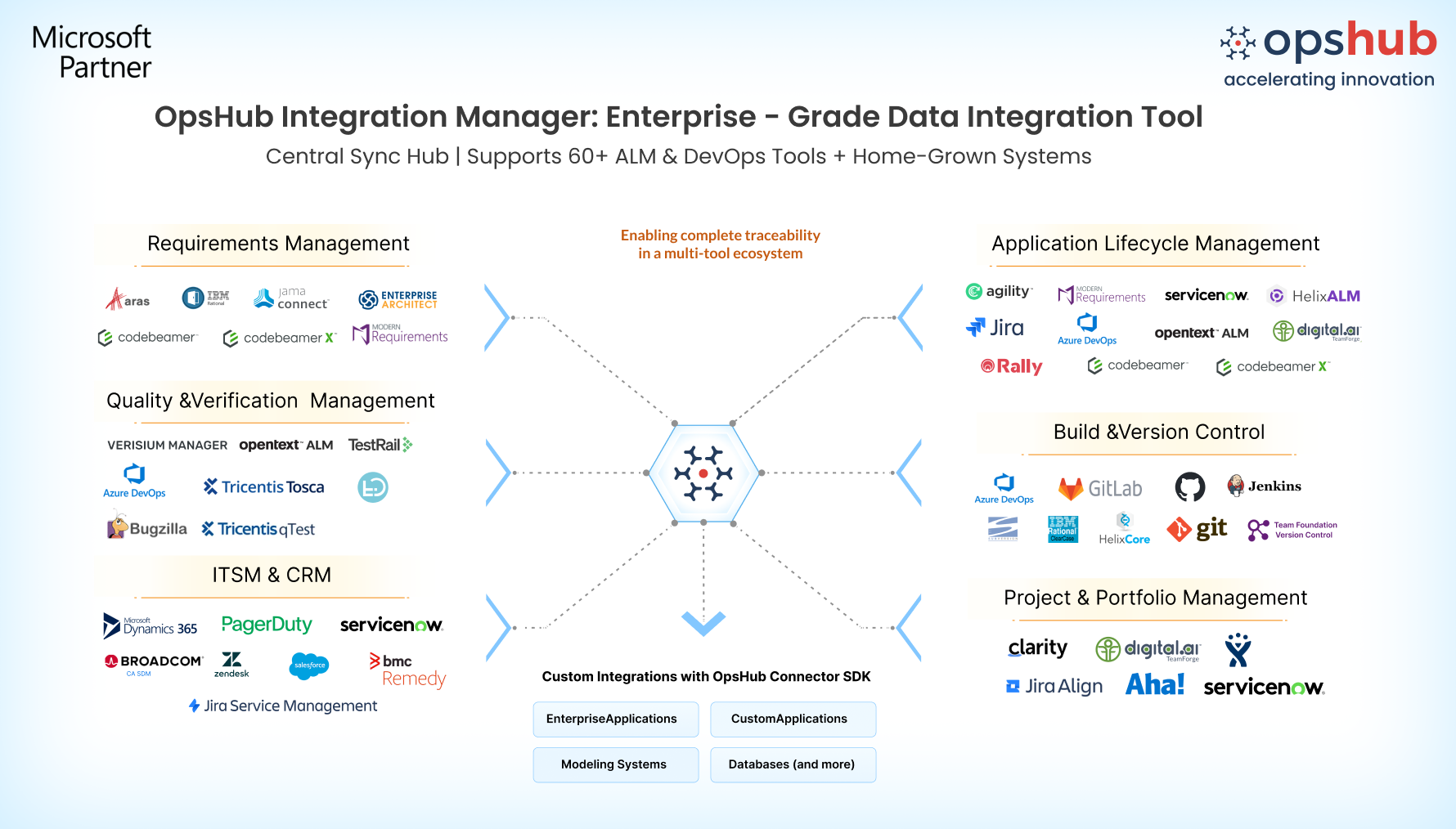
Overview When Codebeamer or Codebeamer X and Azure DevOps (Server or Cloud) are not connected, product managers, developers, and QA teams work in silos. Requirements, backlog items, and test artifacts become disconnected which leads to manual updates, duplicated work, broken traceability, and poor visibility across development and quality processes. OpsHub Integration Manager (OIM) eliminates these gaps with near real-time, two-way synchronization between Codebeamer /Codebeamer X and Azure DevOps. It enables data-rich integration by syncing folder/module hierarchies, links, comments, attachments, mentions, and test data while ensuring zero data loss and no downtime. With simple no-code configuration and reliable performance, OpsHub creates a unified digital thread that drives seamless collaboration, compliance, and faster delivery across the lifecycle.
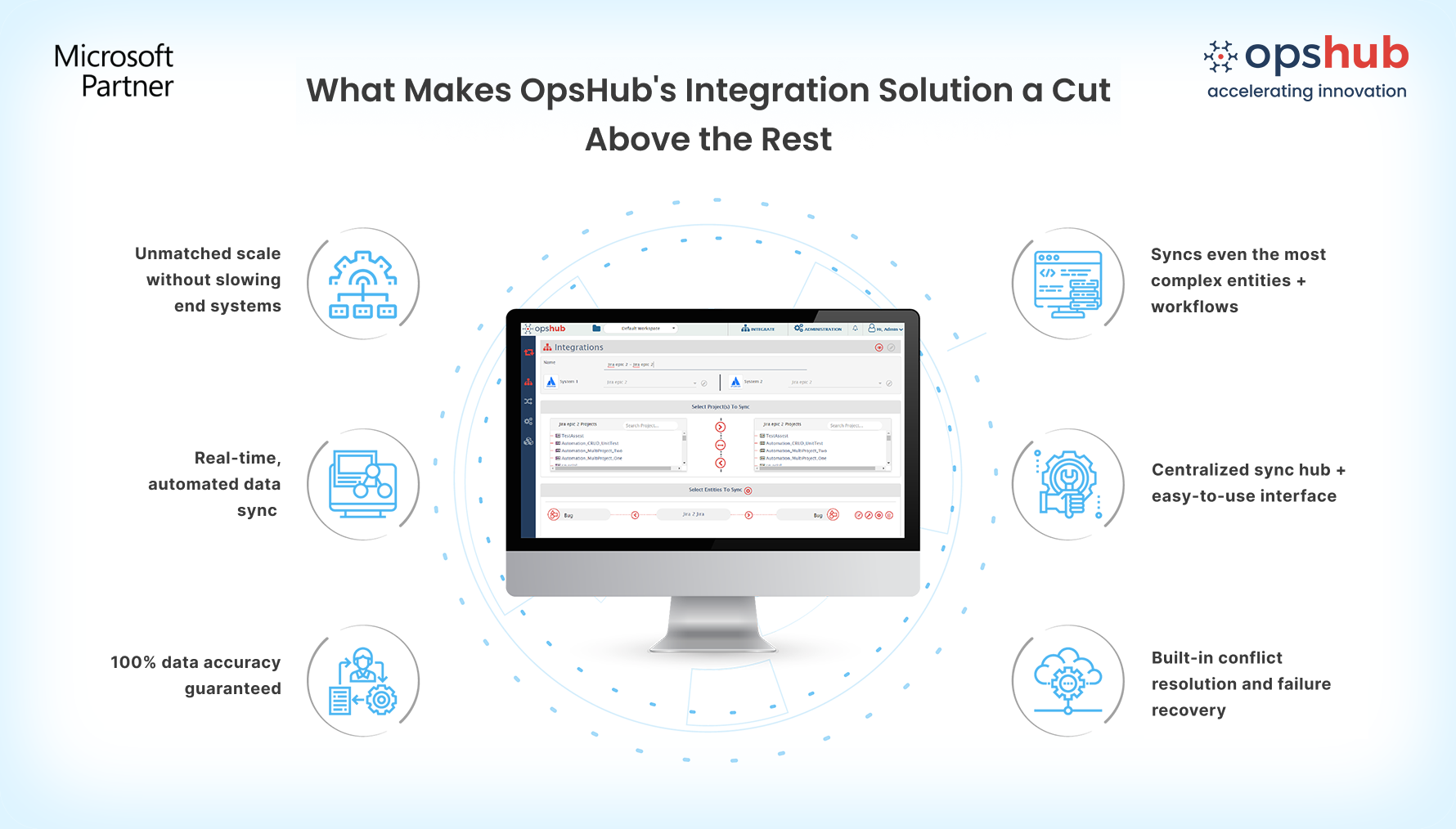
Integrate Codebeamer or Codebeamer X and Azure DevOps with OIM OIM offers a range of powerful features to facilitate integration and collaboration between Codebeamer and Azure DevOps (ADO). 1. Sync Codebeamer and Azure DevOps with hierarchy, traceability links and critical artifacts Two-way sync of Codebeamer / Codebeamer X’s all system trackers - requirements, user stories, backlog items, tasks, defects, test cases, test steps, execution results, and custom trackers and Azure DevOps’ work items, tests, pipelines, area, iteration, dashboards, etc. Preserve relationships, comments, mentions, attachments, and traceability links in both systems, updated in near real time. 2. No scripts, no plugins. Configure integrations in a no-code interface Set up Codebeamer–Azure DevOps integration via an intuitive, no-code configuration; no add-ons, no plugins, no slowing Codebeamer / Codebeamer X or Azure DevOps. OpsHub runs as an external integration layer, maintaining native speed and reliability of your systems while syncing thousands of items daily. 3. Fault-tolerant sync with zero overhead and high data fidelity Real-time conflict detection, intelligent retry handling, automated recovery, and priority-based error resolution enable continuous synchronization. Even after outages, OpsHub ensures a clean state; no orphaned records, no data mismatches, and guaranteed data integrity. Popular Use Cases 1. Connect regulated requirements with agile delivery pipelines Synchronize Codebeamer requirements, risk items, and validation workflows with Azure DevOps epics, stories, tasks, and bugs to maintain a continuous digital thread from concept to engineering execution without breaking traceability. 2. Align hardware, software, and quality teams across lifecycle stages Enable near real-time bidirectional sync between Codebeamer and Azure DevOps so embedded engineering, software development, QA, and validation teams collaborate in their preferred tools while keeping test results, defects, and development progress aligned. 3. Meet compliance and audit requirements for safety-critical industries Integrate Codebeamer and Azure DevOps to maintain audit-ready traceability across requirements, risks, validations, and release workflows.
OpsHub Integration Manager (OIM) is trusted by forward-thinking teams across the globe, from different industries like banking, manufacturing, defense, and more. Integrate Azure DevOps and Codebeamer in 5 Easy Steps 1. Configure ADO and Codebeamer or codebeamer X systems. 2. Select project(s) to be integrated. 3. Select entity(s) to be integrated. 4. Select sync direction and sync filter. 5. Click and map fields to be integrated. Request a Free Trial today to learn how OIM fits into your use case. Book a 30-minute Free Consultation to let us help you with your data integration requirements. |