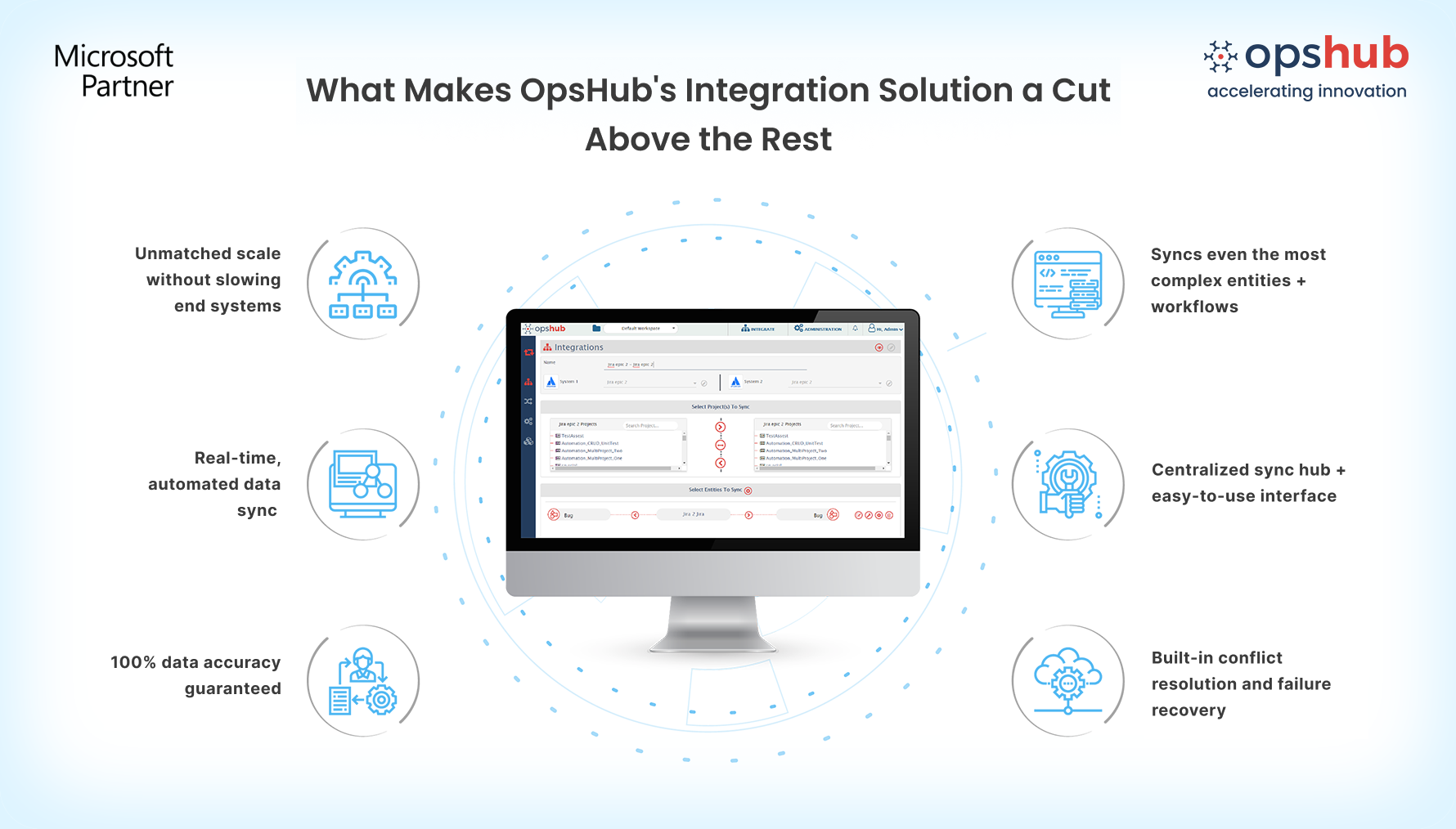
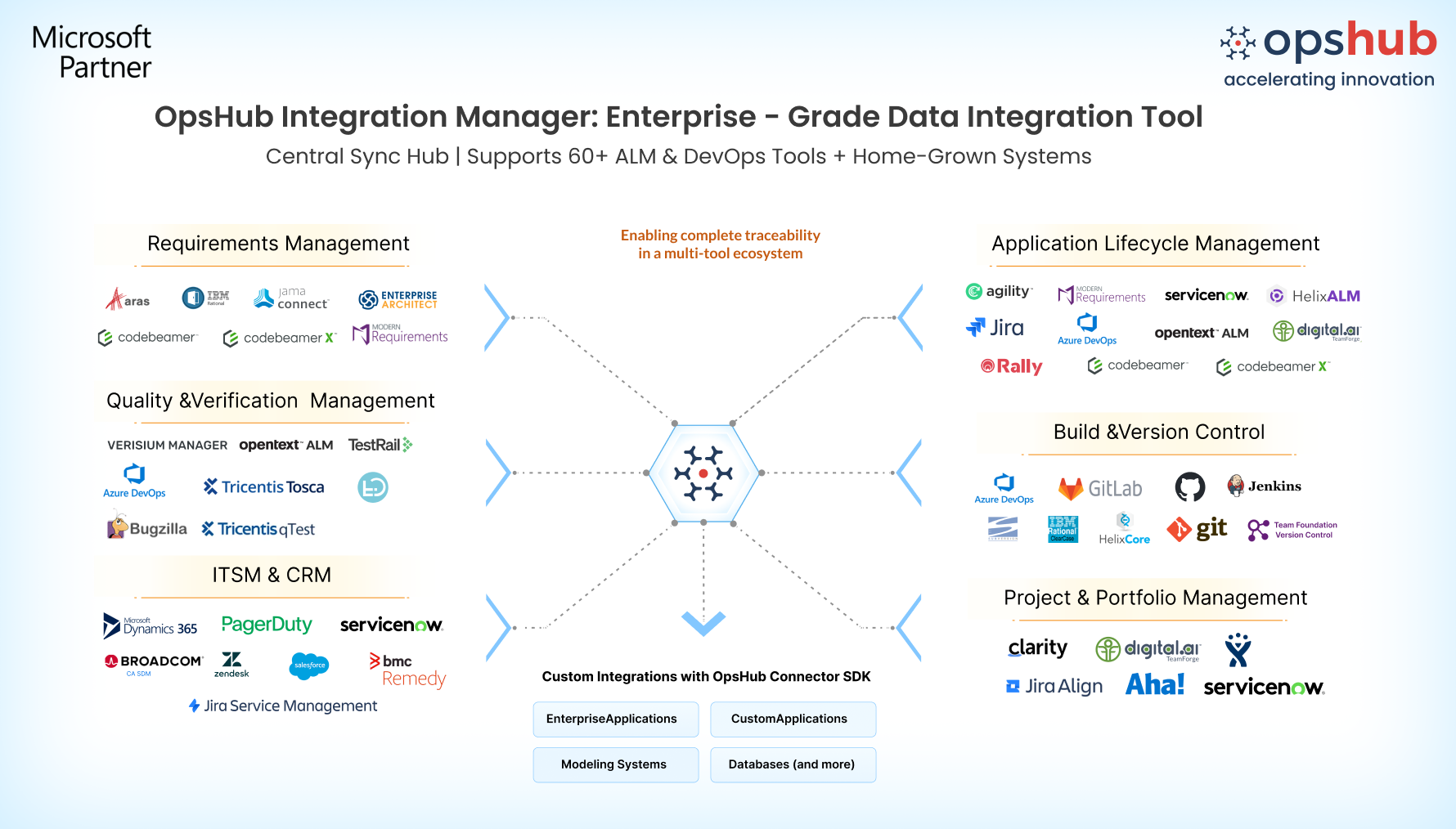
Overview IT service requests and development execution often live in separate systems, making coordination slow and error prone. When incidents, problems, or change requests in Broadcom Service Desk Manager are not directly connected to Azure DevOps' work, teams rely on manual updates, leading to delays and inconsistent data. OpsHub Integration Manager (OIM) bridges this gap by creating a continuous, two-way flow of information between CA SDM and Azure DevOps. Service requests are automatically connected to work items, tests, pipelines, and other engineering data, ensuring both teams operate with the same, up-to-date information. With incremental synchronization, built-in retries, and reconciliation, OIM ensures 100% eventual consistency while handling failures, downtime, and conflicts. Teams stay aligned with accurate, real-time data without impacting system performance or requiring plugins. Learn more about CA SDM and Azure DevOps integration using OIM. Why Opshub Integration manager? Here’s what you gain with CA SDM and Azure DevOps integration: Keep ITSM and engineering continuously aligned: Changes in CA SDM automatically reflect in Azure DevOps, and development updates flow back without manual effort. Teams stay connected without relying on status meetings or manual tracking. Preserve complete context across systems: Sync attachments, comments, custom fields, and relationships so engineering teams get full ITSM context and service teams stay updated with execution progress. No loss of critical information. Simple no-code setup with flexible mappings: Configure integrations quickly using a no-code interface with reusable mappings. Support standard and custom fields, workflows, and entities without scripting or disrupting existing processes. Ensure reliable, failure-resilient synchronization: Built-in retries, reconciliation, and conflict handling ensure consistent data even during failures or system downtime. No missed updates, no duplicate records. Secure integration without system overhead: Uses native APIs with no plugins, no firewall changes, and no elevated access required. Runs externally without affecting production systems.
Use cases 1. ITSM to engineering execution alignment: Automatically convert CA SDM incidents or change requests into Azure DevOps work items. Engineering teams act faster with full context while IT teams track progress without switching tools. 2. Incident-driven development workflows Critical production issues logged in CA SDM can trigger immediate engineering action in Azure DevOps. Updates flow back automatically, reducing resolution time and improving coordination. 3. End-to-end traceability across systems: Maintain a complete link between service requests and development work. Track every change from incident creation to code delivery and release with full auditability. Make your CA SDM and Azure DevOps systems work as one. Try OpsHub for free. Integrate CA SDM and Azure DevOps in 5 easy steps 1. Configure CA SDM and ADO systems. 2. Select project(s) to be integrated. 3. Select entity(s) to be integrated. 4. Select sync direction and sync filter. 5. Click and map fields to be integrated.
Wrap Up While basic integrations often struggle with scale, data richness, and reliability, OpsHub Integration Manager (OIM) delivers synchronization between CA SDM and Azure DevOps with highest data fidelity, reliability and scale. From handling small projects or high data volumes, it maintains complete data integrity and traceability. OIM ensures your ITSM and engineering ecosystems stay fully connected. The result is faster resolution, better coordination, and consistent data across systems without manual effort or disruption. Conclusion Get traceability that doesn’t break under pressure. Need help getting started? Connect with an OpsHub Integration Engineer to discuss your setup. |