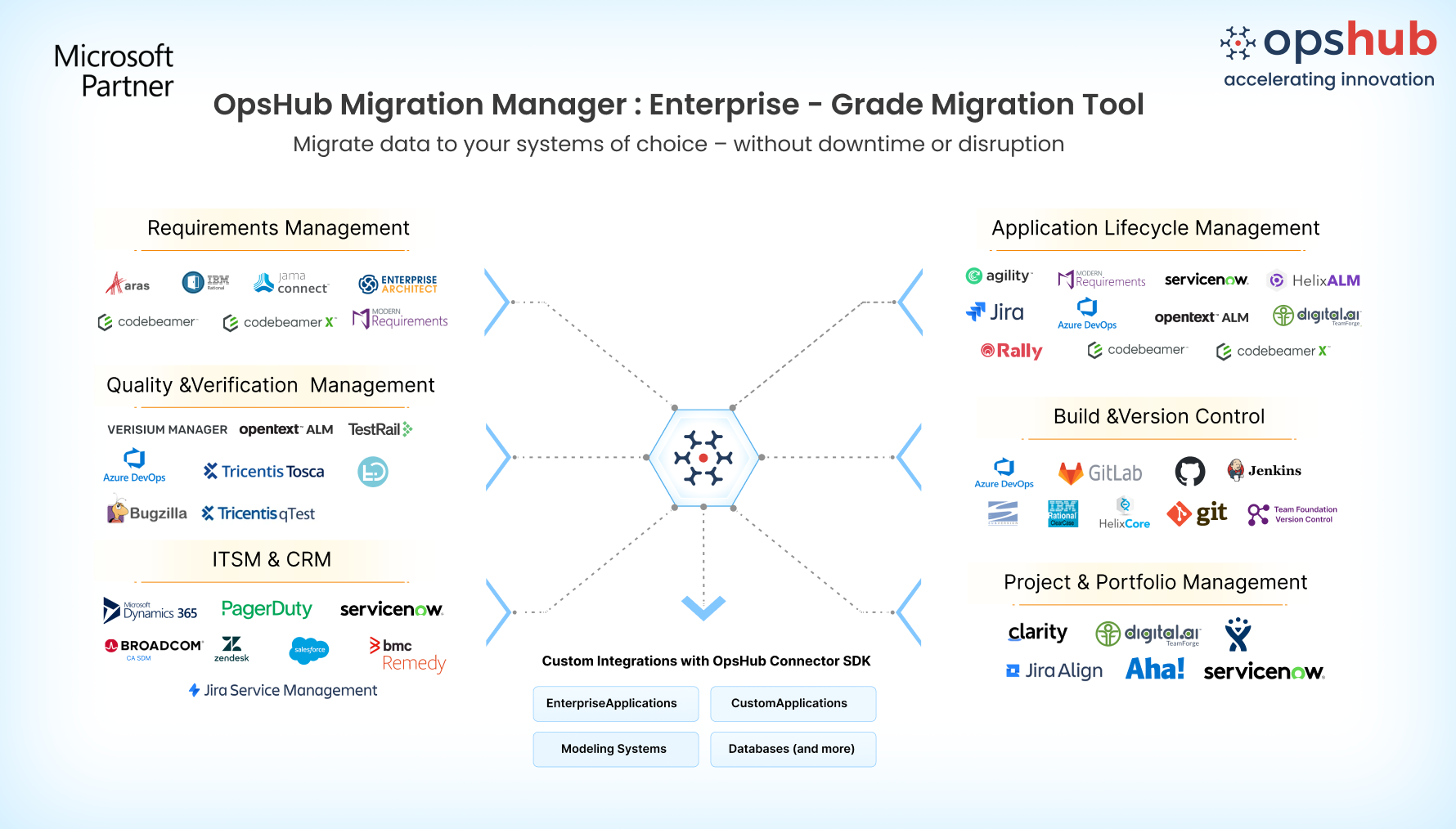
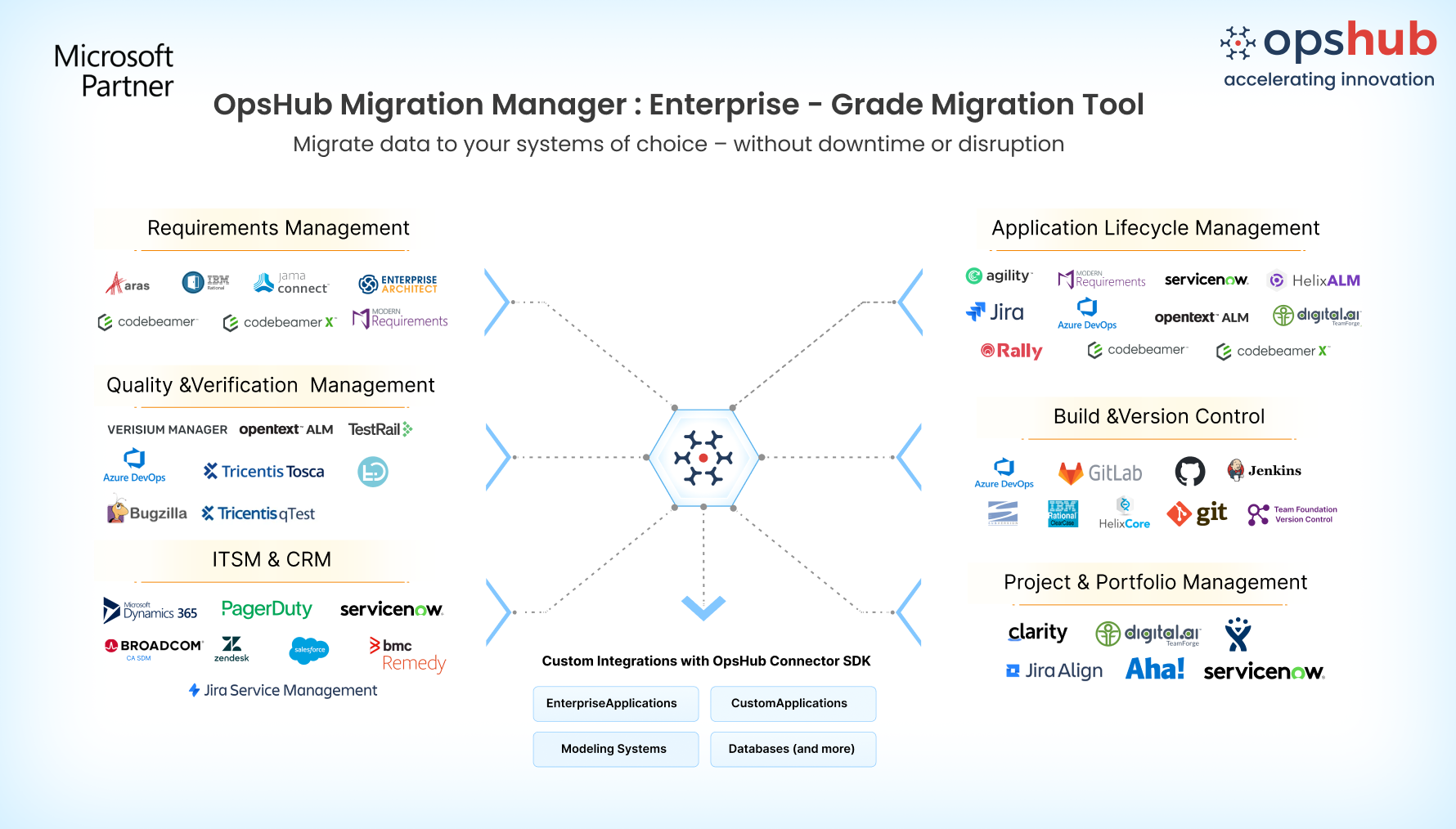
Overview Moving from BMC Remedy to Azure DevOps is more than transferring requests between platforms. Your request data contains important business and operational context, including comments, attachments, and history. Preserving this information helps teams maintain continuity and traceability after migration. OpsHub Migration Manager provides a GUI-based, no-code migration experience with reusable mappings that simplify migration setup. Teams can continue working in BMC Remedy while migration runs in parallel, allowing you to validate the Azure DevOps environment before the final cutover with minimal disruption.
Why OpsHub for BMC Remedy to Azure DevOps Migration? 1. GUI-based no-code setup Configure migrations through an intuitive GUI with reusable mappings and configurable migration rules. Set up and manage your migration without writing custom scripts. 2. Zero-downtime migration Keep teams productive while migration runs in parallel. Teams can continue working in BMC Remedy while requests are migrated to Azure DevOps, minimizing disruption until the final cutover. 3. Delta migration After the initial migration, synchronize new and updated requests between BMC Remedy and Azure DevOps. Keep the target environment current until you're ready for the final cutover. 4. Migrate requests while preserving context Migrate BMC Remedy requests to Azure DevOps while preserving comments, attachments, history, and other associated request context, helping teams maintain traceability and continuity after migration. 5. Transform data while you migrate Use configurable mappings and migration rules to transform BMC Remedy request data into Azure DevOps work items that align with your target processes and workflows. 6. Migrate projects in parallel Move multiple BMC Remedy projects simultaneously to reduce migration time and accelerate your transition to Azure DevOps. 7. Recover automatically from migration failures Keep large migrations moving with automated failure recovery that retries failed items and lets you rerun only unresolved records from the dashboard, reducing manual cleanup and avoiding full migration restarts. Use Cases Preserve request history Move BMC Remedy requests to Azure DevOps while retaining historical context, comments, attachments, and other supported information needed to understand past work. Modernize service workflows Transition from BMC Remedy to Azure DevOps while maintaining access to critical request information and minimizing disruption to ongoing teams. Standardize on Azure DevOps Move teams from BMC Remedy to Azure DevOps and transform request data to align with standardized work item processes and development workflows.
Frequently Asked Questions What BMC Remedy data can OpsHub migrate to Azure DevOps? OpsHub supports migration of BMC Remedy requests to Azure DevOps, helping teams retain supported request information and its associated context. Can teams continue working in BMC Remedy during migration? Yes. Teams can continue working in BMC Remedy while migration runs in parallel. Delta migration can synchronize ongoing changes until the final cutover. Does OpsHub require custom scripts? No. OpsHub provides a GUI-based, no-code migration experience with reusable mappings and configurable migration rules, eliminating the need for custom migration scripts. Contact our migration engineer for to discuss your migration use case. |