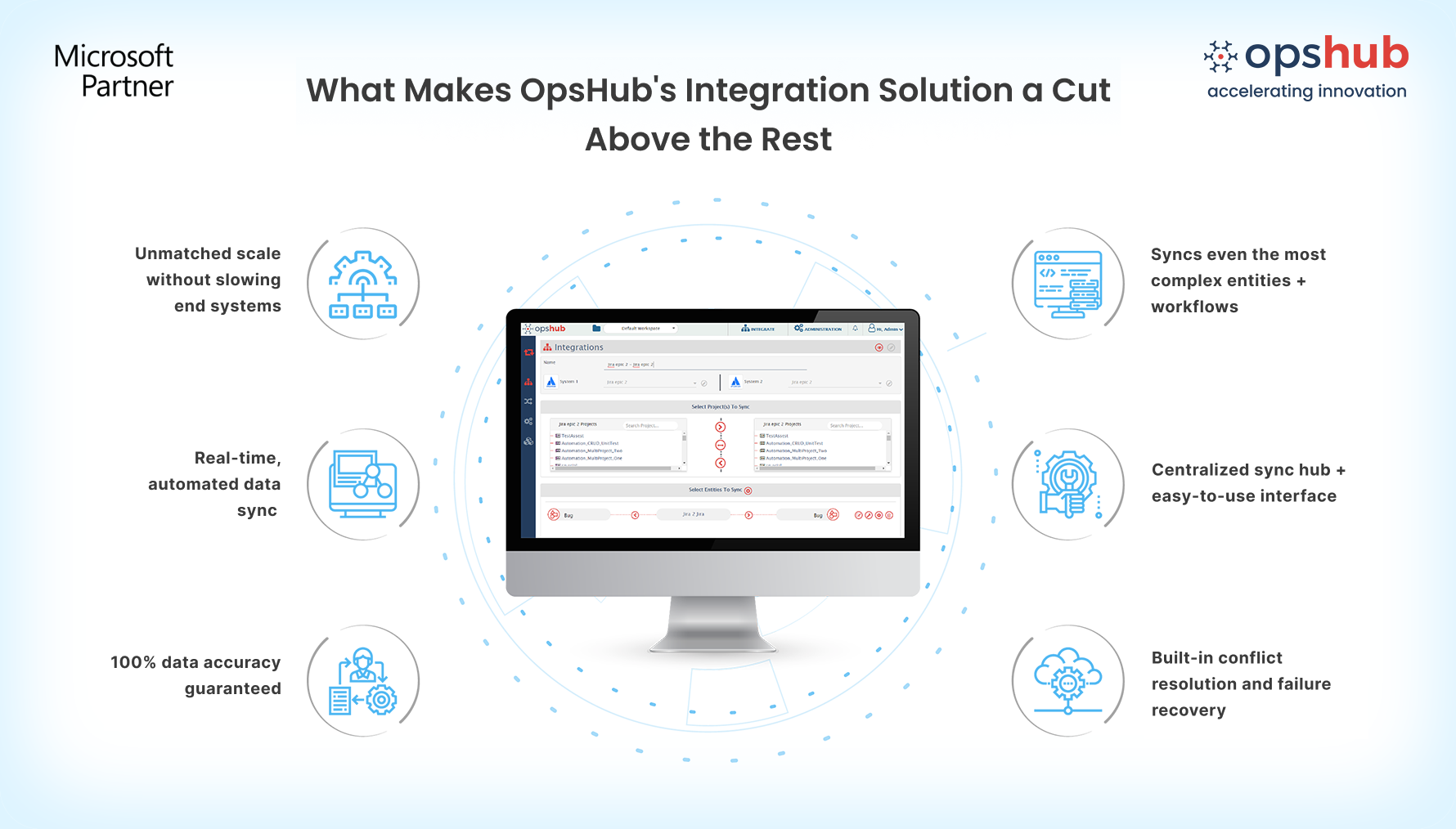
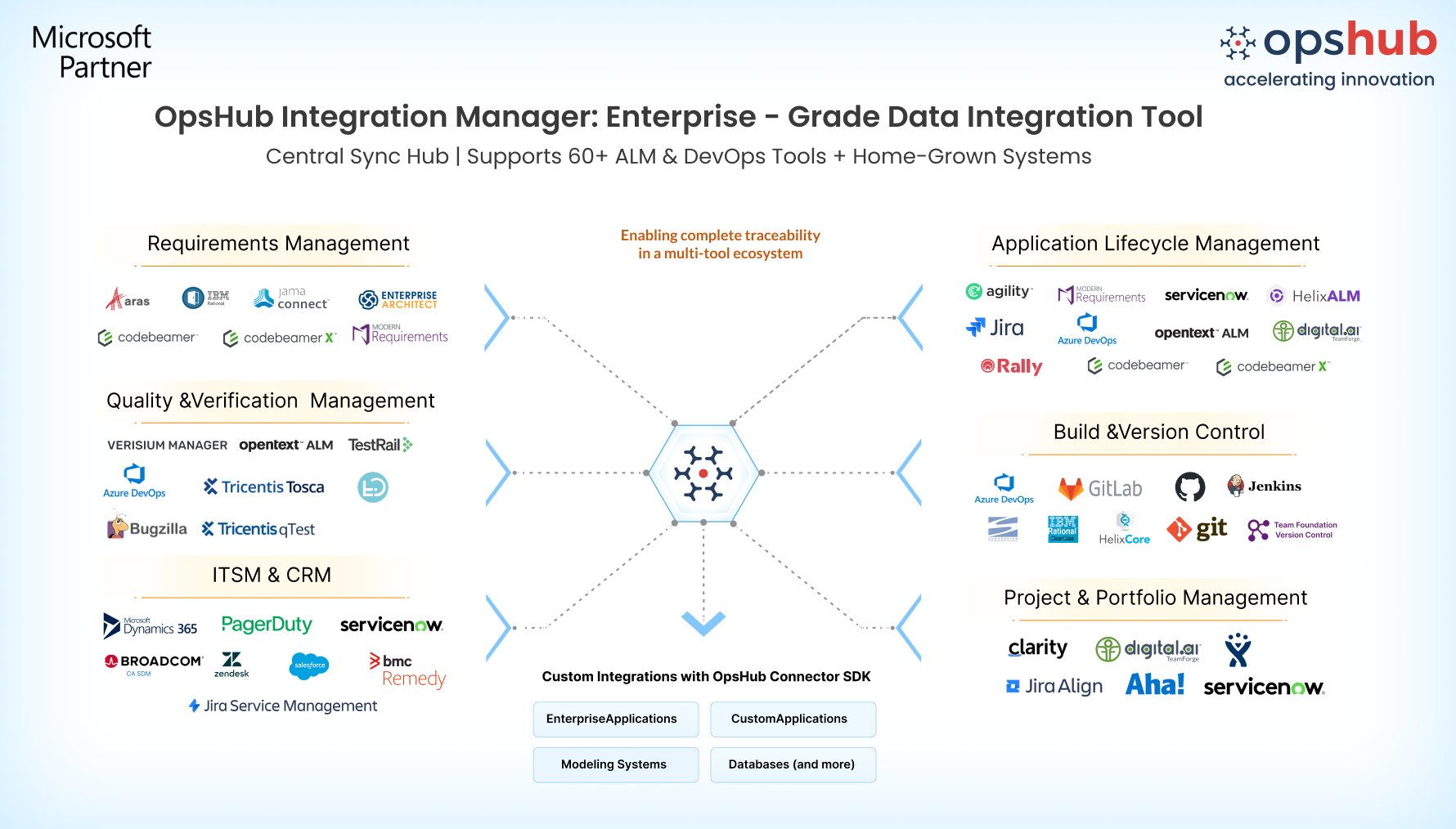
Overview Struggling to keep service teams in Jira Service Management aligned with engineering teams in Azure DevOps? OpsHub Integration Manager (OIM) provides secure, automated, real-time bidirectional synchronization between Jira Service Management and Azure DevOps, ensuring every update flows seamlessly without manual effort. Get started faster with AI-assisted entity mapping. Simply describe what you want to synchronize in a prompt, and OpsHub automatically maps entities and fields, reducing setup time through an intuitive no-code interface. Whether you're synchronizing incidents, service requests, and change requests with Azure DevOps work items, test entities, and release processes, OpsHub delivers reliable synchronization without impacting system performance. Designed to scale from a single integration to enterprise-wide deployments across cloud, on-premises, and hybrid environments, OpsHub operates externally through secure APIs no in-tool plugins required. Result: Faster incident resolution streamlined ITSM and DevOps collaboration, and complete visibility across support and engineering teams.
Why OpsHub is the best choice for Jira Service Management–Azure DevOps integration 1. Full coverage of Jira Service Management and Azure DevOps entities Synchronize the business-critical entities your teams rely on while preserving complete context across both platforms.
2. Sync complete data: comments, attachments, relationships, and history Go beyond field-level synchronization by preserving comments, attachments, images, @mentions, relationships, history, priorities, custom fields, and more so support and engineering teams always work with complete, up-to-date information. 3. Easy, AI-assisted no-code setup Accelerate integration setup with AI-assisted entity mapping. Simply describe what you want to synchronize, then refine mappings through an intuitive drag-and-drop interface with reusable templates, configurable synchronization rules, and no coding or scripting. 4. Unmatched reliability Keep data accurate and consistent with automatic retries, built-in reconciliation, conflict handling, and smart recovery from outages while preventing duplicate, missing, or orphaned records. 5. Effortless scalability Scale seamlessly from a single service desk to enterprise-wide integrations spanning thousands of projects without impacting the performance of Jira Service Management or Azure DevOps. 6. Enterprise-grade security and compliance Protect business-critical data with end-to-end encryption, role-based access control (RBAC), OAuth authentication, audit logs, and secure API-based connectivity across cloud, on-premises, and hybrid deployments. 7. Lower total cost of ownership Reduce manual effort, eliminate repetitive synchronization tasks, and minimize dependence on technical specialists. With automated, no-code integrations, lower maintenance costs while improving data accuracy and operational efficiency.
Popular use cases 1) Incident escalation Automatically synchronize Jira Service Management incidents with Azure DevOps bugs so engineering teams receive complete context and support teams stay informed on development progress. 2) Change management Connect Jira Service Management change requests with Azure DevOps work items and release pipelines to improve release planning, approvals, and deployment tracking. 3) DevOps and ITSM collaboration Synchronize work items, testing activities, release information, and service management processes to improve visibility across development, QA, and support teams. Frequently Asked Questions Q: What data can be synchronized between Jira Service Management and Azure DevOps? A: OpsHub supports bidirectional synchronization of Jira Service Management issue types including Incidents, Problems, Changes, Service Requests, and Tasks with Azure DevOps Work Items, Test Plans, Test Suites, Test Runs, Test Results, Pipelines, Iterations, Area Paths, and more. Rich data including comments, attachments, embedded images, @mentions, relationships, history, and custom fields is also synchronized. Q: Do I need plugins or scripts to set up the integration? A: No. OpsHub provides a secure API-based, GUI-driven no-code interface with reusable mappings and configurable synchronization rules, eliminating the need for plugins, scripting, or custom development. Q: How does OpsHub handle synchronization failures or downtime? A: OpsHub automatically detects failures, retries synchronization, reconciles missed updates, and prevents duplicate or orphaned records to maintain consistent data even during outages or network interruptions. |