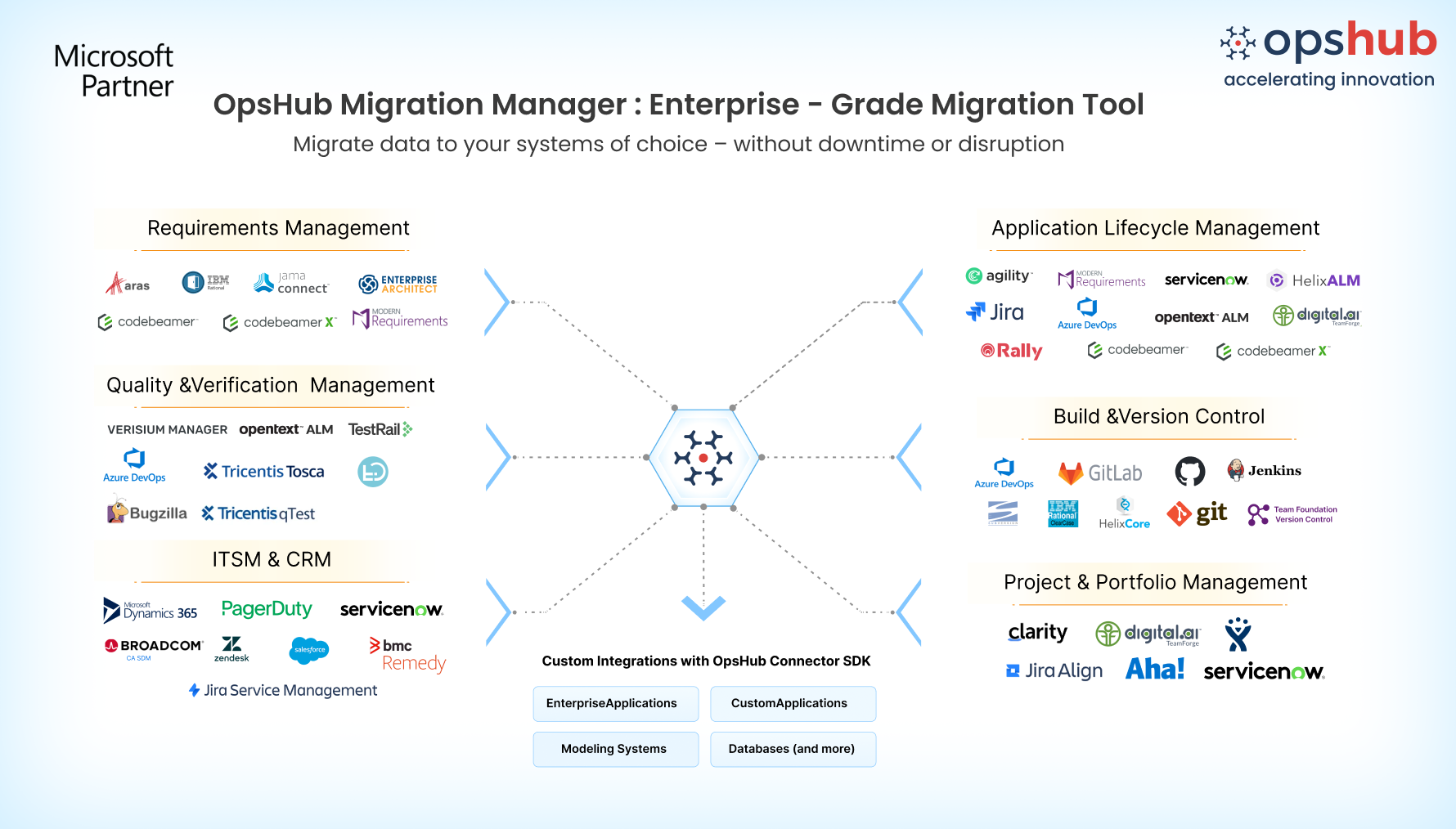
Overview Migrating from GitHub to Azure DevOps is more than moving issues. Your issues, comments, attachments, commit information, pull requests, and development context must move with them, so teams can continue working with the information they need after migration. OpsHub Migration Manager (OMM) provides a GUI-based, no-code migration experience with reusable mappings that simplify migration setup. Teams can continue working in GitHub while the migration runs in parallel, and ongoing changes can be synchronized until the final cutover. This allows you to validate the migrated environment before transitioning to Azure DevOps with minimal disruption. Whether you're consolidating development platforms, standardizing engineering processes, or modernizing your development workflows, OpsHub helps you migrate from GitHub to Azure DevOps while preserving your issue data and development context. Request a free migration demo slot.
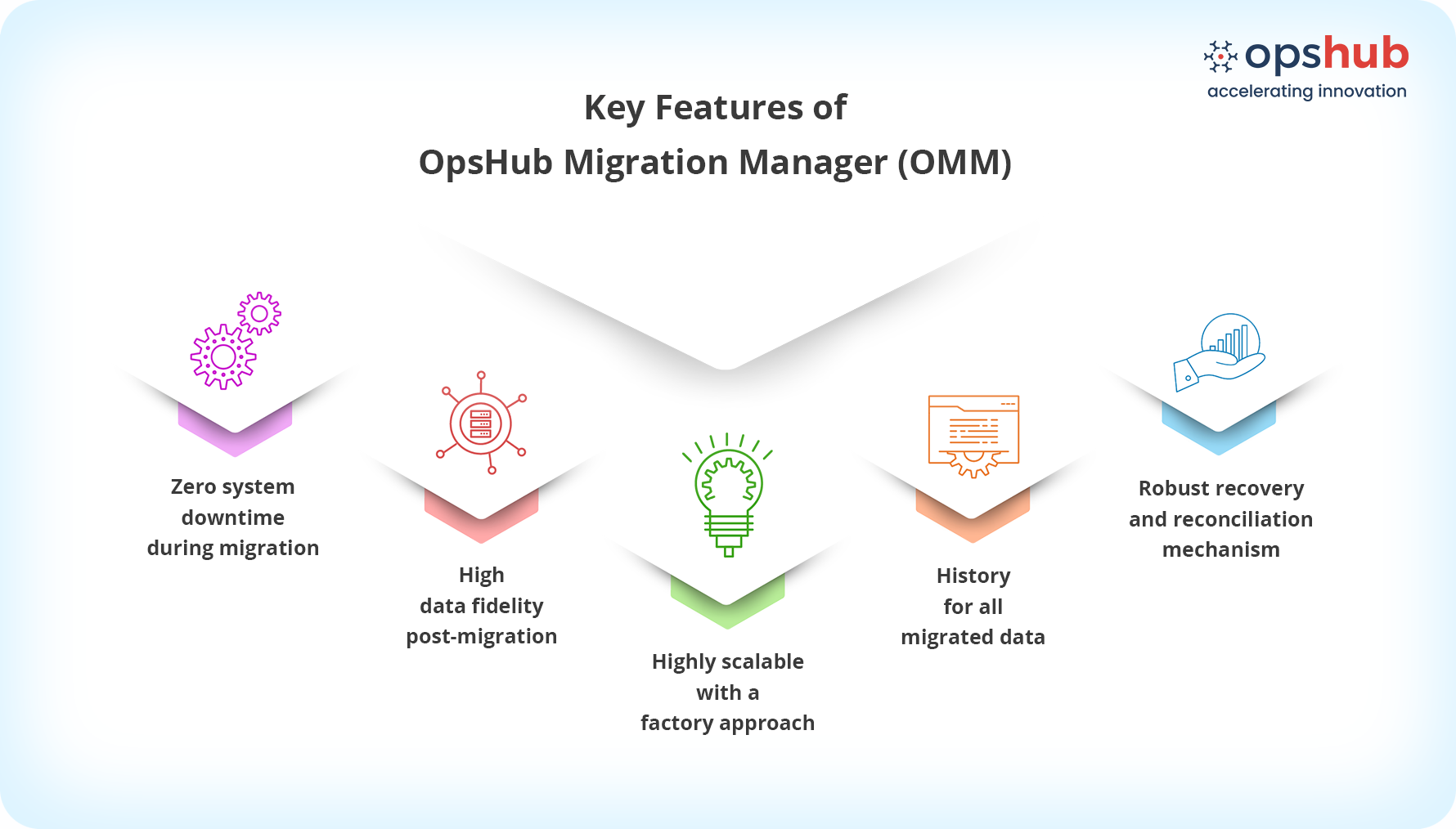
Why OpsHub for GitHub to Azure DevOps migration? 1. GUI-based no-code setup : Configure migrations through an intuitive GUI with reusable mappings and configurable migration rules. Adapt mappings as requirements evolve without writing custom scripts. 2. Zero-downtime migration : Keep teams productive while migration runs in parallel. Teams continue working in GitHub while projects are migrated to Azure DevOps, minimizing disruption until the final cutover. 3. Delta migration : After the initial migration, synchronize only new and updated changes between GitHub and Azure DevOps, keeping both environments aligned until you're ready to switch. 4. Migrate GitHub issues : Migrate GitHub Issues to Azure DevOps while preserving issue information and associated context. Map GitHub Issues to the appropriate Azure DevOps work item types to maintain organized and traceable development workflows. 5. Preserve development context : Migrate GitHub commit information and pull requests along with issue data to retain the development context associated with your projects. Keep important development information available in Azure DevOps after migration. 6. Transform data while you migrate : Transform GitHub issue structures, fields, and data into Azure DevOps work items using configurable mappings and migration rules. Adapt migrated data to align with your organization's Azure DevOps processes. 7. Migrate projects in parallel : Move multiple GitHub projects or repositories simultaneously to reduce migration time and accelerate your transition to Azure DevOps. 8. Recover automatically from migration failures: Keep large migrations moving with automated failure recovery that retries failed items and lets you rerun only unresolved records from the dashboard, reducing manual cleanup and avoiding full migration restarts. 9. Move sensitive project data securely : Protect GitHub data throughout the migration with encryption, secure authentication, role-based access controls, and PII masking, helping teams migrate while maintaining security and governance requirements. Use Cases 1) Move from GitHub to Azure DevOps: Migrate GitHub Issues, commit information, pull requests, and associated development context to Azure DevOps while minimizing disruption to development teams. 2) Standardize development processes : Migrate multiple GitHub projects or repositories to Azure DevOps in phases while maintaining issue data and development context throughout the transition. 3) Consolidate development platforms : Migrate multiple GitHub projects or repositories to Azure DevOps in phases while maintaining issue data and development context throughout the transition. 4) Modernize engineering workflows : Transition development teams from GitHub to Azure DevOps while preserving the information needed to maintain continuity and traceability across development activities.
Frequently asked questions Q1. What GitHub data can OpsHub migrate to Azure DevOps? Ans 1) OpsHub supports migration of GitHub Issues, commit information, and pull requests, helping teams move their development data and context to Azure DevOps. Q2. Can GitHub commit information and pull requests be migrated? Ans 2) Yes. Teams can continue working in Redmine while migration runs. Ongoing changes are synchronized until the final cutover, reducing disruption to daily work. Q3. Can teams continue working in GitHub during migration? Ans 3) Yes. Teams can continue working in GitHub while the migration runs in parallel. Delta migration can be used to synchronize ongoing changes until the final cutover, minimizing disruption to day-to-day work. Q4. Does OpsHub require custom scripts? Ans 4) No. OpsHub provides a GUI-based, no-code migration experience with reusable mappings and configurable migration rules, eliminating the need for custom scripting. Q5. Can I migrate multiple GitHub projects at the same time? Ans 5) Yes. OpsHub supports parallel migration, allowing multiple GitHub projects or repositories to be migrated simultaneously and helping reduce the overall migration timeline. |