Yamelizer — Quick Usage Guide
1. One‑click usage
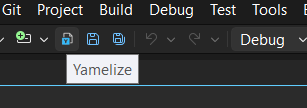
Click on the Yamelize toolbar button or choose Yamelize command from the Tools menu.
2. Options dialog — full control when you need it
Opening the options
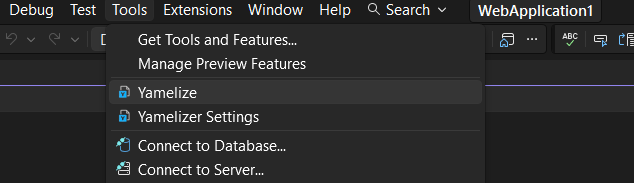
Global settings: Tools → Yamelizer Settings
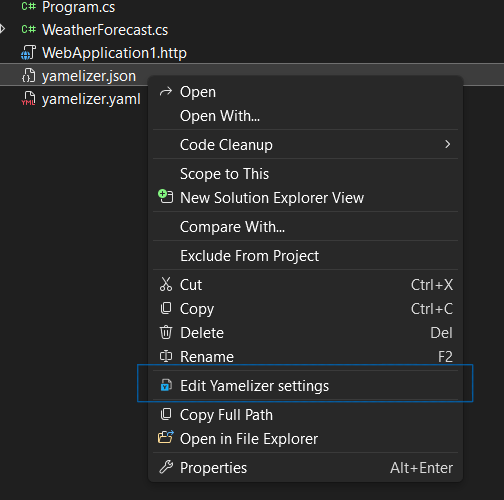
Project‑specific settings: Right‑click a yamelizer.json file in Solution Explorer → Edit Yamelizer settings
What each tab does
Settings — primary configuration

    Primary settings file (BaseFileName): choose which appsettings file acts as the base (default: appsettings.json).

    Conversion type: envYaml (Kubernetes‑style values) or ConfigMap.

    Top‑level key (ReleaseName) and environment variables section (EnvSectionName).

    Merge with yamelizer.yaml: include a template file during generation.

Advanced — fine‑tuning

    Toggle quoting behavior for names/values.

    Reset all settings to defaults.

Global — environment‑wide behavior

    Controls like Save per‑project (explained below).
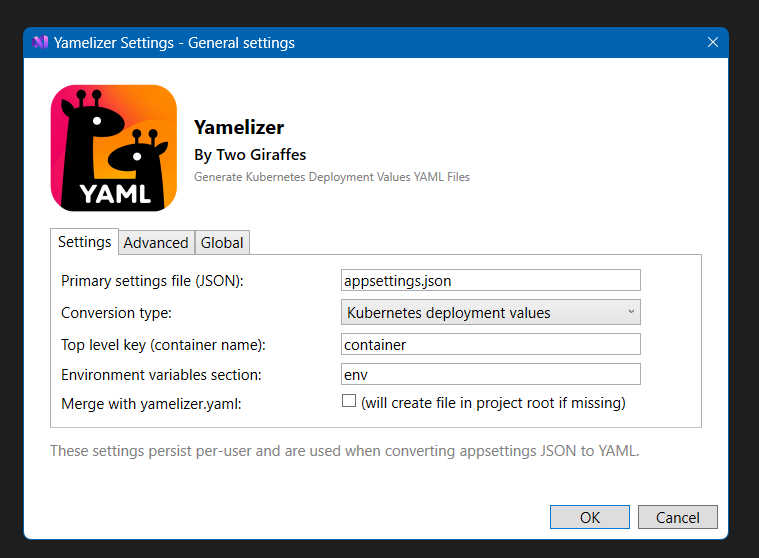
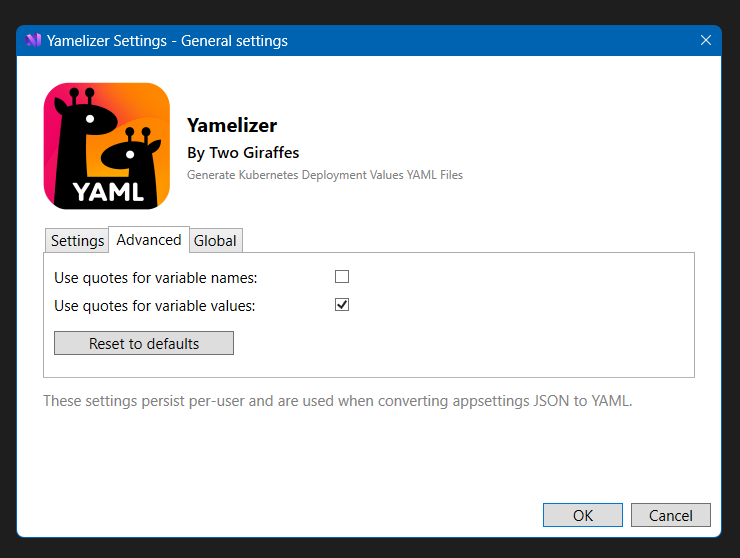
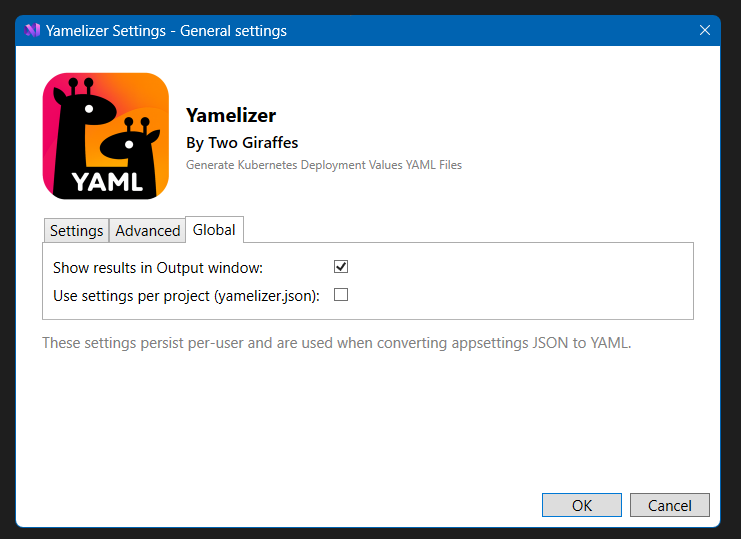
Note: The settings scope is displayed on the title — “General settings” for global, or the project name when editing a project‑level yamelizer.json.
3. Advanced scenarios — multi‑project & team workflows
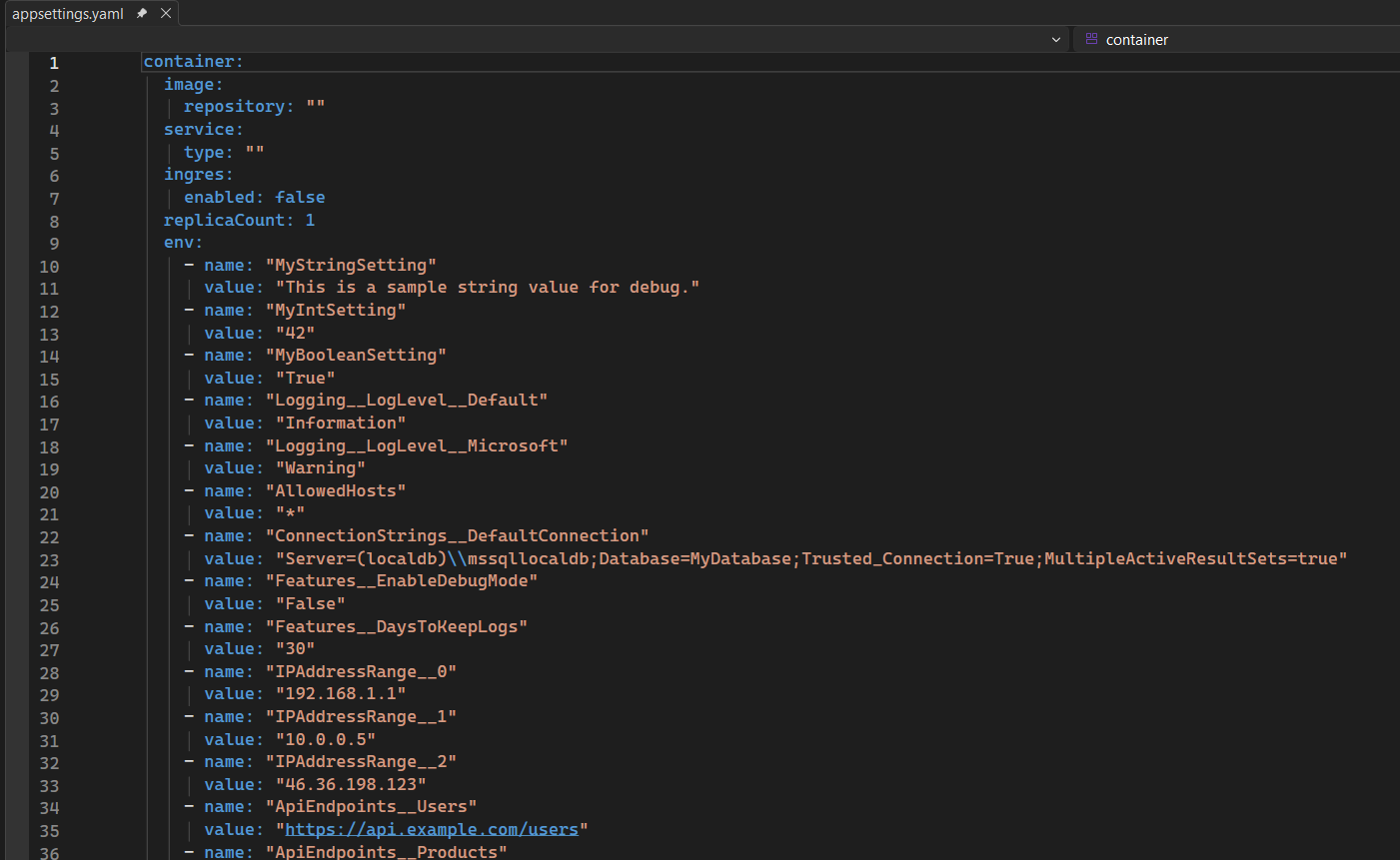
yamelizer.yaml — merge/template file
Adds a yamelizer.yaml template to a project root to define a reusable YAML template or shared values.

Yamelizer merges this file into the generated output, letting you maintain hand‑edited blocks or team‑wide defaults.
yamelizer.json — per‑project settings
Store project‑specific configuration such as base filename, conversion type, or quoting rules.

Two ways to create or edit:

    1. Edit the file manually in the project root.

    2. Right‑click yamelizer.json → Edit Yamelizer settings (opens the scoped options dialog).
Save per‑project — global control
When enabled, saving global settings will write or update yamelizer.json in each project.

When disabled, project‑level files are ignored and global settings take priority.

Recommended for teams: commit yamelizer.json to source control for consistent behavior across environments.
Conversion priority (highest → lowest)
Project yamelizer.json (when Save per‑project is enabled)

yamelizer.yaml  template (if present)

Global settings

