Catppuccin Modern for Visual Studio (Unofficial)
An unofficial Catppuccin-based theme extension for Visual Studio 2026.
This theme was created primarily for personal use,
with support for the Visual Studio 2026 theme extension system.

Overview
This extension brings the well-known
Catppuccin pastel color palette to Visual Studio 2026.
- Compatible with Visual Studio 2026
- Designed with respect for Catppuccin’s color philosophy
- Falls back to the Visual Studio default theme for undefined tokens
Preview
Latte
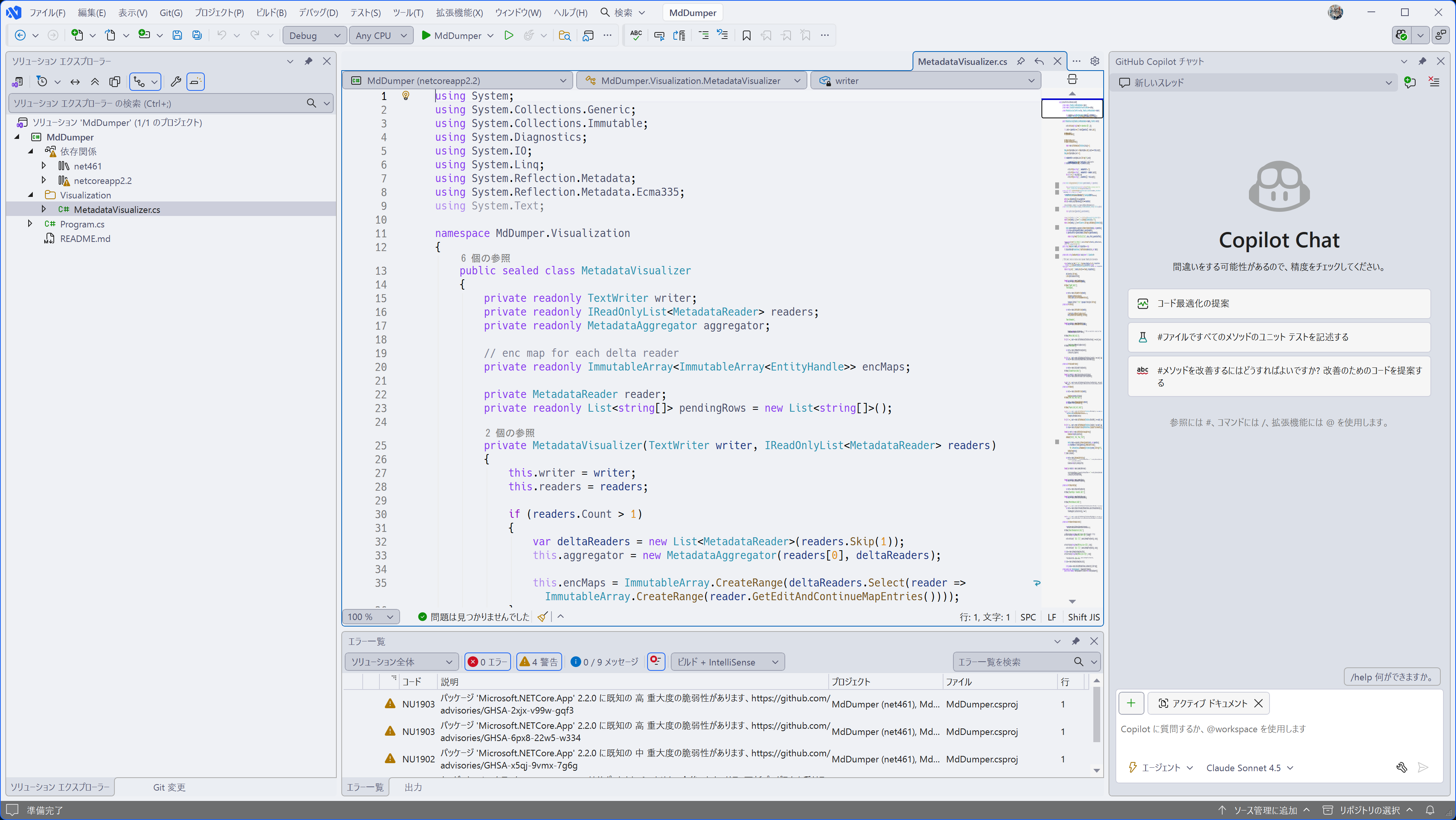
Frappé
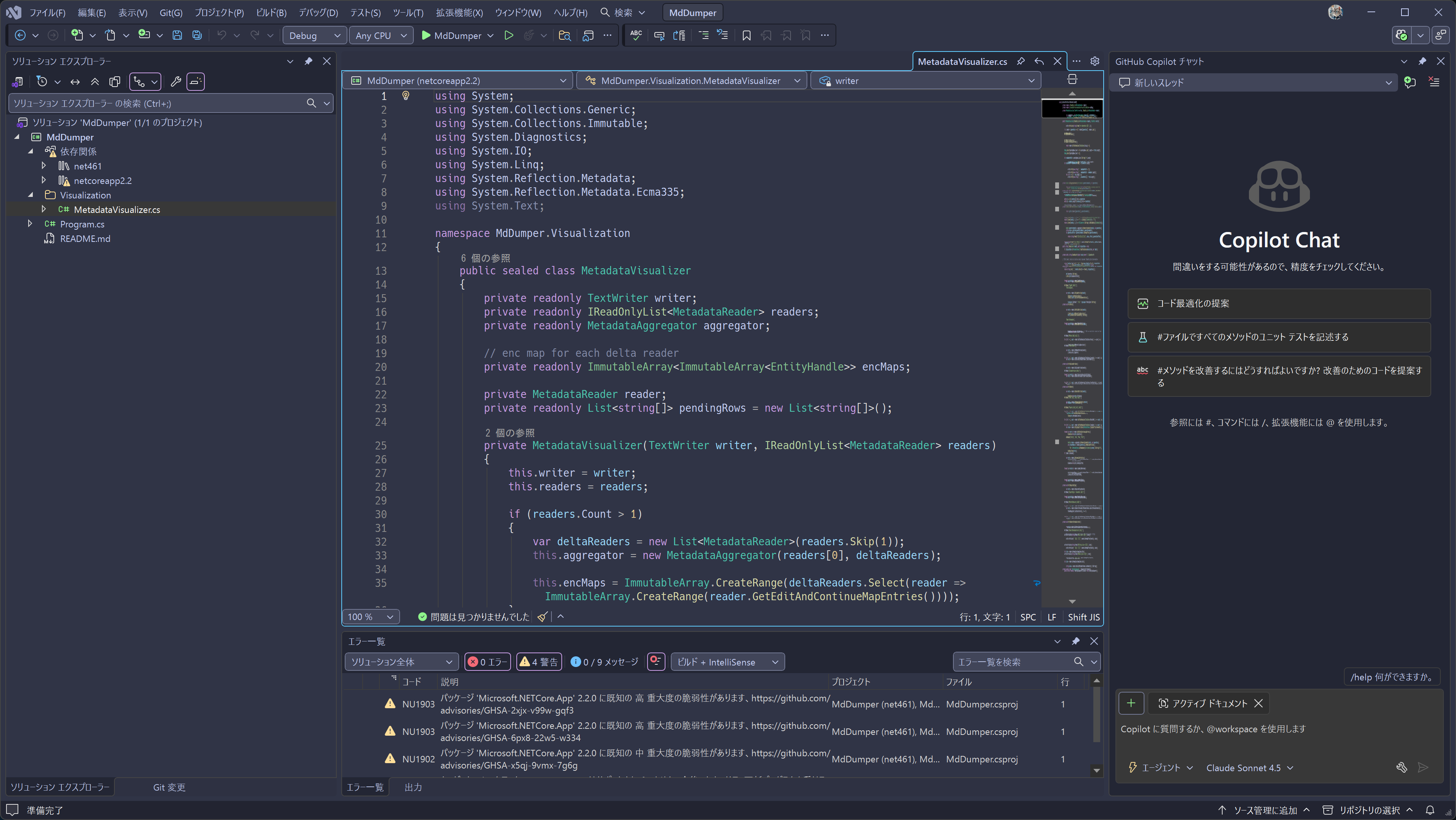
Macchiato
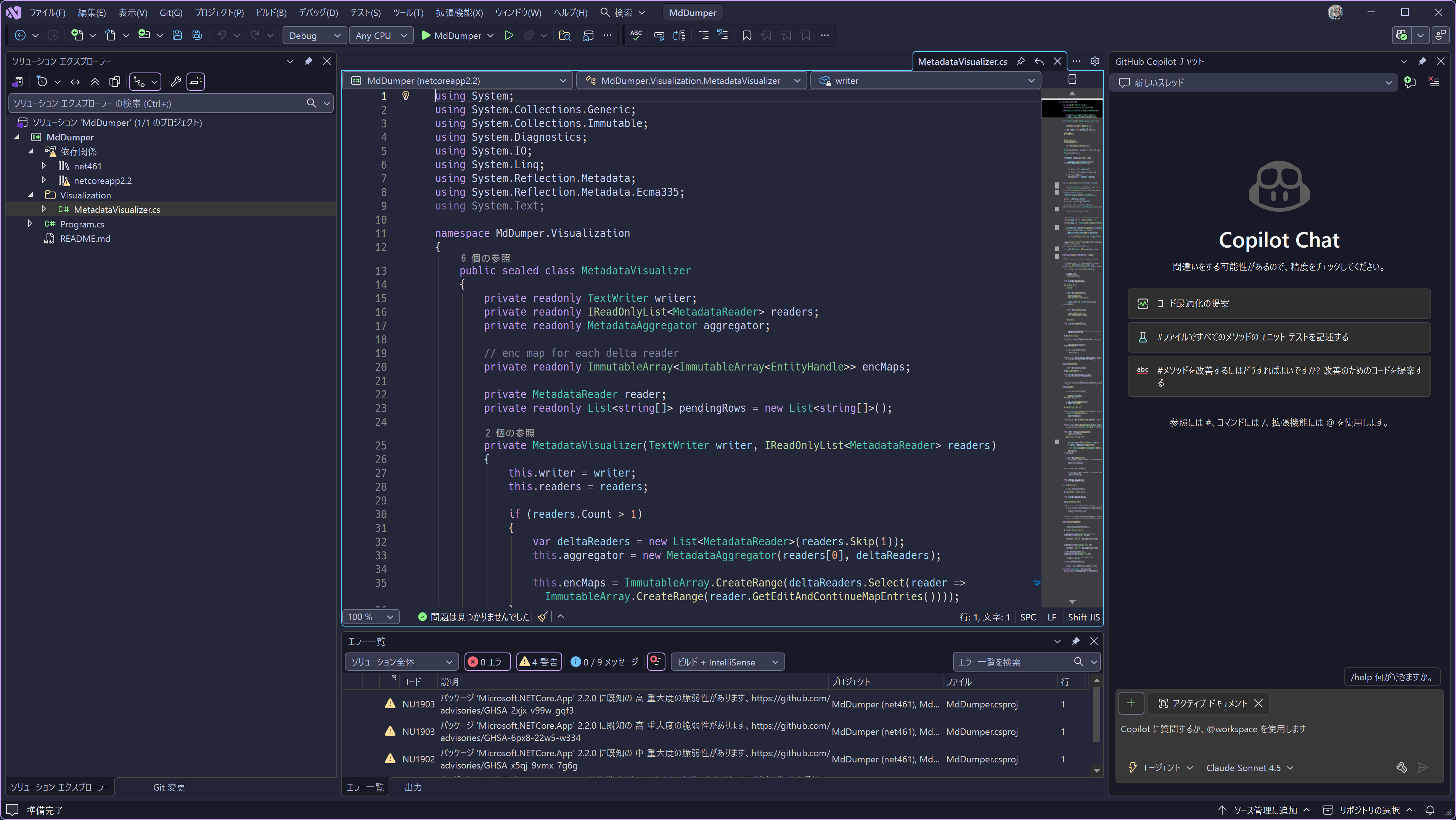
Mocha
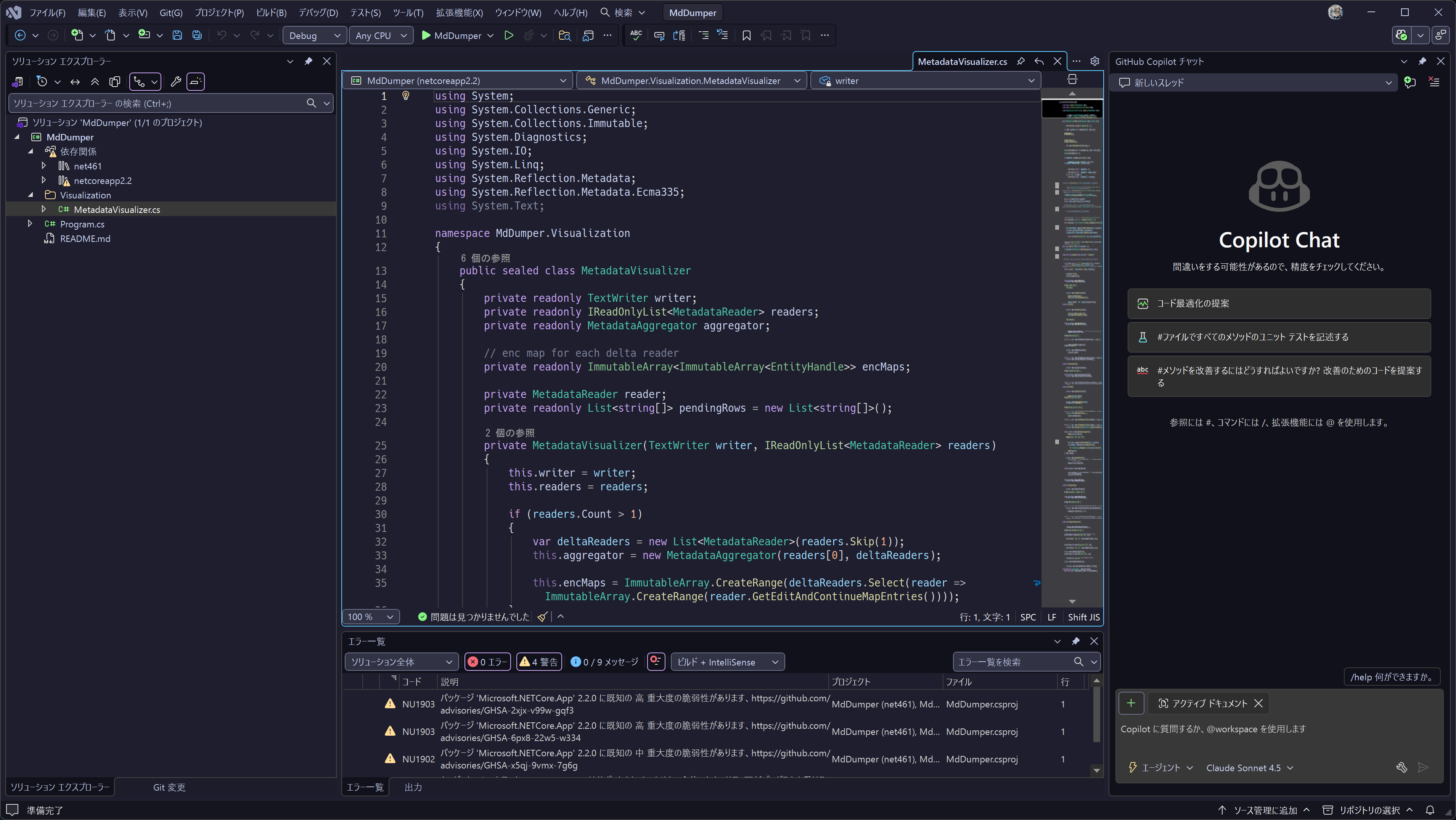
Background
The existing Catppuccin for Visual Studio theme is currently in the process
of being updated for Visual Studio 2026, and at the time of creation,
an officially compatible version was not yet available.
Therefore, this theme was created:
- For use in my own development environment
- To better understand the Visual Studio 2026 theme extension specification
This repository is an unofficial derivative project
and is not directly affiliated with the official Catppuccin project.
Features
- Color scheme based on the Catppuccin palette
- Supports the new theme definition model introduced in Visual Studio 2026
- Primarily defines Editor, Text, and core UI tokens
- Undefined UI elements fall back to the Visual Studio default theme
- Simple structure intended for personal use
Supported Environment
- Visual Studio 2026
- Windows 10 / Windows 11
Installation
Option 1: Install via VSIX (Recommended)
- Download the
.vsix file from GitHub Releases
- Double-click the file to install
- Restart Visual Studio
- Navigate to
Tools → Options → Environment → General → Color theme
and select this theme
Option 2: Build from Source (For Developers)
git clone https://github.com/sysCat64/CatppuccinModernForVisualStudio.git

