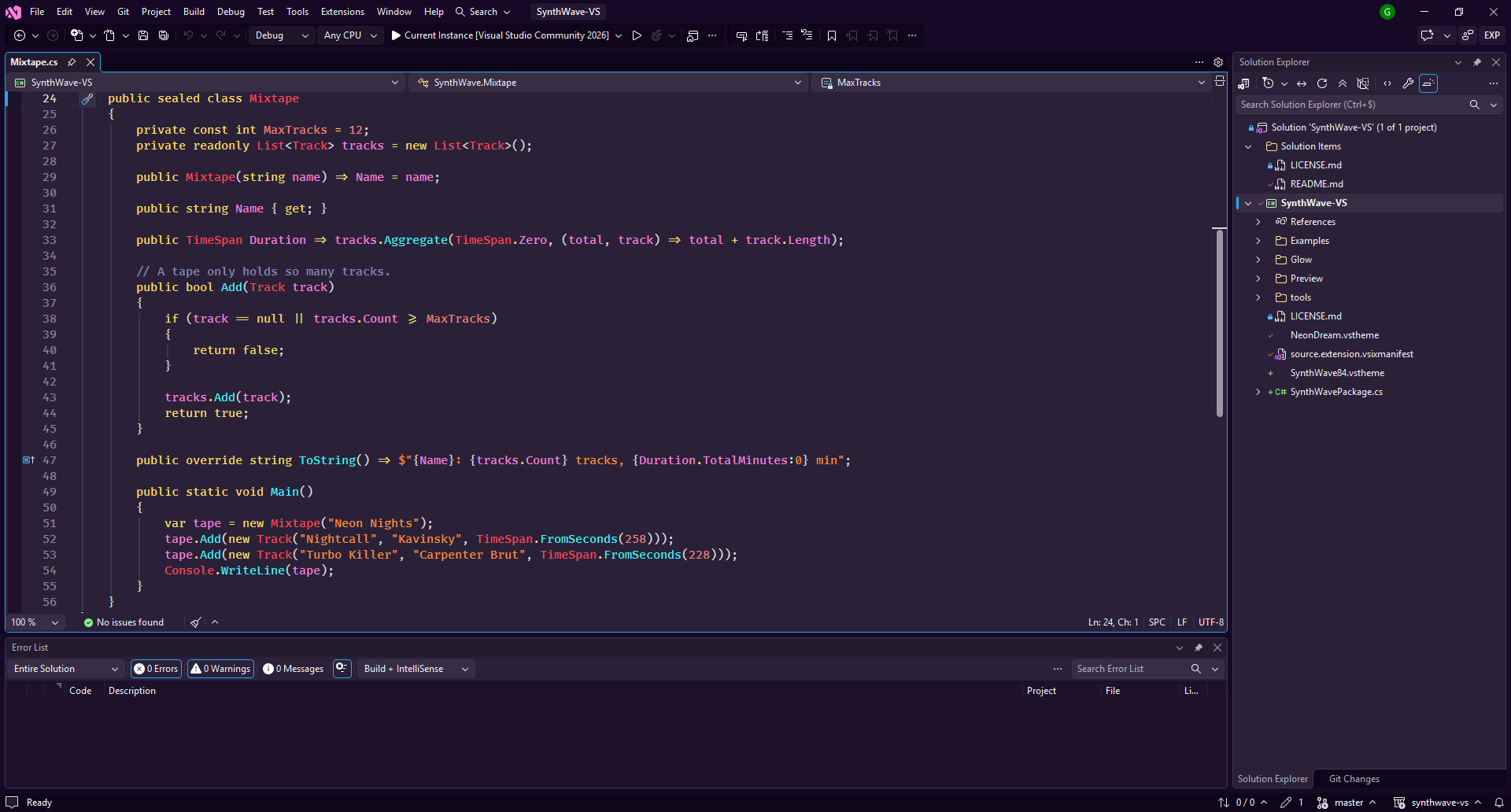
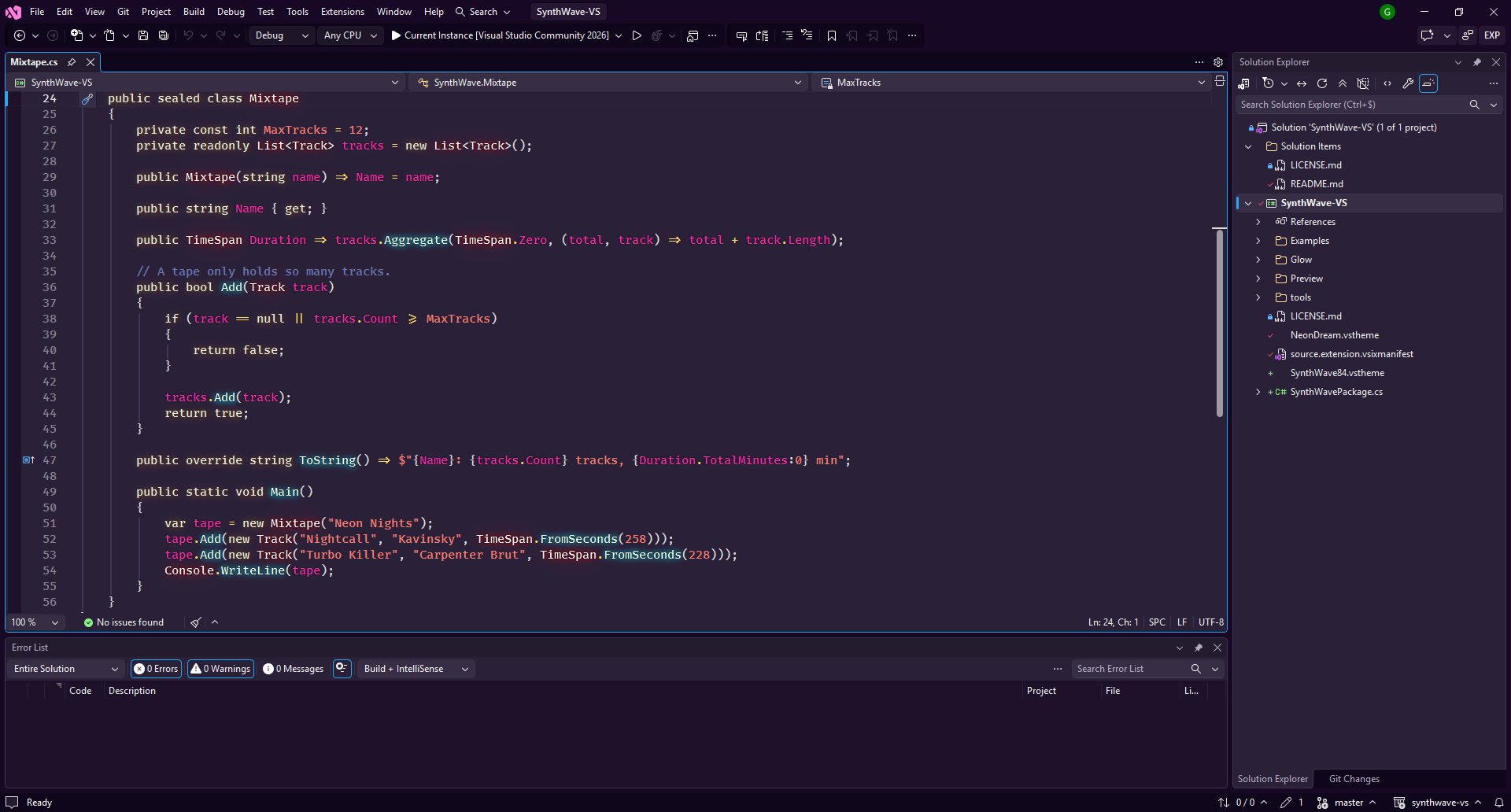
SynthWave '84 for Visual StudioA port of the awesome SynthWave '84 VS Code theme by Robb Owen to Visual Studio 2019, 2022 and 2026. Two variants are included:
SynthWave '84
SynthWave '84 Neon Dream
UsagePick the theme in Tools > Theme. With Neon Dream, keywords, types, functions, tags and variables glow in the text editor, like in the VS Code "Neon Dreams" mode. Nothing in the Visual Studio installation is modified. Turn the glow on or off and set its brightness in Tools > Options > SynthWave '84 > Neon Glow. Recommended fonts
If a color you changed yourself in Tools > Options > Environment > Fonts and Colors wins over the theme, click Use Defaults there. CreditsTheme colors, glow effect and icon come from SynthWave '84 by Robb Owen (MIT License). Source code and issues: github.com/stillgbx/synthwave-vs |