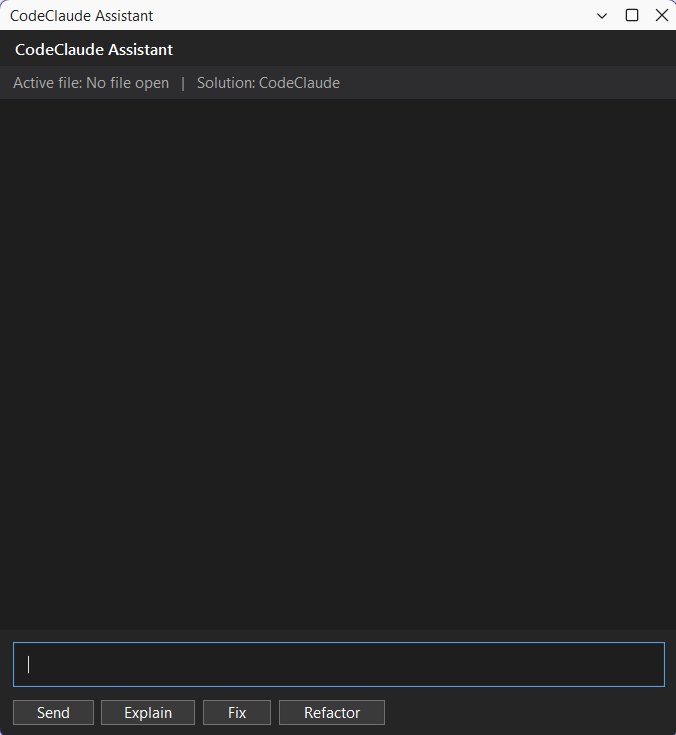
CodeClaudeAI-powered Claude assistant for Visual Studio that helps you write, understand, and improve code faster.
FEATURES
- Explain code in plain English
- Fix bugs with AI assistance
- Refactor code for bet |

CodeClaude - AI Assistant for Visual StudioCodeClaude brings a Cursor-like AI experience directly into Visual Studio, powered by Claude. ✨ Features
📍 How to OpenAfter installation: 👉 Go to: View → CodeClaude Assistant This opens the AI tool window inside Visual Studio. 🔐 Setup RequiredCodeClaude uses Claude API. You must set your API key as a Windows environment variable: Variable Name:ANTHROPIC _API_KEYHow to set it:Option 1 (Command Prompt)setx ANTHROPIC _API_KEY "your-api-key" Option 2 (System Settings)
🚀 Usage
🧠 Requirements
📸 Preview
⚠ Notes
|