OX SecurityScan your local changes with OX Security from inside Visual Studio: findings in a tool window, the Error List and the editor, with suggested fixes you can apply in one click. |

OX Security for Visual StudioThe OX Security extension scans your local code changes from inside Visual Studio and reports the results without leaving the IDE. It integrates with the OX Security platform and is intended for developers. This option is not a replacement for full repository scans, but a complementary tool for early-stage, local validation. The repository you scan must exist in your organization and be known to OX. Currently the following issue categories are supported: Open Source Security, Code Security, SBOM, IaC, Secret/PII. The main goal is to let you scan code locally before pushing changes to a remote repository, as follows:
How it worksAfter you install the extension, the OX Security tool window is available from Extensions > OX Security > Show OX Security. You can run a scan directly from the tool window's toolbar, which compresses your local changes and sends them to the OX backend for analysis. Results are grouped by severity or category in the tool window's tree, with each issue linked to the exact line of code and, where available, a suggested fix you can apply in one click. Findings also appear in Visual Studio's Error List and as squiggles in the editor, so you can navigate to an issue the same way you would a compiler warning: double-click the row, or the squiggle's line, to jump to the exact location. Requirements
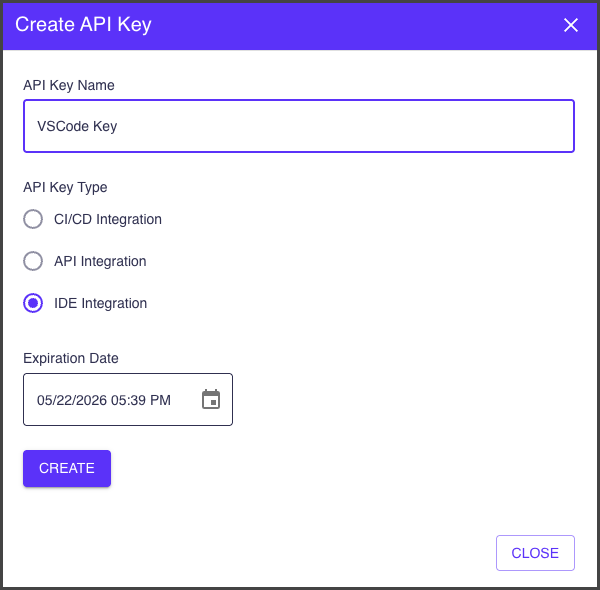
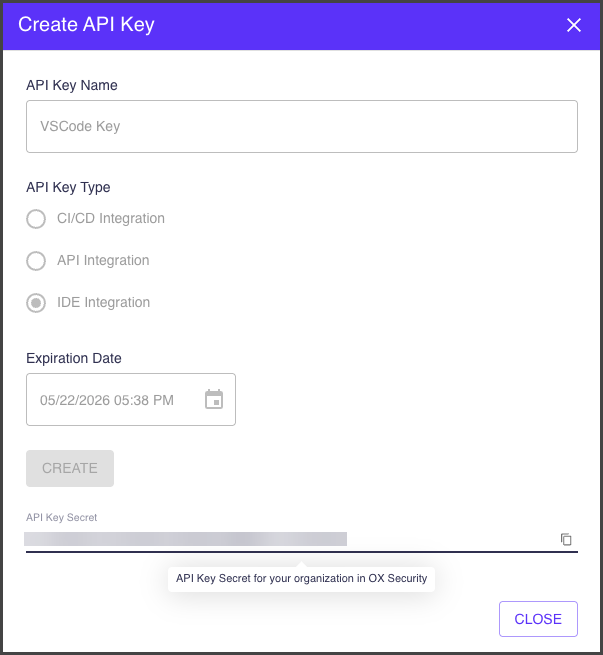
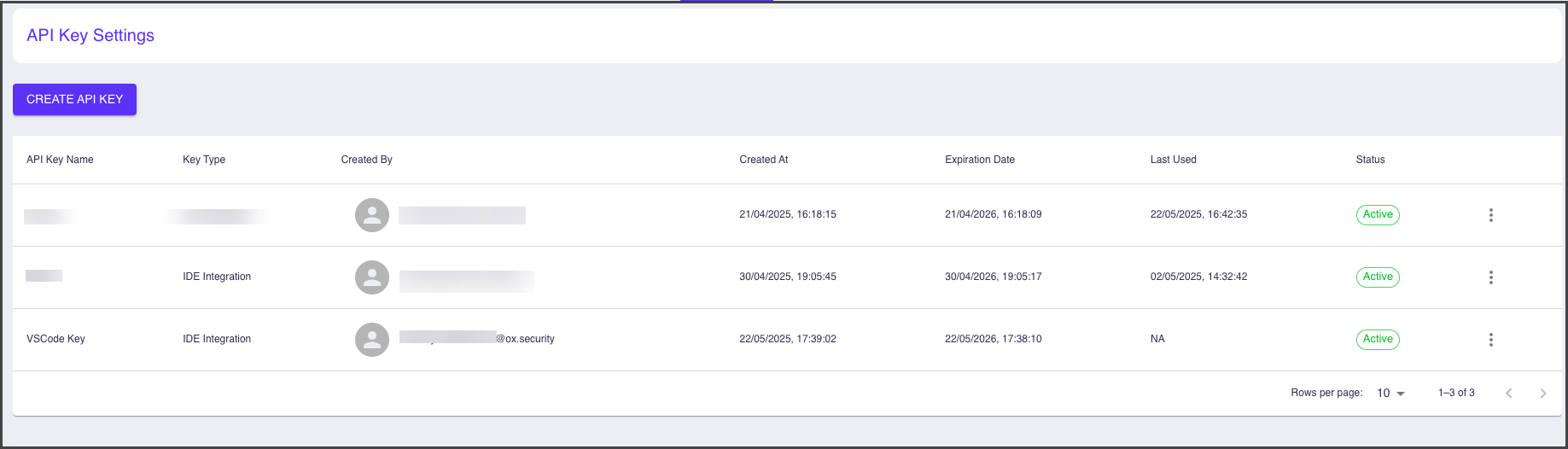
Generating IDE/CLI Integration keyBefore you install the extension, you need to generate an API key. To generate an API key:
ConfigureFrom Extensions > OX Security:
A connection check runs automatically after any of these change, so you know immediately whether scanning is available. ScanRun Scan Local Changes from Extensions > OX Security or from the ▶ button on the OX Security tool window's toolbar. Results appear in the tool window, the Error List and the editor once the scan completes. Stop Scan, from the same menu, cancels a scan that is still running. SettingsFrom Extensions > OX Security:
TroubleshootingThe OX Security Output pane (View > Output, then Show output from: OX Security) logs each step of a scan and any error the backend returns. For more detailed logging, set the From Extensions > OX Security:
Support |