
.NET nanoFramework ExtensionVisual Studio extension for .NET nanoFramework. Enables creating C# applications for micro-controllers and provides debugging tools. |

.NET nanoFramework for Visual Studio 2019Write C#. Run it on a microcontroller. Debug it live. The .NET nanoFramework extension brings embedded development into the Visual Studio you already use. Create a project, deploy to your board, set breakpoints, step through code and inspect variables on the real hardware. You don't need C/C++ or a vendor toolchain.
What you get
What is .NET nanoFramework?An open-source platform for running managed C# on constrained devices, such as IoT sensors, wearables, robots, maker projects and industrial equipment. It includes a compact CLR and a subset of the .NET base class libraries, so desktop .NET developers can work on embedded systems with the skills they already have. Supported hardware
...and more, including community boards. Full list See it in action
Get involved |
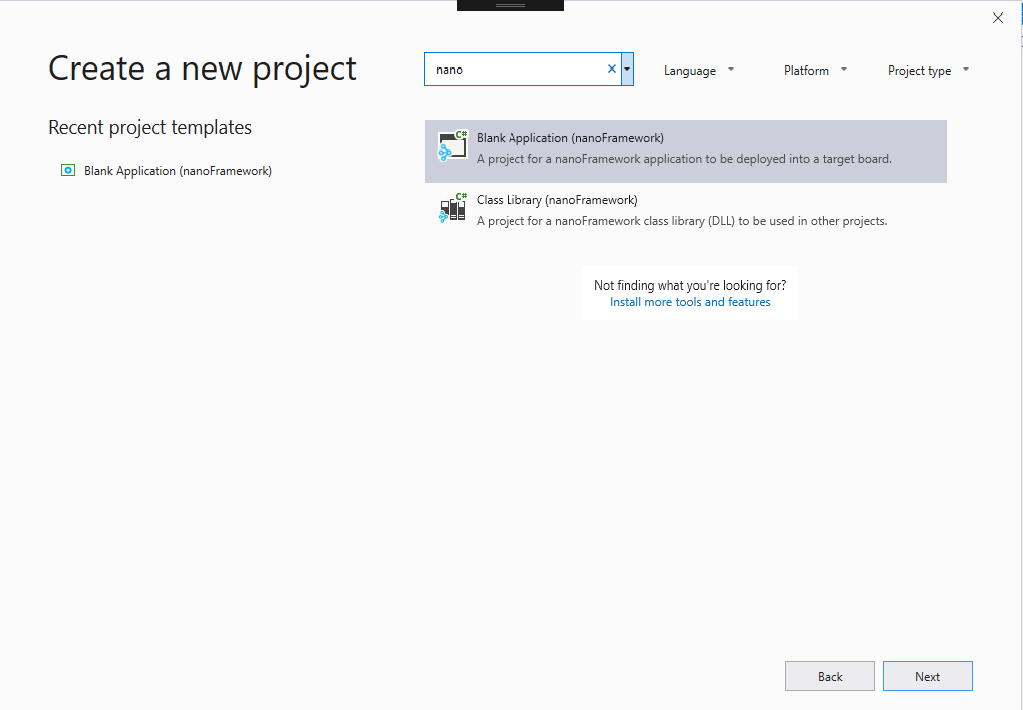 Start a new project in seconds.
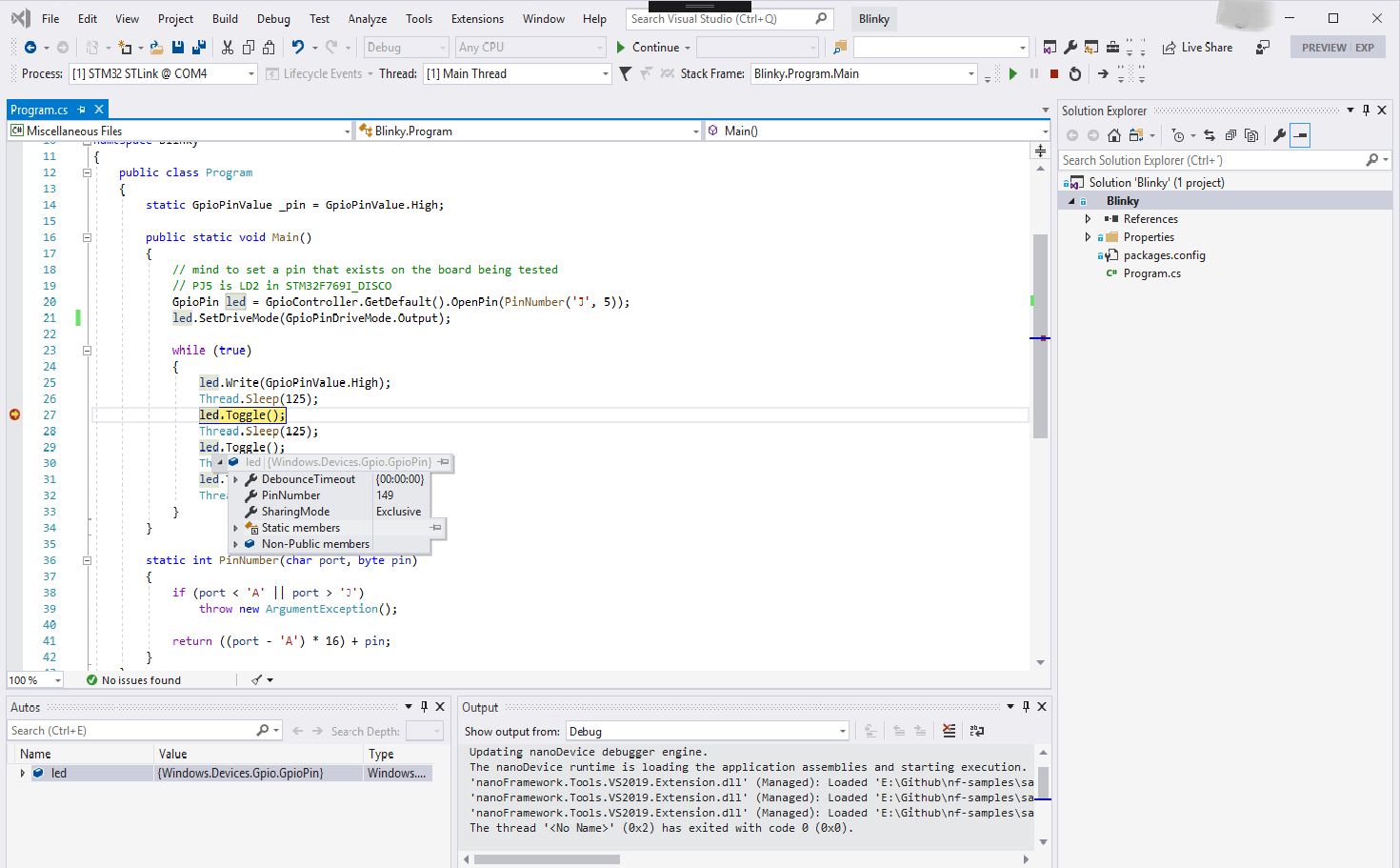 Debugging live on a real device.