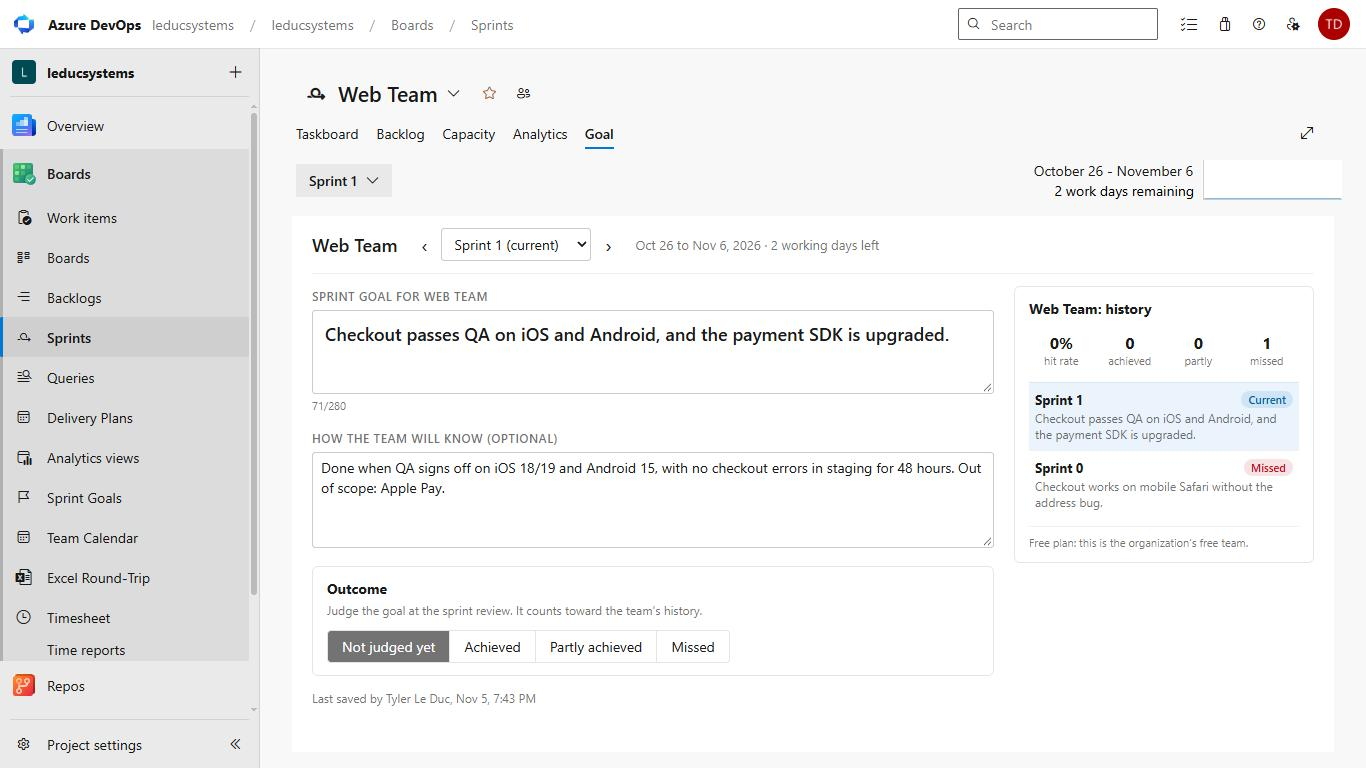
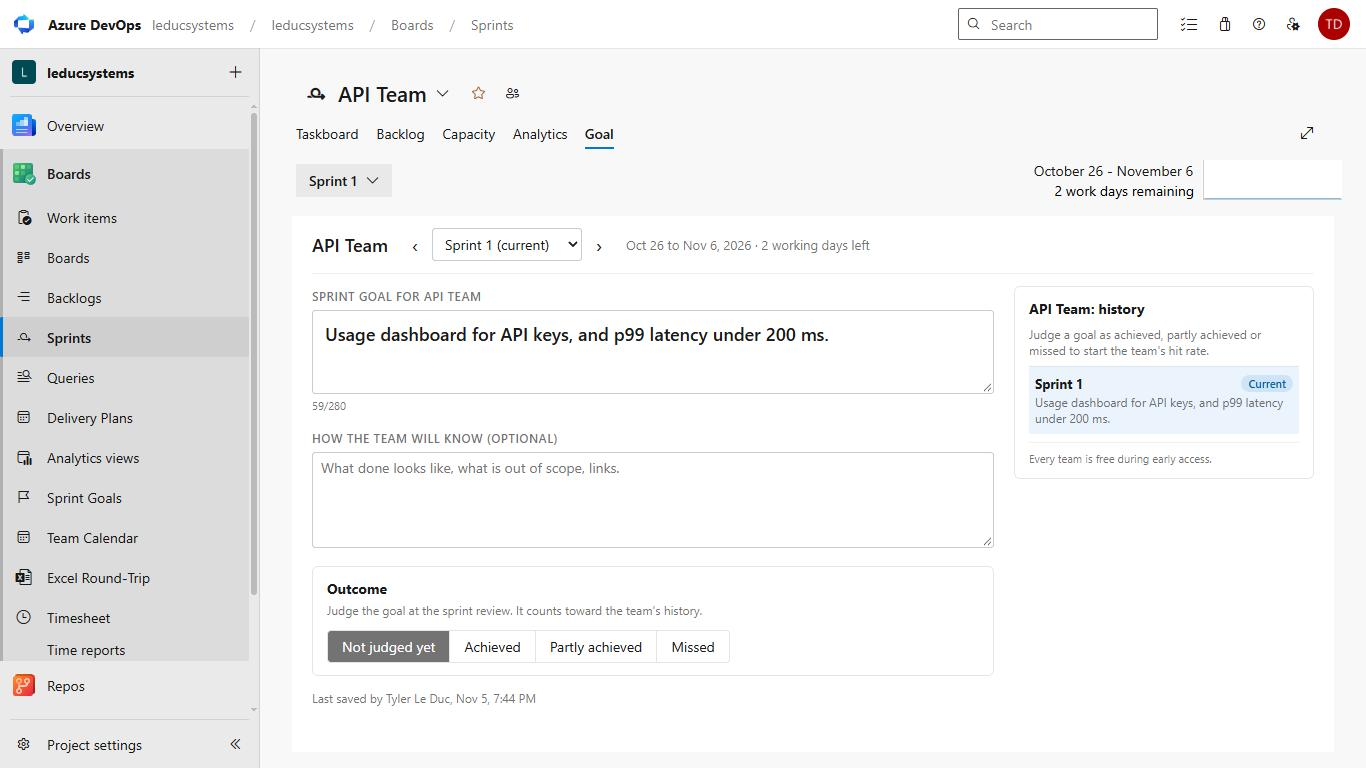
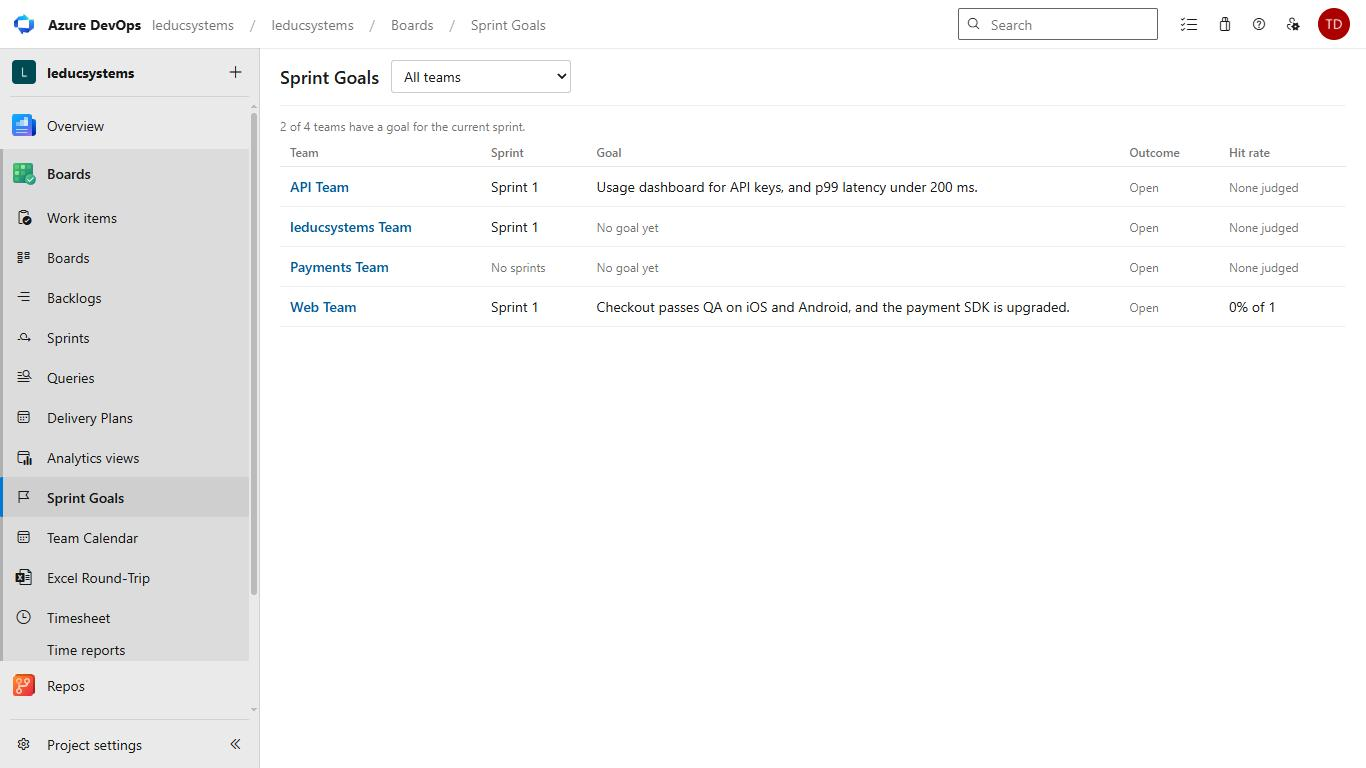
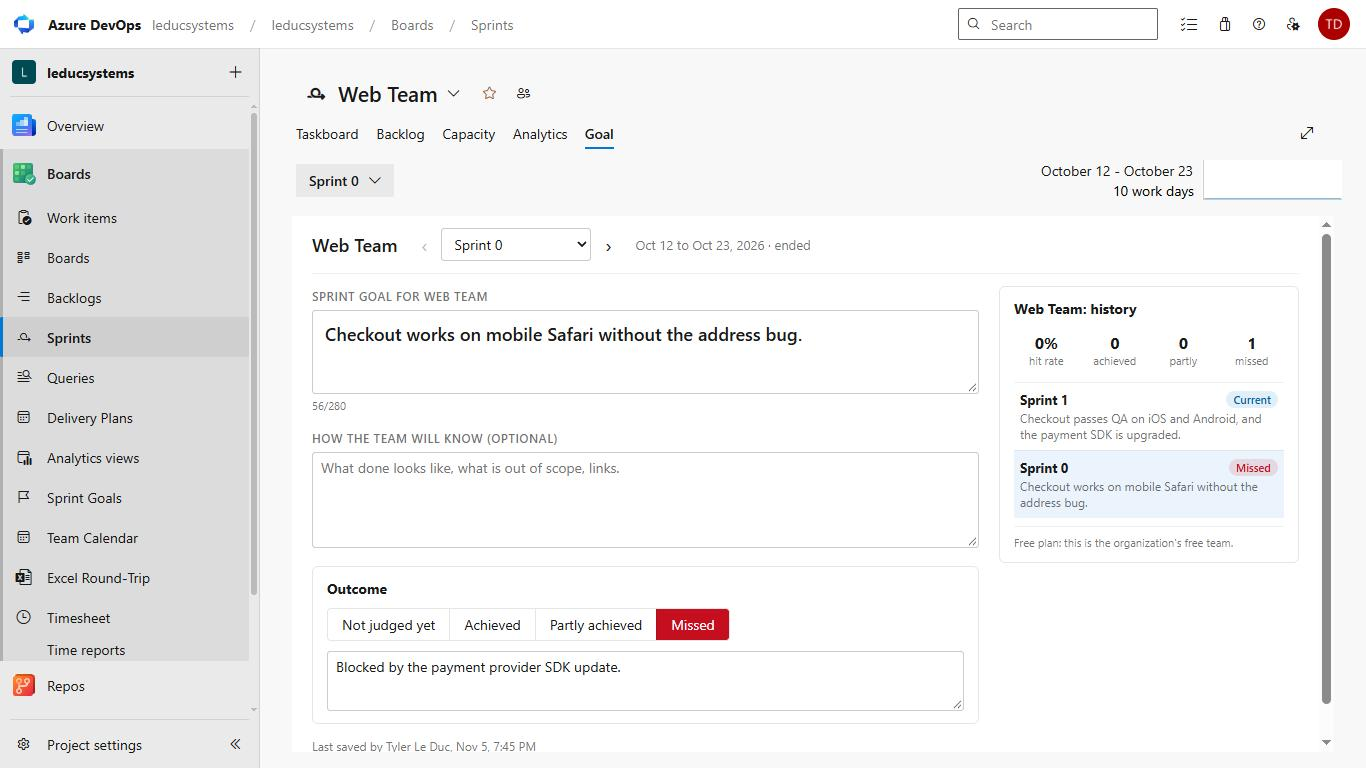
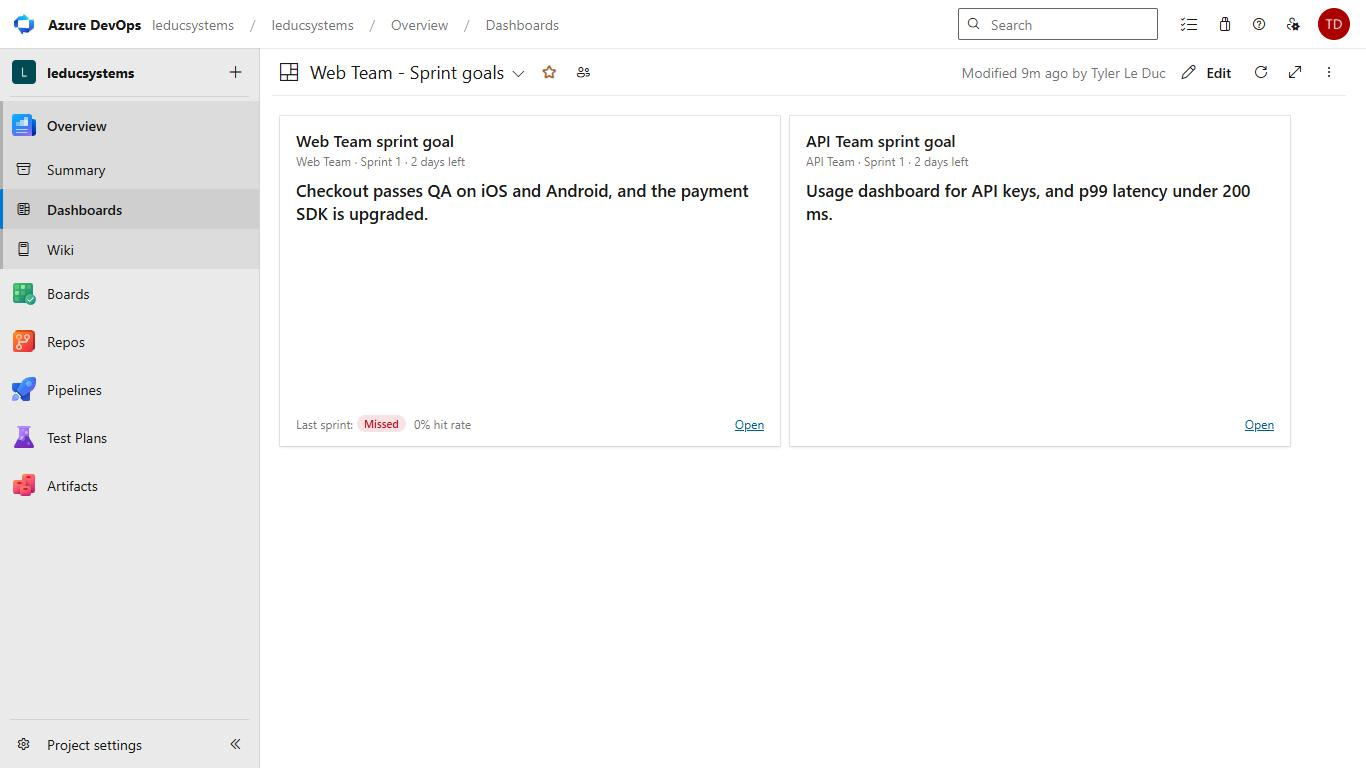
Sprint Goals: per team, with historyA goal for each team in each sprint, on the sprint page, the backlog and a dashboard widget. Mark goals achieved, partly achieved or missed and see each team's hit rate. Saves as you type. |

Sprint GoalsGive every team a goal for every sprint, keep it in front of the team, and record whether it was met.
Built for more than one teamEach team's goals are stored under that team. When two teams share the same sprints, each one still sees only its own goal, on the sprint page, the backlog, the hub and the dashboard widget. The tab reads the team from the page it is opened on, not from a default team.
Where the goal shows
Achieved, partly or missedAt the sprint review, mark the goal Achieved, Partly achieved or Missed and add a note on what helped or got in the way. When a sprint has ended without an outcome, the tab asks for one. Each team gets a history: every past goal with its outcome, a hit rate (partly counts as half) and a streak. If last sprint's goal was missed or partly achieved, the next sprint offers to carry it over in one click.
Saves as you typeThere is no Save button. Changes are saved a moment after you stop typing, and before you switch sprints. Text typed just before the page closes is kept in the browser and saved the next time the tab opens. If two people edit the same goal, changes to different fields are both kept; if both change the same field, you keep your text and see what the other person wrote.
Data and permissionsGoals are stored in your organization's Azure DevOps extension data storage. Nothing is sent to any other server. The extension asks for read access to work items and sprints ( PricingFree for one team per organization. Unlimited teams for $19 a year per organization. During early access every team can use every feature. SupportQuestions and bug reports: leducsystems.com/sprint-goals/azure-devops/support. |