Kyokko Theme
Kyokko (極光, kyokkō, "aurora") is a calm navy dark theme for Visual Studio 2026, lit by aurora cyan and green.
Highlights
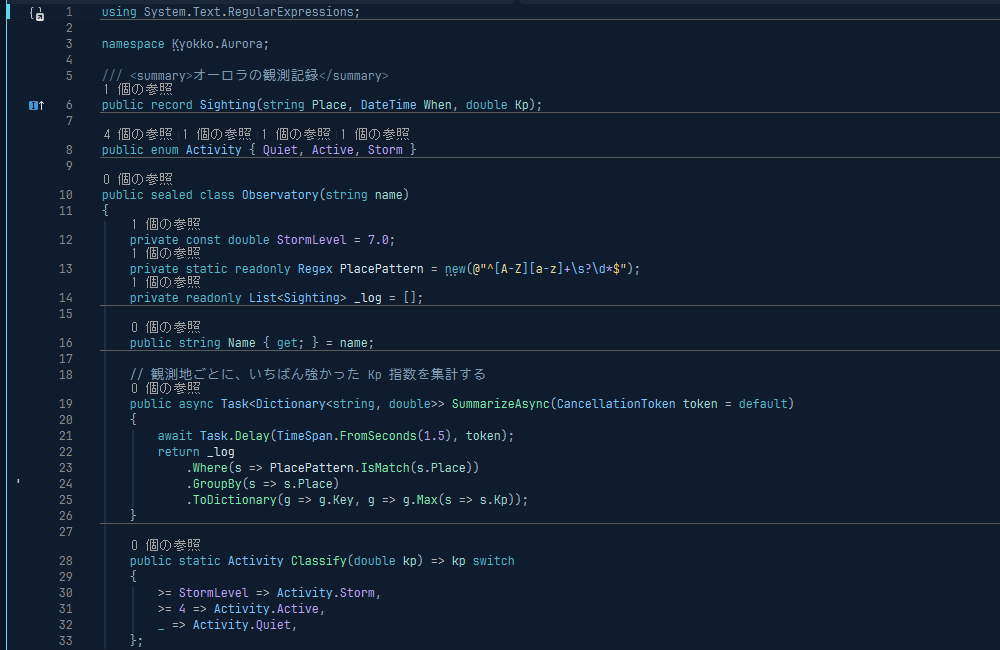
- Navy, not gray. The whole IDE is themed: tool windows, tabs, menus, the search box and the status bar use navy surfaces one step apart, instead of the gray of the built-in Dark theme.
- Readable colors. Every code color is 5.9:1 or higher against the background (WCAG AA).
- Plain comments. Comments are blue-gray and not italic, so comments in Japanese and other CJK languages stay easy to read.
- States that keep their meaning. Errors stay red and warnings stay gold. Find matches and the current statement use a dark gold, and breakpoints a dark red. Light text on those lines stays readable.
Languages
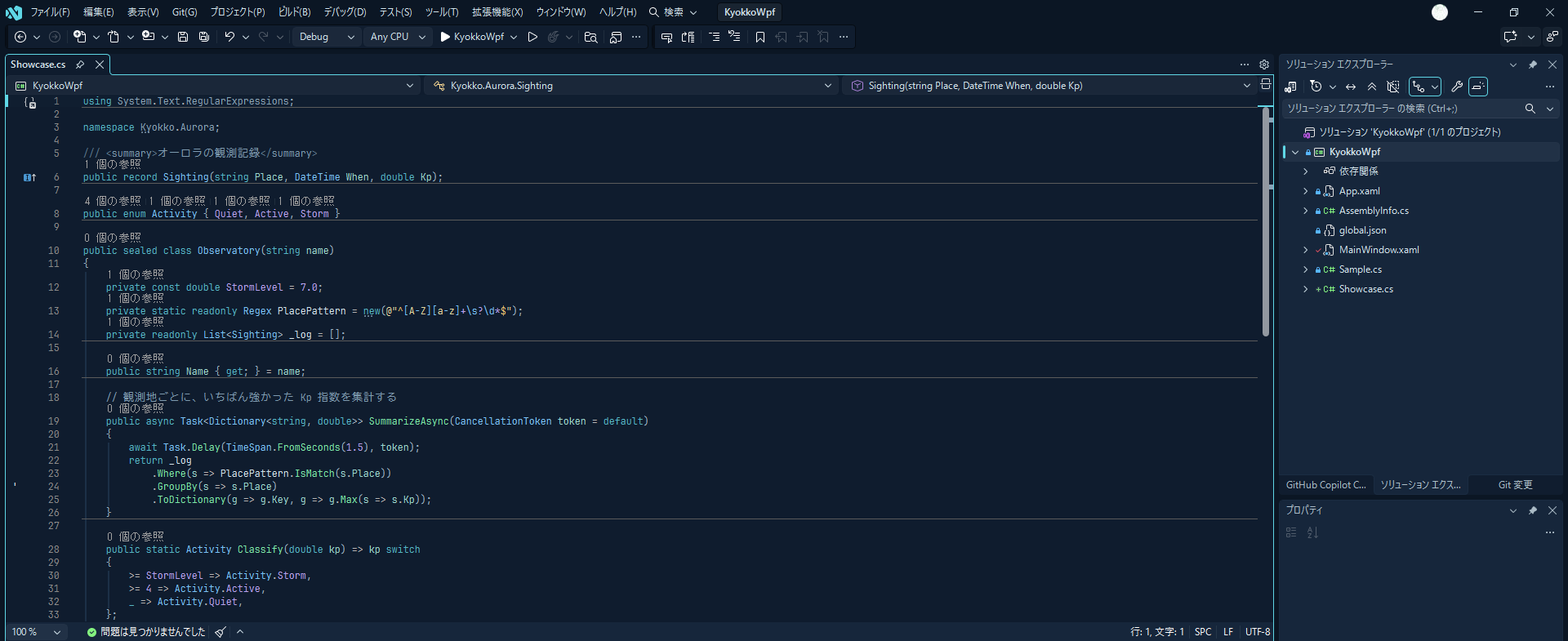
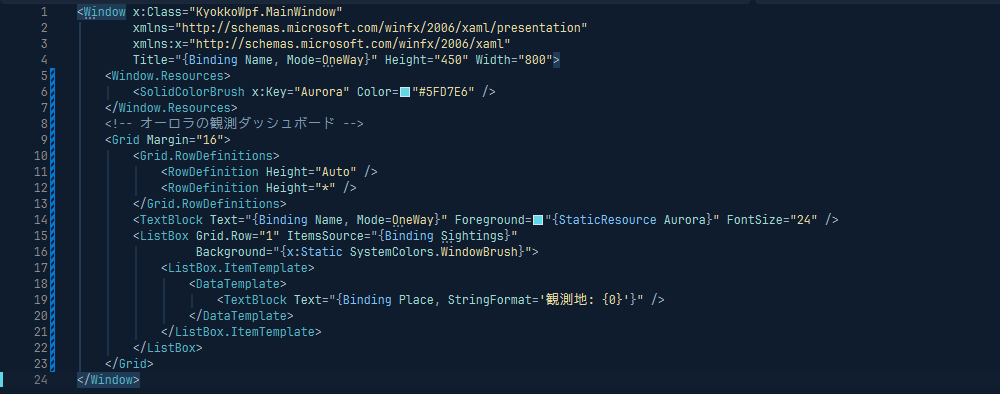
C# and VB.NET use Roslyn's semantic colors: properties, events and parameters are teal, and fields and locals are plain text. The theme also colors XAML (including markup extensions such as {Binding}), XML, HTML, JSON, regular expressions and VB XML literals.
Debugging
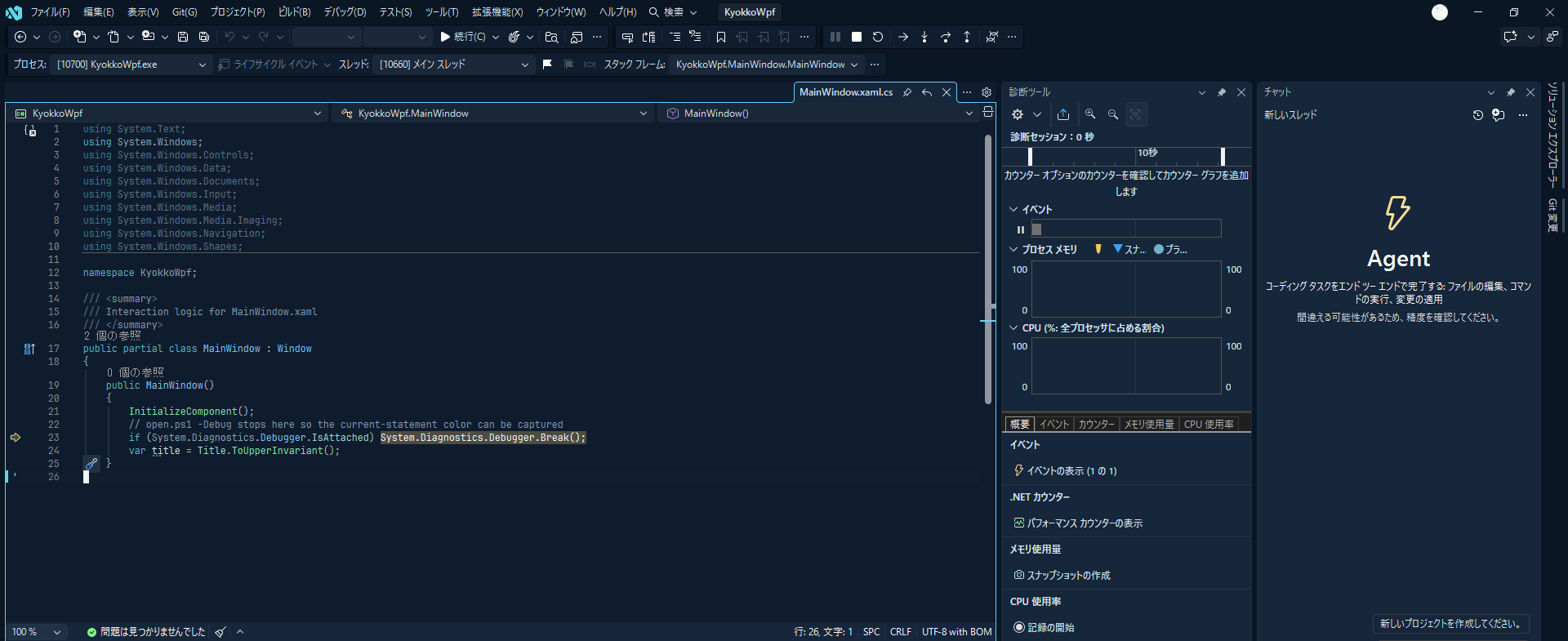
While debugging, the status bar turns dark red and the current statement is dark gold.
Palette
| Role |
Color |
| Background / surface / selection |
#0f1c2e / #16263b / #24425e |
| Text / comment |
#d4e4ec / #7f9bb0 |
| Keyword / function / type |
#56b6c6 / #7ee8a8 / #7cc4f8 |
| String / number |
#e6d9a2 / #b9a3f0 |
| Property, parameter |
#9fd9d0 |
Getting started
After installing, choose Tools > Theme > Kyokko.
The same palette is available for Zed and Windows Terminal on GitHub.
Feedback
Please report issues and suggestions on GitHub.

