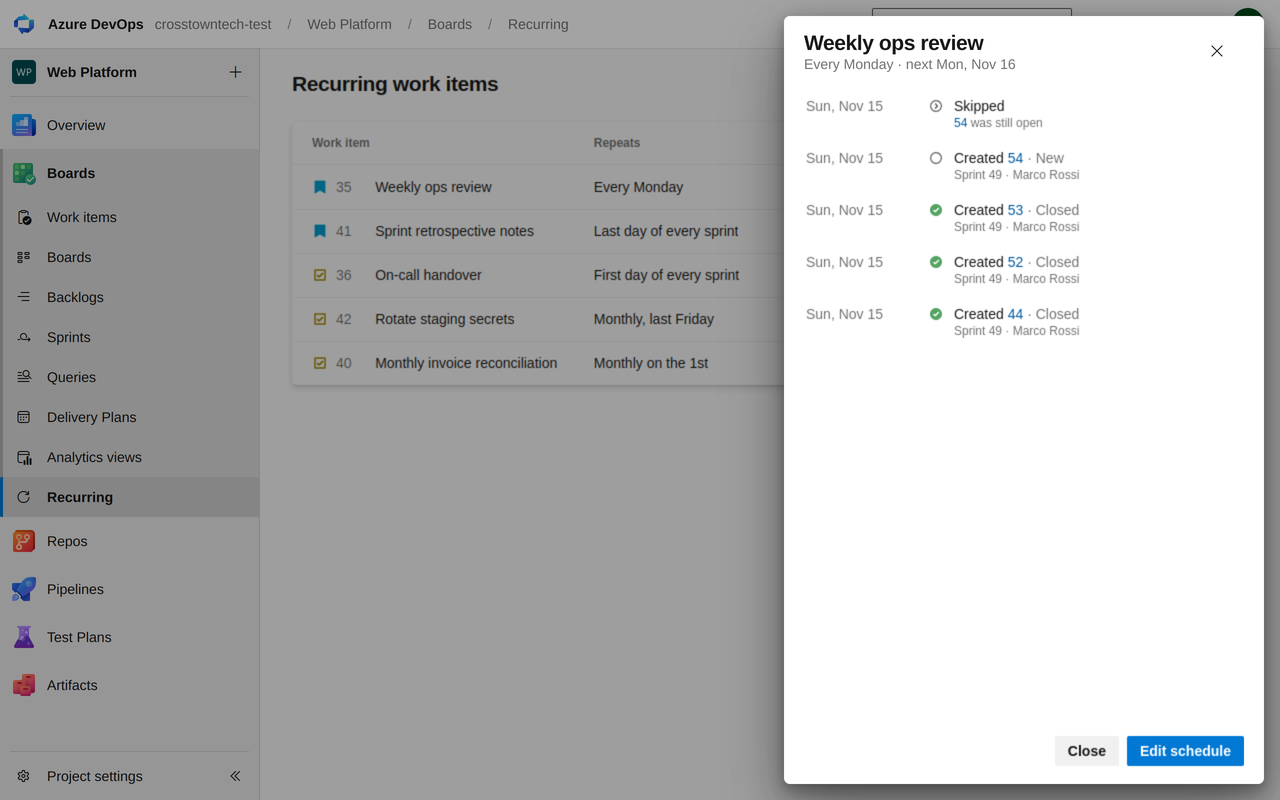
Create work items and their tasks on a schedule, every week, month or sprint, straight into the right sprint.
Recurring work keeps coming back: sprint ceremonies, monthly reports, patching, reviews. Turn any work item into a schedule once, and it shows up on time with its tasks, assignee and fields filled in.
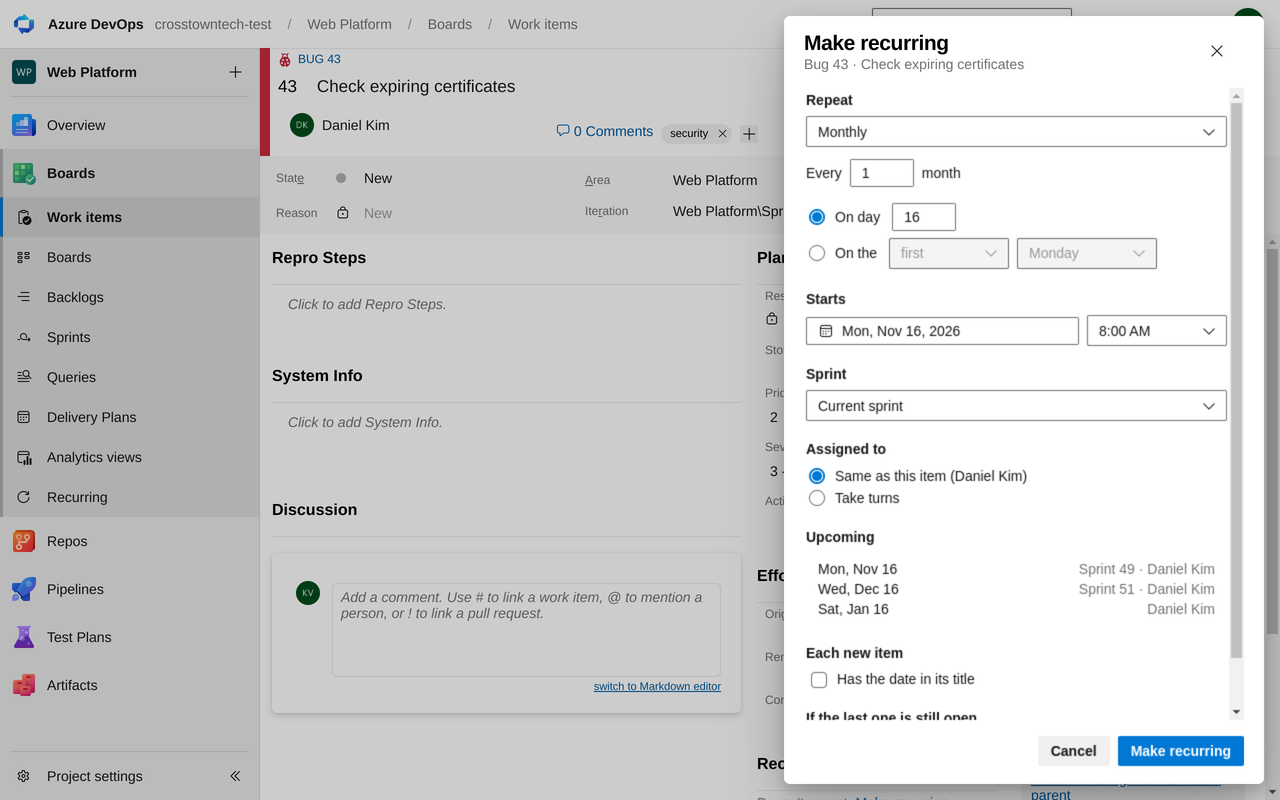
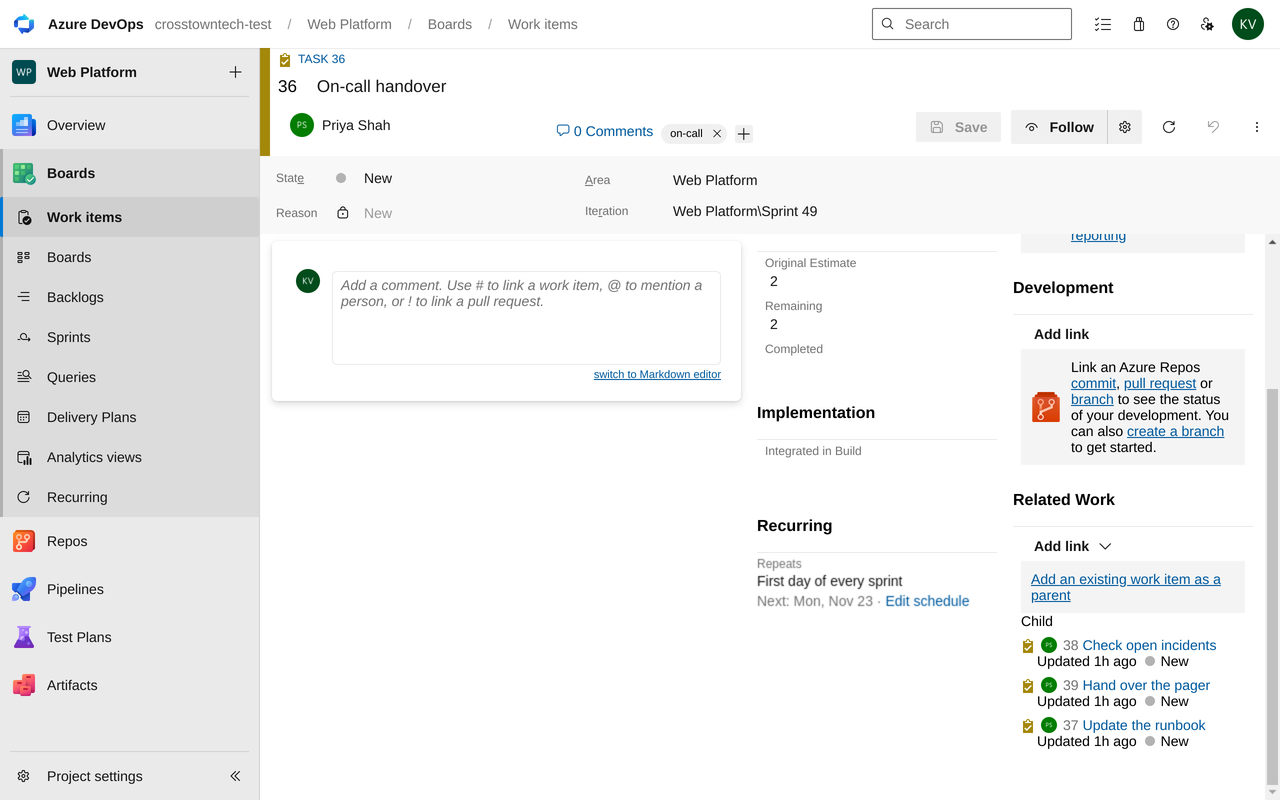
Make any work item recurring. Open it, select ⋯ → Make recurring. Its child tasks, fields, tags and area come along.
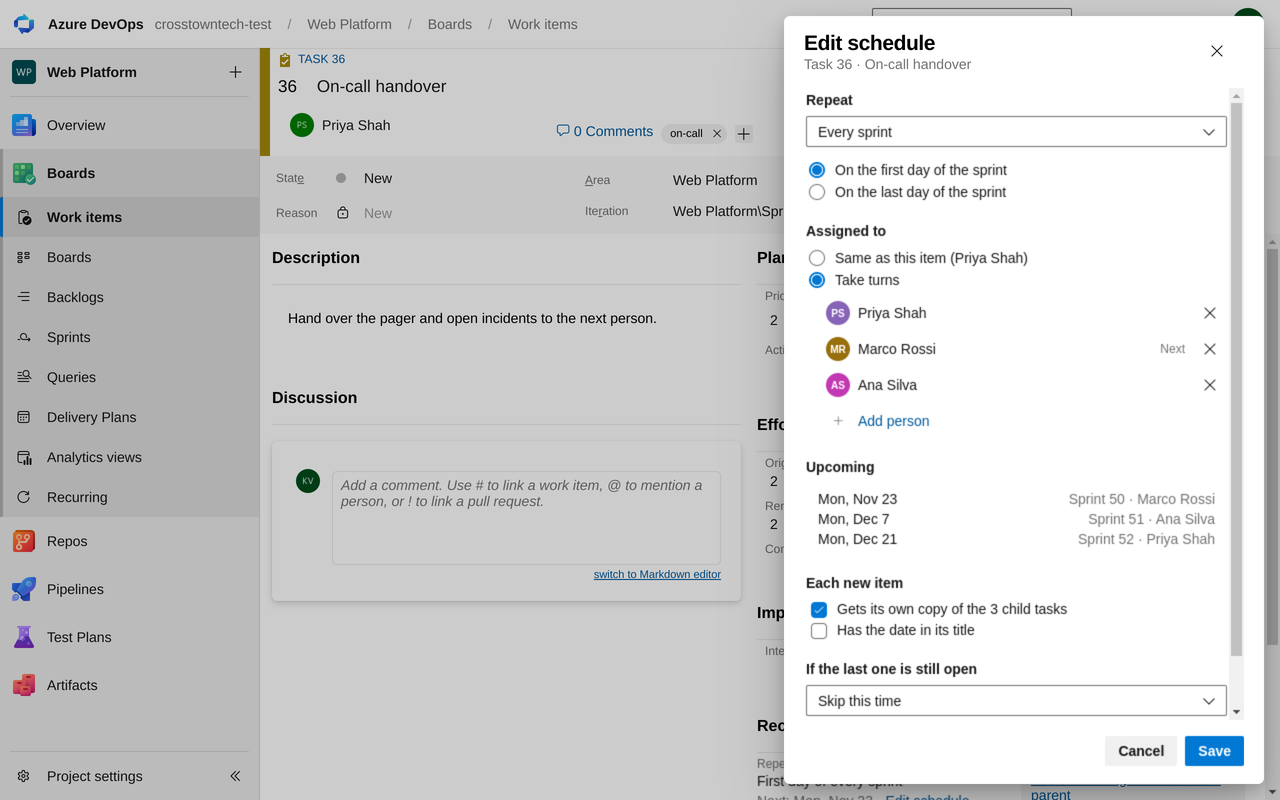
Schedules like a recurring meeting. Daily, weekly on chosen days, monthly, yearly, at the start or end of every sprint, or a set number of days after the last one closes.
Lands in the right sprint. The current sprint, the next one, or the same sprint as the original.
Take turns. Hand the weekly duty to the next person automatically, or keep one owner.
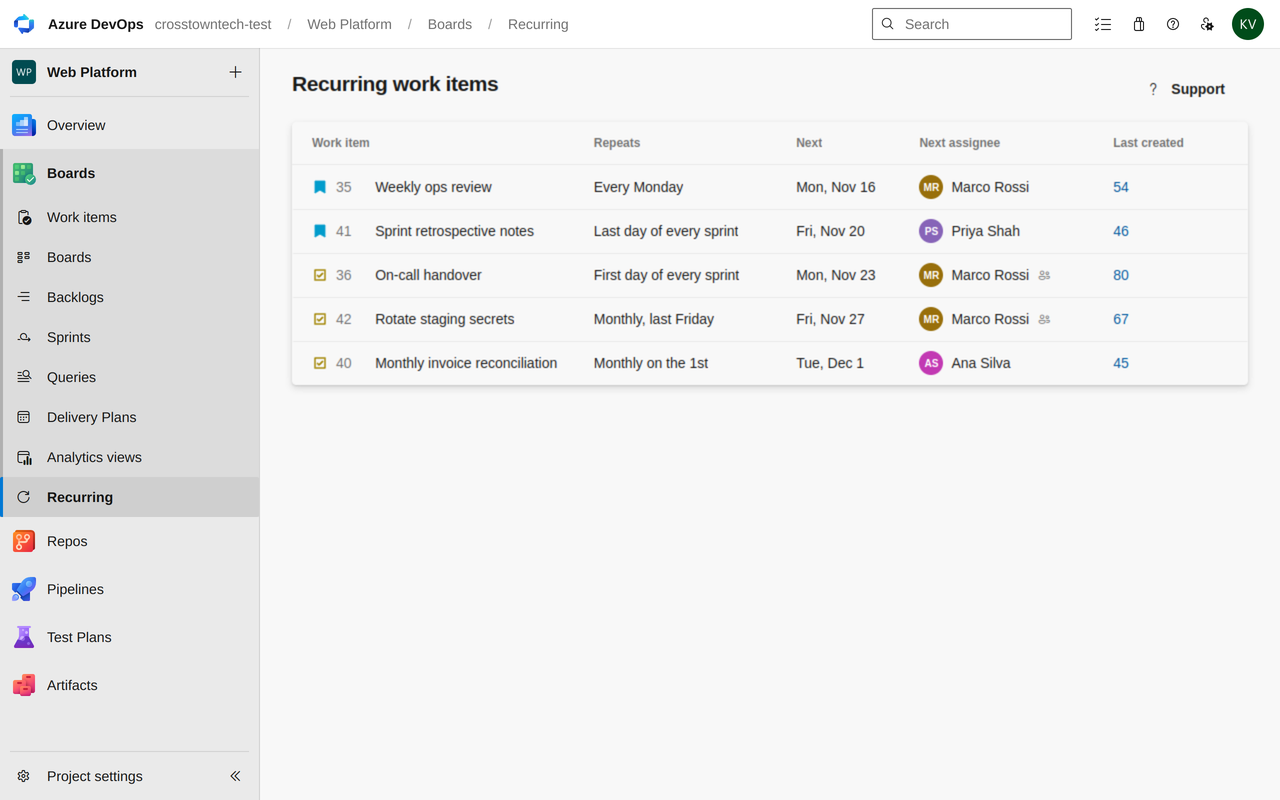
See a project's schedules in one place.Boards → Recurring shows the next date, history, and lets you pause, skip once or create one now.
Getting started
Install the extension in your organization.
Open Boards → Recurring and select Connect. Copies are created with that Microsoft sign-in, so they appear on time even when nobody is online.
Open any work item, select ⋯ → Make recurring, pick a schedule and save.
Works with Azure DevOps Services organizations connected to Microsoft Entra ID. Free trial.