Turn customer emails into work items, and reply to the requester by email from the work item.
Connect your team's Microsoft 365 support mailbox. Every email that arrives becomes a work item with its attachments and requester, filed with the desk's type, area and assignee. Your team replies from the work item, the reply goes out from your own mailbox, and the answer comes back to the same work item.
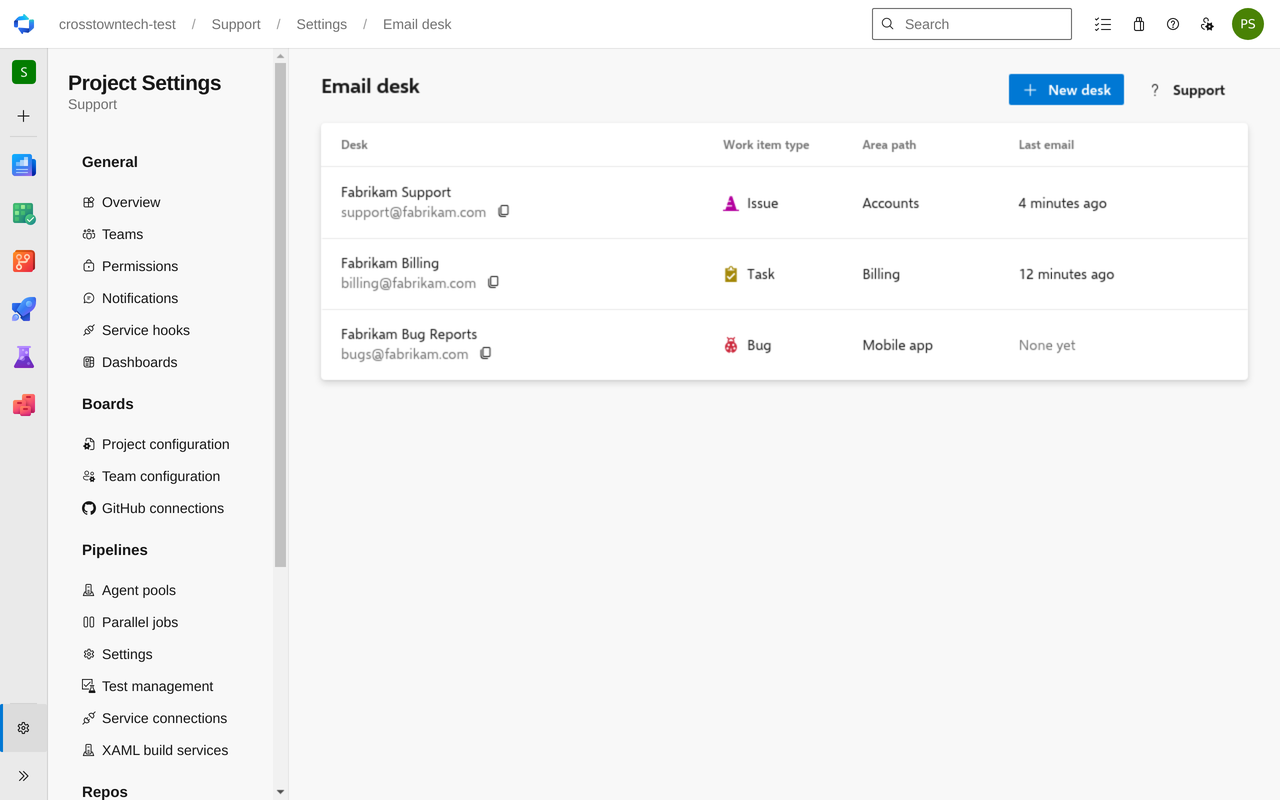
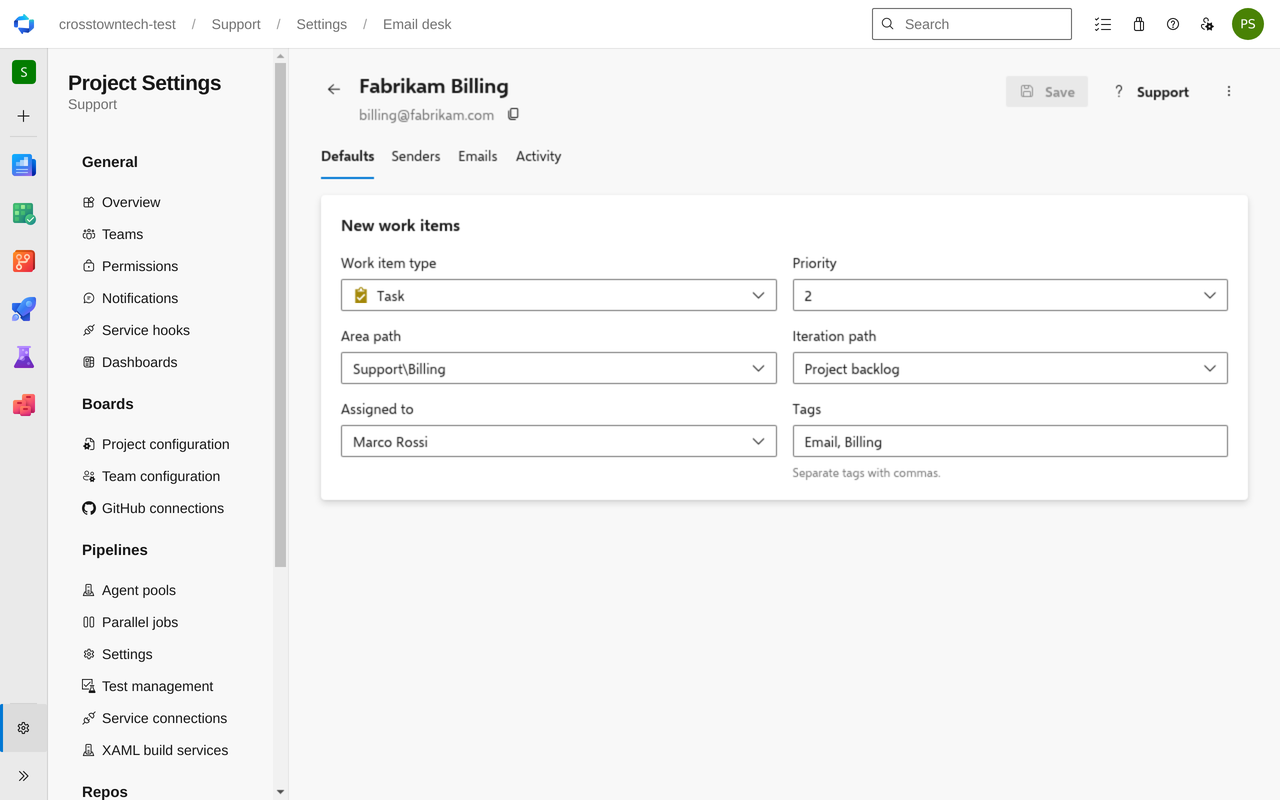
One desk per mailbox. Add a desk for support@, another for billing@. Each files its emails as its own work item type, in its own area, assigned to its own person, with its own tags and priority.
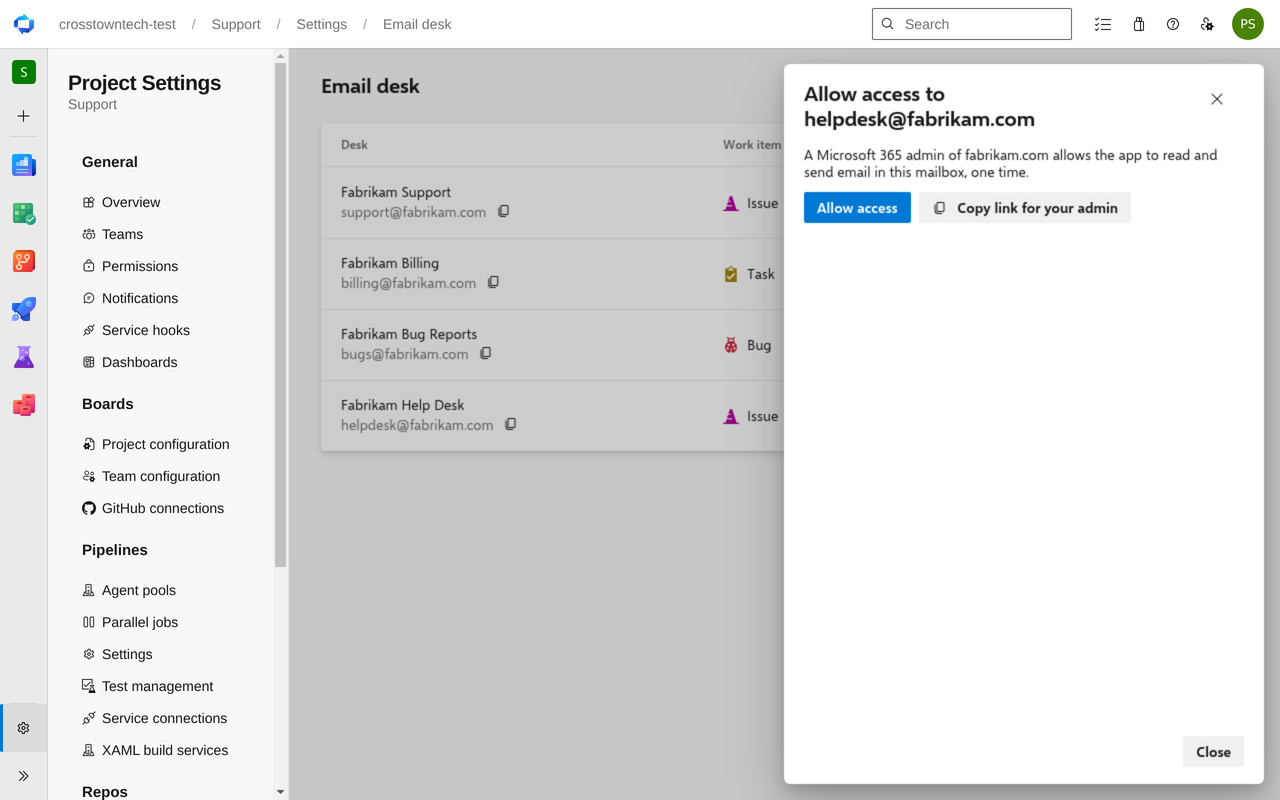
Your own mailbox. No forwarding rules and no new address for customers. Your Microsoft 365 administrator allows access once, and new emails become work items within a minute. Nothing in the mailbox is moved, marked read or deleted.
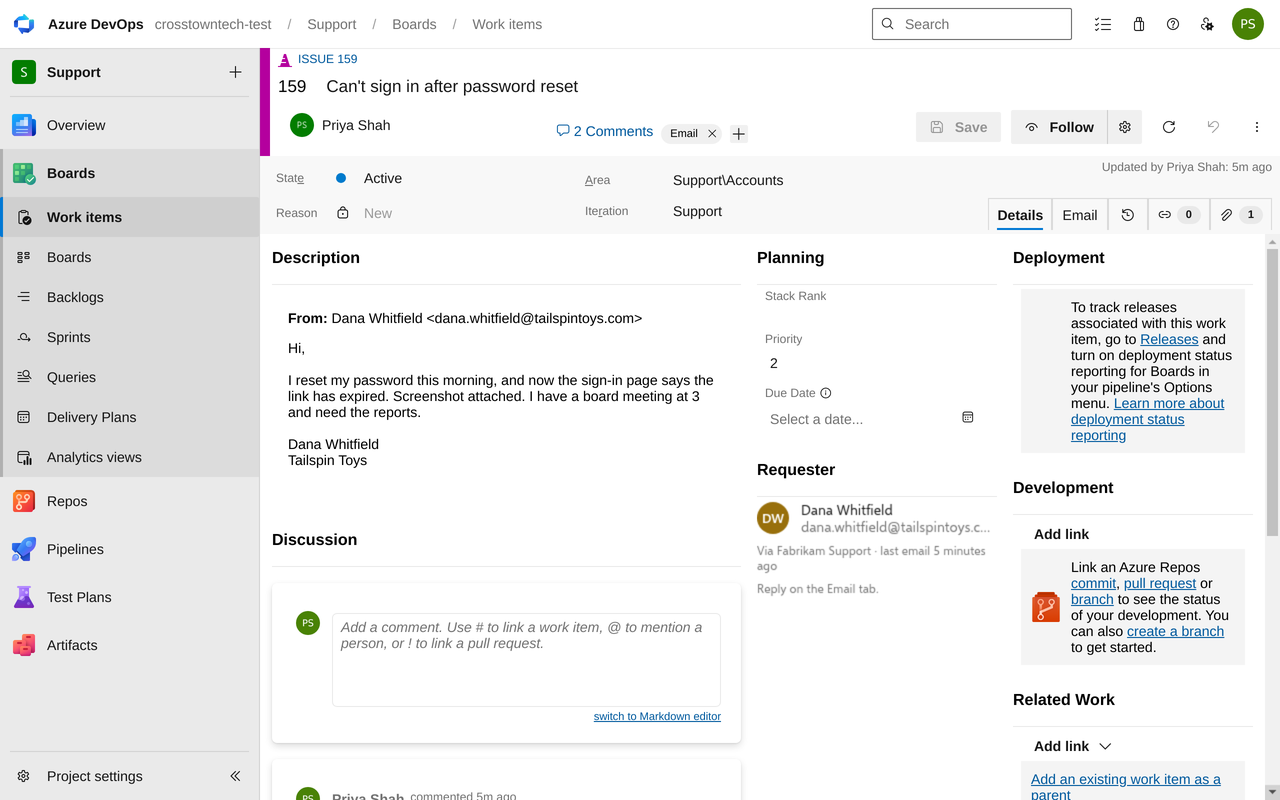
The email is the work item. The subject becomes the title, the message the description, and attachments are attached. A Requester group on the form shows who wrote in.
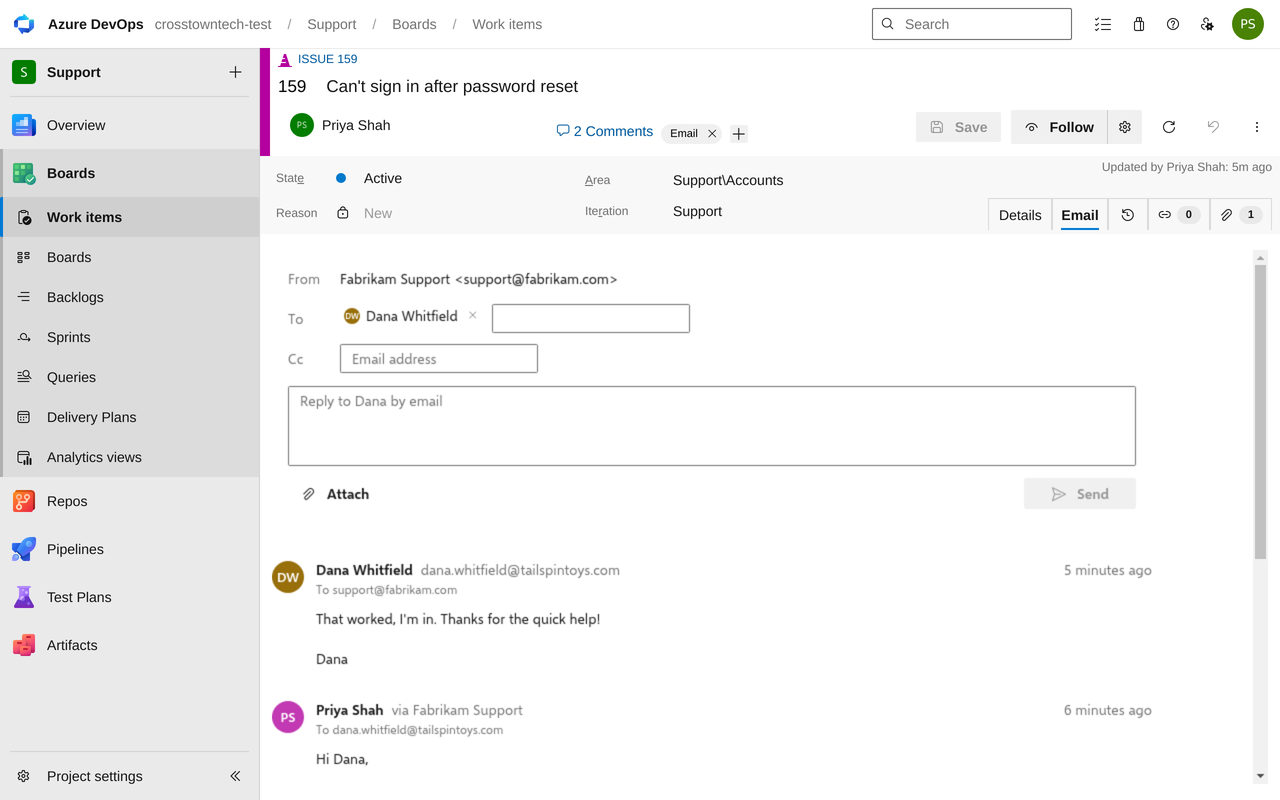
Reply from the work item. Write in the Email tab, add people on Cc or attach files, and select Send. It goes out from the desk mailbox, and a copy stays in its Sent Items. The answer is added to the same work item, without the quoted history.
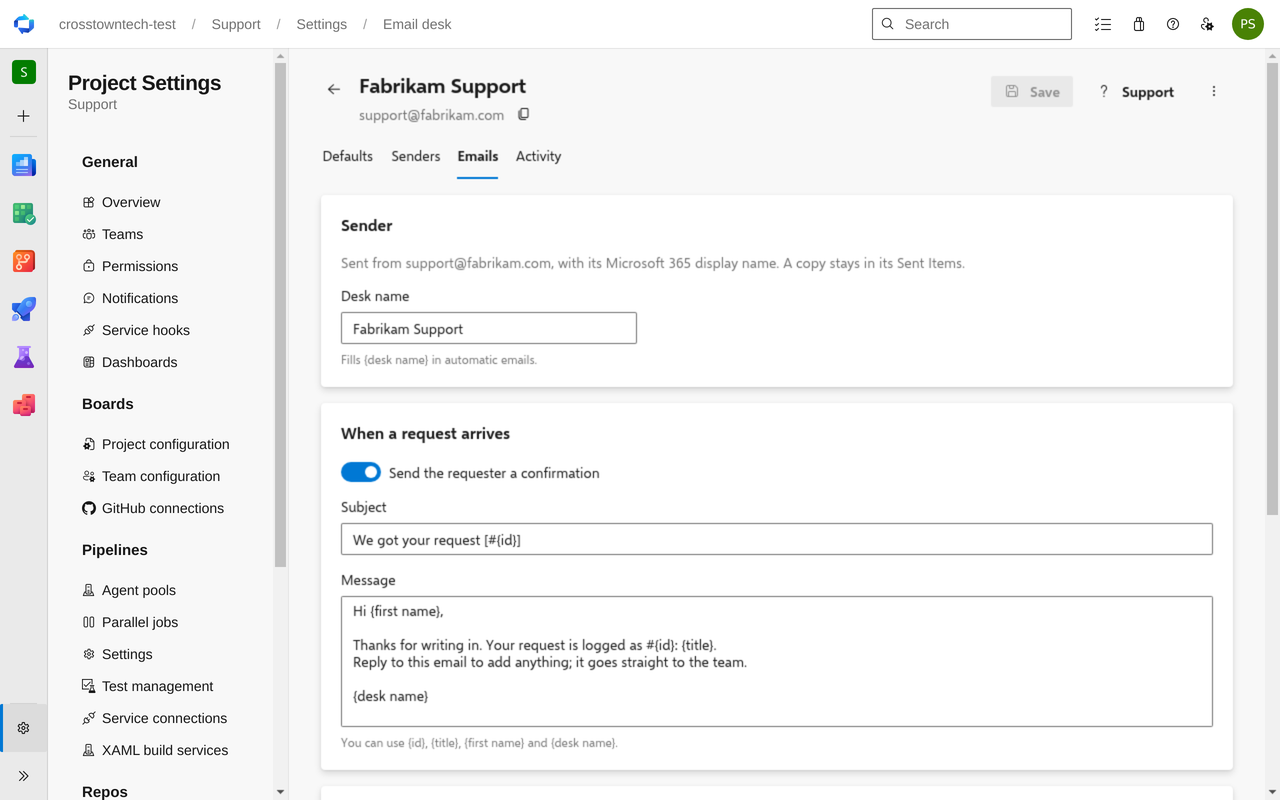
Keep requesters in the loop. Optional emails when a request arrives and when it's resolved, with the request number and title filled in. An answer after it was resolved reopens it.
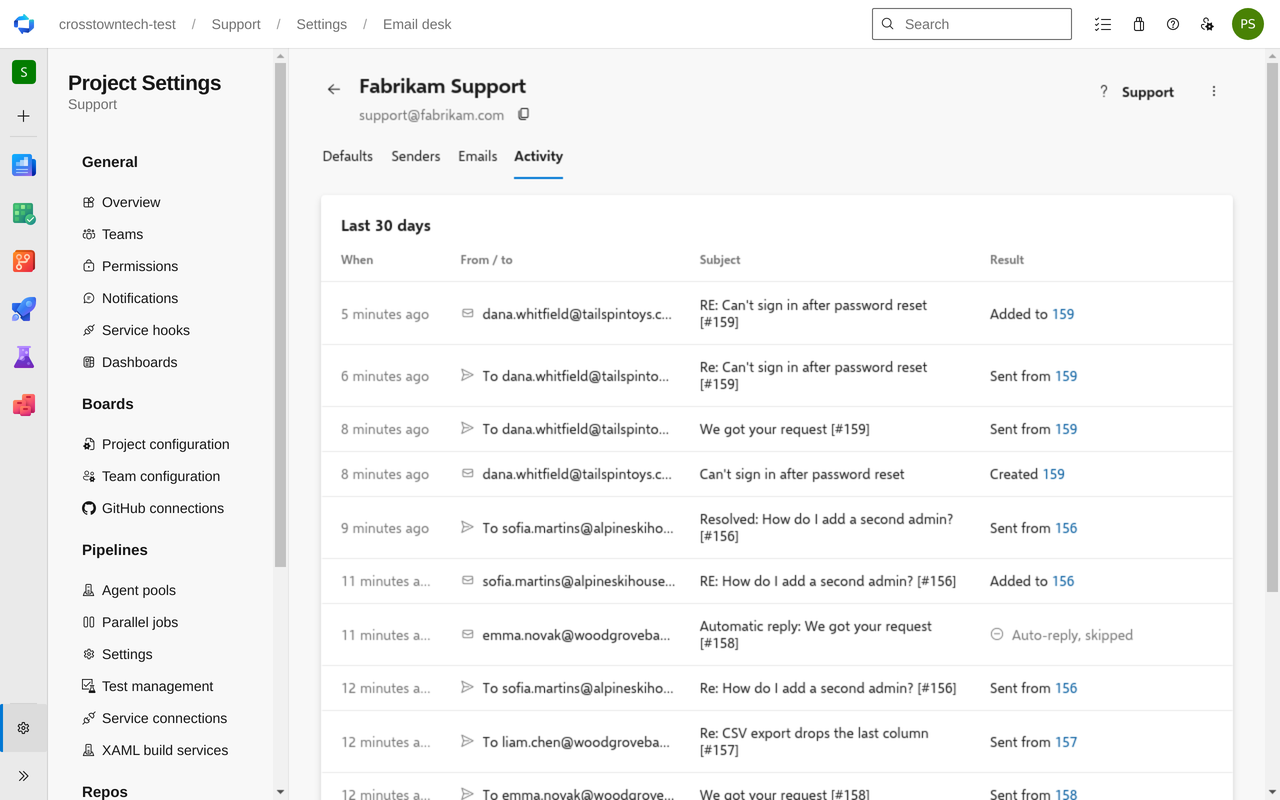
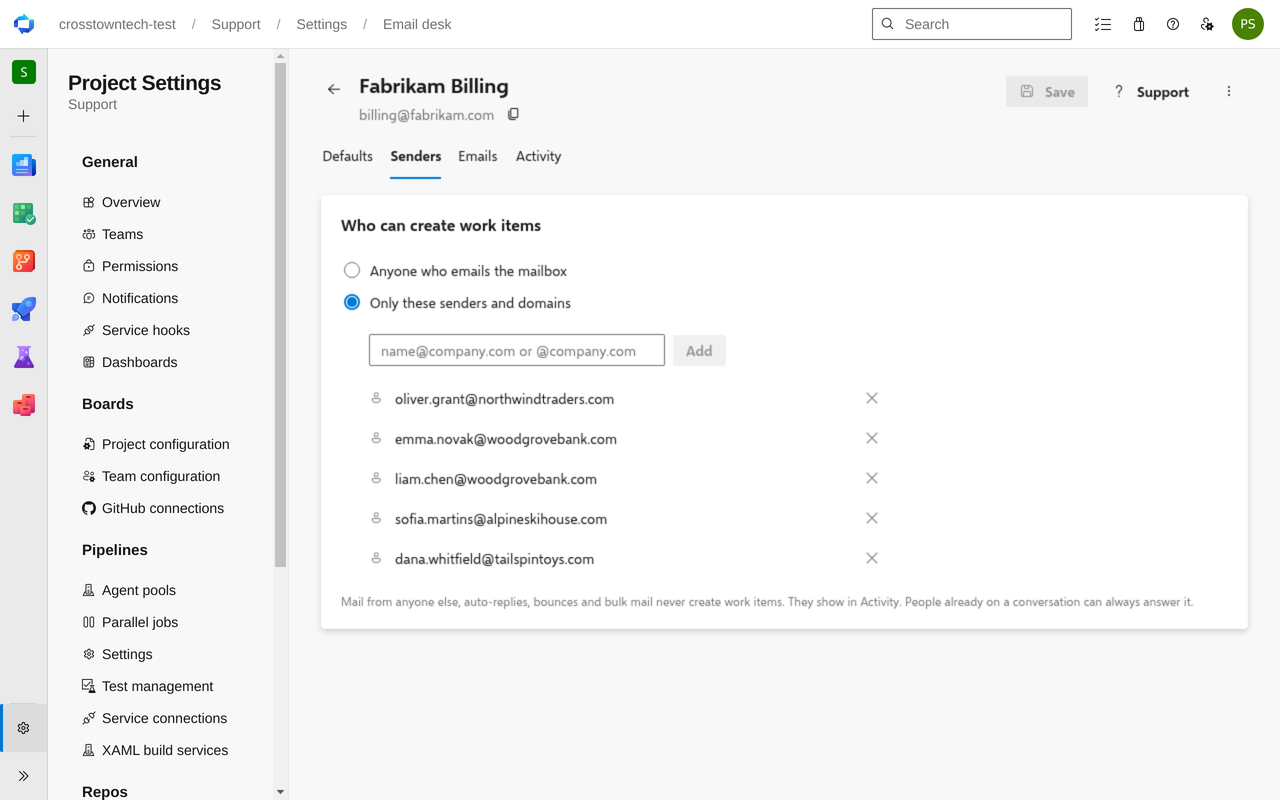
Control what gets in. Take mail from anyone, or only the addresses and domains you list. Auto-replies, bounces, bulk mail and mail loops never become work items, and Activity shows every email and what became of it.
Getting started
Install the extension in your organization.
Open Project settings → Email desk and select Connect, so emails become work items even when nobody is signed in.
Select New desk, enter your support mailbox, pick the work item type and area, and allow access (or copy the link for your Microsoft 365 administrator).
Works with Azure DevOps Services organizations connected to Microsoft Entra ID, with mailboxes in Microsoft 365. Free trial.