SQL Pipeline Deploy
Keep code and database in sync on every release.
Overview
SQL Pipeline Deploy is an Azure DevOps pipeline task for teams that maintain hand-written .sql scripts (ALTER, INSERT, stored procedures) and need them to run after the application deploys, from the same commit.
Unlike heavyweight migration frameworks, this tool fits your existing ReleaseScripts/ folder convention:
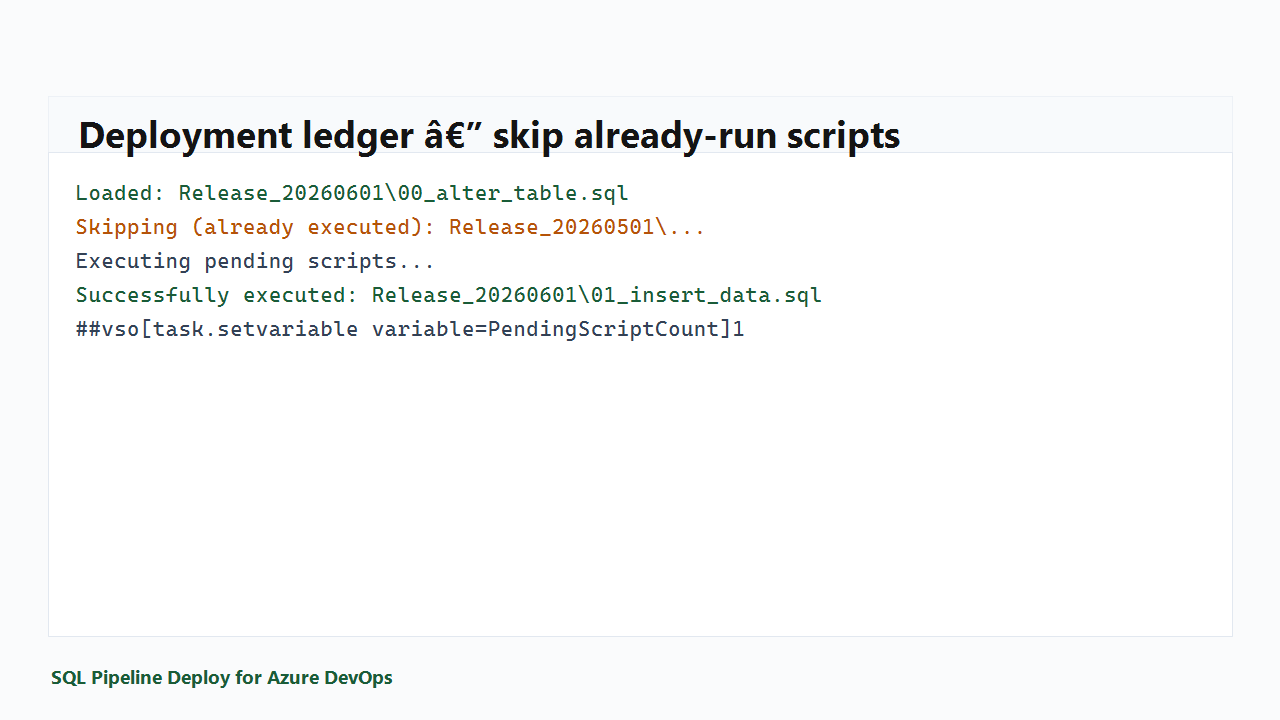
Release_* folders and numbered loose scripts (or recursive folder mode)- Deployment ledger in SQL Server (
DeploymentScripts, ScriptExecutionLog)
- SQLCMD-style
$(VariableName) substitution for environment-specific scripts
- Dry-run mode for safe previews (Pro)
- Fail-fast on SQL errors
When to use this
- .NET apps on Azure Web Apps with SQL Server or Azure SQL
- Manual or SSMS-authored release scripts checked into git
- Separate
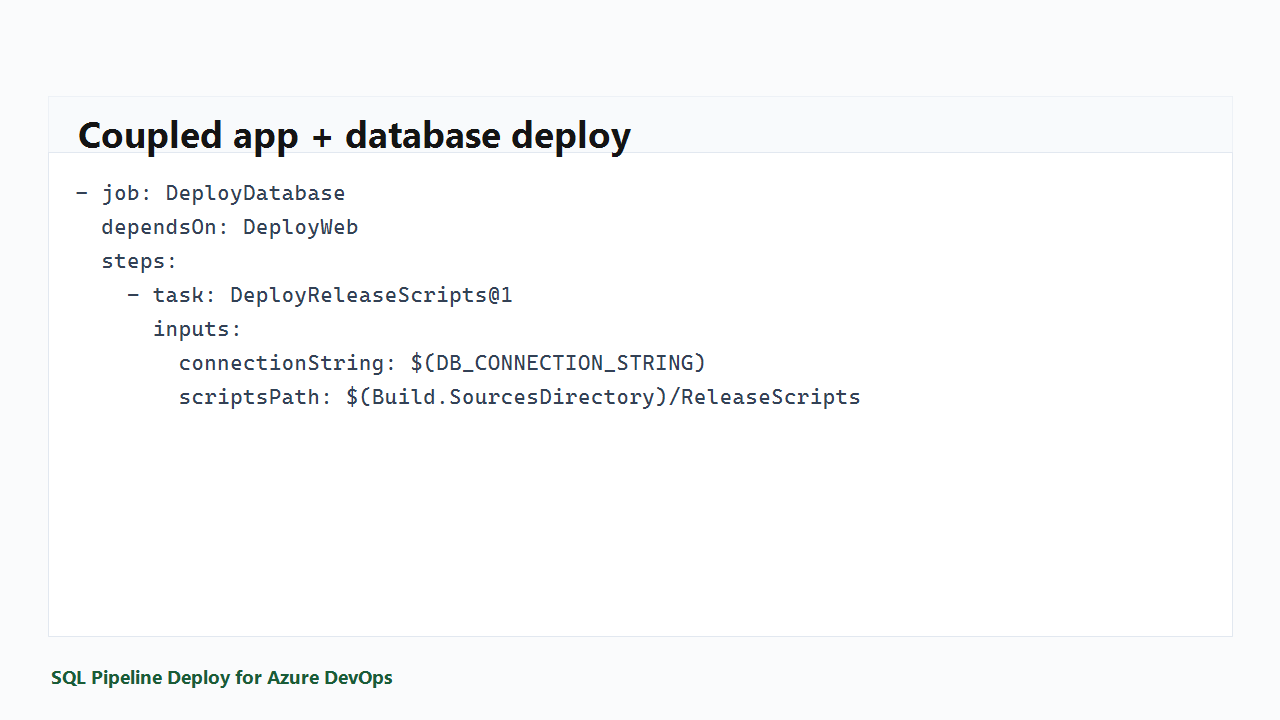
DeployDatabase job after DeployWeb succeeds
- Teams that outgrew "DBA runs scripts manually after deploy"
When not to use this
- You want Flyway-style versioned migrations with undo
- You deploy schema-only with SSDT DACPAC publish
- You need Linux-hosted agents only (today: Windows agent + bundled runner)
Getting started
- Install the extension in your Azure DevOps organization
- Add a secret variable group with your SQL connection string (or use discrete SQL Server inputs)
- Add the task after your web deploy job (see setup guide)
- job: DeployDatabase
  dependsOn: DeployWeb
  steps:
    - checkout: self
    - task: DeployReleaseScripts@1
      inputs:
        connectionString: $(DB_CONNECTION_STRING)
        scriptsPath: '$(Build.SourcesDirectory)/ReleaseScripts'
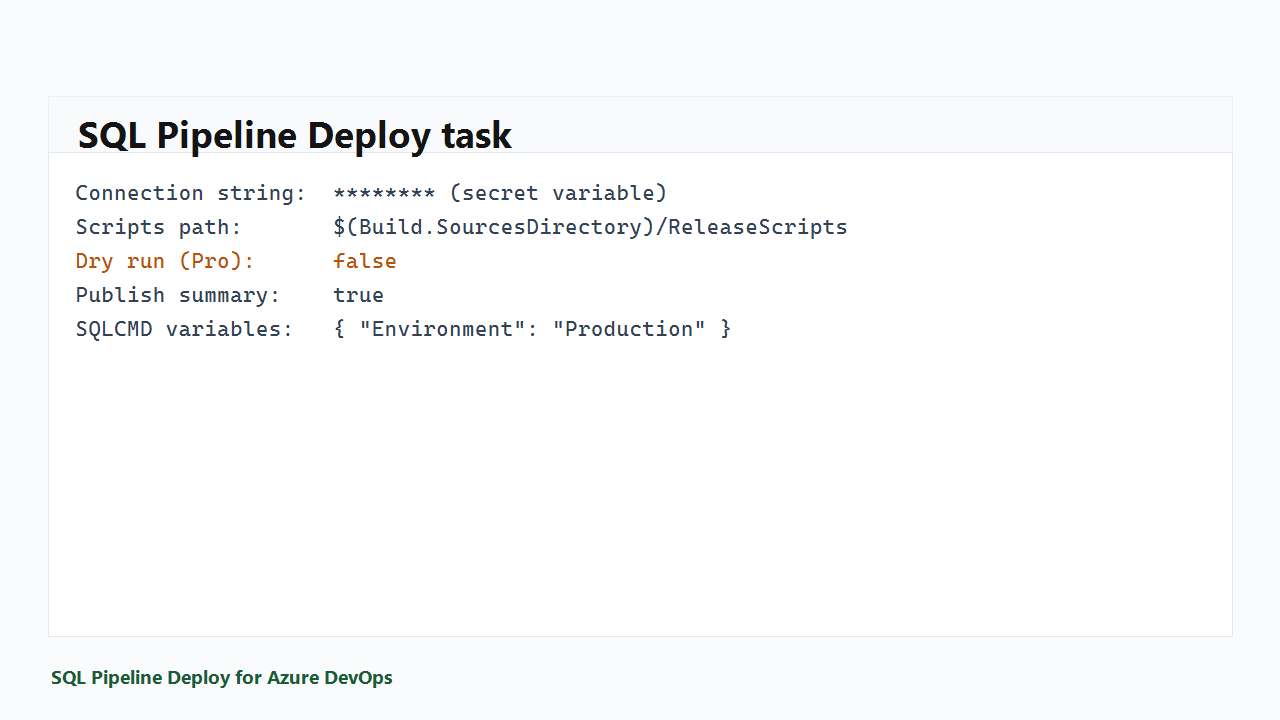
        sqlCmdVariables: |
          {
            "Environment": "Production"
          }
Deployment ledger
Scripts are tracked in your database. Already-executed scripts are skipped — no double-runs.
Free vs Pro
| Feature |
Free |
Pro |
| Execute release scripts |
Yes |
Yes |
| Deployment ledger |
Yes |
Yes |
| SQLCMD variables |
Yes |
Yes |
| Dry-run in PR pipelines |
— |
Yes |
| Pipeline summary artifact |
— |
Yes |
| Email support |
Community |
2 business days |
Pro is billed per Azure DevOps organization on codex-architecture.com/pricing (not Microsoft). 14-day free trial for new Pro subscriptions.
Compare to alternatives
|
SQL Pipeline Deploy |
Run SQLCMD folder task |
SqlAzureDacpacDeployment |
| Multi-script folder + order |
Yes |
Yes |
Single file |
| Deployment ledger |
Yes |
No |
No |
| Coupled app+DB story |
Yes |
Manual |
Manual |
| SQLCMD variables |
Yes |
Yes |
Limited |
| DACPAC publish |
No |
No |
Yes |
Product site
Support
Contact support@codex-architecture.com or visit support policy.
See Q&A for common questions.

