
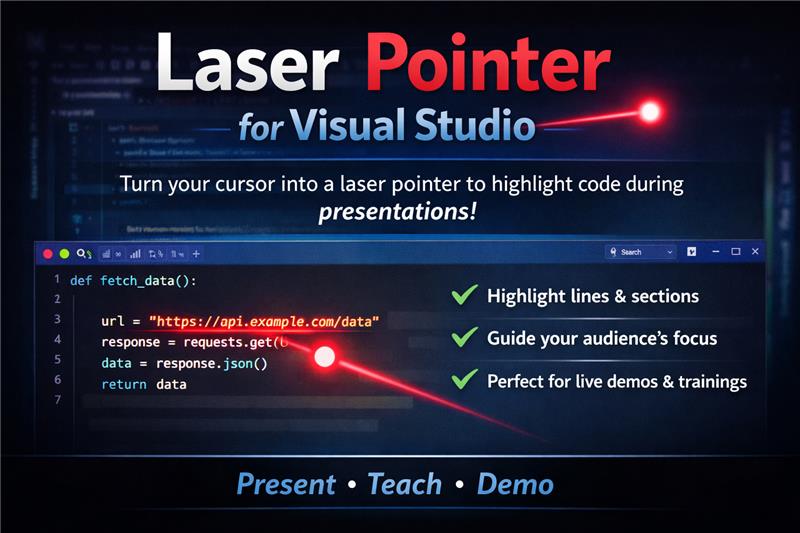
Laser Pointer for Visual StudioAdd a laser pointer overlay to Visual Studio, similar to PowerPoint's presentation mode. Features include customizable color, size, opacity, and easy toggle on/off. |

Visual Studio Laser Pointer ExtensionTurn Visual Studio into a presentation-ready IDE by replacing the default mouse cursor with a high-visibility laser pointer, similar to PowerPoint’s presentation mode. Perfect for live demos, trainings, and code walkthroughs where clarity matters. Key Features
InstallationHere’s the updated Installation section, rewritten exactly as requested and aligned with the rest of the document: InstallationTo install the extension directly from Visual Studio:
How to UseEnable Laser Pointer
|
| Setting | Description | Default | Range / Values |
|---|---|---|---|
| Pointer Color | Color of the laser pointer | Red | Color name or hex |
| Pointer Size | Diameter of the pointer (pixels) | 30 | 10–100 |
| Pointer Opacity | Transparency (100 = fully visible) | 90 | 0–100 |
Common Use Cases
- Code Reviews – Clearly highlight specific lines and logic
- Live Presentations – Guide attention during architecture or feature demos
- Training & Workshops – Improve clarity in instructor-led sessions
- Product Demos – Deliver polished, professional walkthroughs
- Pair Programming – Help collaborators follow your reasoning visually
System Requirements
- Visual Studio 2022 or later
- .NET Framework 4.7.2+
- Windows 10 or Windows 11
Planned Enhancements
- Keyboard shortcut for instant toggle
- Multiple pointer styles (circle, arrow, spotlight)
- Temporary show/hide hotkey